
Placdill MA-2-91-PRO
Placdill MA-2-91-PRO Open-Top Self-Cleaning Automatic Cat Litter Box
User Manual
1. Introduction
This manual provides essential instructions for the setup, operation, and maintenance of your Placdill MA-2-91-PRO Open-Top Self-Cleaning Automatic Cat Litter Box. Please read this manual thoroughly before use to ensure proper function and safety.
The Placdill MA-2-91-PRO is designed to offer a convenient and hygienic solution for cat owners, featuring an open-top design, smart app control, health tracking, and advanced odor management.
2. Safety Information
Your safety and the safety of your pet are paramount. This device incorporates multiple safety features:
- Dual Infrared and Gravity Sensors: These sensors ensure that the cleaning cycle only initiates when your cat has completely exited the litter box.
- "Danger Zone" Detection: During the retracting (backward) phase of the cleaning arm, if a cat is detected in the designated "danger zone," the arm will immediately pause to prevent any harm.
- Gentle Nudging Mechanism: In the forward scooping phase, the arm is designed to gently nudge your cat out of the box rather than trapping them, ensuring a complete clean without prolonged stays inside.
Always ensure the litter box is placed on a stable, level surface. Do not allow children to play with or operate the device without adult supervision.

Image: Safety First - Gravity and infrared sensors ensure maximum safety. The front sensor detects entry and exit to trigger cleaning, while the rear sensor and gravity detection prevent pinching for added pet protection.
3. Package Contents
Please verify that all items are present in your package:
- Placdill MA-2-91-PRO Automatic Cat Litter Box Unit
- Canopy x1
- Cat Litter Sample x1
- Litter Mat x1
- Waste Bags x3 rolls
- Litter Scoop x1
- Cleaning Brush x1

Image: Complete package contents including the main unit, canopy, litter, mat, scoop, and waste bags.
4. Setup Guide
4.1 Assembly
The Placdill MA-2-91-PRO features a modular design for easy, tool-free assembly and disassembly, typically taking less than 3 minutes.
- Unpack all components from the box.
- Place the base unit on a flat, stable surface.
- Assemble the main body and cat toilet components according to the visual guide.
- Insert the feces collection bin and litter recycling bin into their designated slots.
- Attach the pedal and the poop shovel rake teeth assembly.
- If desired, attach the canopy to the top of the unit.

Image: Easy to Clean & Assemble - Exploded view of the modular components including the base, feces collection bin, cat toilet, pedal, host, and poop shovel rake teeth.
4.2 Litter Compatibility
This unit is designed to work with most small-particle clumping litters. This includes:
- Clay litter
- Bentonite litter
- Fragmented tofu litter
- Rice grain litter
- Similar clumping types
Important: The Placdill MA-2-91-PRO is not compatible with crystal litter, long pellet (strip) litter, or non-clumping litter. Using incompatible litter types may cause malfunction or damage to the unit.

Image: Suitable for Clumping Cat Litter - Demonstrates adding compatible litter and highlights the built-in litter recycling bin.
4.3 Power Connection
Connect the power adapter to the unit and plug it into a standard electrical outlet. The unit features a built-in 4000mAh battery, providing up to 24 hours of backup operation during power outages, ensuring continuous service for your pet.

Image: Built-In 4000mAh Battery - Illustrates the control panel and the internal battery for 24-hour backup power.
5. Operating Instructions
5.1 Automatic Cleaning
Once powered on and litter is added, the unit will automatically detect when your cat uses the litter box. After your cat exits, the intelligent sensors will initiate a cleaning cycle, scooping waste into the sealed collection bin.
5.2 App Control and WiFi Setup
The Placdill MA-2-91-PRO can be controlled via a user-friendly smartphone application, compatible with both 2.4GHz and 5GHz WiFi networks.
- Download the companion app from your device's app store.
- Follow the in-app instructions to connect the litter box to your home WiFi network.
- Once connected, you can:
- Monitor usage statistics and health tracking data.
- Schedule delayed cleaning cycles.
- Manage odor control settings.
- Trigger one-touch cleaning from anywhere.

Image: Dual-Band App Control - Use your smartphone on both 2.4G and 5G networks to adjust settings, set clumping intervals, and track usage effortlessly.
5.3 Odor Control System
The unit features an advanced odor control system:
- Sealed Waste Bin: Traps odors and bacteria within the collection bin.
- Active Oxygen Deodorizer: Releases active oxygen during each cleaning cycle to neutralize odors and maintain a fresh environment.
- For enhanced odor reduction, ensure the canopy is properly installed.
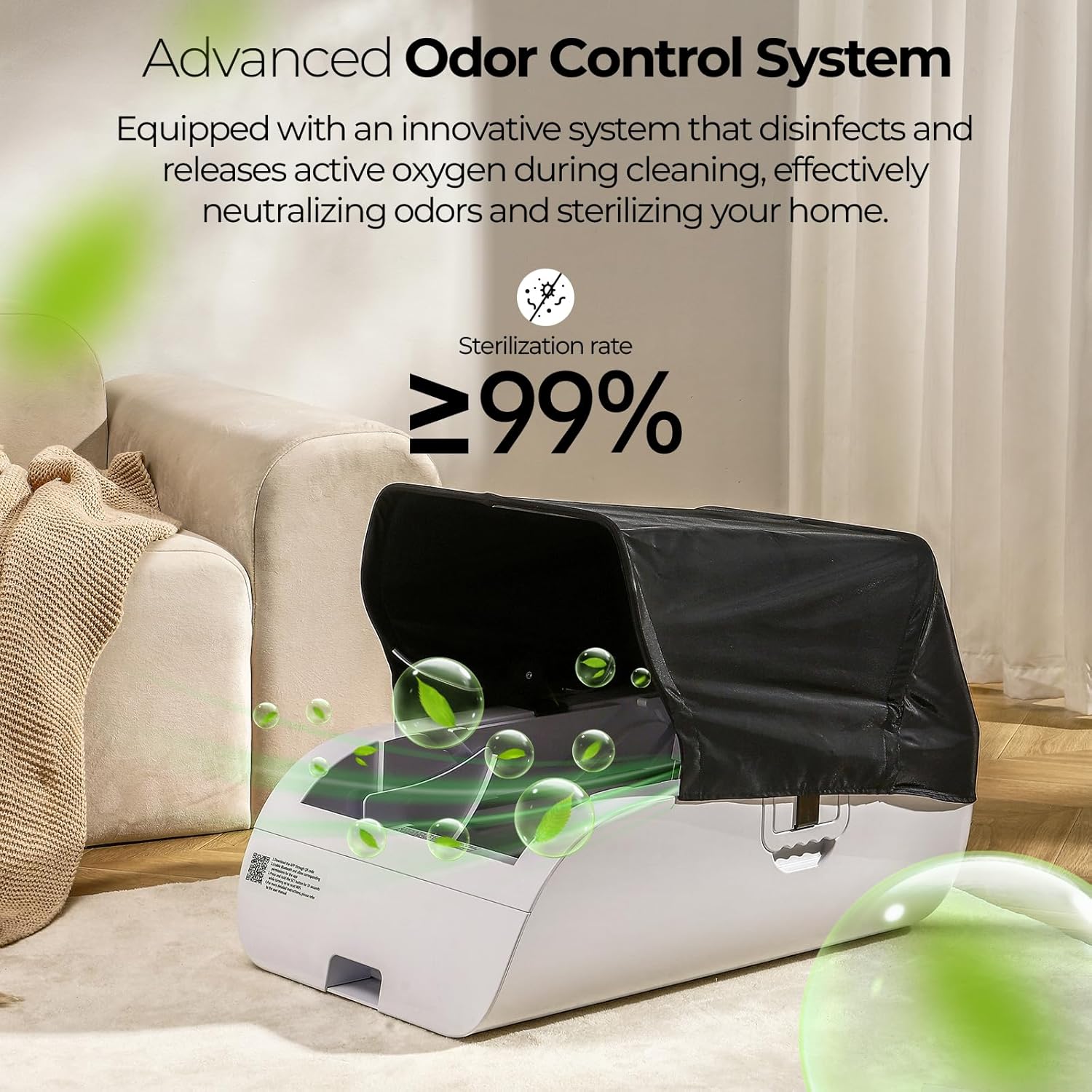
Image: Advanced Odor Control System - Equipped with an innovative system that disinfects and releases active oxygen during cleaning, effectively neutralizing odors and sterilizing your home.
6. Maintenance
6.1 Cleaning the Unit
The modular design and high-polymer non-stick base make cleaning simple:
- Disconnect the power before cleaning.
- Disassemble the components as shown in the assembly guide (Section 4.1).
- Wipe down the non-stick base and other washable components with a damp cloth and mild detergent. Ensure all parts are dry before reassembly.
- The main host unit is not washable. Wipe its exterior with a damp cloth only.
- Regularly clean the poop shovel rake teeth to prevent waste buildup.
6.2 Litter Recycling Bin
The built-in litter recycling system collects clean litter for reuse, helping to reduce waste. Periodically check and empty the main waste bin. Replace waste bags as needed.
7. Troubleshooting
If you encounter issues with your Placdill MA-2-91-PRO, please refer to the following common solutions:
| Problem | Possible Cause | Solution |
|---|---|---|
| Waste sticks to the rake/interior. | Incorrect litter type; litter too wet; rake needs cleaning. | Ensure you are using compatible clumping litter. Check litter moisture. Clean the rake regularly as per maintenance instructions. |
| Unit not connecting to WiFi. | Incorrect WiFi password; router too far; network interference; app issue. | Verify WiFi password. Ensure the unit is within range of your router. Try restarting your router and the litter box. Reinstall the app if necessary. Confirm your router supports 2.4GHz or 5GHz. |
| Clean litter pushed into waste tray. | Litter level too high; specific litter type behavior. | Ensure litter is filled to the recommended level. Experiment with different compatible clumping litter brands if the issue persists. Empty the waste tray frequently. |
| Unit not cleaning automatically. | Sensors obstructed; power issue; manual mode activated. | Check sensors for obstructions. Ensure unit is powered on and connected. Verify app settings for automatic cleaning. |
If the problem persists after attempting these solutions, please contact customer support.
8. Specifications
| Feature | Detail |
|---|---|
| Brand | Placdill |
| Model Name | MA-2-91-PRO |
| Dimensions (LxWxH) | 29.9 x 18.5 x 18.8 inches (75.9 x 47 x 47.8 cm) |
| Item Weight | 33.4 pounds (15.2 kg) |
| Material | Acrylonitrile Butadiene Styrene (ABS) |
| Style | Open-Top |
| Litter Box Type | Automated Self-Cleaning Litter Box |
| WiFi Compatibility | 2.4GHz and 5GHz |
| Battery Backup | Built-in 4000mAh, up to 24 hours operation |
| Noise Level | Less than 40dB |
| Manufacturer | KKLLIM |

Image: No Top Space Limitation - Designed for Cats, Featuring Human-Like Cleaning Motion for Thorough and Precise Litter Cleaning. Dimensions shown.
9. Warranty and Support
Placdill is committed to providing quality products and customer satisfaction. If you encounter any issues or have questions regarding your MA-2-91-PRO automatic cat litter box, our dedicated support team is available to assist you.
Please refer to your purchase documentation for specific warranty details. For support, visit the official Placdill website or contact the seller directly.
Ask a question about this manual
Ask about setup, troubleshooting, compatibility, parts, safety, or missing instructions. Manuals+ will review the question and use this page’s manual context to help answer it.