1. Introduction
This manual provides instructions for the proper installation, operation, and maintenance of your BIVOL ML-D3470A Toner Cartridge. Please read this manual carefully before use to ensure optimal performance and longevity of the product.
Compatible Printer Models:
- Samsung ML-3470D
- Samsung ML-3471ND

Figure 1: Compatible Printer Models. This image illustrates the specific Samsung printer models that are compatible with the BIVOL ML-D3470A toner cartridge.
2. Setup and Installation
2.1 Unpacking the Cartridge
- Carefully open the packaging of the BIVOL ML-D3470A toner cartridge.
- Remove the cartridge from its protective bag.
- Avoid touching the drum or electrical contacts on the cartridge.

Figure 2: Toner Cartridge Packaging. This image displays the BIVOL ML-D3470A toner cartridge box and the two individual cartridges, illustrating how they are packaged.
2.2 Installing the Toner Cartridge
- Ensure your printer is turned off.
- Open the front cover or access panel of your Samsung printer. Refer to your printer's manual for specific instructions on accessing the toner compartment.
- Remove the old toner cartridge by pulling it gently towards you.
- Gently shake the new BIVOL ML-D3470A toner cartridge horizontally 5-6 times to distribute the toner evenly.
- Remove the protective orange cap or sealing tape from the new cartridge.
- Insert the new cartridge into the printer until it clicks into place.
- Close the printer cover.
- Turn on the printer. The printer should recognize the new cartridge.
3. Operation
3.1 Printing
Once the toner cartridge is installed, your printer is ready for use. Initiate print jobs from your computer as usual. The BIVOL ML-D3470A toner cartridge is designed to produce clear and sharp text and images.

Figure 3: Black and White Print Quality. This image illustrates the clarity and detail achievable in black and white printing with the toner cartridge.

Figure 4: Color Print Quality. This image demonstrates the vividness and accuracy of color reproduction when using the toner cartridge.
3.2 Page Yield
Each BIVOL ML-D3470A toner cartridge is designed to yield approximately 5000 pages at 5% coverage on A4 paper. Actual page yield may vary based on print content, printer settings, and environmental factors.
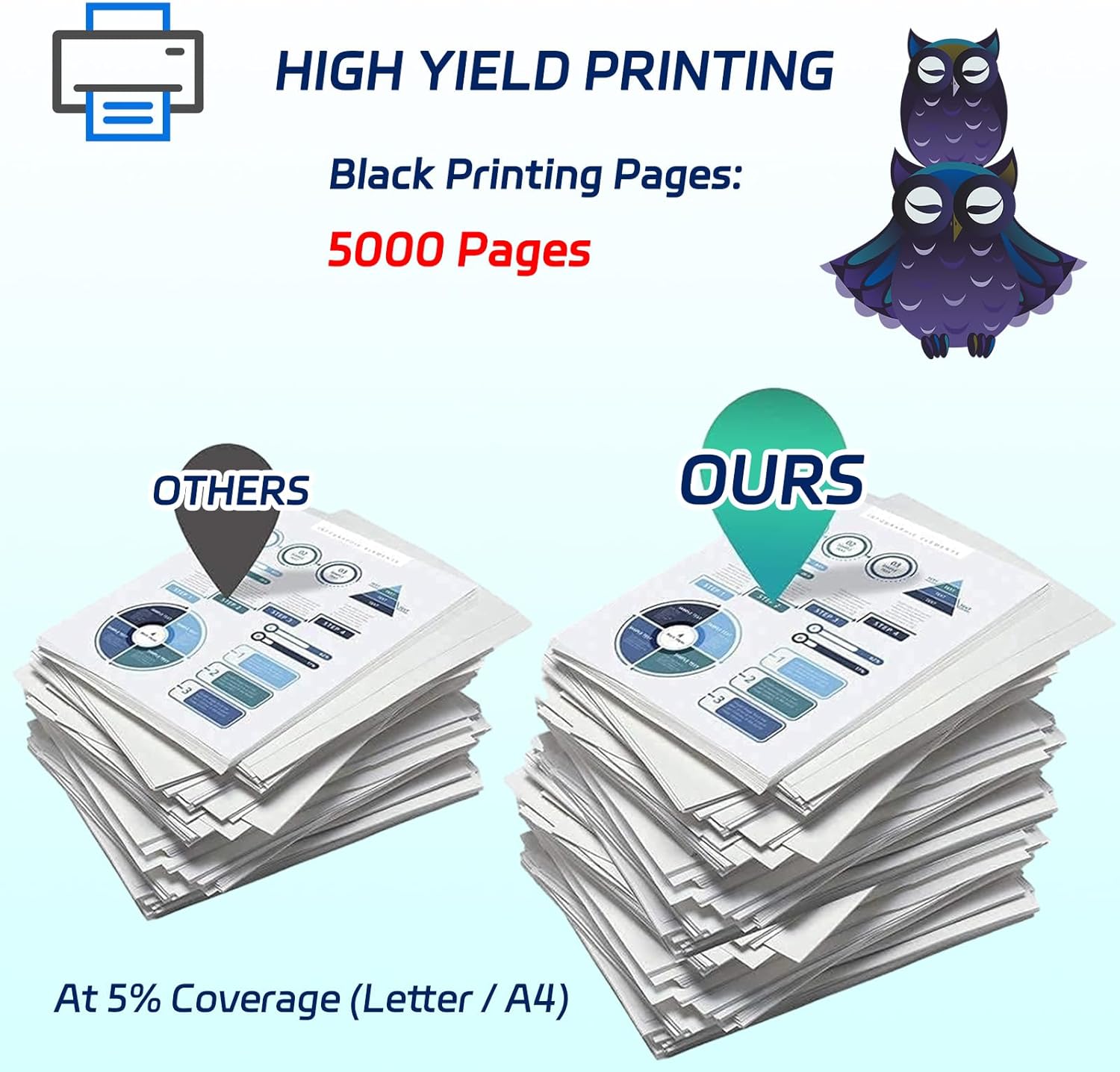
Figure 5: High Page Yield. This image visually represents the estimated page yield of 5000 pages for the BIVOL ML-D3470A toner cartridge at 5% coverage.
4. Maintenance
4.1 Storage
- Store unused toner cartridges in a dry and cool place.
- Avoid direct sunlight and extreme temperatures.
- Keep cartridges in their original sealed packaging until ready for use.
4.2 Handling Precautions
- Do not touch the photosensitive drum on the cartridge, as this can cause print quality issues.
- Keep toner cartridges out of reach of children.
- Dispose of used cartridges according to local regulations.
5. Troubleshooting
5.1 Common Issues and Solutions
| Issue | Possible Cause | Solution |
|---|---|---|
| Poor Print Quality (faded, streaks) | Low toner, uneven toner distribution, dirty drum. | Gently shake the cartridge, replace if toner is low, clean printer components as per printer manual. |
| "Toner Low" or "Replace Toner" message | Toner level is genuinely low, or cartridge not recognized. | Replace the toner cartridge. Ensure the cartridge is installed correctly. |
| Cartridge not fitting | Incorrect cartridge model, protective cap not removed. | Verify cartridge model (ML-D3470A) is correct for your printer. Ensure all protective packaging is removed. |
6. Specifications
- Model: ML-D3470A
- Brand: BIVOL
- Compatible Printers: Samsung ML-3470D, ML-3471ND
- Page Yield: Approximately 5000 pages (at 5% coverage on A4 paper)
- Color: Black
- Product Dimensions: 10 x 5 x 5 inches
- Item Weight: 2.2 pounds (approx. 1 kg)
7. Warranty and Support
BIVOL toner cartridges are manufactured to high-quality standards. For any issues or support inquiries, please contact your retailer or the BIVOL customer service department. Please have your product model number (ML-D3470A) and purchase information ready when contacting support.
For further assistance, please refer to the contact information provided with your purchase or visit the official BIVOL website.