
1. Introduction
Thank you for choosing the Donpidd Z3 Pro Anti-Snoring Device. This device is designed to help maintain open airways, promoting more restful sleep. Please read this manual carefully before use to ensure proper operation and maintenance.

Image: The Donpidd Z3 Pro Anti-Snoring Device, its charging case, adhesive patches, and USB charging cable.
2. Safety Information
- Do not use this device if you have a pacemaker or other implanted medical devices.
- Consult a physician before use if you have any pre-existing medical conditions, especially related to sleep or respiratory issues.
- Keep out of reach of children.
- Do not use the device while driving or operating heavy machinery.
- Discontinue use if you experience any discomfort, skin irritation, or adverse reactions.
- Statements regarding dietary supplements have not been evaluated by the FDA and are not intended to diagnose, treat, cure, or prevent any disease or health condition.
3. Package Contents
Please verify that all items are included in your package:
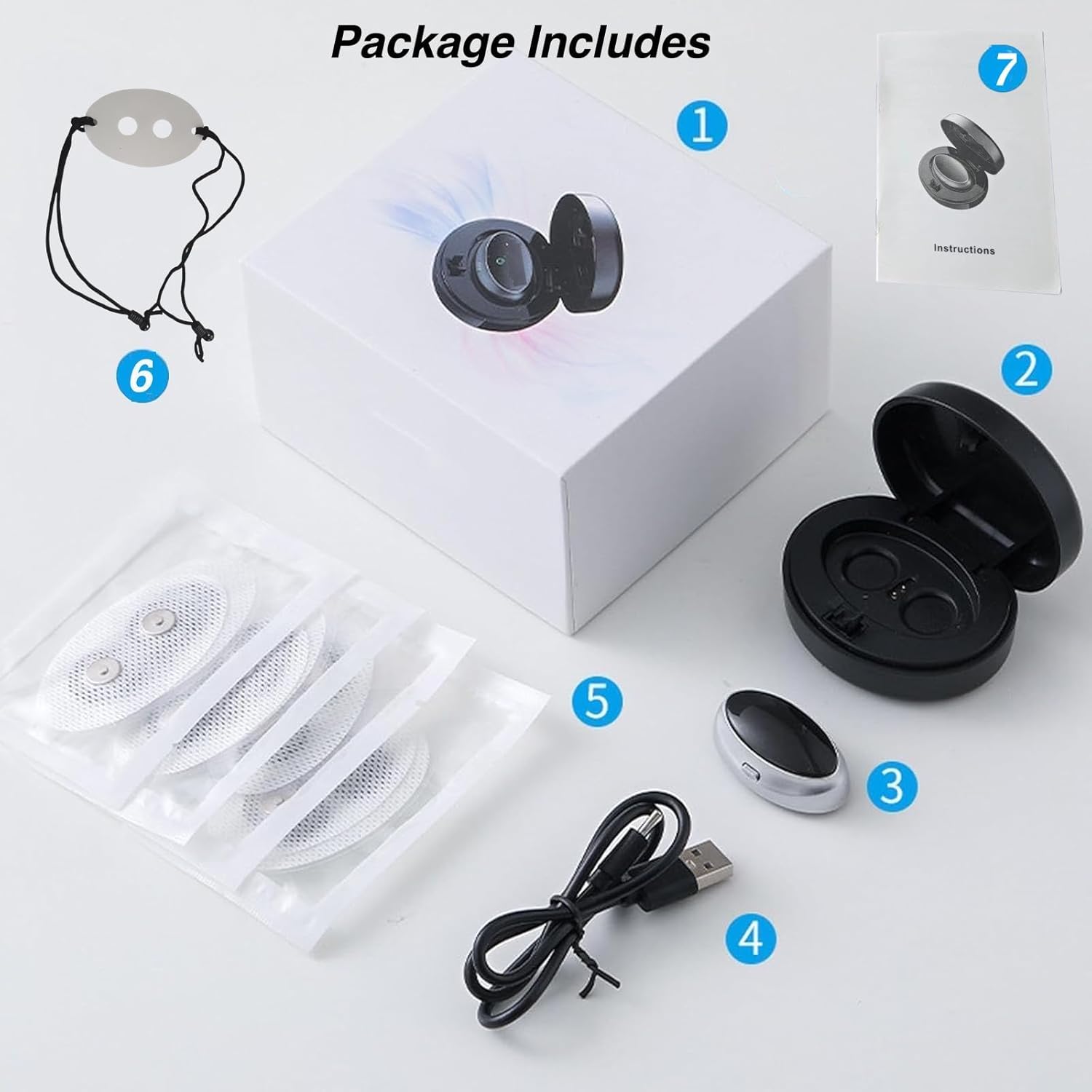
Image: A visual representation of the package contents, including the device, charging case, adhesive patches, USB cable, and instruction manual.
- Donpidd Z3 Pro Anti-Snoring Device
- Charging Case
- USB Charging Cable
- Adhesive Patches (10 pieces)
- Instruction Manual
- Optional: Neck Strap (for alternative wearing)
4. Setup and First Use
4.1 Charging the Device
Before first use, fully charge your Z3 Pro device. The device charges within its case.
- Place the Z3 Pro device into its charging case.
- Connect the USB charging cable to the charging case and a power source.
- A red light on the device indicates it is charging. Close the lid of the charging case.
- Charging typically takes 1 to 2 hours for a full charge, which provides approximately 2 nights of use.
Video: Demonstrates how to properly charge the Donpidd Z3 Pro device by placing it in its charging case and connecting the USB cable.
4.2 Applying the Device
The Z3 Pro device uses adhesive patches to secure it comfortably under your chin.

Image: A four-step visual guide showing preparation, patch application, securing the fit, and powering on the device.
- Preparation: Ensure the skin under your chin and throat area is clean and dry. If you have facial hair, it is recommended to shave the area for optimal adhesion.
- Apply Patch: Take an adhesive patch. The grooves of the gel patch should face your throat. Attach the patch firmly under your chin.
- Secure Fit: Press firmly on the patch with the palm of your hand for 30 seconds to ensure full adhesion and prevent it from falling off during sleep.
- Attach Device: Turn on the Z3 Pro device (refer to Section 5.1) and attach it to the metal contacts on the adhesive patch.
Video: Illustrates how to properly attach the device to the adhesive patch and ensure stable wearing for effective use.
5. Operating Instructions
5.1 Power On/Off and Mode Selection
The Z3 Pro device features a single button for control.
- Power On: Press and hold the button for 2 seconds to turn on the device. A blue indicator light will illuminate.
- Adjust Intensity: Briefly press the button to cycle through the 3 adjustable intensity levels:
- Blue (Gentle): Easiest setting, suitable for beginners.
- Green (Medium): Balanced setting, effective for most users.
- Red (Strong): Powerful setting, for more pronounced snoring.
- Power Off: Press and hold the button for 2 seconds to turn off the device. The indicator light will turn off.

Image: Close-up of the Z3 Pro device illustrating the three intensity levels: Gentle (Blue), Balanced (Green), and Powerful (Red).
5.2 Smart Voice-Activated Operation
The Z3 Pro device is designed to automatically detect snoring and activate its gentle micro-vibrations to encourage a change in sleep position or muscle tone, thereby reducing snoring.
- Once powered on and attached, the device will enter standby mode.
- It will automatically start when snoring is detected.
- The chosen intensity level will determine the strength of the micro-vibrations.
Video: Overview of the Z3 Pro Anti-Snoring Device, demonstrating its features and how it works to reduce snoring.
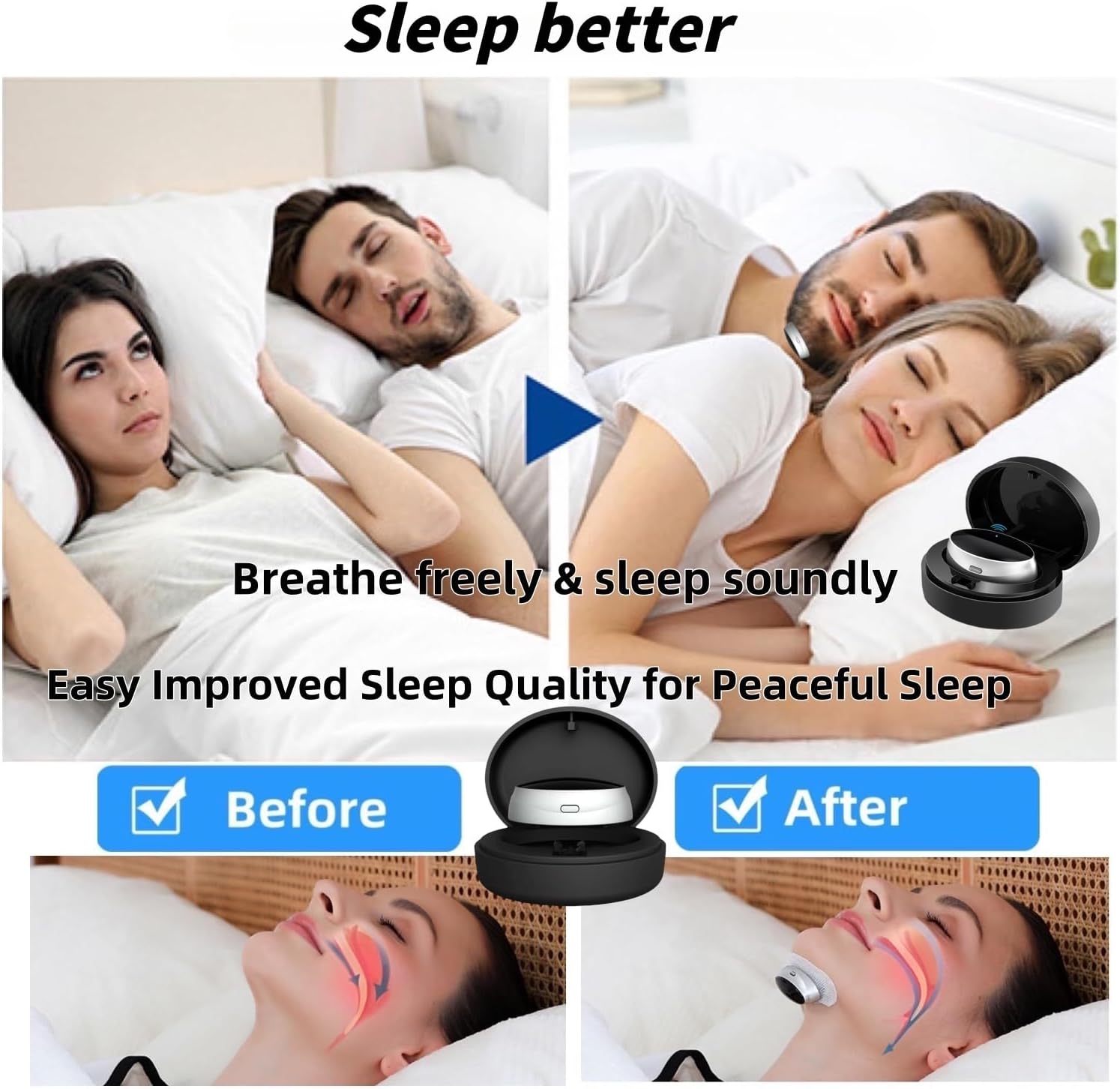
Image: Illustrates the potential improvement in sleep quality and reduced snoring after using the Z3 Pro device.
6. Maintenance
To ensure the longevity and hygiene of your Donpidd Z3 Pro device, follow these cleaning instructions:
- Device Cleaning: The device has a smooth, washable surface. Simply wipe it with a soft, damp cloth after each use. Do not submerge the device in water.
- Patch Disposal: Adhesive patches are for single use. Dispose of used patches responsibly.
- Storage: Store the device and unused patches in a cool, dry place, away from direct sunlight and extreme temperatures.
7. Troubleshooting
If you encounter any issues with your Z3 Pro device, please refer to the following common problems and solutions:
| Problem | Possible Cause | Solution |
|---|---|---|
| Device does not turn on. | Low battery or not charged. | Ensure the device is fully charged. Refer to Section 4.1. |
| Device does not seem to be working. | Improper placement or poor adhesion of the patch. | Re-apply the patch ensuring skin is clean and dry, and press firmly for 30 seconds. Ensure the device is correctly attached to the patch. Refer to Section 4.2. |
| Discomfort or skin irritation. | Sensitivity to adhesive or incorrect intensity level. | Try a lower intensity setting. If irritation persists, discontinue use and consult a physician. Ensure skin is clean before applying patches. |
| Device falls off during sleep. | Insufficient adhesion or oily skin. | Ensure skin is thoroughly clean and dry before applying the patch. Press firmly for the recommended duration. Consider using the optional neck strap for added security if available. |
8. Specifications
- Model: Z3 Pro
- Brand: Donpidd
- Material: ABS
- Adjustable Levels: 3 (Gentle, Balanced, Powerful)
- Power Source: Rechargeable Battery
- Charging Time: Approximately 1-2 hours
- Usage Time: Approximately 2 nights per full charge
- ASIN: B0F5QGZPQ7
9. Warranty and Support
For any questions, concerns, or support regarding your Donpidd Z3 Pro Anti-Snoring Device, please contact the manufacturer or seller through your purchase platform. Keep your purchase receipt for warranty claims.


