
Introduction
This manual provides instructions for the Kingdder 2-channel remote control, designed for use with BFT Mitto B RCB02 R1 compatible gate and garage door opener systems operating at 433.92MHz. This remote control offers enhanced security through rolling code technology and a wide operating range, making it a suitable replacement or addition for various automation systems.
Safety Information
- Keep the remote control out of reach of children to prevent accidental operation.
- Do not expose the remote control to water, extreme temperatures, or direct sunlight for prolonged periods.
- Ensure the path of the gate or garage door is clear before activation.
- Dispose of batteries according to local regulations.
Package Contents
The package includes the following items:
- 6 x Kingdder 2-Channel Remote Controls
- 6 x Cord Locks (for attachment)
- Instruction Manual
- 6 x 12V Batteries (pre-installed)
Specifications
| Brand | Kingdder |
| Model Name | THI1769 |
| Compatibility | BFT Mitto B RCB02 R1, BFT electric door receivers, BFT Clonix series receivers, BFT U-Link devices, and any device supporting BFT 433.92MHz rolling code system |
| Frequency | 433.92MHz |
| Channels | 2 |
| Maximum Range | Up to 170 feet (approximately 52 meters) |
| Battery Type | 12V (included) |
| Dimensions (L x W x H) | 6.3" x 6.3" x 0.63" (approximate for single unit) |
| Color | Black |
| Security | Advanced 433.92MHz rolling code technology |
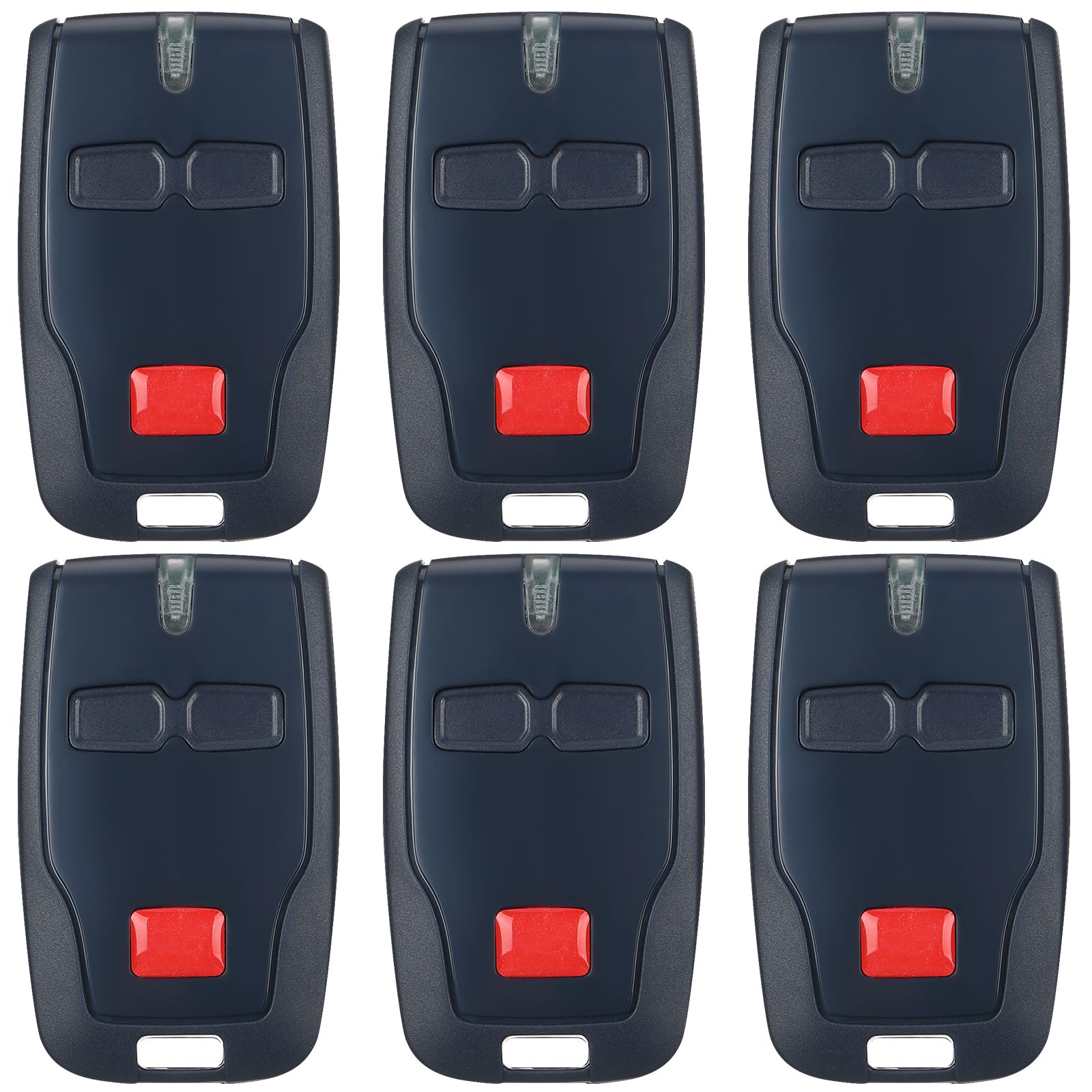
This image displays six Kingdder 2-channel remote controls. Key specifications are overlaid: dimensions (1.42 inches width, 2.44 inches length), frequency (433.92 MHz), working range (170 feet), and operating voltage (12V).
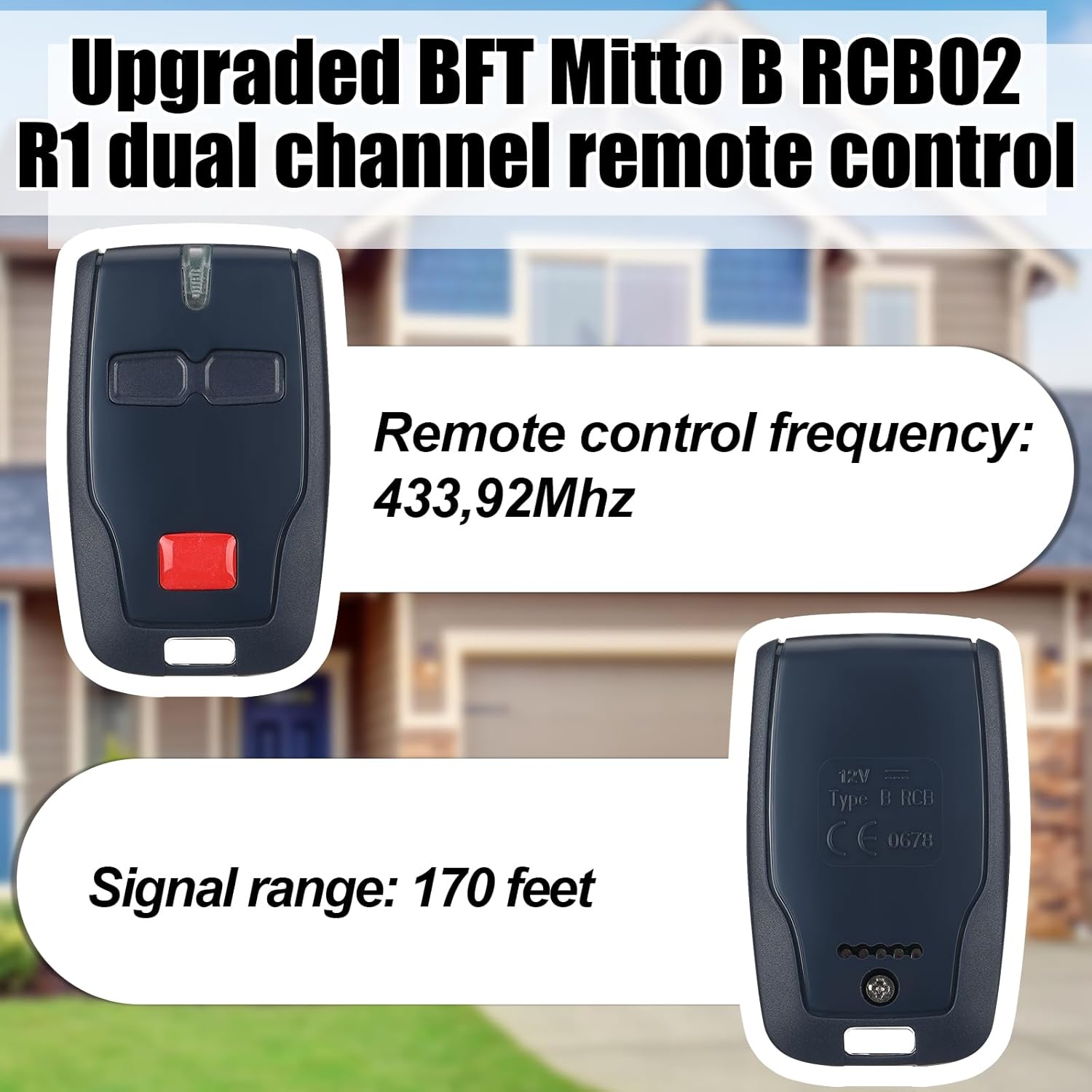
This image presents both the front and back of the Kingdder remote control. The front shows the two buttons and LED indicator. The back displays regulatory markings and confirms the remote control frequency of 433.92MHz and a signal range of 170 feet.
Setup and Programming
The Kingdder remote control is designed for easy programming with compatible BFT systems. The programming method may vary slightly depending on your receiver type (with or without a digital screen). Refer to the specific instructions provided with your BFT receiver for the most accurate steps. General programming steps are outlined below:

This image illustrates the contents of the package: the Kingdder remote control, a rope buckle for attachment, and the instruction manual. The manual's programming steps for BFT Mitto 2M 4M receivers are partially visible, detailing options for receivers with and without digital screens.
Programming for Receivers Without a Digital Screen (Older Type)
- Locate the Receiver: Open your motor unit and locate the receiver. If the receiver is enclosed in a case, remove the casing to access the control board.
- Activate Learning Mode: To program the transmitter to activate output 1, press push button SW1 on the receiver. To activate output 2, press push button SW2. Then, press button 'P'. The LED on the receiver will begin to flash, indicating it is in learning mode.
- Pair the Remote: Press and release both the '1' and '4' buttons on your new Kingdder remote control simultaneously. The receiver's LED will stop flashing and remain illuminated, confirming successful pairing.
For receivers with a digital screen, consult your BFT receiver's specific manual for programming instructions, as the process may differ.
Operating the Remote Control
Once programmed, your Kingdder 2-channel remote control can operate up to two different BFT automation systems, such as garage doors, electric gates, or railings.
- Button 1: Activates the first programmed channel (e.g., opens/closes garage door).
- Button 2: Activates the second programmed channel (e.g., opens/closes gate).
The 433.92MHz operating frequency provides a strong signal penetration, allowing you to operate your systems from a distance of up to 170 feet.

A hand holding the Kingdder remote control is visible from inside a car, operating a garage door. Red signal waves emanate from the remote, indicating activation, allowing the user to open the door without exiting the vehicle.

Similar to the previous image, this shows the Kingdder remote control being used from a car to open an outdoor gate. Red signal waves confirm the remote's function in activating the gate opener.
Maintenance
- Battery Replacement: The remote control uses a 12V battery. If the remote's range decreases significantly or the LED indicator does not light up, it may be time to replace the battery. To replace, carefully open the remote casing and insert a new 12V battery, ensuring correct polarity.
- Cleaning: Wipe the remote control with a soft, dry cloth. Avoid using abrasive cleaners or solvents.
- Storage: Store the remote control in a dry place away from direct sunlight and extreme temperatures.
Troubleshooting
- Remote not working after programming:
- Ensure the receiver is powered on and functioning correctly.
- Verify that the programming steps were followed precisely for your specific BFT receiver type.
- Check the remote control's battery. Replace if necessary.
- Due to rolling code technology, ensure the remote is properly synchronized with the receiver. Re-attempt programming if issues persist.
- Reduced operating range:
- Replace the remote control's battery.
- Ensure there are no significant obstructions (e.g., large metal objects, thick walls) between the remote and the receiver.
- Check for potential radio frequency interference from other electronic devices.
- LED indicator on remote does not light up:
- The battery may be depleted. Replace the battery.
- Ensure the battery is inserted with correct polarity.
Warranty Information
Specific warranty details for this Kingdder product are not provided in the available information. Please refer to the product packaging or contact the retailer/manufacturer for warranty terms and conditions.
Support
For further assistance, technical support, or inquiries regarding your Kingdder 2-channel remote control, please contact the manufacturer or your point of purchase. Keep your purchase receipt and product model information (THI1769) handy when seeking support.