
1. Product Overview
The VSTARCAM Tiny WiFi Camera CB762-NB is a compact indoor surveillance camera designed for home security, baby monitoring, and remote surveillance. It features HD resolution, 136° wide-angle viewing, infrared night vision, motion detection with real-time alerts, and two-way audio capabilities. This camera requires a continuous power supply and does not operate on battery power.
Key Features:
- HD Resolution: Captures clear and detailed images.
- 136° Wide Angle: Provides extensive coverage of the monitored area.
- Infrared Night Vision: Automatically switches to night vision for clear viewing in low light or darkness (5-10 meters illumination distance).
- Motion and Human Detection: Sends real-time alerts to your device upon detecting movement.
- Advanced Noise Reduction: Built-in microphone for clear audio pickup.
- Multi-User Viewing: Allows multiple users to view the live feed simultaneously.
- Storage Options: Supports TF card storage and cloud storage.

Image 1.1: The VSTARCAM Tiny WiFi Camera is designed for flexible use in various indoor environments such as homes, offices, and shops, as well as for monitoring inside vehicles.
2. Setup Guide
2.1 Package Contents
Before you begin, please verify that all items are present in your package:
- 1 x VSTARCAM Mini Camera (CB762-NB)
- 1 x User Manual
- 1 x Bracket
- 1 x Charging Cable (Type-C)
2.2 Power Connection
The VSTARCAM CB762-NB camera does not contain an internal battery and requires continuous power to operate. Connect the provided Type-C charging cable to the camera's power port and plug the other end into a compatible USB power adapter (not included) or power bank. Ensure the power switch on the camera's rear is in the 'ON' position. The indicator light will illuminate once power is supplied.
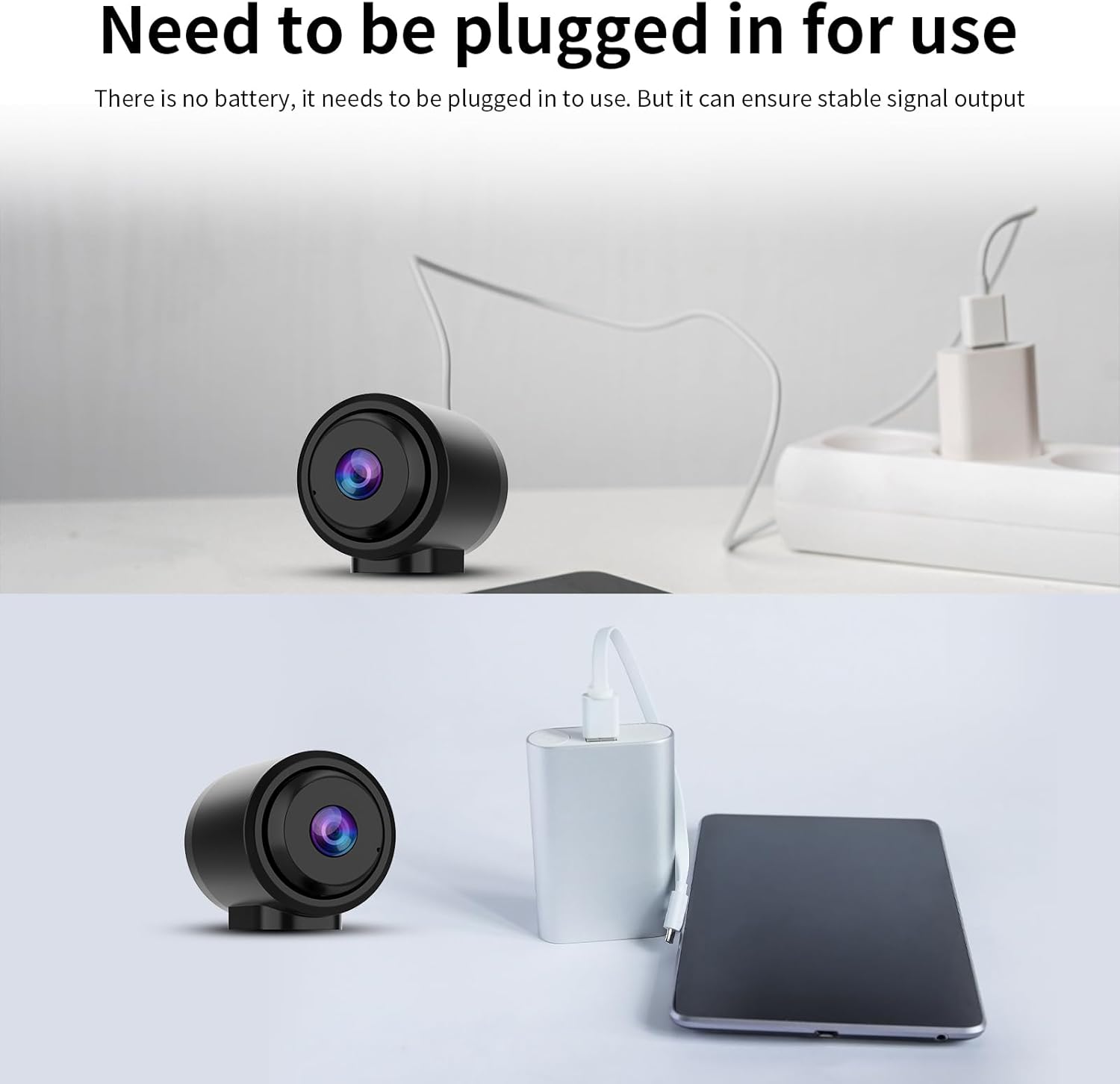
Image 2.1: The camera must be continuously plugged into a power source, such as a wall adapter or a power bank, for operation.
2.3 App Installation and Device Pairing
To use the camera, you need to download and install the official VSTARCAM application on your smartphone or tablet. The app is compatible with Android and iPhone devices.
- Download the VSTARCAM app from your device's app store.
- Register for an account or log in if you already have one.
- In the app, select 'Add Device' and follow the on-screen instructions.
- Scan the QR code located on the camera using the app.
- Ensure your device is connected to a 2.4GHz Wi-Fi network. The camera does not support 5GHz Wi-Fi.
- Complete the pairing process as guided by the app. The camera also supports Bluetooth connectivity for initial setup.

Image 2.2: The VSTARCAM app facilitates device connection via Wi-Fi (2.4GHz only) or Bluetooth, guiding users through the pairing process.
2.4 Flexible Installation
The compact design of the camera allows for versatile placement. Use the included bracket to mount the camera on various surfaces such as walls, ceilings, or shelves. Its small size ensures it takes up minimal space.
3. Operating Instructions
3.1 Live Viewing and Multi-User Access
Once connected, you can access the live video feed from your camera through the VSTARCAM app. The app supports real-time viewing and allows multiple authorized users to monitor the situation simultaneously from different devices (Android, iPhone, Windows).

Image 3.1: The camera supports multi-user viewing, allowing several individuals to access the live feed concurrently on various devices.
3.2 Motion Detection and Real-time Alerts
The camera is equipped with AI human detection and general motion detection capabilities. When movement is detected, the camera will automatically record and send real-time push notifications to your connected device, ensuring you are informed of any activity.

Image 3.2: The camera's AI human detection triggers real-time alerts and recordings when a person's movement is detected within its view.
3.3 Night Vision
The camera features enhanced IR night vision, providing clear images even in complete darkness. It automatically switches between daytime color vision and infrared night vision based on ambient light conditions.

Image 3.3: The camera provides clear HD images during the day and automatically switches to infrared night vision for visibility in low light or darkness.
3.4 Audio Features
A high-fidelity microphone with advanced noise reduction is built into the camera, allowing you to pick up clear voice and sounds from the monitored area in real-time through the app.

Image 3.4: The camera features a built-in high-fidelity microphone and noise reduction technology for clear audio capture.
3.5 Storage Options
The camera supports local storage via a TF (microSD) card (not included) and cloud storage services (subscription may be required). Refer to the app for detailed instructions on setting up and managing storage.
4. Maintenance
4.1 Cleaning the Camera
To ensure optimal performance, periodically clean the camera lens and body. Use a soft, dry cloth to gently wipe away dust and smudges. Avoid using harsh chemicals or abrasive materials that could damage the lens or casing.
4.2 Firmware Updates
VSTARCAM may release firmware updates to improve camera performance, add new features, or address security vulnerabilities. Check the VSTARCAM app regularly for available updates and follow the in-app instructions to install them. Ensure the camera remains powered during the update process.
5. Troubleshooting
If you encounter issues with your VSTARCAM Tiny WiFi Camera, please refer to the following common problems and solutions:
| Problem | Possible Cause / Solution |
|---|---|
| Camera does not power on. | Ensure the Type-C charging cable is securely connected to both the camera and a working power source. Verify the power switch on the camera is in the 'ON' position. |
| Cannot connect to Wi-Fi. | Confirm your Wi-Fi network is 2.4GHz (5GHz networks are not supported). Check Wi-Fi signal strength at the camera's location. Restart your router and the camera. Re-attempt the pairing process in the app. |
| Poor image quality or no image. | Check your internet connection speed. Ensure the camera lens is clean and free from obstructions. Verify the camera is receiving adequate power. |
| Motion detection alerts are not received. | Ensure motion detection is enabled in the app settings. Check app notification permissions on your smartphone. Verify the camera has a stable internet connection. |
| No audio or poor audio quality. | Check the microphone settings in the app. Ensure there are no physical obstructions blocking the microphone. Verify your device's volume is turned up. |
6. Specifications
Detailed technical specifications for the VSTARCAM Tiny WiFi Camera CB762-NB:
| Feature | Specification |
|---|---|
| Model Number | CB762-NB |
| Dimensions (L x W x H) | 1.7 x 1.4 x 1.4 inches |
| Item Weight | 5.6 ounces |
| Video Capture Resolution | 1080p |
| Field of View | 136° Wide Angle |
| Connectivity Technology | Wireless (Wi-Fi 2.4GHz) |
| Connectivity Protocol | Wi-Fi |
| Power Source | Wired Electric (Type-C cable, requires USB power adapter) |
| Indoor/Outdoor Usage | Indoor |
| Special Features | Easy to Install, Night Vision, Motion Detection |
| Compatible Devices | Smartphone (Android, iPhone) |
| Control Method | Mobile App |
| Material | Plastic |
7. Warranty Information
VSTARCAM products are covered by a manufacturer's warranty. For specific details regarding the warranty period and terms for your CB762-NB camera, please refer to the warranty card included in your product packaging or visit the official VSTARCAM website. Keep your purchase receipt as proof of purchase for warranty claims.
8. Customer Support
If you require further assistance, have questions not covered in this manual, or need technical support, please contact VSTARCAM customer service. Contact information can typically be found on the official VSTARCAM website or within the VSTARCAM application.