
Ltinist BX29 (X29)
Ltinist Wireless Earbuds User Manual
Model: BX29 (X29)
Introduction
Thank you for choosing Ltinist Wireless Earbuds. This manual provides detailed instructions on how to set up, operate, maintain, and troubleshoot your new earbuds. Please read this manual carefully before use to ensure optimal performance and longevity of your device.
What's in the Box
- Ltinist Wireless Earbuds (Left and Right)
- Wireless Charging Case
- USB-C Charging Cable
- Ear Tips (S/M/L sizes)
- User Manual
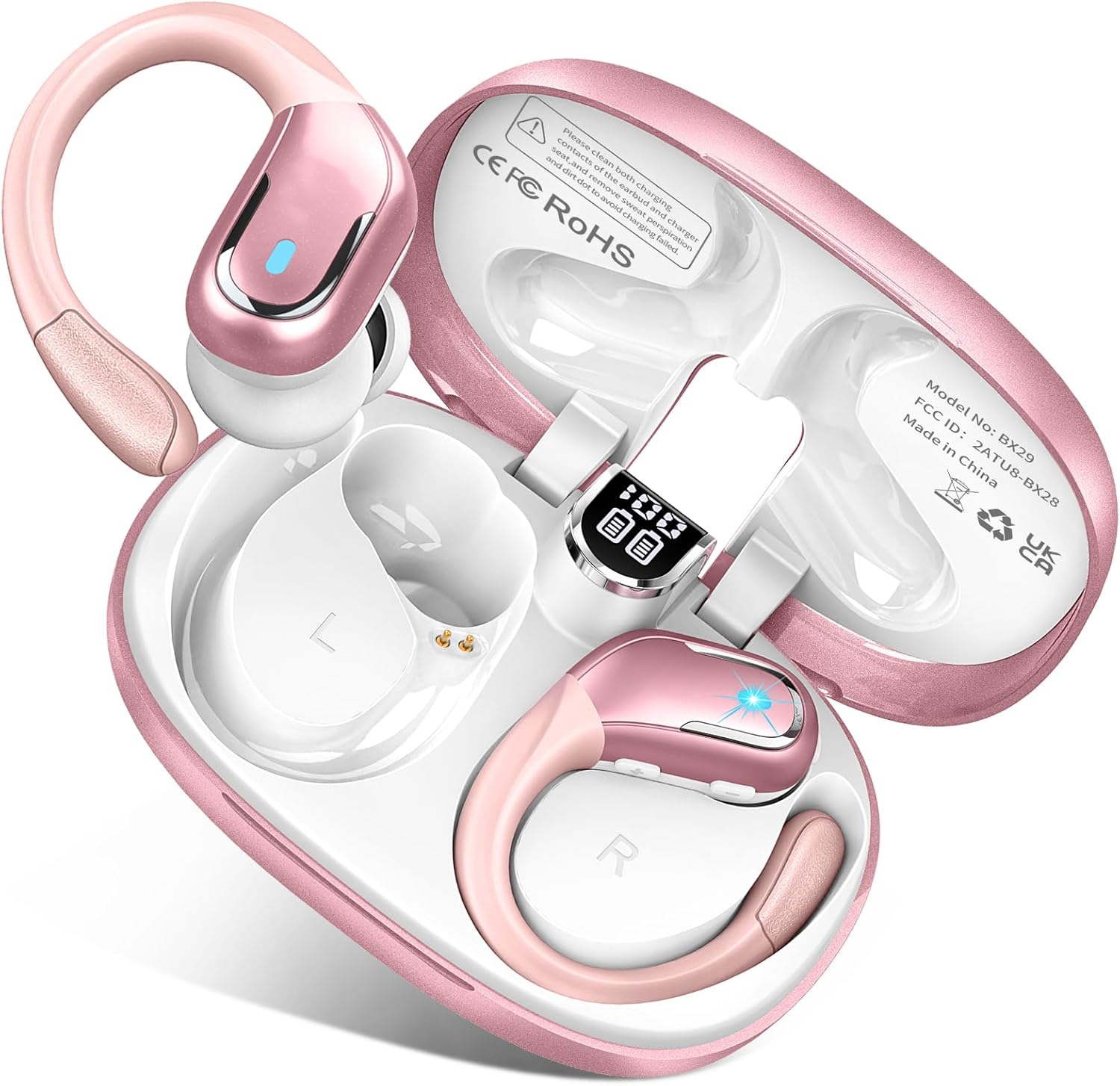
Image: The Ltinist Wireless Earbuds in their charging case, showcasing the rose gold color and earhook design. The charging case displays battery levels.
Setup
1. Charging the Earbuds and Case
Before first use, fully charge both the earbuds and the charging case. Connect the USB-C charging cable to the charging port on the case and a power source. The LED display on the case will show the charging status and battery percentage.
- Case Battery Status: Displayed as a percentage on the LED screen.
- Earbud Battery Status: Individual battery icons for left and right earbuds are shown on the LED screen.
- Total Playtime: Up to 75 hours with the charging case.
- Single Charge Playtime: Up to 15 hours.
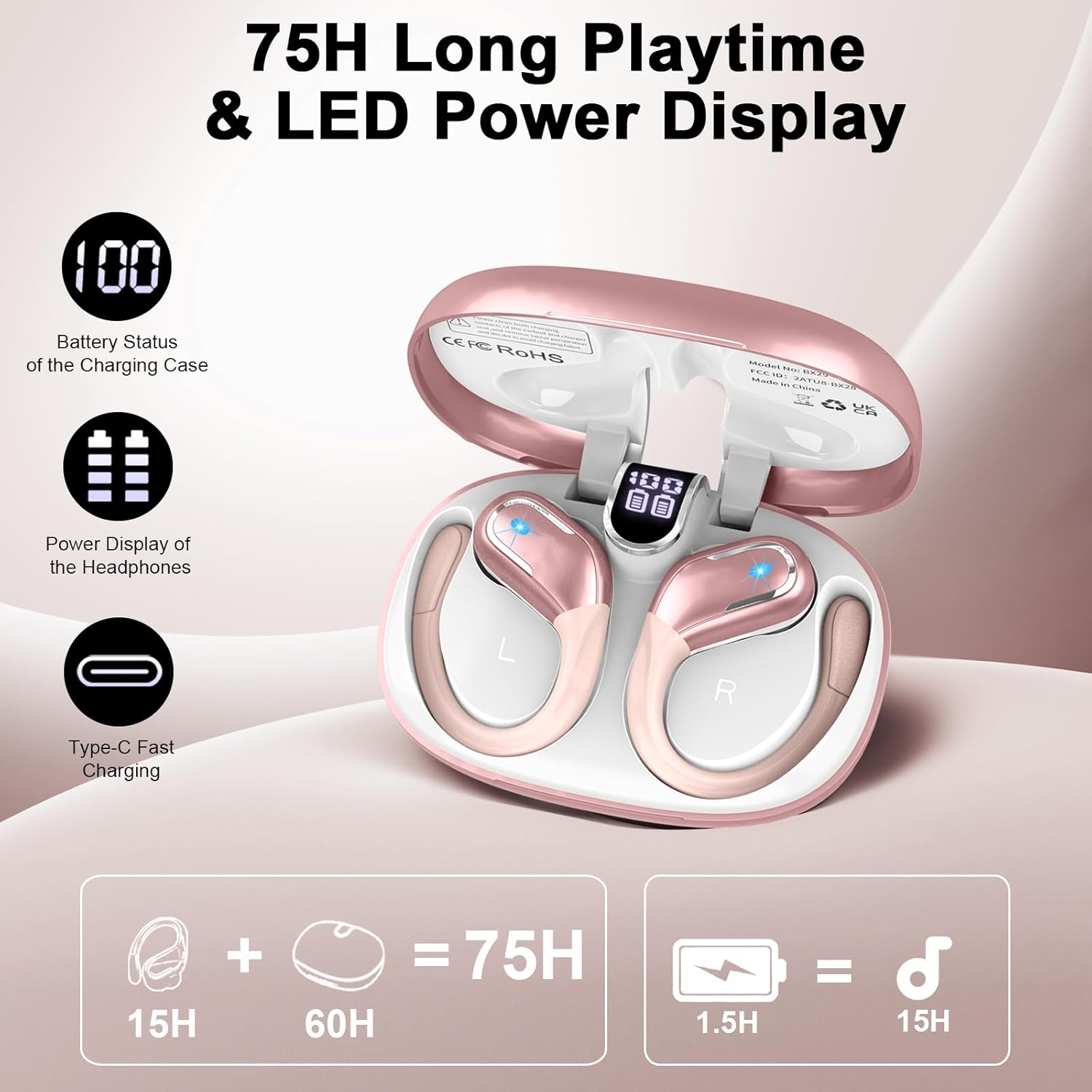
Image: The charging case with its digital LED display showing the battery status of both the case and the individual earbuds, along with charging indicators.
2. Pairing with Your Device
The earbuds feature advanced Bluetooth 5.4 technology for quick and stable connections.
- Ensure your device's Bluetooth is turned on.
- Open the lid of the charging case. The earbuds will automatically enter pairing mode (indicated by flashing lights on the earbuds).
- On your device, search for Bluetooth devices and select "BX29" from the list.
- Once connected, the earbud lights will stop flashing, and you will hear a confirmation tone.
- For subsequent uses, the earbuds will automatically connect to the last paired device when the case lid is opened.
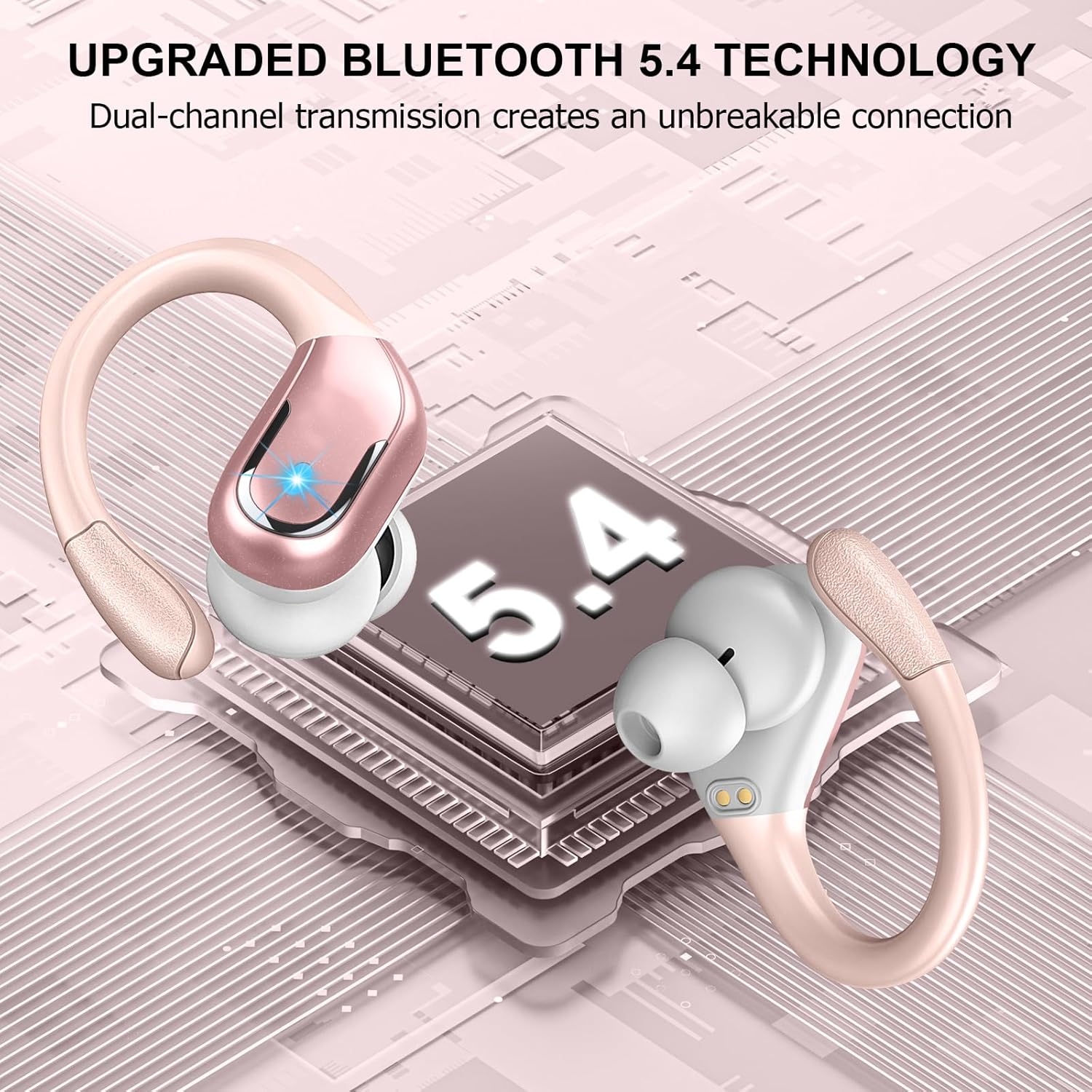
Image: A visual representation highlighting the upgraded Bluetooth 5.4 technology, emphasizing dual-channel transmission for an unbreakable connection.
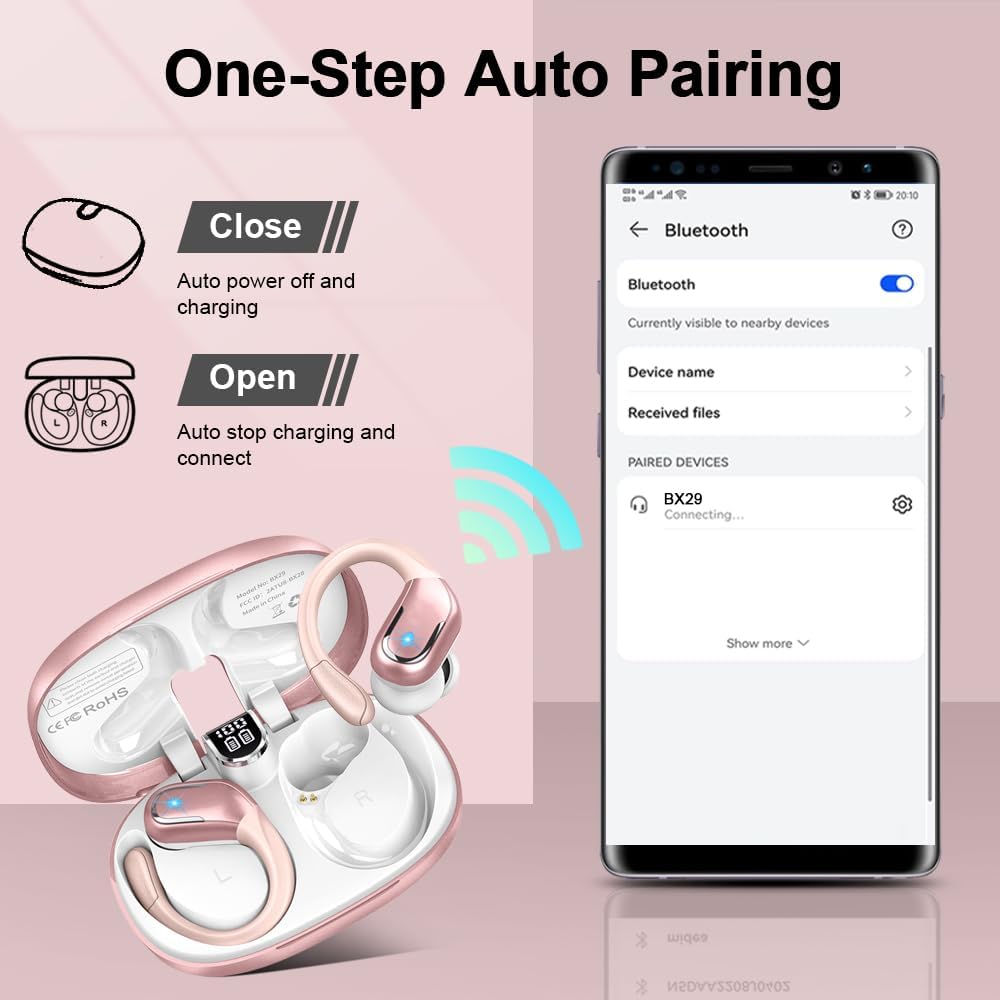
Image: An illustration demonstrating the one-step auto-pairing process, showing the earbuds connecting to a smartphone when the charging case is opened.
3. Wearing the Earbuds
The Ltinist earbuds are designed with flexible earhooks for a secure and comfortable fit, especially during sports activities. Choose the ear tips that best fit your ears for optimal sound quality and comfort.
- Select the appropriate ear tip size (S/M/L) for a snug fit.
- Place the earbud into your ear canal and adjust the earhook over your ear until it feels secure and comfortable.

Image: A model wearing the earbuds, demonstrating the secure fit of the flexible earhooks. The image also shows the three different sizes of ear tips (S, M, L) included.
Operating Instructions
1. Power On/Off
- Power On: Open the charging case lid, and the earbuds will automatically power on.
- Power Off: Place the earbuds back into the charging case and close the lid. They will automatically power off and begin charging.
2. Touch Controls
The earbuds feature sensitive touch controls for easy management of music and calls.
| Action | Function |
|---|---|
| Single Tap (L/R) | Play/Pause Music, Answer/End Call |
| Double Tap (L/R) | Activate Voice Assistant |
| Triple Tap (Right) | Next Track |
| Triple Tap (Left) | Previous Track |
| Long Press (2s, Right) | Volume Up |
| Long Press (2s, Left) | Volume Down |
| Long Press (2s, L/R during call) | Reject Call |
3. Sound Quality and Calls
The earbuds are equipped with 14.2mm dual-chamber speaker drivers for balanced and exceptional 3D stereo sound. Built-in ENC (Environmental Noise Canceling) microphones ensure crystal-clear call performance by isolating your voice from ambient noise.

Image: An exploded view of an earbud, illustrating the internal components responsible for delivering Hi-Fi stereo sound and noise cancellation, including the 14.2mm drivers.
4. IP7 Waterproof Rating
With an IP7 waterproof rating, your Ltinist earbuds are protected against sweat, rain, and splashes, making them ideal for workouts and outdoor activities. Note: The charging case is not waterproof.

Image: Two earbuds with water droplets, visually representing their IP7 waterproof and sweatproof capabilities, suitable for various conditions like rain, sweat, and splashes.
Maintenance
- Cleaning: Regularly clean the earbuds and charging contacts with a soft, dry, lint-free cloth. For ear tips, remove them and wash with mild soap and water, then dry thoroughly before reattaching.
- Storage: When not in use, store the earbuds in their charging case to protect them and keep them charged.
- Avoid Extreme Conditions: Do not expose the earbuds or case to extreme temperatures, humidity, or corrosive liquids.
Troubleshooting
| Problem | Possible Solution |
|---|---|
| Earbuds not pairing/connecting |
|
| No sound from one earbud |
|
| Charging case not charging |
|
| Poor call quality |
|
Specifications
| Feature | Detail |
|---|---|
| Model Name | BX29 |
| Item Model Number | X29 |
| Brand | Ltinist |
| Connectivity Technology | Wireless |
| Wireless Communication Technology | Bluetooth |
| Bluetooth Version | 5.4 |
| Ear Placement | In Ear (with Earhooks) |
| Control Method | Touch |
| Audio Driver Type | Dynamic Driver (14.2mm) |
| Battery Life (Earbuds) | Up to 15 Hours (single charge) |
| Total Playtime (with Case) | Up to 75 Hours |
| Water Resistance Level | IP7 Waterproof |
| Noise Canceling | ENC (Environmental Noise Canceling) Mic |
| Compatible Devices | Laptops, Desktops, Tablets, Telephones, Smartphones |
| Product Dimensions | 1.57 x 0.79 x 0.98 inches |
| Item Weight | 5 ounces |
| Material | Plastic |
Warranty & Support
Ltinist products are designed and manufactured to the highest quality standards. For information regarding warranty coverage, technical support, or customer service, please refer to the contact information provided with your purchase or visit the official Ltinist website. Please retain your proof of purchase for warranty claims.
Related documentsBX29 (X29)


Ask a question about this manual
Ask about setup, troubleshooting, compatibility, parts, safety, or missing instructions. Manuals+ will review the question and use this page’s manual context to help answer it.