
1. Introduction
Welcome to the user manual for your new MUNISOSA G19 Unlocked Cell Phone. This guide provides essential information to help you set up, operate, maintain, and troubleshoot your device. The G19 is designed for a seamless mobile experience, featuring a vibrant 6.7-inch HD+ 120Hz display, powerful 48MP+108MP dual cameras, and a long-lasting 5000mAh battery, all powered by Android 14 with 12GB RAM and 512GB storage.
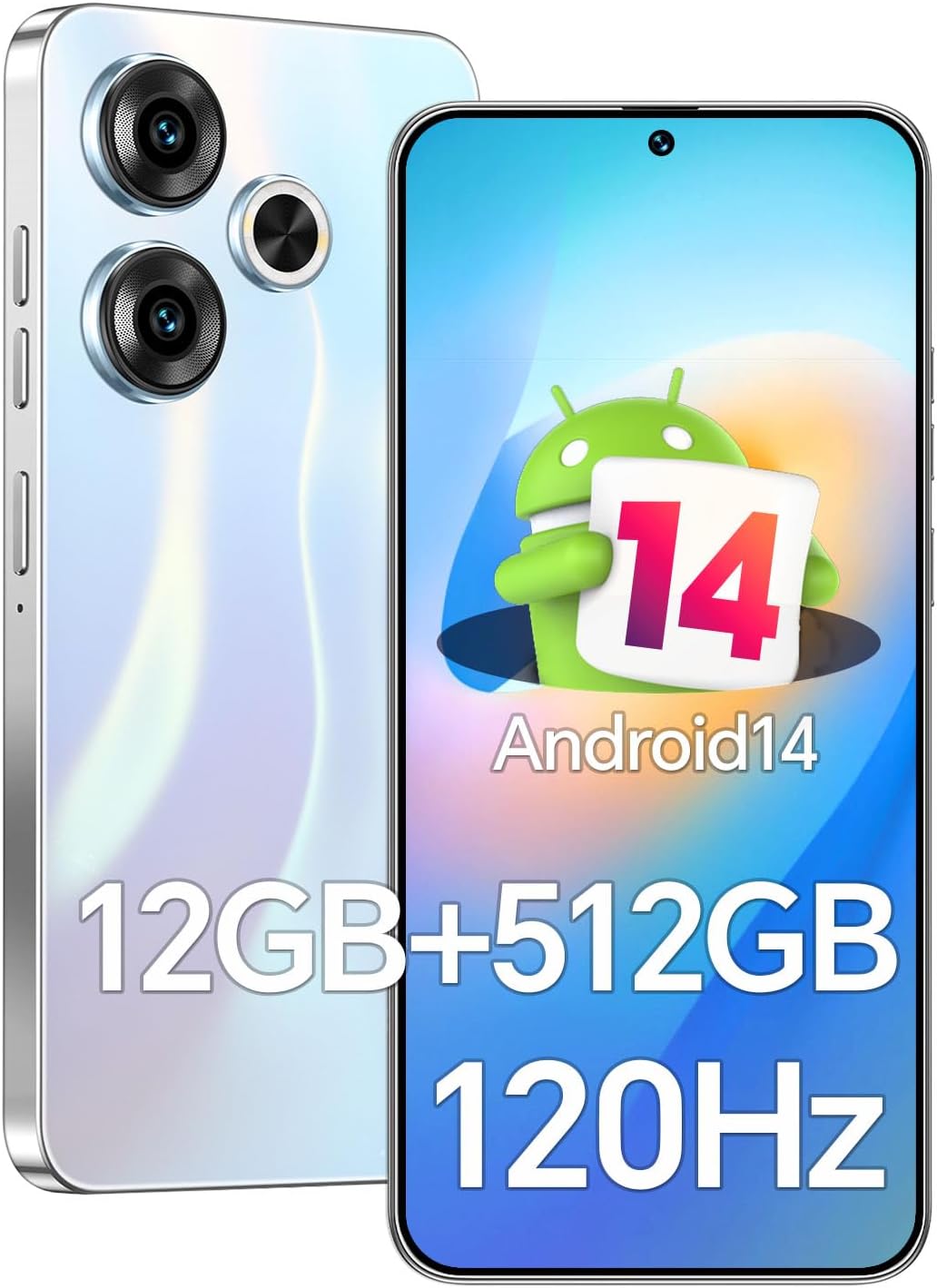
Image 1.1: The MUNISOSA G19 Unlocked Cell Phone, showcasing its sleek design and Android 14 interface.
2. Key Features
- Display: 6.7-inch 3040x1440 HD+ display with a 120Hz refresh rate for smooth visuals.
- Cameras: 48MP front camera and 108MP rear camera for high-quality photography.
- Performance: Qualcomm Snapdragon 888 processor with 12GB RAM and 512GB internal storage.
- Battery: 5000mAh battery for extended usage.
- Operating System: Android 14.
- Security: Fingerprint Unlock and Face Recognition.
- Connectivity: Dual SIM Dual Standby, 5G, GPS, Bluetooth, and Wi-Fi.

Image 2.1: The MUNISOSA G19 (referred to as X19 in some marketing materials) available in various colors, highlighting its design versatility.
3. Setup
3.1. Package Contents
Before you begin, please ensure all items are present in your phone's package:
- MUNISOSA G19 Mobile Phone
- Screen Protector (pre-applied or in box)
- Earphone
- Protective Case
- Power Adapter
- USB Data Cable
- SIM Ejector Pin (Clip Pin)
3.2. Inserting SIM Card and SD Card
- Locate the SIM card tray on the side of your phone.
- Insert the SIM ejector pin into the small hole next to the tray and gently push until the tray pops out.
- Place your Nano-SIM card(s) and/or microSD card (if applicable) into the designated slots on the tray, ensuring correct orientation.
- Carefully push the tray back into the phone until it clicks into place.
3.3. Initial Power On
- Press and hold the Power button (usually on the right side) until the MUNISOSA logo appears.
- Follow the on-screen prompts to complete the initial setup, including language selection, Wi-Fi connection, Google account setup, and security settings.
4. Operating the Device
4.1. Display and Navigation
The G19 features a 6.7-inch perforated screen with a high screen-to-body ratio, providing an immersive viewing experience for media and gaming. The 120Hz refresh rate ensures smooth scrolling and fluid animations.

Image 4.1: The 6.7-inch perforated display, offering an expansive view for content.
4.2. Camera Usage
Capture stunning photos and videos with the G19's advanced camera system, featuring a 48MP front camera and a 108MP rear camera. The rear camera includes intelligent image processing and supports Night Scene Mode and Portrait Optimization for professional-grade results.
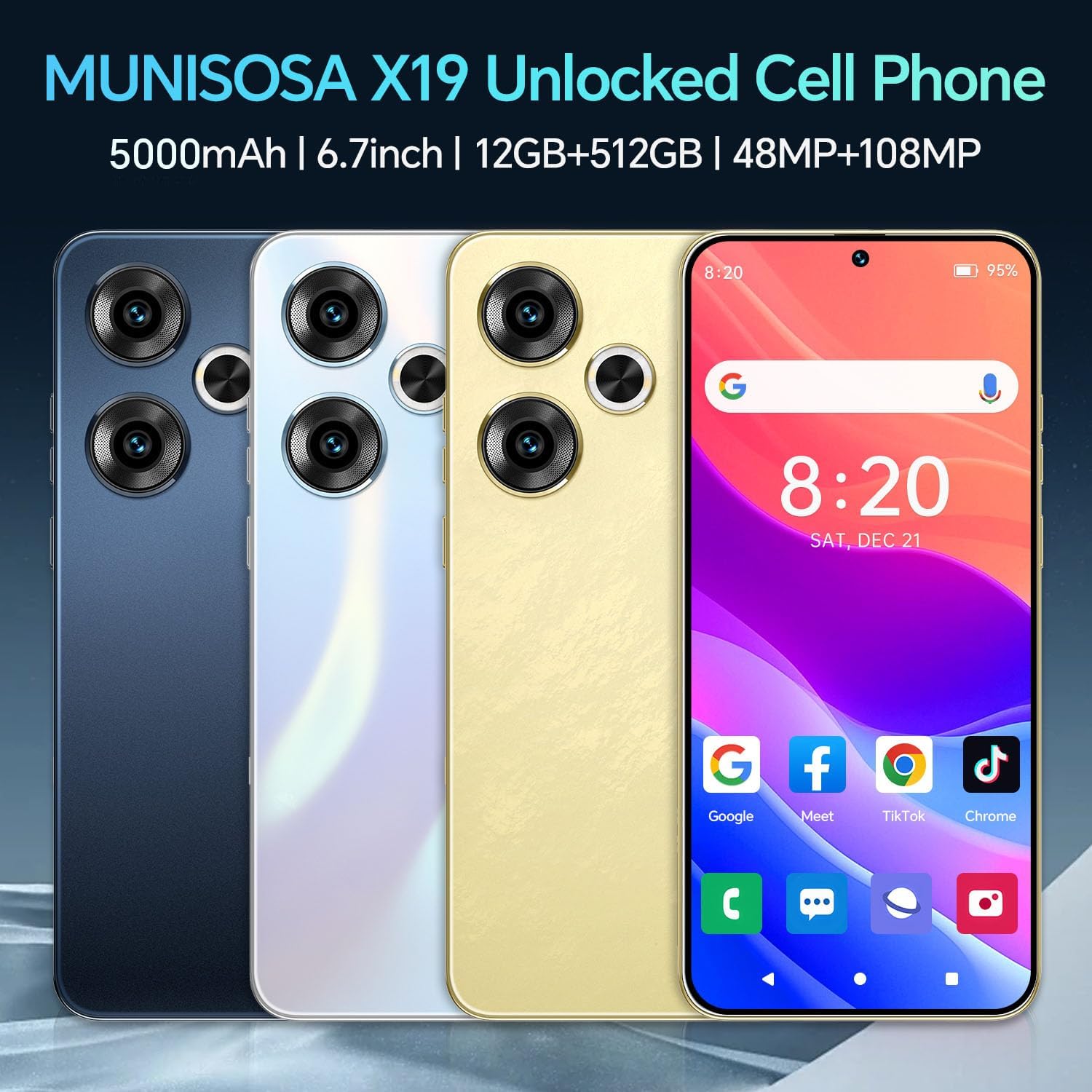
Image 4.2: Close-up of the MUNISOSA G19's dual rear camera module.
4.3. Performance and Storage
Equipped with a Qualcomm Snapdragon 888 processor, 12GB of RAM, and 512GB of internal storage, the G19 delivers smooth multitasking and high-performance gaming. This ample memory ensures quick app loading and efficient operation.

Image 4.3: Visual representation of the 12GB RAM, 512GB storage, and Snapdragon 888 processor, highlighting the phone's powerful internal components.
4.4. Battery Management
The 5000mAh battery provides reliable power throughout the day. To optimize battery life, manage background app usage and adjust screen brightness.

Image 4.4: Illustration of the 5000mAh battery capacity, emphasizing long-lasting power.
4.5. Security Features
The G19 supports both Fingerprint Unlock and Face Recognition for convenient and secure access to your device.
4.6. Connectivity
The phone supports 5G networks, ensuring fast data speeds. It also includes GPS for navigation, Bluetooth for wireless accessories, and Wi-Fi for internet access.
5. Maintenance
Proper care extends the life of your MUNISOSA G19. Follow these guidelines:
- Cleaning: Use a soft, lint-free cloth to clean the screen and body. Avoid harsh chemicals.
- Battery Health: Avoid extreme temperatures. Do not let the battery fully drain frequently.
- Software Updates: Regularly check for and install system updates to ensure optimal performance and security.
- Storage Management: Periodically clear unnecessary files and apps to maintain performance.
6. Troubleshooting
If you encounter issues with your device, refer to the table below for common problems and solutions. If the problem persists, please contact customer support.
| Problem | Possible Cause | Solution |
|---|---|---|
| Phone does not power on | Low battery; System crash | Charge the phone for at least 30 minutes; Press and hold the Power button for 10-15 seconds to force restart. |
| Cannot connect to Wi-Fi | Incorrect password; Router issue; Phone Wi-Fi disabled | Check password; Restart router; Ensure Wi-Fi is enabled in settings. |
| Poor call quality/No signal | Weak network signal; SIM card issue | Move to an area with better signal; Reinsert SIM card; Contact your carrier. |
| Apps crashing/Freezing | Insufficient RAM; App bug | Close background apps; Clear app cache; Update or reinstall the app. |
7. Specifications
Detailed technical specifications for the MUNISOSA G19:
| Feature | Specification |
|---|---|
| Model Number | G19 |
| Display Size | 6.8 Inches (Standing screen display size) |
| Display Type | OLED |
| Processor | Qualcomm Snapdragon 888 (Octa-core) |
| RAM | 12GB |
| Internal Storage | 512GB |
| Rear Camera | 108MP |
| Front Camera | 48MP |
| Battery Capacity | 5000 Milliamp Hours (mAh) |
| Battery Type | Lithium-Polymer |
| Operating System | Android 14 |
| Connectivity | 5G, Bluetooth, Wi-Fi, GPS |
| Color | White |
8. Warranty and Support
MUNISOSA is committed to providing high-quality products and excellent customer service. Your MUNISOSA G19 comes with a standard manufacturer's warranty. Please refer to the warranty card included in your package for specific terms and conditions.
For any questions, technical assistance, or support needs, our professional after-sales service team is available to assist you. You can reach us 24/7 for prompt resolution of your concerns.


Image 8.1: MUNISOSA's commitment to after-sales service and rigorous product testing.