
Introduction
This manual provides essential information for setting up, operating, maintaining, and troubleshooting your iBUYPOWER Slate White Gaming PC, model SWI9N5702. Please read this manual thoroughly before using your new computer to ensure proper function and longevity.
Package Contents
Verify that all items are present in the package:
- iBUYPOWER Slate White Gaming PC (SWI9N5702)
- Power Cable
- iBUYPOWER Gaming Keyboard
- iBUYPOWER RGB Gaming Mouse
- Documentation (this manual, warranty information)
Setup
1. Unpacking and Placement
Carefully remove the PC and all accessories from the packaging. Place the PC on a stable, flat surface with adequate ventilation. Ensure there is clear space around the air intakes and exhausts (front, top, rear) to prevent overheating.
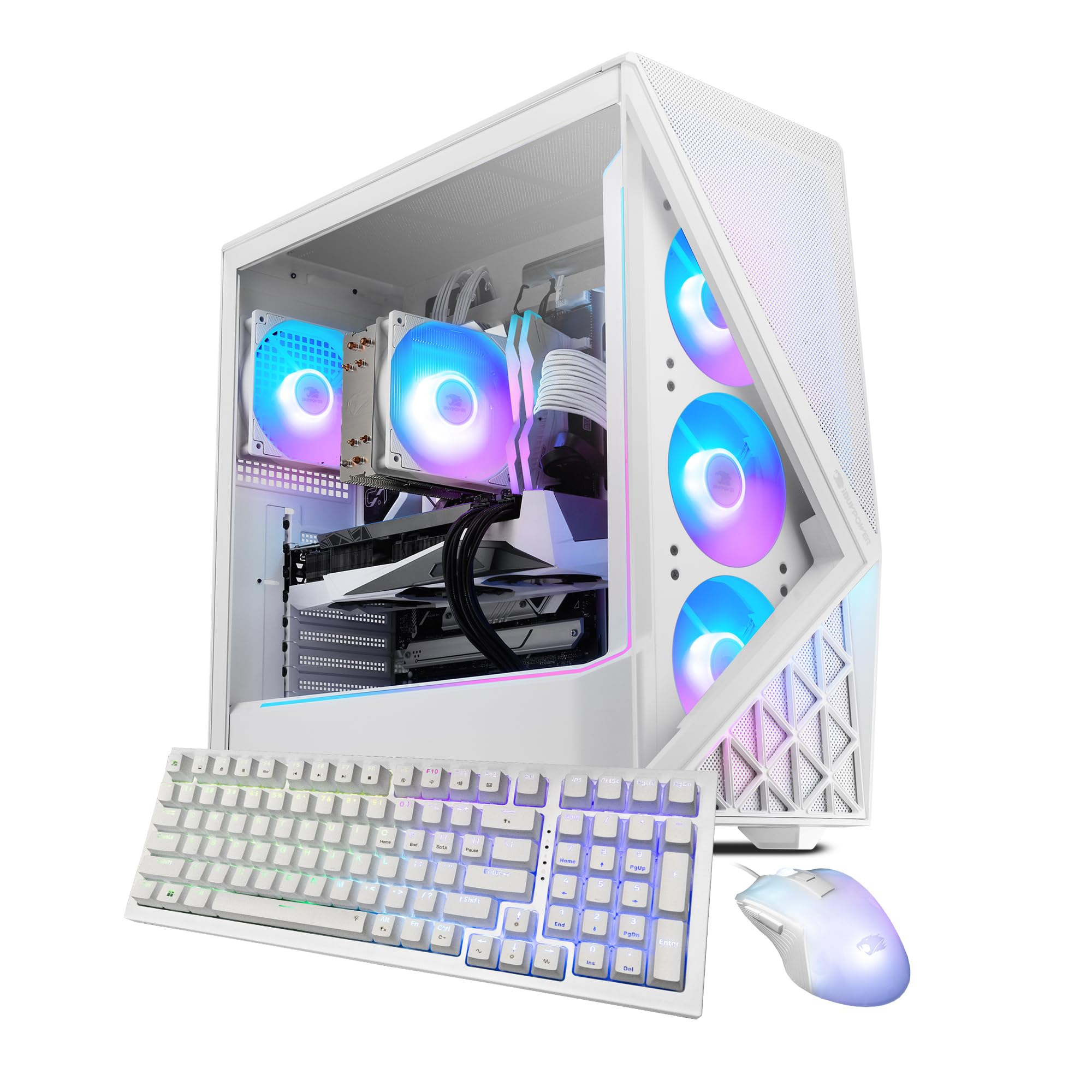
Image: The iBUYPOWER Slate White Gaming PC, showcasing its illuminated RGB fans and tempered glass side panel.
2. Connecting Peripherals
- Monitor: Connect your monitor to the graphics card's display output (HDMI or DisplayPort) located at the rear of the PC. Avoid connecting to the motherboard's video outputs if a dedicated graphics card is installed.
- Keyboard and Mouse: Connect the included iBUYPOWER keyboard and mouse to available USB ports on the rear or front of the PC.
- Power: Connect the power cable to the power supply unit (PSU) at the rear of the PC, then plug the other end into a grounded electrical outlet.
- Network (Optional): For a wired connection, connect an Ethernet cable from your router/modem to the RJ-45 network port on the PC. For wireless, the PC is Wi-Fi ready and will prompt for network setup during Windows installation.
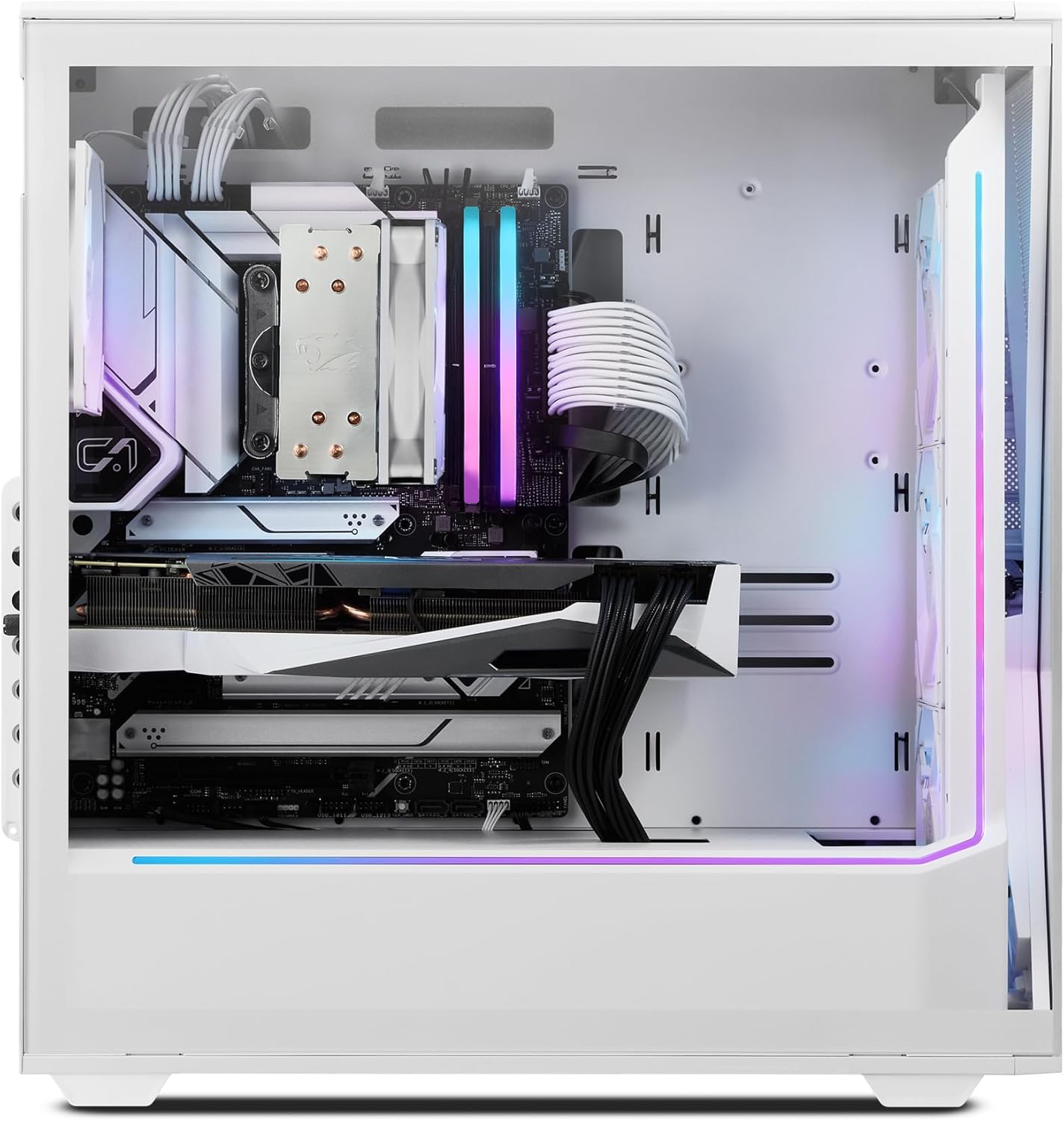
Image: Rear view of the iBUYPOWER Slate White Gaming PC, highlighting the various connectivity ports including USB, Ethernet, and video outputs.
3. Initial Power-On
Press the power button located on the top or front of the PC. The system will boot up, and you will be guided through the Windows 11 Home setup process. Follow the on-screen instructions to complete the initial configuration.
Operating
Power On/Off
- To Power On: Press the power button once.
- To Shut Down: Click the Start button in Windows, then select Power > Shut down.
- To Restart: Click the Start button in Windows, then select Power > Restart.
Windows 11 Home
Your PC comes pre-installed with Windows 11 Home. For detailed instructions on using Windows 11, refer to Microsoft's official documentation and support resources.
Gaming and Performance
The iBUYPOWER SWI9N5702 is equipped with an Intel Core Ultra 9 285 CPU and NVIDIA GeForce RTX 5070 12GB GPU for high-performance gaming and content creation. Ensure your graphics drivers are up to date for optimal performance. Monitor system temperatures during extended gaming sessions to maintain stability.
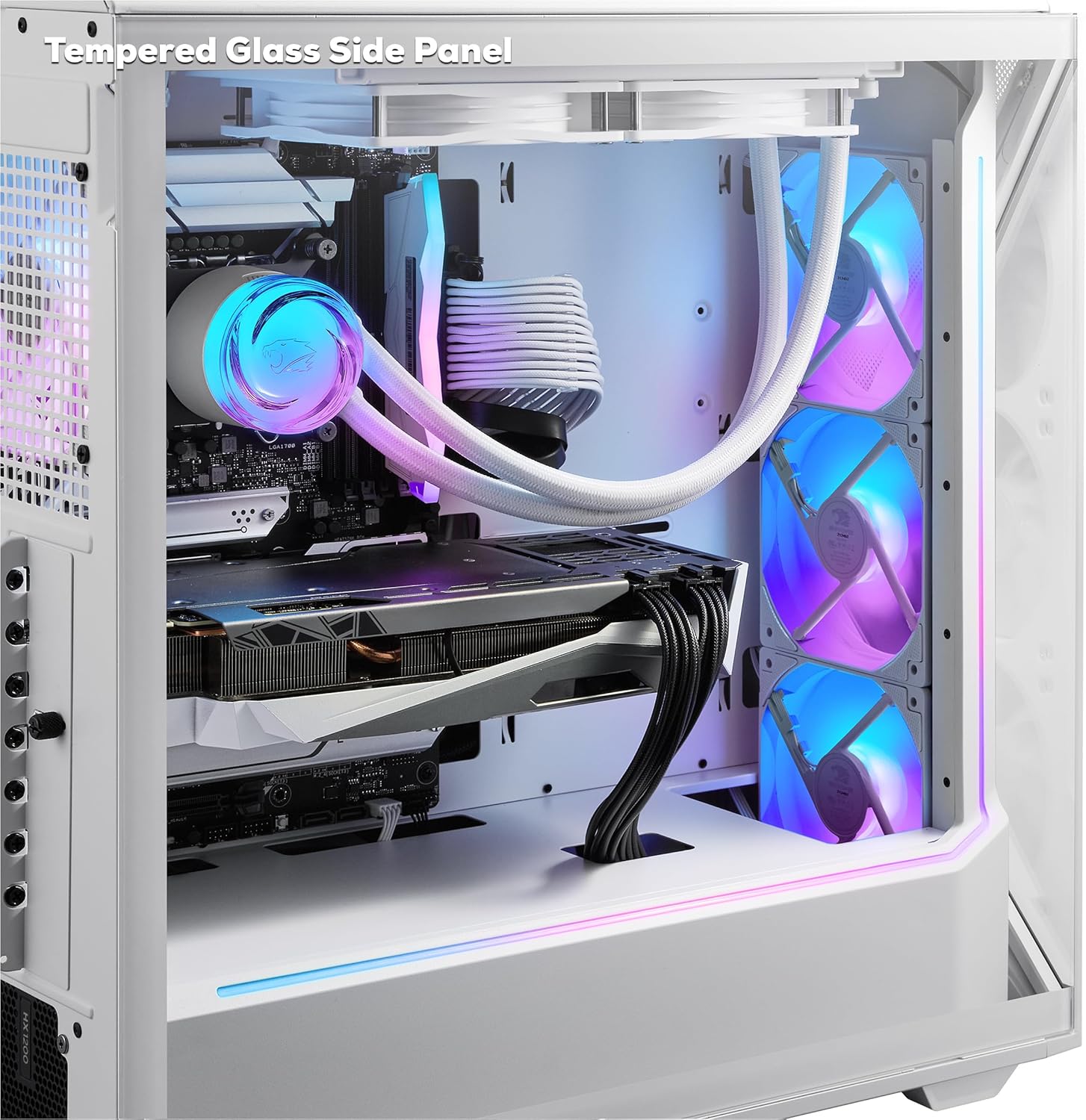
Image: Interior view of the iBUYPOWER Slate White Gaming PC, highlighting the tempered glass side panel and internal components.
RGB Lighting Control
The PC features 16-color RGB lighting and aRGB fans. Control and customize the lighting effects using the pre-installed software provided by iBUYPOWER or the motherboard manufacturer. Refer to the specific software's documentation for detailed instructions.
Maintenance
Cleaning
- Exterior: Use a soft, dry cloth to wipe down the exterior surfaces. For stubborn marks, slightly dampen the cloth with water. Avoid harsh chemicals.
- Dust Filters: Periodically clean the dust filters (if present) to maintain optimal airflow. These are typically located on the front, top, or bottom of the case.
- Internal Components: With the PC powered off and unplugged, use compressed air to gently clear dust from fans (CPU cooler, GPU, case fans) and heatsinks. Hold fan blades to prevent them from spinning rapidly during cleaning.

Image: The iBUYPOWER Slate White Gaming PC, showcasing its perforated mesh panel designed to improve airflow and cooling.
Software Updates
Regularly update your operating system (Windows Update) and graphics drivers (NVIDIA GeForce Experience) to ensure system stability, security, and optimal performance for games and applications.
System Backups
It is recommended to regularly back up your important data to an external drive or cloud storage to prevent data loss.
Troubleshooting
This section addresses common issues you might encounter. For more complex problems, contact iBUYPOWER support.
- No Power:
- Ensure the power cable is securely connected to both the PC and the wall outlet.
- Verify the power switch on the PSU (at the back of the PC) is in the 'ON' position.
- Try a different power outlet.
- No Display on Monitor:
- Check that the monitor is powered on and the video cable is securely connected to the graphics card output on the PC and the monitor input.
- Ensure the monitor's input source is correctly selected (e.g., HDMI 1, DisplayPort).
- If multiple video outputs are available, try a different port on the graphics card.
- System is Slow or Unresponsive:
- Close unnecessary applications running in the background.
- Check Task Manager (Ctrl+Shift+Esc) for high CPU, RAM, or disk usage.
- Ensure Windows and drivers are up to date.
- Run a virus/malware scan.
- Overheating:
- Ensure the PC has adequate ventilation and is not placed in an enclosed space.
- Clean dust from fans and heatsinks as described in the Maintenance section.
- Verify all case fans are spinning.
Specifications
| Feature | Detail |
|---|---|
| Brand | iBUYPOWER |
| Model Number | SWI9N5702 |
| Operating System | Windows 11 Home |
| CPU Model | Intel Core Ultra 9 285 |
| CPU Speed | 2.5 GHz (up to 5.5 GHz Max) |
| Graphics Coprocessor | NVIDIA GeForce RTX 5070 |
| Graphics Card RAM | 12 GB GDDR6 |
| RAM Memory Installed Size | 32 GB DDR5 5200MHz |
| Memory Storage Capacity | 1 TB NVMe SSD |
| Cooling Method | Air (Tower Air Cooler, RGB Fans) |
| Connectivity | Wi-Fi (802.11ac), Bluetooth, Ethernet, HDMI, USB |
| USB Ports | 10 Total (6 x USB 3.1) |
| Video Output | HDMI (1 Total) |
| Max Display Resolution | 3840x2160 |
| Case Features | Tempered Glass RGB Gaming Case, Perforated Mesh Panel, 16 Color RGB Lighting |
| Included Peripherals | iBUYPOWER Gaming Keyboard, RGB Gaming Mouse |
| Item Dimensions (LxWxH) | 19.5 x 8.7 x 19.3 inches |
| Item Weight | 36 Pounds |
Warranty
This iBUYPOWER product is covered by a manufacturer's warranty. The warranty description is applicable to the United States. For specific terms, conditions, and duration of your warranty, please refer to the warranty card included with your product or visit the official iBUYPOWER support website.
Support
For technical assistance, troubleshooting beyond this manual, or warranty claims, please contact iBUYPOWER customer support.
- Online Support: Visit the official iBUYPOWER website for FAQs, drivers, and support resources.
- Contact Information: Refer to the documentation included with your PC for phone numbers or email addresses for direct support.
- Product Page: You can also find more information and support resources on the iBUYPOWER Store on Amazon.