
1. Introduction
The Reyke Android Smart Tag is a Google-certified Bluetooth tracker designed to help you locate your valuable items using the Google Find My Device network. This manual provides detailed instructions on setting up, operating, and maintaining your Smart Tag.

The Reyke Android Smart Tag, shown alongside a smartphone displaying the Google Find My Device application, and a key ring attachment.
2. Setup
Before you begin, ensure your Android device is running Android 9 or above, and that you have the latest version of the Google Find My Device app installed from the Google Play Store. Also, confirm that Bluetooth and mobile data are enabled on your phone.
2.1. Fast Pair Setup
For a quick setup, follow these steps:
- Press the power button on your Wireless Tag once.
- Keep the tag near your Android phone. A pop-up will appear on your phone.
- Tap 'Connect' on the pop-up.
- Follow the on-screen steps and tap 'Agree and Continue' to complete the pairing process.
2.2. Manual Setup
If the Fast Pair pop-up does not appear, you can set up your Smart Tag manually:
- Go to your phone's Settings.
- Tap Google.
- Choose All Services.
- Tap Devices under 'Connected devices & sharing'.
- Ensure 'Scan for nearby devices' is turned on.
- Your Wireless Tag should appear in the list. Tap it, then tap 'Agree and Continue' to complete the setup.

Visual guide illustrating the four steps to connect the Wireless Tag to your Android device.
2.3. Setup Video Guide
This video provides a comprehensive guide on how to set up your Reyke Android Smart Tag, covering both Fast Pair and Manual Setup methods.
3. Operating Your Smart Tag
Once paired, your Reyke Android Smart Tag offers several features to help you keep track of your belongings.
3.1. Locate Item with Sound
If your Smart Tag is within Bluetooth range (up to 180 ft), you can make it emit a loud beep to help you find it. Open the Google Find My Device app, select your tag, and tap 'Play sound'. The tag will emit a sound up to 105dB.

The Smart Tag is depicted emitting a sound, with the corresponding 'Play sound' function visible on the Google Find My Device app.
3.2. Lost Mode
If your item is out of Bluetooth range, activate 'Lost Mode' in the Google Find My Device app. This utilizes Google's vast network of Android devices to help locate your lost item. When detected by another Google device, you will automatically receive a notification with its last known location on a map. No subscription is required for this feature.
3.3. Share with Others
The 'Share Device' feature allows you to share the tag's location with up to 4 other users (in addition to yourself). This is ideal for shared items like car keys or family bags. To share, open the Google Find My Device app, select your tag, and tap 'Share device'.
A smartphone screen displays the 'Share device' interface within the Google Find My Device app, allowing users to share the Smart Tag's location.
4. Maintenance
4.1. Battery Replacement
The Reyke Android Smart Tag uses a replaceable CR2032 Lithium Metal battery. When the battery level is low, you will receive a notification in the Google Find My Device app. Use the small tool provided to open the tag and replace the battery.
4.2. Water and Dust Resistance
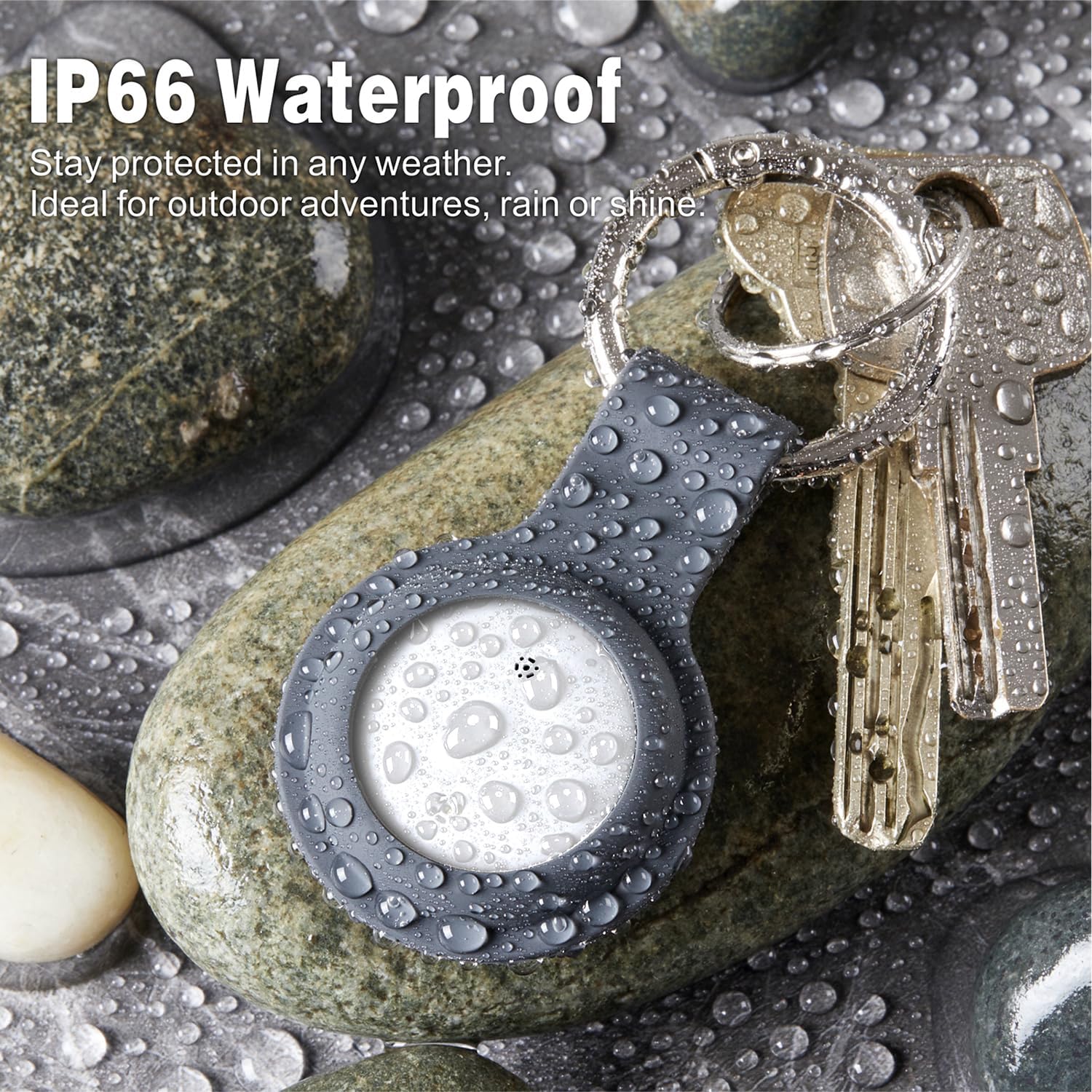
The Smart Tag is built with IP66 waterproof and dust-resistant protection, making it suitable for outdoor use and travel. While it can withstand splashes and dust, avoid prolonged submersion in water.

The Smart Tag is shown with water droplets, highlighting its IP66 waterproof and dust-resistant capabilities.
4.3. Cleaning
To clean your Smart Tag, wipe it with a soft, damp cloth. Do not use harsh chemicals or abrasive materials.
5. Troubleshooting
If you encounter issues with your Reyke Android Smart Tag, try the following solutions:
- Tag Not Connecting: Ensure Bluetooth and mobile data are active on your Android device. Try restarting your phone and pressing the tag's button again to re-initiate pairing. Refer to the Manual Setup steps if Fast Pair is not working.
- Limited Range: Bluetooth range can be affected by obstacles and interference. Ensure there are no large metal objects or thick walls between your phone and the tag.
- Sound Not Working: Check the battery level of your tag in the Google Find My Device app. A low battery might affect the sound output. Replace the battery if necessary.
- Location Inaccuracy: The Google Find My Device network relies on other Android devices. In areas with fewer Android devices, location accuracy might be reduced.
- App Issues: Ensure your Google Find My Device app is updated to the latest version. Clear the app's cache or reinstall it if problems persist.
6. Specifications
| Feature | Detail |
|---|---|
| Model Number | HB15 |
| Product Dimensions | 1.26 x 1.26 x 0.31 inches (32mm x 32mm x 7.9mm) |
| Item Weight | 1.13 ounces |
| Battery Type | 1 Lithium Metal battery (CR2032, included) |
| Connectivity | Bluetooth |
| Waterproof Rating | IP66 |
| Loud Sound | 90-105dB |
| Bluetooth Range | Up to 160ft/50m |
| Compatible Devices | Android Smartphone, Google Find My Device |
Detailed specifications including dimensions, sound level, Bluetooth range, waterproof rating, and battery type.
7. Warranty and Support
Specific warranty information is not provided in this manual. For warranty details or further assistance, please contact Reyke customer support through the retailer where you purchased the product or visit the official Reyke website.


