
CatXQ AI-E13-1
CatXQ AI Smart Glasses AI-E13-1 User Manual
Model: AI-E13-1
Introduction
Welcome to the CatXQ AI Smart Glasses user manual. These smart glasses integrate real-time translation, high-definition audio, and eye protection features into a stylish and lightweight design. This manual provides essential information for setup, operation, maintenance, and troubleshooting to ensure optimal use of your device.

Image: CatXQ AI Smart Glasses showcasing key features like high-definition sound, real-time translation, and Bluetooth connectivity.
The CatXQ AI Smart Glasses are designed for both men and women, offering crystal-clear calls and music streaming through advanced noise-canceling technology. They are an ideal companion for an active lifestyle, seamlessly blending technology and fashion.

Image: Various usage scenarios for CatXQ AI Smart Glasses, including driving, gaming, calls, music, office work, and cycling.
Setup
1. Initial Charge
Before first use, fully charge your CatXQ AI Smart Glasses. Use the provided magnetic charging case and connect it to a power source.
2. Bluetooth Pairing
- Ensure your smart glasses are charged and powered on.
- Activate Bluetooth on your smartphone (iOS or Android).
- Search for available devices and select "CatXQ Smart Glasses" to pair.
- Confirm the pairing on your smartphone if prompted.
3. Lens Installation/Replacement
Your glasses come with three interchangeable lens sets: blue light cut (for work) and stylish sunglass lenses (for outdoor use). To change lenses:
- Gently hold the frame and carefully detach the current lenses.
- Align the desired new lenses with the frame grooves.
- Press firmly until the lenses click securely into place.
Operating Instructions
1. Power On/Off
Refer to the device's physical buttons or touch controls for powering on and off. Typically, a long press on a designated button will perform this action.
2. Audio Playback and Calls
Once paired, audio from your smartphone will stream directly to the glasses. The advanced speaker system delivers rich sound. For calls, the dual microphones with automatic noise reduction ensure clear communication.
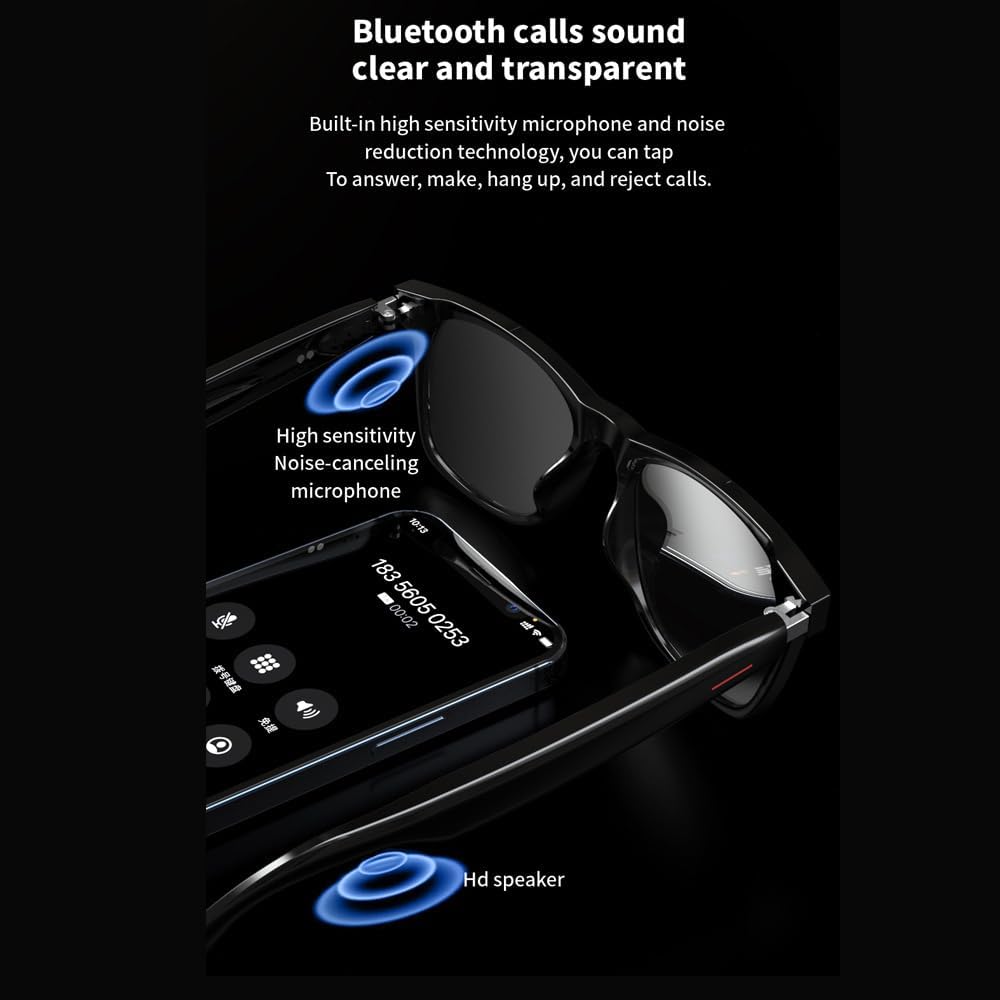
Image: Detail of the smart glasses arm, highlighting the noise-canceling microphone and HD speaker for clear Bluetooth calls.
You can tap the glasses to answer, make, hang up, and reject calls, thanks to the built-in high sensitivity microphone and noise reduction technology.
3. AI Intelligent Voice Dialogue Function
The glasses feature an intelligent AI dialogue system. By speaking up, you can solve problems in work, study, and life, easily finding inspiration and answers. This function connects to your smartphone for real-time processing.
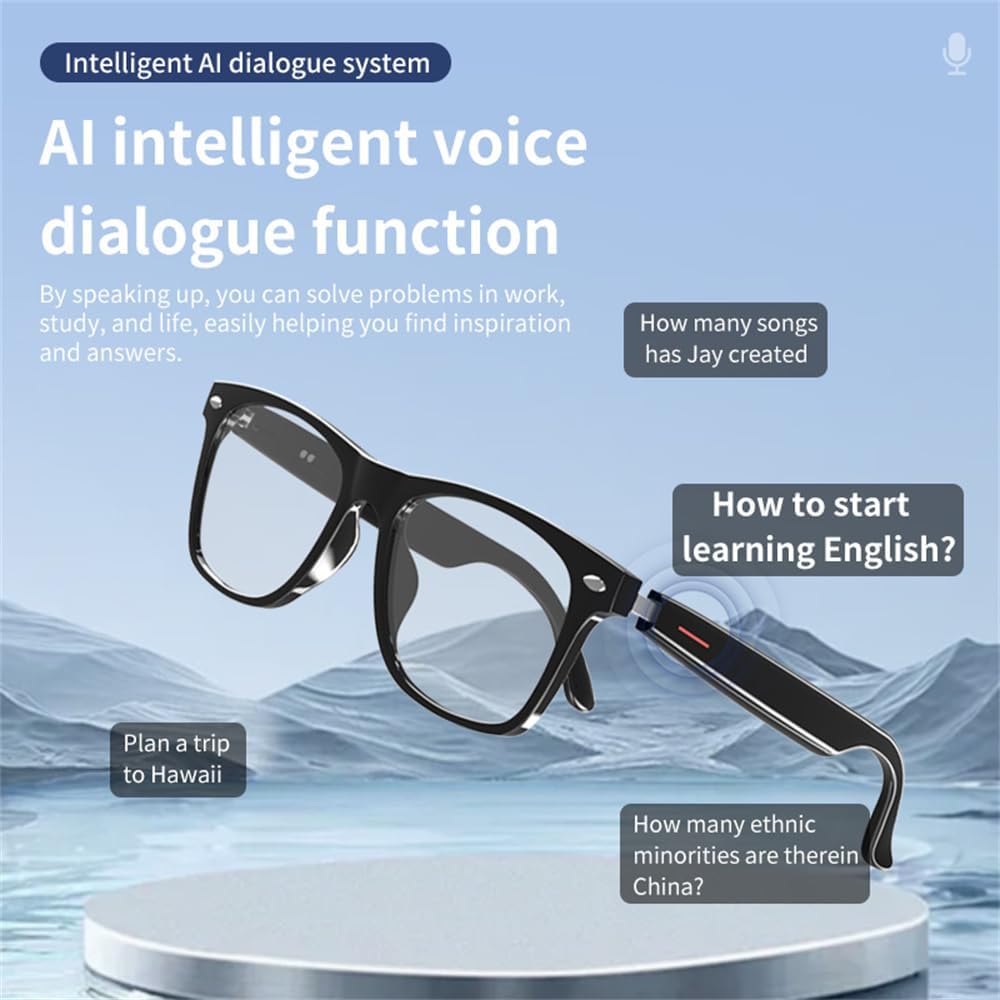
Image: The AI intelligent voice dialogue function in action, showing how users can ask questions and receive answers.
4. Real-Time Translation
These innovative translation glasses connect to your smartphone, translating conversations in over 120 languages in real-time. Switch to free mode for one-click communication and automatic language recognition across over 200 countries.

Image: Real-time translation feature, showing language recognition and translation during a conversation.
5. Remote Control Photography
The glasses support remote control photography, allowing you to capture moments by interacting with the glasses. Refer to your device's specific controls for this feature.
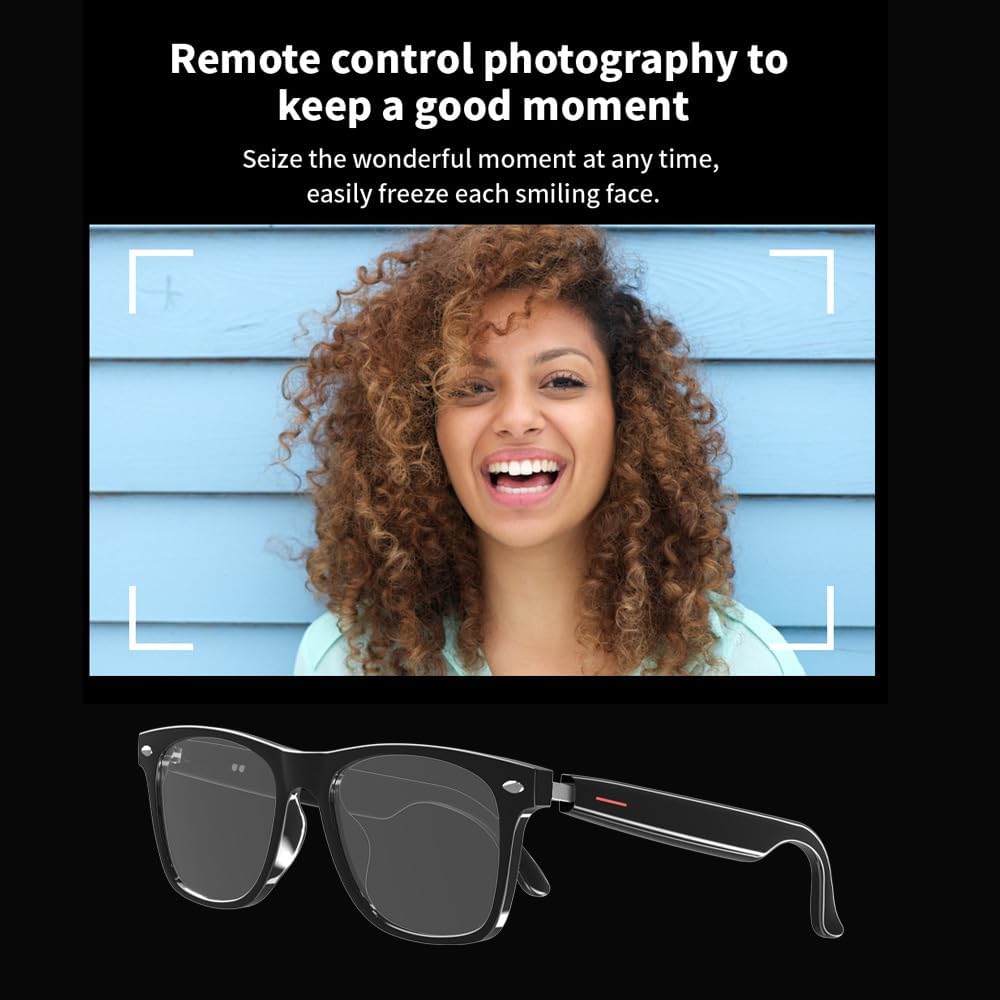
Image: Remote control photography feature, enabling users to seize wonderful moments.
Maintenance
- Cleaning: Use the provided microfiber cleaning cloth to gently wipe lenses and frame. Avoid harsh chemicals or abrasive materials.
- Storage: When not in use, store the smart glasses in the included protective case to prevent scratches and damage.
- Charging: Always use the original magnetic charging case. Avoid overcharging or exposing the device to extreme temperatures.
- Handling: Handle the glasses with care. Avoid folding the arms with excessive force, as this may cause damage.
Troubleshooting
| Problem | Solution |
|---|---|
| Glasses do not power on. | Ensure the glasses are fully charged. Connect to the magnetic charging case and allow sufficient time to charge. |
| Unable to pair via Bluetooth. |
|
| No sound or poor sound quality. |
|
| Translation function not working. |
|
Specifications
| Model Number | AI-E13-1 |
| Brand | CatXQ |
| Color | Ai-Black |
| Size | 54-18-140 |
| Package Dimensions | 17.1 x 5.9 x 5.5 cm |
| Weight | 180 g |
| Battery Type | Lithium Polymer |
| Bluetooth Version | 5.2 (as per product description) |
| Translation Languages | 120+ (as per product description) |
| Eye Protection | Blue Light Filter, UV400 (with interchangeable lenses) |
| Compatibility | iOS/Android Bluetooth devices |
Warranty Information
Specific warranty details are typically provided with your purchase documentation or on the manufacturer's official website. Please retain your proof of purchase for any warranty claims. For detailed warranty terms and conditions, refer to the information included in your product packaging or contact CatXQ customer support.
Customer Support
For further assistance, technical support, or inquiries regarding your CatXQ AI Smart Glasses, please visit the official CatXQ website or contact their customer service department. Contact information can usually be found on the product packaging or the brand's official online presence.
Ask a question about this manual
Ask about setup, troubleshooting, compatibility, parts, safety, or missing instructions. Manuals+ will review the question and use this page’s manual context to help answer it.