
1. Introduction
This manual provides essential information for the safe and effective use of your HGBAVVATFK JK Smart BMS BD6A24S10P. This Battery Management System (BMS) is designed to monitor and manage various battery chemistries, including Li-Ion, LiFePO4, and LTO, ensuring optimal performance and longevity.
Key features include active cell balancing, comprehensive protection functions, and Bluetooth connectivity for real-time monitoring via a dedicated mobile application.
2. Safety Information
- Always disconnect the battery pack before performing any wiring or maintenance on the BMS.
- Ensure all connections are secure and correctly polarized to prevent damage to the BMS or battery.
- Do not expose the BMS to water, excessive heat, or corrosive environments.
- Only use the BMS with compatible battery types and cell configurations (8S-24S).
- Consult a qualified professional if you are unsure about any installation or operation procedures.
3. Product Overview
The JK Smart BMS BD6A24S10P is a sophisticated battery management unit. It features main power terminals for charge/discharge, a dedicated port for balance wires, and a QR code for easy access to the companion application.

This image displays the HGBAVVATFK JK Smart BMS BD6A24S10P unit, showing its main power terminals labeled 'P-' and 'B-', a central QR code for app access, and the multi-pin connector for individual cell balance wires at the bottom. The device is black with a clean, rectangular design.

This image illustrates the HGBAVVATFK JK Smart BMS BD6A24S10P, highlighting its core specifications: Model JK-BD6A24S10P, Functionality (BT/RS485), Balancing Current (0.6A), Supported Battery Strings (8S-24S), Charge/Discharge Current (100A), Dimensions (162*102*20mm), and Compatible Battery Types (Li-ion/LiFePO4/LTO).
4. Specifications
| Feature | Specification |
|---|---|
| Model Number | BD6A24S10P |
| Charging Current | 100A |
| Balance Function | Active Balanced BMS (0.6A) |
| Battery Series Support | 8S-24S |
| Charge and Discharge Port | Common Port BMS |
| Supported Battery Types | Li-Ion, LiFePO4, LTO |
| Communication | Bluetooth (BT), RS485 |
| Overcharge Protection | Yes |
| Over Discharge Protection | Yes |
| Overcurrent Protection | Yes |
| Short Circuit Protection | Yes |
| Low Temperature Charging Cut-off | Yes |
| Dimensions | 162 x 102 x 20 mm (approximate) |
| Item Weight | 1.76 pounds (approximate) |
5. Setup and Installation
Proper installation is crucial for the safe and efficient operation of your BMS. Follow these general guidelines:
- Prepare the Battery Pack: Ensure all individual cells are balanced to a similar voltage before connecting the BMS.
- Connect Main Power Wires: Connect the main negative terminal of the battery pack to the 'B-' terminal on the BMS. Connect the load/charger negative to the 'P-' terminal. The main positive connection of the battery pack bypasses the BMS.
- Connect Balance Wires: Carefully connect the balance wires from each cell to the corresponding pins on the BMS balance port. Ensure the correct order (B-, B1, B2, ..., Bmax) as per the wiring diagram provided with your specific unit. Incorrect wiring can cause severe damage.
- Verify Connections: Double-check all connections for polarity and security before applying power.
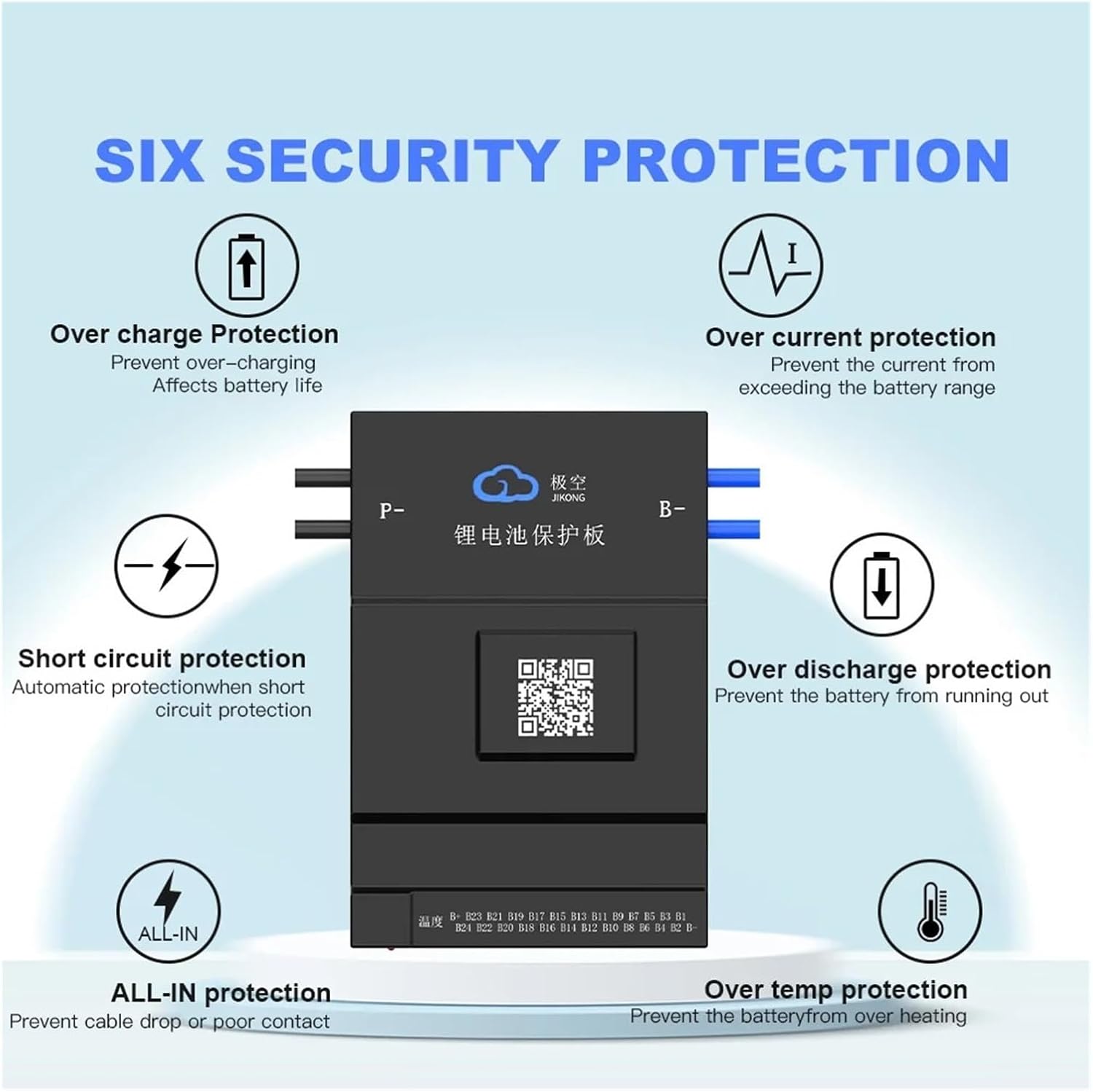
This diagram details the six security protection features integrated into the JK Smart BMS: Over Charge Protection (prevents over-charging), Over Current Protection (prevents current exceeding range), Short Circuit Protection (automatic protection), Over Discharge Protection (prevents battery from running out), ALL-IN Protection (prevents cable drop or poor contact), and Over Temperature Protection (prevents overheating).
6. Operating Instructions
6.1. Mobile Application and Bluetooth Connectivity
The JK Smart BMS features built-in Bluetooth communication, allowing you to monitor and configure your battery system via a dedicated mobile application. The app is compatible with iOS, Android, and Harmony OS.
- Download the App: Scan the QR code on the BMS unit or search for the 'JK BMS' app in your device's app store.
- Connect via Bluetooth: Enable Bluetooth on your mobile device. Open the app and follow the instructions to pair with your BMS.
- Monitor and Configure: The app displays real-time battery status, including cell voltages, temperature, current, and state of charge. You can also adjust various BMS parameters through the app.
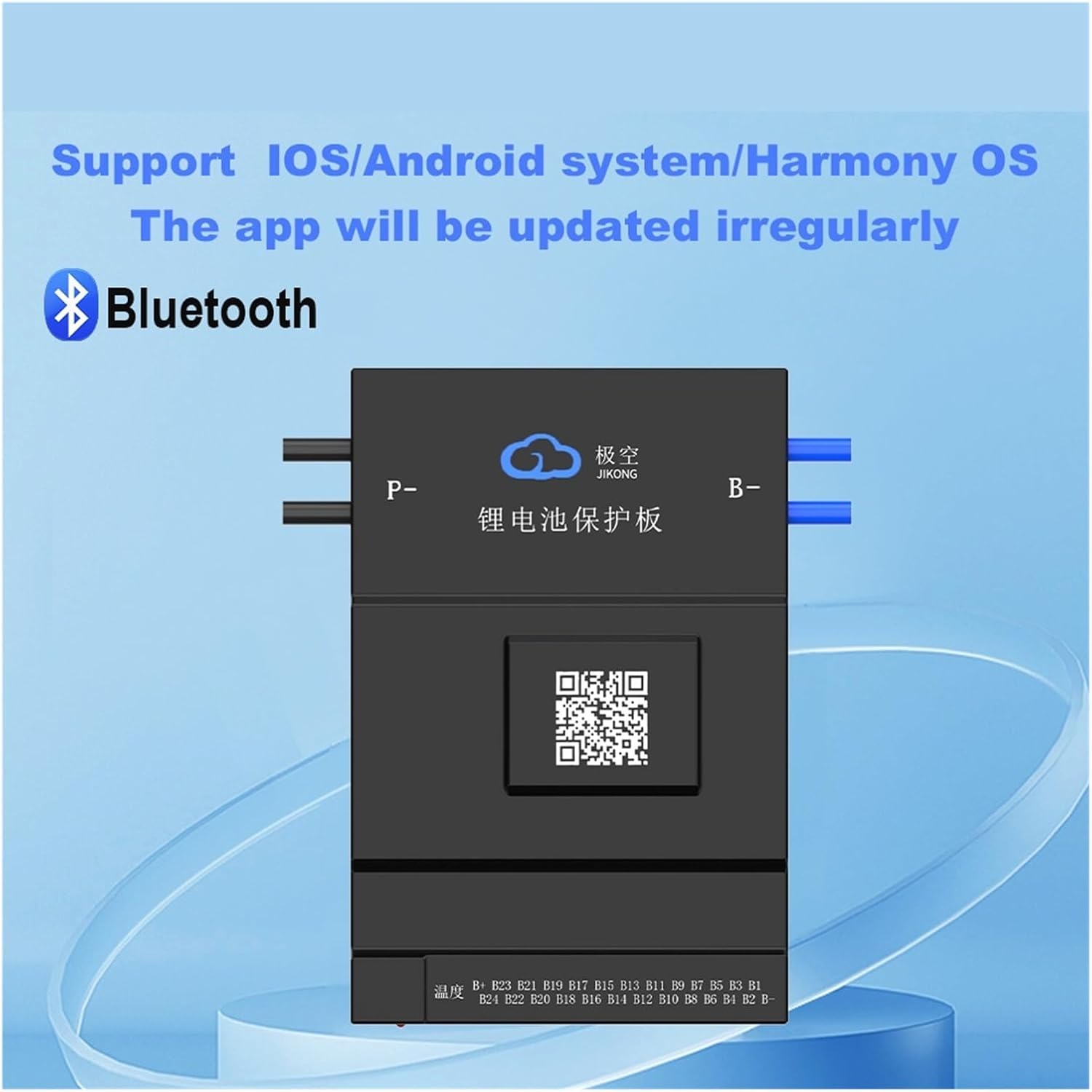
This image confirms the JK Smart BMS's compatibility with various mobile operating systems, including iOS, Android, and Harmony OS, enabling wireless communication and monitoring via Bluetooth. The accompanying app is subject to irregular updates for improved functionality.
6.2. Protection Functions
The BMS provides comprehensive protection for your battery pack:
- Overcharge Protection: Prevents cells from being charged beyond their safe voltage limit.
- Over-discharge Protection: Prevents cells from being discharged below their safe voltage limit.
- Overcurrent Protection: Limits the current during charge and discharge to prevent damage.
- Short Circuit Protection: Automatically disconnects the battery in case of a short circuit.
- Over Temperature Protection: Monitors battery temperature and disconnects if it exceeds safe operating limits.
- ALL-IN Protection: Designed to prevent issues from cable drops or poor contact.
7. Modes of Operation
7.1. Storage Mode
Storage Mode is designed for long-term preservation of the battery pack. In this mode, the BMS minimizes power consumption and maintains the battery at an optimal storage voltage.

An exploded view of the JK Smart BMS reveals its internal components. The image also highlights 'Storage Mode' features, including considerations for transportation, long-term storage, offline operation, and wireless transmission off mode, designed to preserve battery life and safety during inactivity.
7.2. Standby Mode
Standby Mode is for short periods of inactivity. It allows for discharge current but typically suspends active balancing to conserve power. The duration of this mode can often be configured via the app (e.g., 1-30 days).

This image depicts the JK Smart BMS in 'Standby Mode,' indicating states such as no charging activity, presence of discharge current, absence of equilibrium current, and the ability to set the standby duration from 1 to 30 days. This mode helps manage battery state during short periods of inactivity.
7.3. Shutdown
The BMS can enter a shutdown state to prevent power waste, protect against a damaged battery pack, or in response to a critical battery failure. This state ensures safety and prevents further damage to the battery or system.

The 'Shutdown' state of the JK Smart BMS is illustrated, indicating potential reasons for shutdown such as preventing power waste, protecting against a damaged battery pack, or responding to a general battery failure. This mode ensures safety and prevents further damage.
8. Maintenance
- Regularly inspect all wiring for signs of wear, corrosion, or loose connections.
- Keep the BMS clean and free from dust and debris.
- Ensure adequate ventilation around the BMS to prevent overheating.
- Periodically check the battery cell voltages via the app to confirm proper balancing.
9. Troubleshooting
- BMS Not Powering On: Check main power connections (B- and P-). Ensure the battery pack has sufficient voltage.
- Cells Unbalanced: Verify balance wire connections. Ensure the active balancing function is enabled in the app. Allow time for the active balancer to work.
- Overcurrent/Overvoltage Protection Triggered: Reduce load or charging current. Check for short circuits in the system.
- Bluetooth Connection Issues: Ensure Bluetooth is enabled on your device and the BMS is within range. Restart the app and the BMS if necessary.
- BMS Shutting Down Unexpectedly: Check for error codes in the app. This could indicate a critical fault such as over-temperature, severe over-discharge, or internal BMS issue.
10. Warranty and Support
For warranty information and technical support, please refer to the documentation provided with your purchase or contact the manufacturer directly. Keep your proof of purchase for warranty claims.