
BBD 10000mAh MagSafe Portable Charger
Model: KR-B001 User Manual
1. Introduction
Thank you for choosing the BBD 10000mAh MagSafe Portable Charger. This device is designed to provide convenient and fast charging for your compatible devices, especially the iPhone 12-17 series, through both magnetic wireless charging and USB-C wired charging. Please read this manual carefully to ensure proper use and optimal performance.
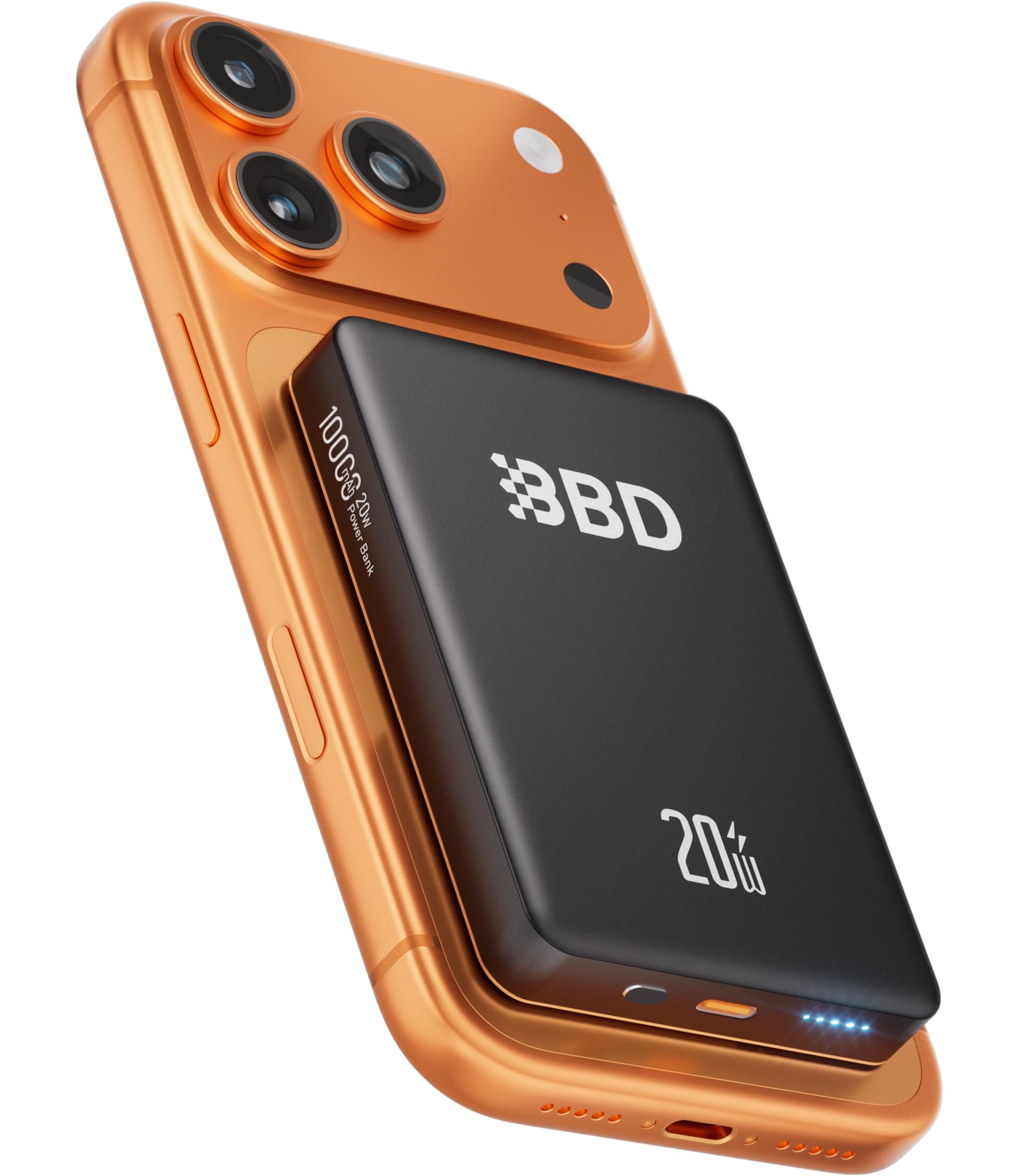
Image: The BBD 10000mAh MagSafe Portable Charger, a compact black device with a circular magnetic charging area.
2. Product Overview
Key Features:
- 10000mAh Capacity: Provides extended power for your devices.
- MagSafe Compatibility: Designed for seamless magnetic attachment and wireless charging with iPhone 12-17 series.
- Fast Charging: Supports up to 20W wired (USB-C) and 15W wireless charging.
- Dual Output: Charge two devices simultaneously (one wirelessly, one via USB-C).
- Advanced Safety: Features aluminum alloy shell for heat dissipation, intelligent temperature control, overvoltage, overheat, short-circuit, and overcharge protection.
- Slim and Portable Design: Compact dimensions (4 x 2.7 x 0.6 inches) for easy travel.
What's in the Box:
- BBD 10000mAh MagSafe Portable Power Bank (x1)
- USB-C to USB-C Cable (x1)
- Instruction Manual (x1)

Image: The package contents, including the power bank, a USB-C cable, and the user manual.
3. Setup
Initial Charging of the Power Bank:
- Connect the provided USB-C to USB-C cable to the power bank's USB-C port.
- Connect the other end of the cable to a compatible USB-C wall adapter (not included).
- The LED indicators on the power bank will illuminate to show the charging status. Allow the power bank to fully charge before first use.
A full charge typically takes several hours. Refer to the LED indicators for charge level: four solid LEDs indicate a full charge.
4. Operating Instructions
Wireless Charging (MagSafe Compatible):
- Ensure your device is MagSafe compatible (iPhone 12-17 series) or has a MagSafe-compatible case (thickness < 2.5mm).
- Align the back of your iPhone with the magnetic charging area on the power bank. The magnets will snap into place, ensuring proper alignment.
- The power bank will automatically begin wireless charging. The charging status will be indicated on your iPhone screen.

Image: Illustration showing how to use the power bank with a magnetic phone case for optimal alignment.

Image: Depiction of the strong magnetic connection between the power bank and a smartphone.
Wired Charging (USB-C):
- Connect one end of the USB-C cable to the power bank's USB-C output port.
- Connect the other end of the USB-C cable to your device's charging port.
- The power bank will automatically begin wired charging.
Simultaneous Charging (Dual Output):
The BBD MagSafe Portable Charger supports charging two devices simultaneously: one wirelessly via MagSafe and another via the USB-C port. This allows for efficient power delivery to multiple devices without compromising charging speed or safety.

Image: The power bank charging a smartphone wirelessly and a tablet via a USB-C cable simultaneously.

Image: A graphic demonstrating the dual-mode fast charging capabilities: 15W wireless and 20W USB-C output.
Portability and Travel:
The slim and compact design makes this power bank ideal for travel. Its dimensions allow it to fit easily into pockets or small bags, providing power on the go without the hassle of wires.

Image: The compact power bank being placed into a back pocket, highlighting its portability.

Image: A person using the power bank on an airplane and another person using it outdoors, demonstrating its travel-friendly nature.
5. Maintenance
- Cleaning: Use a soft, dry cloth to clean the surface of the power bank. Avoid using harsh chemicals or abrasive materials.
- Storage: Store the power bank in a cool, dry place away from direct sunlight and extreme temperatures.
- Battery Care: To prolong battery life, fully charge the power bank at least once every three months if not in regular use. Avoid completely draining the battery frequently.
- Heat Dissipation: The aluminum alloy casing aids in heat dissipation. Ensure the power bank is not covered during use to allow for proper airflow.

Image: An exploded view showing the internal components and aluminum alloy casing designed for rapid heat dissipation and smart temperature control.
6. Troubleshooting
- Device not charging:
- Ensure the power bank is charged.
- Check cable connections for wired charging.
- For wireless charging, ensure proper magnetic alignment and that your phone case is MagSafe compatible and not too thick (< 2.5mm).
- Remove any metal objects or credit cards between the phone and the power bank.
- Slow charging:
- Ensure you are using a compatible fast-charging wall adapter for the power bank itself.
- For wired charging, use the provided USB-C cable or another high-quality USB-C cable.
- Wireless charging speed can be affected by phone cases or foreign objects.
- Power bank overheating:
- It is normal for the power bank to become slightly warm during operation.
- If it becomes excessively hot, disconnect it from all devices and power sources immediately. Allow it to cool down before reuse.
- Ensure adequate ventilation and do not cover the power bank during use.
7. Specifications
| Model Name: | KR-B001 |
| Battery Capacity: | 10000 mAh |
| Wireless Output: | Up to 15W |
| USB-C Input/Output: | Up to 20W Power Delivery (PD) |
| Connector Type: | Magnetic, USB Type C |
| Dimensions (L x W x Th): | 4" x 2.7" x 0.6" (10.16 cm x 6.86 cm x 1.52 cm) |
| Compatible Devices: | iPhone 12-17 series (MagSafe), Smartphone, Tablet (USB-C) |
| Special Features: | Fast Charging, Magnetic Charging, Portable, Slim, Wireless Charging, Multi-Protection Safety |
8. Safety Information
- Do not expose the power bank to extreme temperatures, direct sunlight, or fire.
- Do not disassemble, modify, or repair the device yourself.
- Avoid dropping or subjecting the power bank to strong impacts.
- Keep out of reach of children.
- Do not use the power bank in wet environments or immerse it in water.
- Use only certified charging cables and adapters.
- Dispose of the power bank responsibly according to local regulations.

Image: A graphic detailing the advanced safety features such as NTC temperature control, graphene dissipation, and various protection mechanisms against electrical faults.
9. Warranty and Support
The BBD 10000mAh MagSafe Portable Charger (Model KR-B001) comes with a 2-year warranty from the date of purchase. This warranty covers manufacturing defects and malfunctions under normal use.
For warranty claims, technical support, or any questions regarding your product, please contact BBD customer service through the retailer where you purchased the product or visit the official BBD website for contact information.
Please retain your proof of purchase for warranty service.