
Introduction
This manual provides important information for the safe operation, assembly, maintenance, and troubleshooting of your COSTWAY 24" Industrial Drum Fan. Please read this manual thoroughly before using the product and retain it for future reference.
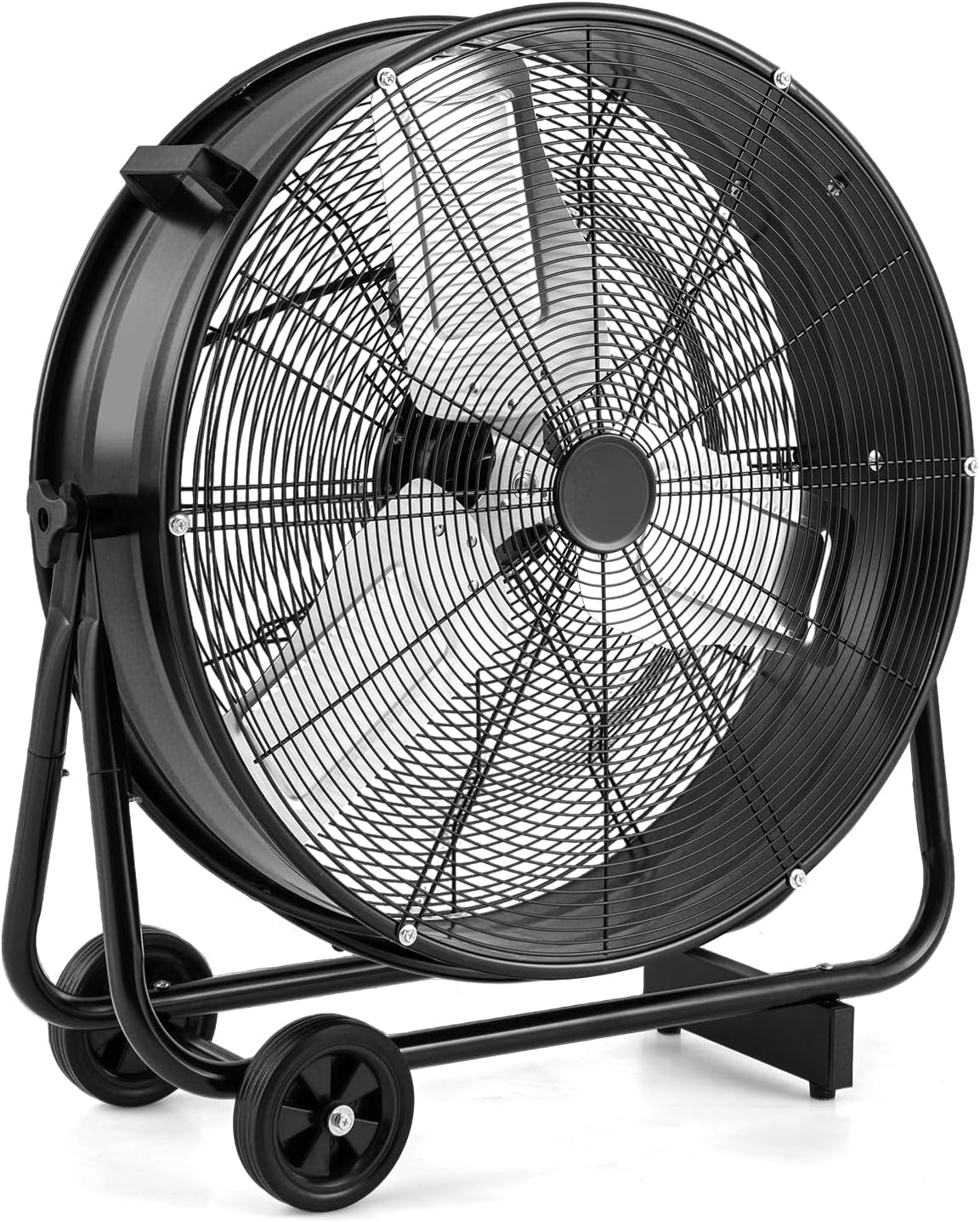
Image: The COSTWAY 24-inch Industrial Drum Fan, a large black fan with a sturdy metal frame and wheels.
Safety Instructions
To reduce the risk of fire, electric shock, or injury, observe the following safety precautions:
- Always unplug the fan before cleaning, servicing, or moving it.
- Do not operate the fan with a damaged cord or plug. If the cord or plug is damaged, contact customer service for replacement.
- Keep the power cord away from heated surfaces.
- Do not run the power cord under carpeting. Do not cover the cord with throw rugs, runners, or similar coverings. Arrange the cord away from traffic areas where it will not be tripped over.
- Do not insert fingers or foreign objects into any ventilation or exhaust opening.
- Do not use this fan near a window, as rain or moisture may create an electrical hazard.
- This fan is intended for industrial and commercial use. Do not use it for residential purposes unless specifically stated.
- Ensure the fan is placed on a stable, level surface to prevent tipping.
- Supervise children and pets when the fan is in operation.
- Do not use the fan in areas where flammable liquids or gases are stored.
Package Contents
Verify that all components are present in the package:
- 1 x Drum Fan
- 1 x User Guide
Assembly Instructions
The COSTWAY 24" Industrial Drum Fan features a pre-assembled design for most parts. Only the cradle base, support brackets, and wheels require installation. Follow these steps for quick assembly:
- Attach the cradle base to the fan body. Align the spring buttons on the cradle base with the corresponding holes on the fan's frame and press them in until they click into place.
- Assemble the wheel axle. Insert the axle through the designated holes on the support brackets. Secure the wheels onto the axle using the provided fasteners.
- Attach the assembled wheel unit to the fan's main frame. Align the holes and secure with the provided screws.
Video: An official assembly guide for the COSTWAY 24-inch Industrial Drum Fan, demonstrating the steps to attach the cradle base and wheels.

Image: Close-up of the fan's wheels and portable handles, highlighting its ease of movement.
Operating Instructions
The COSTWAY Industrial Drum Fan is designed for powerful air circulation with adjustable settings.
Power and Speed Control
- Plug the fan into a standard 120V AC outlet.
- Use the adjustment knob located on the fan to select one of three wind speeds: Low (4700 CFM), Medium (6500 CFM), or High (8100 CFM). Turn the knob to the 'OFF' position to power down the fan.

Image: The fan operating at three different wind speeds: Low (4700 CFM), Medium (6500 CFM), and High (8100 CFM).

Image: Detailed view of the adjustment knob for controlling wind speed, the integrated cable manager, and anti-slip foot pads.
Adjusting Airflow Direction
- The fan features a 360° tilting function. Loosen the knobs on the side of the fan frame, adjust the fan head to the desired angle, and then tighten the knobs to secure it in place.

Image: Diagram illustrating the fan's ability to tilt 360 degrees for versatile airflow direction.

Image: The industrial drum fan effectively circulating air within a garage setting.

Image: The industrial drum fan providing powerful air movement in a large warehouse environment.
Maintenance
Regular maintenance ensures optimal performance and longevity of your fan.
Cleaning
- Always unplug the fan before cleaning.
- Use a soft, damp cloth to wipe the exterior surfaces of the fan. Do not use abrasive cleaners or solvents.
- To clean the fan blades, carefully remove the front grille (if removable) and wipe the blades with a soft cloth. Ensure the grille is securely reattached before operating.
- Do not immerse the fan in water or allow water to drip into the motor housing.
Storage
- When not in use, store the fan in a cool, dry place.
- If storing for an extended period, cover the fan to protect it from dust.
Troubleshooting
Refer to this section for common issues and their solutions.
- Fan does not turn on:
- Ensure the power cord is securely plugged into a working electrical outlet.
- Check if the speed control knob is set to an 'ON' position (Low, Medium, or High).
- Verify that the circuit breaker has not tripped.
- Reduced airflow:
- Check for any obstructions around the fan intake or exhaust.
- Clean any dust or debris from the fan blades and grilles.
- Unusual noise or vibration:
- Ensure the fan is placed on a stable, level surface.
- Check for any loose parts or foreign objects inside the fan housing.
- If the noise persists, discontinue use and contact customer support.
Specifications
| Feature | Detail |
|---|---|
| Brand | COSTWAY |
| Model Number | ES10419US-BK |
| Color | Black |
| Product Dimensions | 29" (L) x 11.5" (W) x 31" (H) |
| Fan Blade Diameter | 24" |
| Rated Power | 230W |
| Voltage | 120V AC |
| Frequency | 60Hz |
| Airflow Capacity (Low) | 4700 CFM |
| Airflow Capacity (Medium) | 6500 CFM |
| Airflow Capacity (High) | 8100 CFM |
| Max Air Speed | 23 ft/s (7.1 m/s) |
| Noise Level | 70/73.5/75.6 dB |
| Power Cord Length | 5.4 ft (165 cm) |
| Net Weight | 25.5 lbs (11.5 kg) |
| Special Feature | Portable, 360° Adjustable Tilt |
| Certifications | ETL Certified |
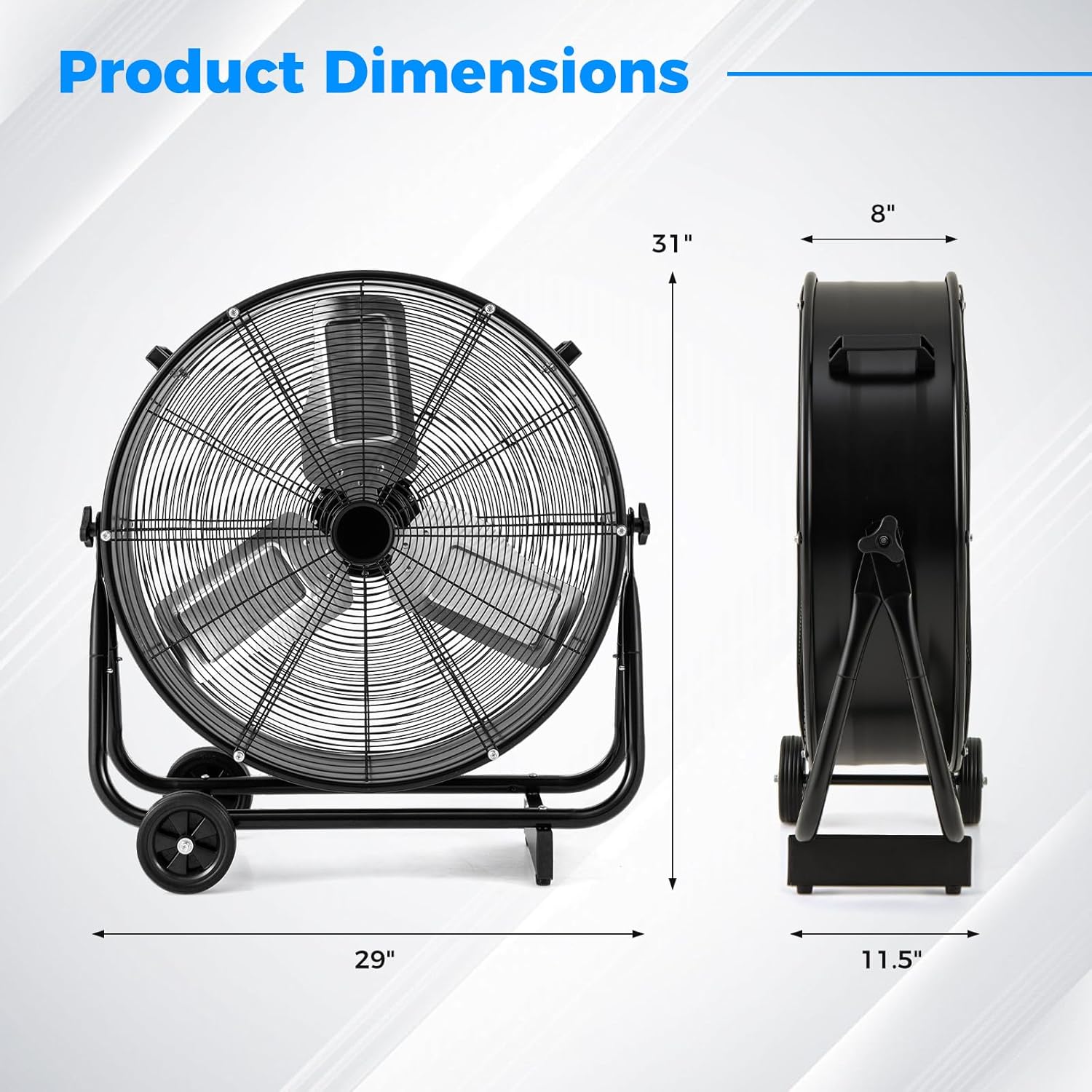
Image: A diagram illustrating the key dimensions of the COSTWAY 24-inch Industrial Drum Fan.
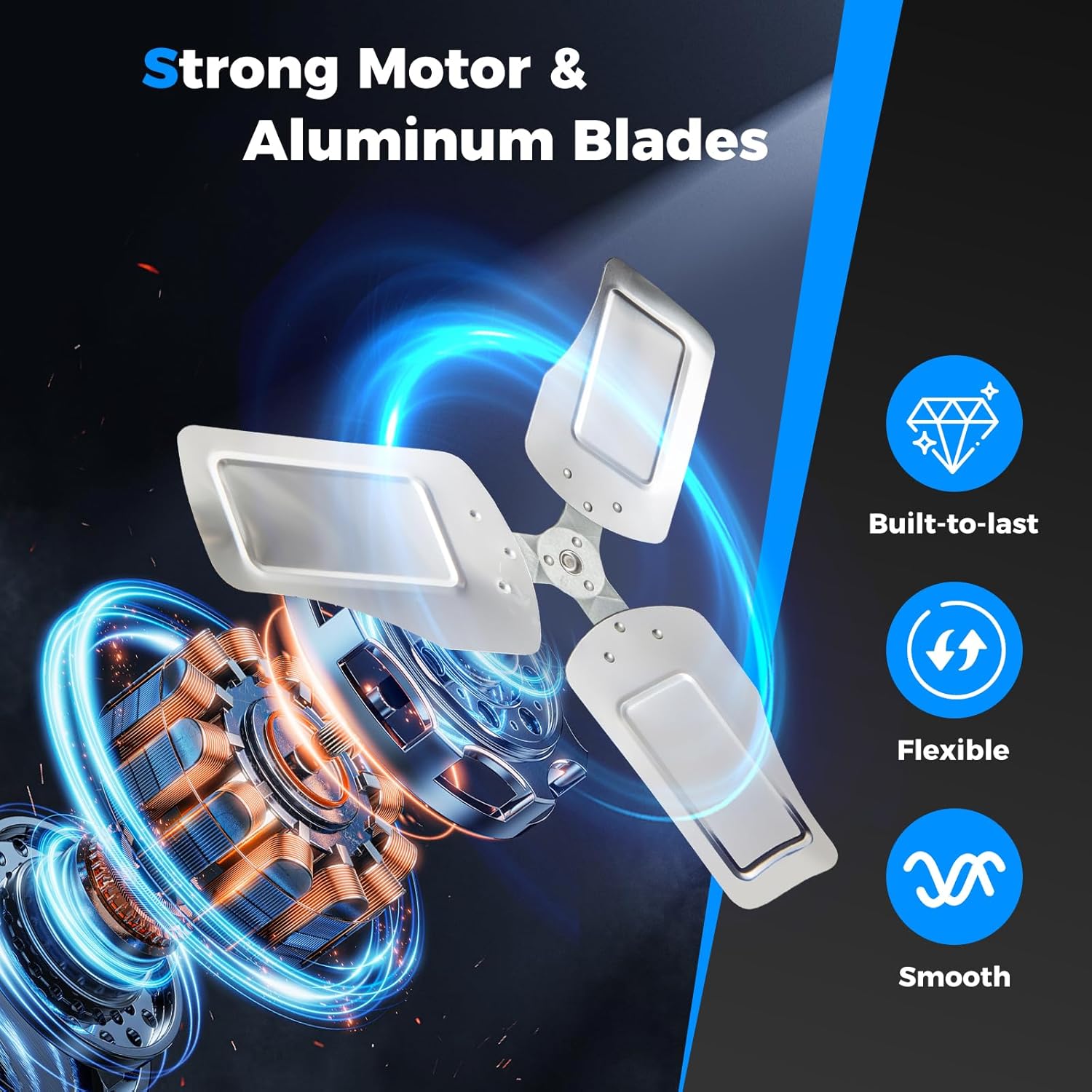
Image: An illustration highlighting the fan's strong motor and durable aluminum blades.
Warranty and Support
For warranty information, product support, or to purchase replacement parts, please visit the official COSTWAY website or contact their customer service department. Keep your purchase receipt for warranty claims.
Official Website: www.costway.com