
Introduction
This manual provides essential instructions for the safe and effective use of your vhbw replacement Li-ion battery. Please read this manual thoroughly before installation and operation to ensure proper handling and longevity of the product. This battery is designed for specific Rowenta vacuum cleaner models, offering reliable power for your cleaning needs.
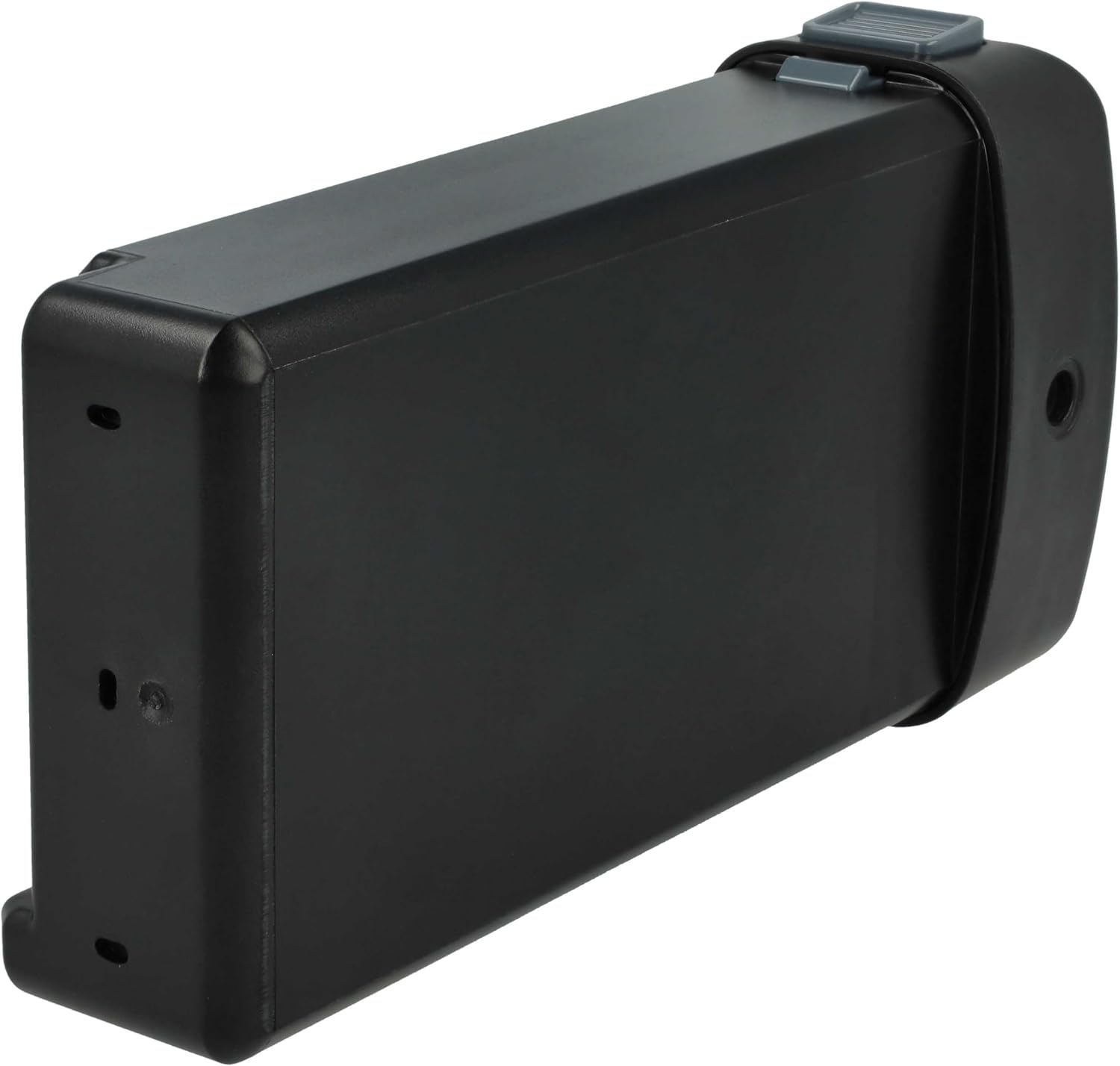
Image: General view of the vhbw replacement battery.
Safety Instructions
Adhering to these safety guidelines is crucial for preventing damage to the battery, the vacuum cleaner, and ensuring user safety.
- Charger Compatibility: Only use the battery with the vacuum cleaner's original charger or a compatible charger specifically designed for Li-ion batteries of these specifications.
- Avoid Short Circuits: Do not short-circuit the battery terminals. This can cause overheating, fire, or explosion.
- Temperature Extremes: Do not expose the battery to fire, excessive heat, or direct sunlight. Avoid storing or using the battery in extremely cold conditions.
- Do Not Disassemble: Never attempt to open, disassemble, or modify the battery pack. This can lead to dangerous situations and voids the warranty.
- Proper Disposal: Do not dispose of the battery with household waste. Follow local regulations for proper recycling of Li-ion batteries.
- Water Exposure: Keep the battery dry. Do not immerse it in water or other liquids.
- Children and Pets: Keep the battery out of reach of children and pets.

Image: Detailed view of the battery label with safety warnings and recycling information.
Setup and Installation
Follow these steps to correctly install the vhbw replacement battery into your compatible Rowenta vacuum cleaner.
- Power Off: Ensure your Rowenta vacuum cleaner is completely turned off and disconnected from any power source before attempting battery installation or removal.
- Locate Battery Compartment: Identify the battery compartment on your specific Rowenta vacuum cleaner model (RH9680WO/4, RH9695W0/4, RH9690WO/4, TY9639, RH9695, RH9690). Refer to your vacuum cleaner's original manual if you are unsure.
- Remove Old Battery: Carefully open the battery compartment and remove the existing battery. Dispose of the old battery responsibly according to local regulations.
- Insert New Battery: Align the vhbw replacement battery with the compartment and slide it into place. Ensure the connectors match and the battery is securely seated. You may hear a click indicating it is locked.
- Close Compartment: Close the battery compartment cover firmly.
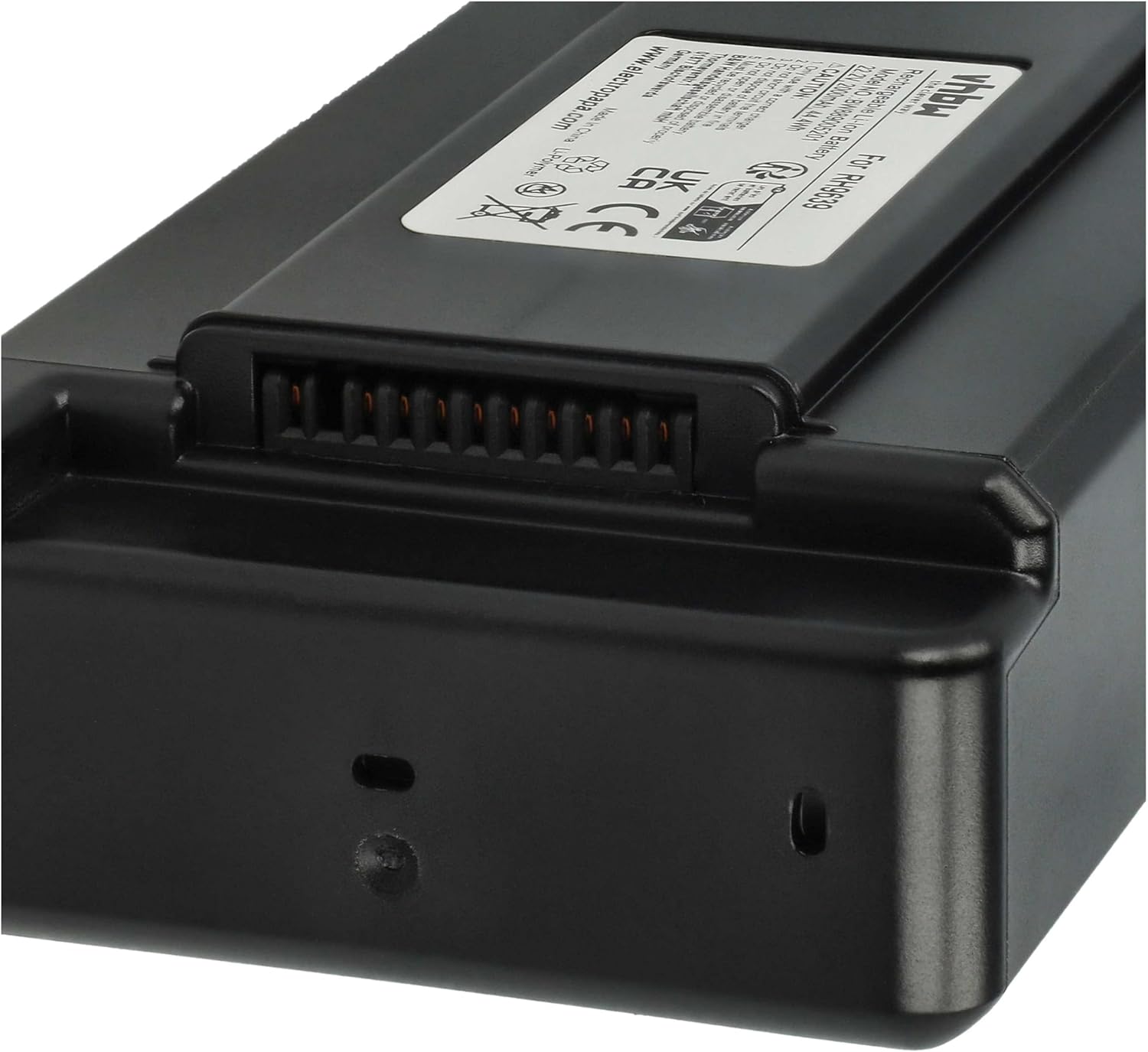
Image: Top view of the battery, highlighting the connector for proper installation.
Operating Instructions
This section details how to charge and use your vhbw replacement battery.
- Initial Charge: For optimal performance and battery longevity, fully charge the battery before its first use. Connect your vacuum cleaner to its charging station or power adapter.
- Regular Charging: When the vacuum cleaner's battery indicator shows low charge, connect it to the charger. The battery is designed to be charged regularly. Avoid leaving the battery completely discharged for extended periods.
- Usage: Operate your vacuum cleaner as per its original manufacturer's instructions. The vhbw battery provides a stable 22.2V output and 2000mAh capacity for consistent cleaning performance.
- Charging Indicator: Refer to your vacuum cleaner's manual for information on its charging indicator lights and status.
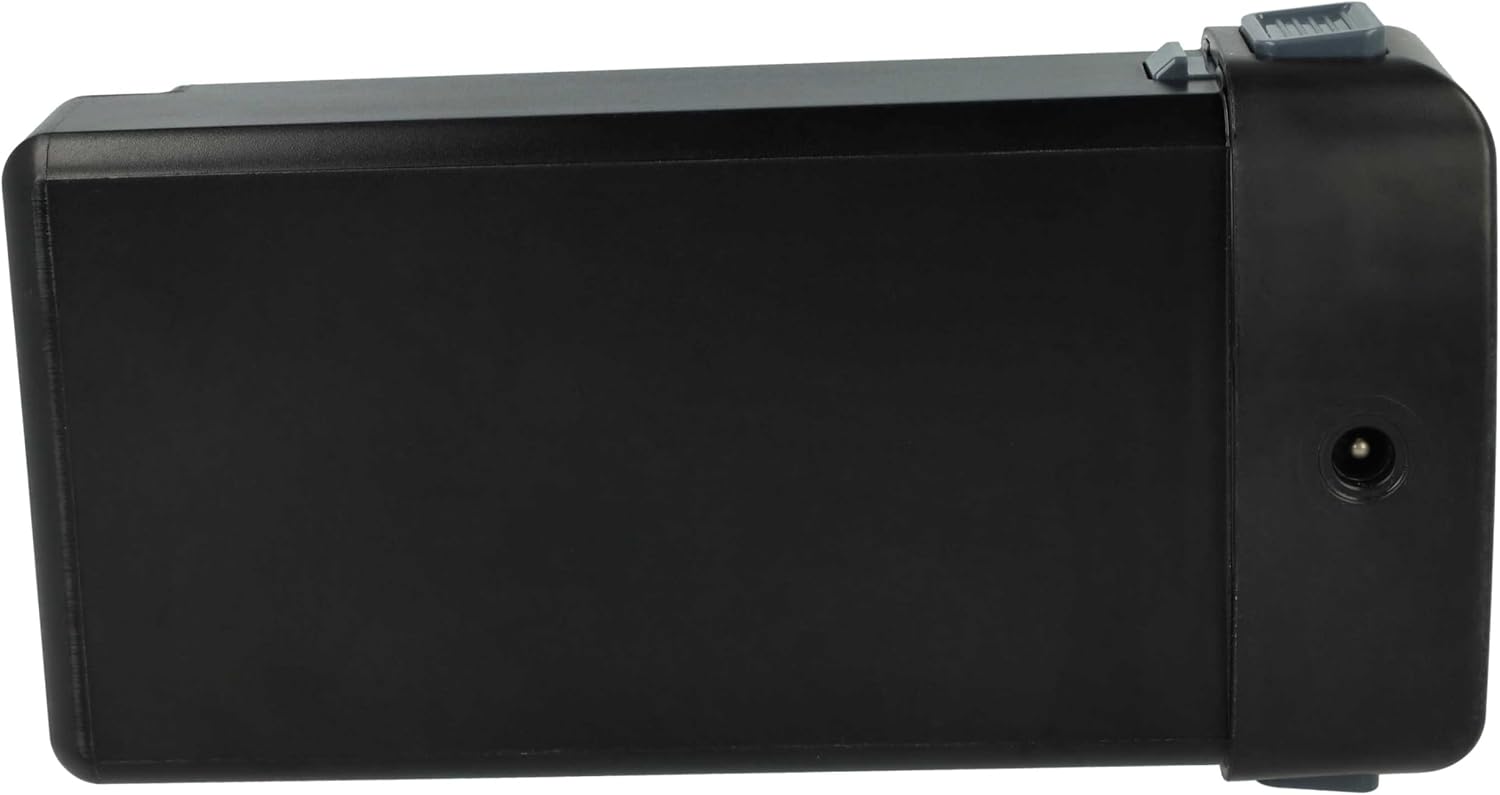
Image: Side view of the battery, indicating the charging port location.
Maintenance
Proper maintenance helps extend the life and performance of your battery.
- Cleaning: Periodically inspect the battery and its contacts for dust or debris. Use a soft, dry cloth to gently wipe them clean. Ensure no moisture enters the battery or charging port.
- Storage: If the battery will not be used for an extended period (e.g., several weeks or months), store it in a cool, dry place, ideally at a partial charge (around 50-60%). Avoid storing in extreme temperatures or direct sunlight.
- Avoid Deep Discharge: While Li-ion batteries do not suffer from memory effect, frequent deep discharges can reduce overall battery life. Try to recharge before the battery is completely depleted.
- Regular Use: For best results, use and recharge the battery regularly.
Troubleshooting
If you encounter issues with your vhbw replacement battery, consider the following common solutions:
- Battery Not Charging:
- Ensure the vacuum cleaner is properly connected to its charger and the charger is plugged into a functional power outlet.
- Check for any visible damage to the charger cable, charging port on the vacuum, or battery contacts.
- Verify that the battery is correctly installed and seated firmly in its compartment.
- Short Run Time:
- Confirm the battery was fully charged before use.
- Over time, all rechargeable batteries experience a natural degradation in capacity. If the run time has significantly decreased after prolonged use, the battery may be nearing the end of its operational lifespan.
- Ensure the vacuum cleaner's filters are clean, as clogged filters can increase motor strain and battery consumption.
- Vacuum Cleaner Not Powering On:
- Check if the battery is fully charged.
- Re-install the battery to ensure it is properly connected.
- If the issue persists, consult your vacuum cleaner's original manual for further troubleshooting steps related to the appliance itself.
Specifications
Detailed technical specifications for the vhbw replacement battery.
| Model Number | VHBW4069099879733 |
| Battery Type | Li-ion (Lithium-ion) |
| Capacity | 2000 mAh |
| Voltage | 22.2 V |
| Nominal Energy | 44.4 Wh |
| Color | Black |
| Weight | 452 g |
| Dimensions (L x W x H) | 16.5 x 8 x 3.5 cm |
| Compatible Vacuum Cleaner Models | Rowenta RH9680WO/4, RH9695W0/4, RH9690WO/4, TY9639, RH9695, RH9690 |
| Replaces Part Numbers | RS-2230002213, SS-2230002963, ZR009700, ZR307G01 |

Image: Battery label showing technical specifications.
Disposal and Recycling
This product contains a Li-ion battery, which requires special disposal procedures. Do not dispose of the battery with regular household waste.
- Recycle: Always recycle rechargeable batteries at designated collection points.
- Local Regulations: Consult your local waste management authority or recycling center for information on proper disposal and recycling options in your area.
- Environmental Protection: Proper disposal helps prevent potential negative consequences for the environment and human health.
Warranty and Support
For warranty information, technical assistance, or any questions regarding your vhbw replacement battery, please refer to the following resources:
- Purchase Documentation: Check the documentation provided at the time of purchase for specific warranty terms and conditions.
- Retailer Support: Contact the retailer from whom you purchased the battery for direct support.
- Manufacturer Website: Visit the official vhbw website for product information and support resources: www.electropapa.com