
Introduction
Thank you for choosing the padom GS03 UF-08 Smart Glasses. These innovative open-ear audio Bluetooth glasses combine stylish design with advanced technology, offering features such as blue light filtering, integrated speakers and microphone, voice assistant compatibility, and intuitive touch controls. This manual provides detailed instructions to help you set up, operate, and maintain your new smart glasses for optimal performance and an enhanced audio experience.
What's in the Box
- padom GS03 UF-08 Smart Glasses
- Eyeglasses Storage Bag
- Magnetic Charging Cable
- Cleaning Cloth
- User Manual (this document)

Image: Packaging contents of the padom GS03 UF-08 Smart Glasses, showing the glasses, storage bag, magnetic charging cable, cleaning cloth, and user manual.
Product Overview
The padom GS03 UF-08 Smart Glasses are designed for comfort and functionality. They feature an open-ear audio design, allowing you to hear your surroundings while enjoying audio. The frames are lightweight and equipped with blue light filtering lenses to reduce eye strain.
Key Features:
- Open-Ear Audio: Enjoy music and calls without blocking ambient sounds.
- Blue Light Filtering Lenses: Protect your eyes from harmful blue light emitted by screens.
- Bluetooth 5.3 Connectivity: Ensures a stable and fast connection to your devices.
- Touch Controls: Manage music, calls, and voice assistant with simple taps.
- Voice Assistant Integration: Access Siri, Google Assistant, or Alexa hands-free.
- IPX5 Water Resistance: Resistant to sweat and light splashes.
- Lightweight Design: Weighing approximately 27 grams for all-day comfort.
- Magnetic Charging: Convenient and secure charging.

Image: Side view of the padom GS03 UF-08 Smart Glasses, highlighting the design of the temples where the audio components are housed.

Image: Diagram illustrating how the blue light shield lenses filter harmful blue light, enhancing comfort for digital eyes.
Setup
1. Charging the Glasses
Before first use, fully charge your smart glasses. Use the provided magnetic charging cable. Align the magnetic connector with the charging points on the inside of the glasses' temples. The indicator light will show charging status.
- Full charge time: Approximately 90 minutes.
- Battery life: 4-6 hours of music time, 7-day standby.

Image: Magnetic charging cable attaching to the temple of the smart glasses for power replenishment.
2. Bluetooth Pairing
- Ensure the glasses are charged and powered off.
- Press and hold the power button (usually on the temple) for 5 seconds until the indicator light flashes blue and red, indicating pairing mode.
- On your smartphone or device, go to Bluetooth settings and search for "padom GS03 UF-08" or similar.
- Select the device to pair. Once connected, the indicator light will turn solid blue or off, depending on the model.

Image: Representation of Bluetooth 5.3 technology, ensuring a fast and stable wireless connection for your smart glasses.
Operating Instructions
The padom GS03 UF-08 Smart Glasses feature intuitive touch controls located on the temples. Refer to the diagram below for specific functions.

Image: Detailed diagram of touch control functions on the smart glasses, including actions for power, music playback, call management, voice assistant activation, and remote camera control.
Basic Controls:
- Power On: Long press (3 seconds) on the touch area.
- Power Off: Long press (5 seconds) on the touch area.
- Play/Pause Music: Double-click the touch area.
- Answer/End Call: Two clicks on the touch area.
- Reject Call: Long press (3 seconds) on the touch area.
- Activate Voice Assistant: Three clicks on the touch area.
- Remote Camera Control: Three clicks on the touch area to trigger your phone's camera shutter.
- Volume Up: Long press on the right temple.
- Volume Down: Long press on the left temple.
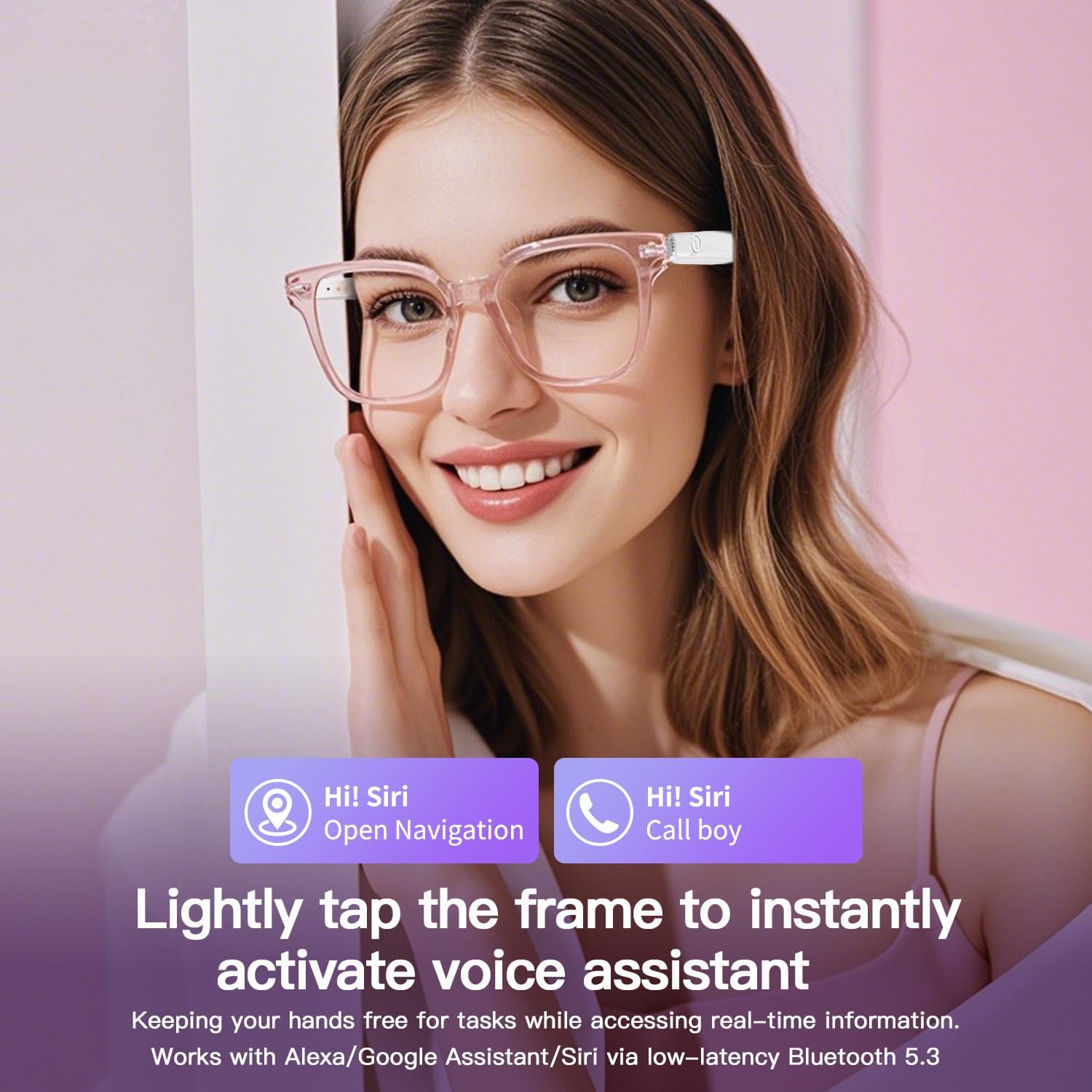
Image: A user activating the voice assistant on the smart glasses, demonstrating hands-free control for navigation and calls.
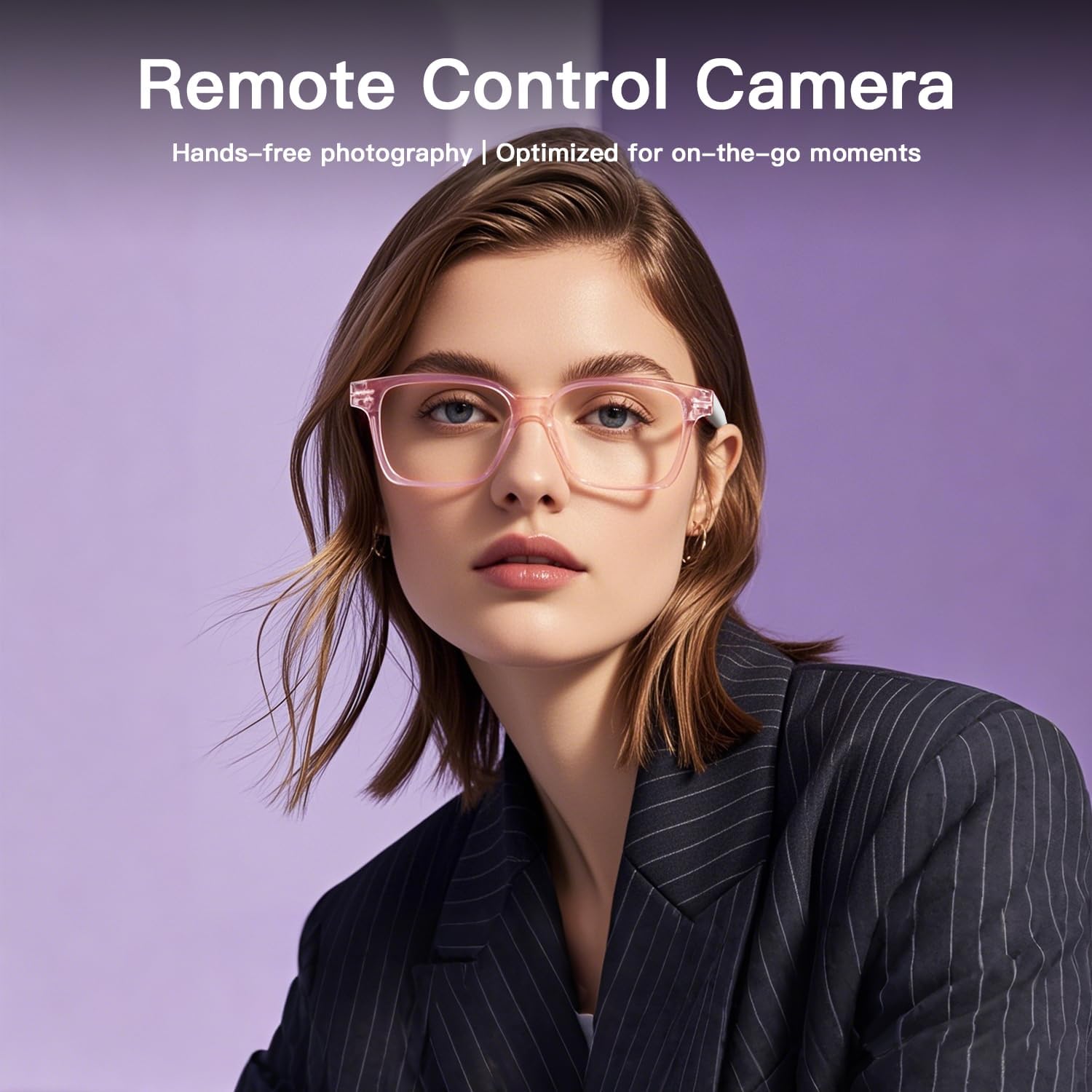
Image: A user demonstrating the remote camera control feature of the smart glasses, allowing hands-free photography.
Video: Official product video demonstrating the features and usage of the GS03 Smart Glasses, including audio and control functions.
Blue Light Filtering Lenses
The GS03 UF-08 Smart Glasses are equipped with anti-blue light lenses designed to filter harmful blue light. This feature is particularly beneficial for individuals who spend extended periods in front of digital screens, helping to reduce digital eye strain, minimize glare, and enhance visual clarity.
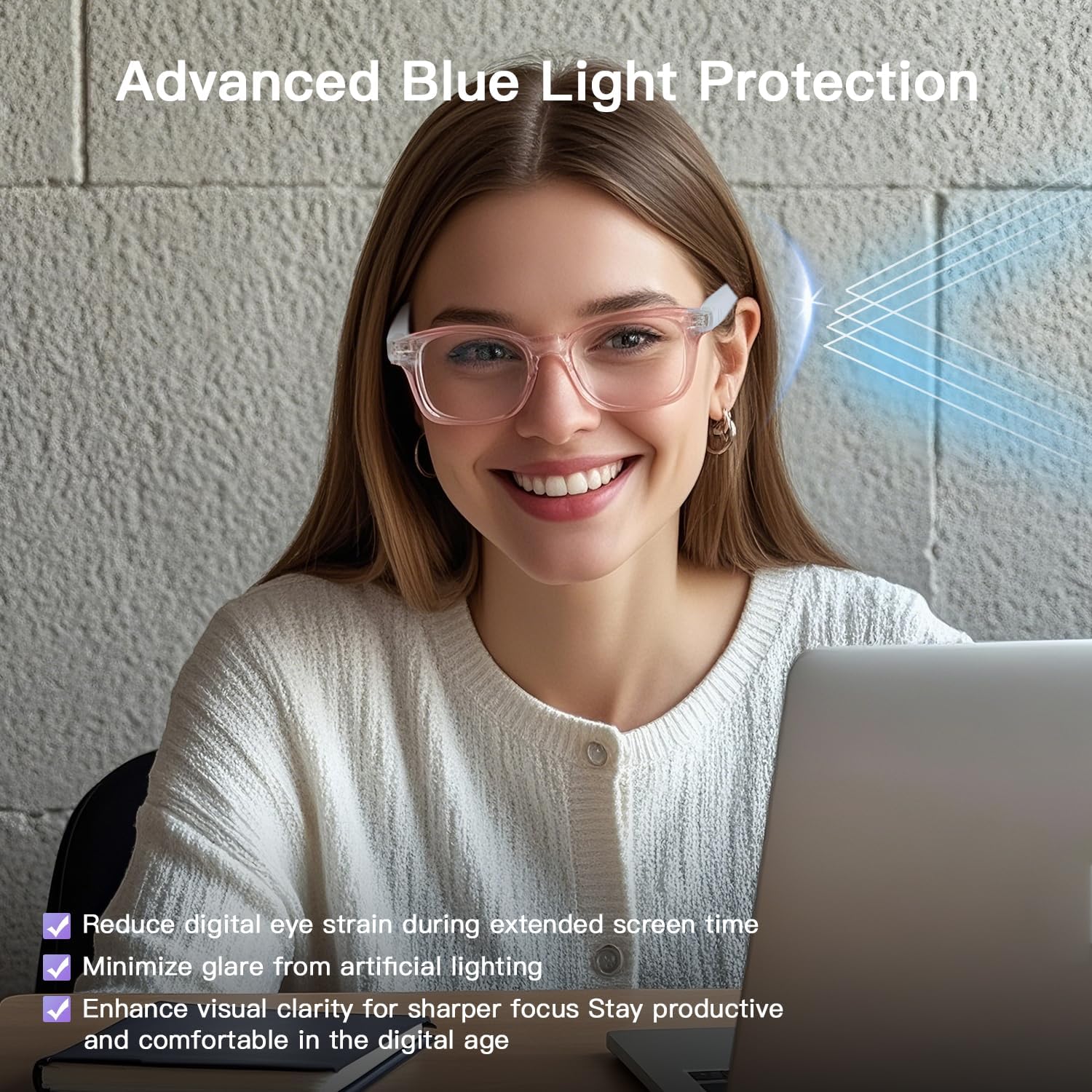
Image: A user wearing the smart glasses with blue light filtering lenses, demonstrating their use during screen time to protect eyes.
Care & Maintenance
- Cleaning: Use the provided cleaning cloth to gently wipe the lenses and frames. Avoid harsh chemicals or abrasive materials.
- Storage: When not in use, store the glasses in the eyeglasses storage bag to protect them from scratches and dust.
- Water Resistance: The glasses are IPX5 water-resistant, meaning they can withstand sweat and light splashes. Do not submerge them in water or expose them to heavy rain.
- Temperature: Avoid exposing the glasses to extreme temperatures (hot or cold) as this can affect battery life and electronic components.
Troubleshooting
| Problem | Possible Cause | Solution |
|---|---|---|
| Cannot power on | Low battery; Incorrect power-on procedure. | Charge the glasses fully. Ensure you long-press the touch area for 3 seconds. |
| Cannot pair via Bluetooth | Glasses not in pairing mode; Bluetooth off on device; Device too far. | Ensure glasses are in pairing mode (flashing blue/red). Turn on Bluetooth on your device. Keep devices within 10 meters. |
| No audio or low volume | Volume too low; Not connected; Audio source issue. | Increase volume on glasses and connected device. Re-pair Bluetooth. Check audio source. |
| Touch controls unresponsive | Temporary software glitch; Dirty touch area. | Restart the glasses. Clean the touch area with a soft cloth. |
Specifications
| Feature | Detail |
|---|---|
| Model Number | UF-08 |
| Style | GS03 Normal version smart glasses |
| Connectivity Technology | Bluetooth 5.3 |
| Special Feature | Blue Light Filtering |
| Water Resistance | IPX5 |
| Battery Type | Lithium Polymer (2 Nonstandard Battery batteries included) |
| Item Weight | 27 grams (approx. 0.95 ounces) |
| Package Dimensions | 6.73 x 2.4 x 2.24 inches |

Image: Dimensional specifications of the smart glasses, including frame height, lens width, nose bridge width, frame length, temple length, and overall weight.
Warranty & Support
For warranty information and customer support, please refer to the contact details provided on the product packaging or visit the official padom website. Keep your purchase receipt for warranty claims.