
1. Introduction and Overview
This manual provides essential instructions for the safe and effective operation of your VIZOLINK VB28 2.8" Video Baby Monitor. This device is designed to help you monitor your baby with features such as a 2.8-inch IPS LCD screen, secure 2.4GHz FHSS transmission, night vision, two-way talk, temperature monitoring, and various AI-powered alerts.
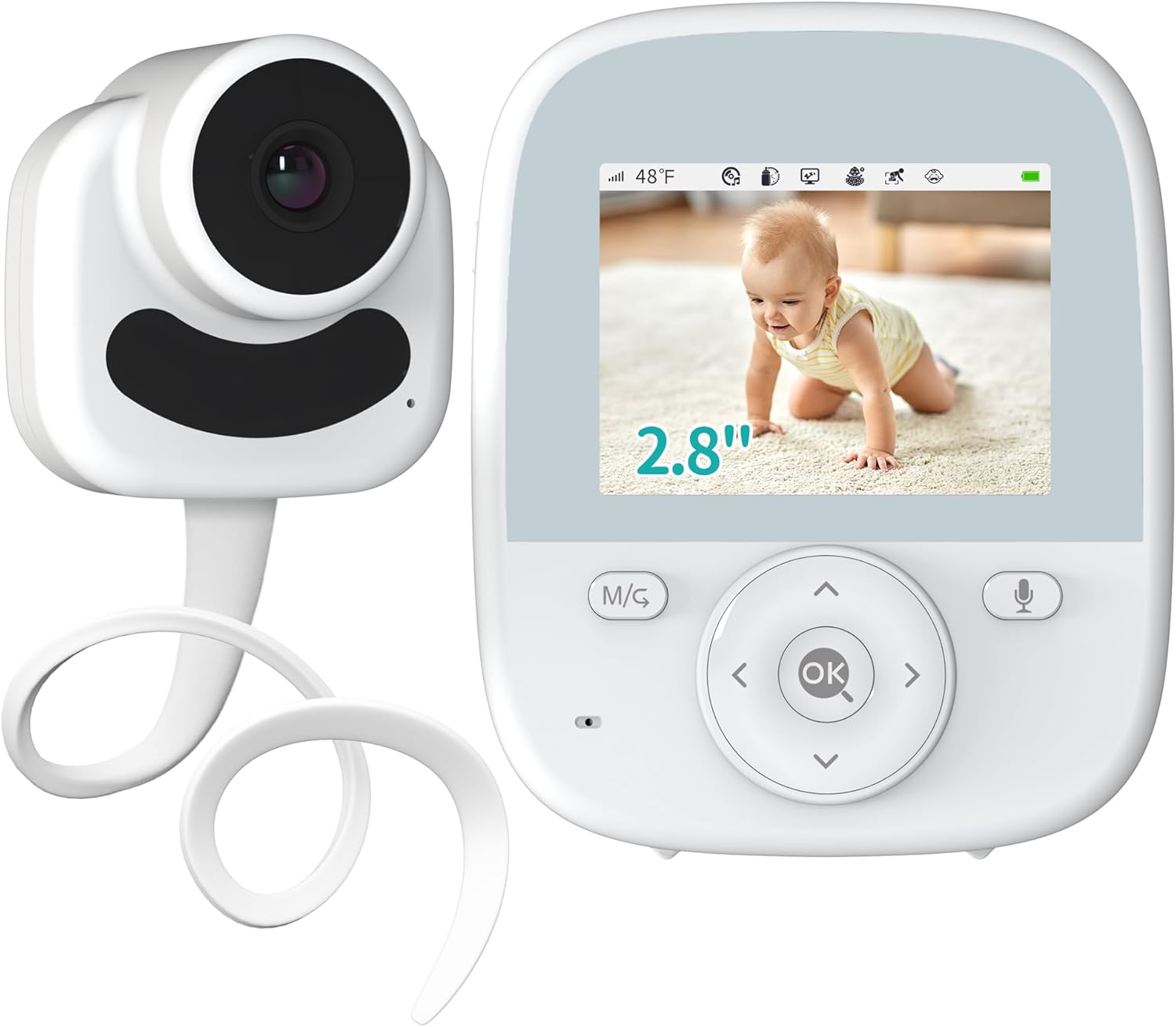
Figure 1: VIZOLINK VB28 Baby Monitor components.
Key features of your VIZOLINK VB28 Baby Monitor include:
- 2.8" IPS LCD Screen: Offers wide viewing angles and accurate colors for clear monitoring.
- 3X Digital Zoom: Allows closer inspection of your baby.
- Secure 2.4GHz FHSS Transmission: Ensures private and interference-free communication without Wi-Fi or app pairing.
- Hose Design Camera: Flexible installation by wrapping around cribs or other desired positions.
- Two-Way Talk: Communicate with your baby remotely.
- AI Off-Lens Detection: Alerts you if the baby moves out of the camera's view.
- AI Awakening Reminder: Notifies you when your baby wakes up.
- Temperature Monitoring: Tracks room temperature and alerts for abnormalities.
- Feeding Reminder: Helps manage your baby's feeding schedule.
- Night Vision: Automatic infrared night vision for clear viewing in low light.
- VOX Mode: Activates the screen and sound upon detecting baby's cries.
- Lullabies: Eight soothing melodies to help your baby sleep.

Figure 2: Key features of the VIZOLINK VB28 Baby Monitor.
2. Setup
2.1 Unpacking and Initial Charge
- Carefully unpack all components: parent unit (monitor), baby unit (camera), power adapters.
- Connect the power adapter to the parent unit and plug it into a power outlet. Charge the parent unit fully before first use.
- Connect the power adapter to the baby unit and plug it into a power outlet. The baby unit requires continuous power to operate.
2.2 Camera Placement
Position the baby unit (camera) in a location that provides a clear view of your baby's crib or play area. Ensure it is at least 3 feet (1 meter) away from your baby to avoid potential hazards and for optimal viewing angle. The flexible hose design allows for versatile placement.

Figure 3: Flexible hose design for camera placement.
- Ensure the camera is securely mounted or placed to prevent it from falling.
- Keep cables out of reach of children.
2.3 Monitor Placement
Place the parent unit (monitor) in a convenient location where you can easily view the screen and hear alerts. Ensure it is within the operational range of the baby unit. The monitor operates on a secure 2.4GHz FHSS transmission, eliminating the need for Wi-Fi or app pairing.
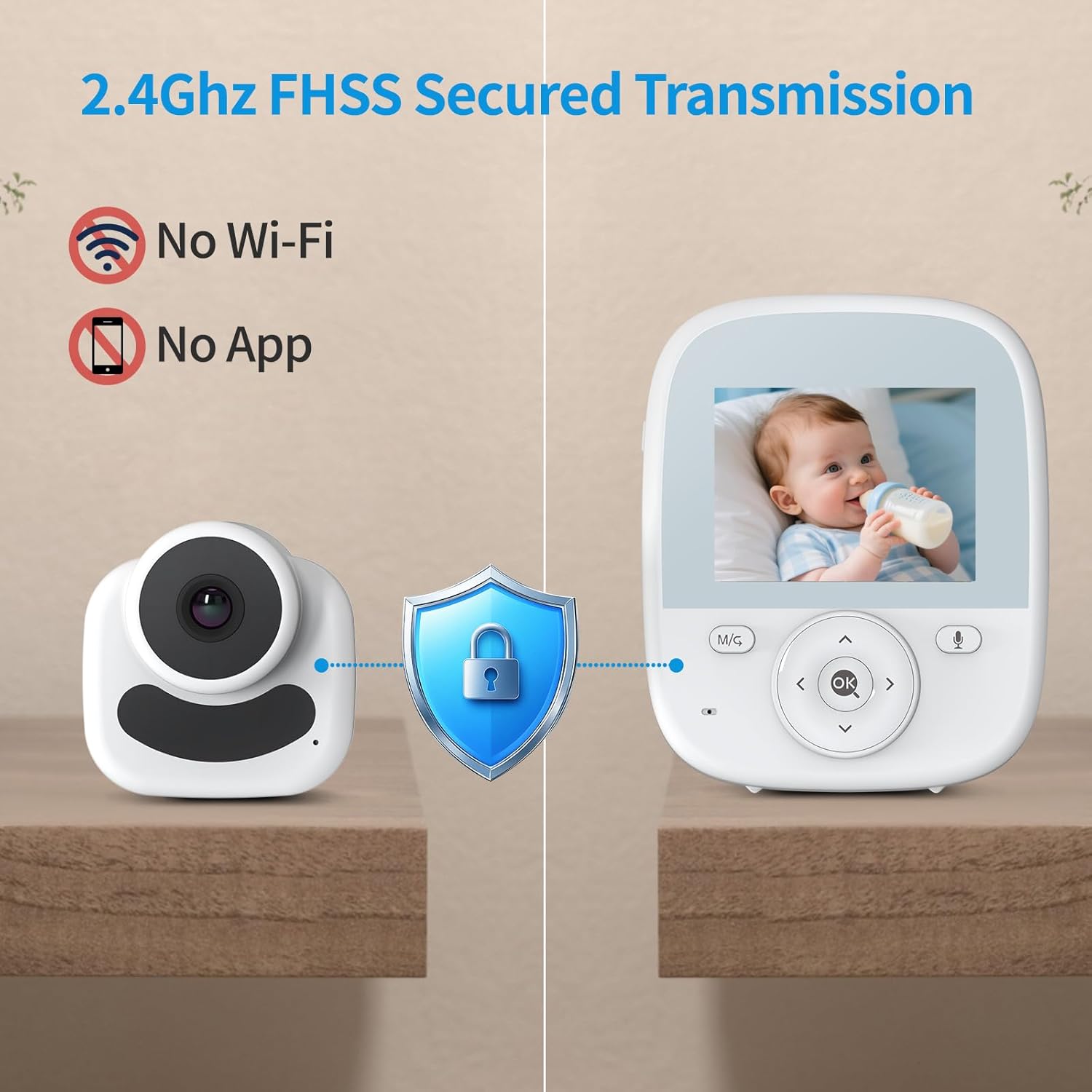
Figure 4: Secure 2.4GHz FHSS transmission for privacy.
3. Operating Instructions
This section details the various functions and features of your VIZOLINK VB28 Baby Monitor.
Video 1: Overview of VIZOLINK VB28 Baby Monitor features including secure transmission, battery life, zoom, night vision, awakening reminder, out-of-sight alert, two-way talk, VOX mode, and lullabies.
3.1 Power On/Off
- To power on the parent unit, press and hold the power button until the screen lights up.
- To power off, press and hold the power button until the screen turns off.
- The baby unit powers on automatically when connected to power.
3.2 Video Monitoring and Digital Zoom
The 2.8-inch IPS LCD screen provides a clear view of your baby. Use the digital zoom function to get a closer look.
- On the parent unit, locate the zoom button (often marked with a magnifying glass icon or integrated into navigation).
- Press the button to cycle through 1X, 2X, and 3X digital zoom levels.

Figure 5: Digital zoom functionality.
3.3 Night Vision
The baby unit automatically activates infrared night vision in low-light conditions, providing a clear black-and-white image on the parent unit.
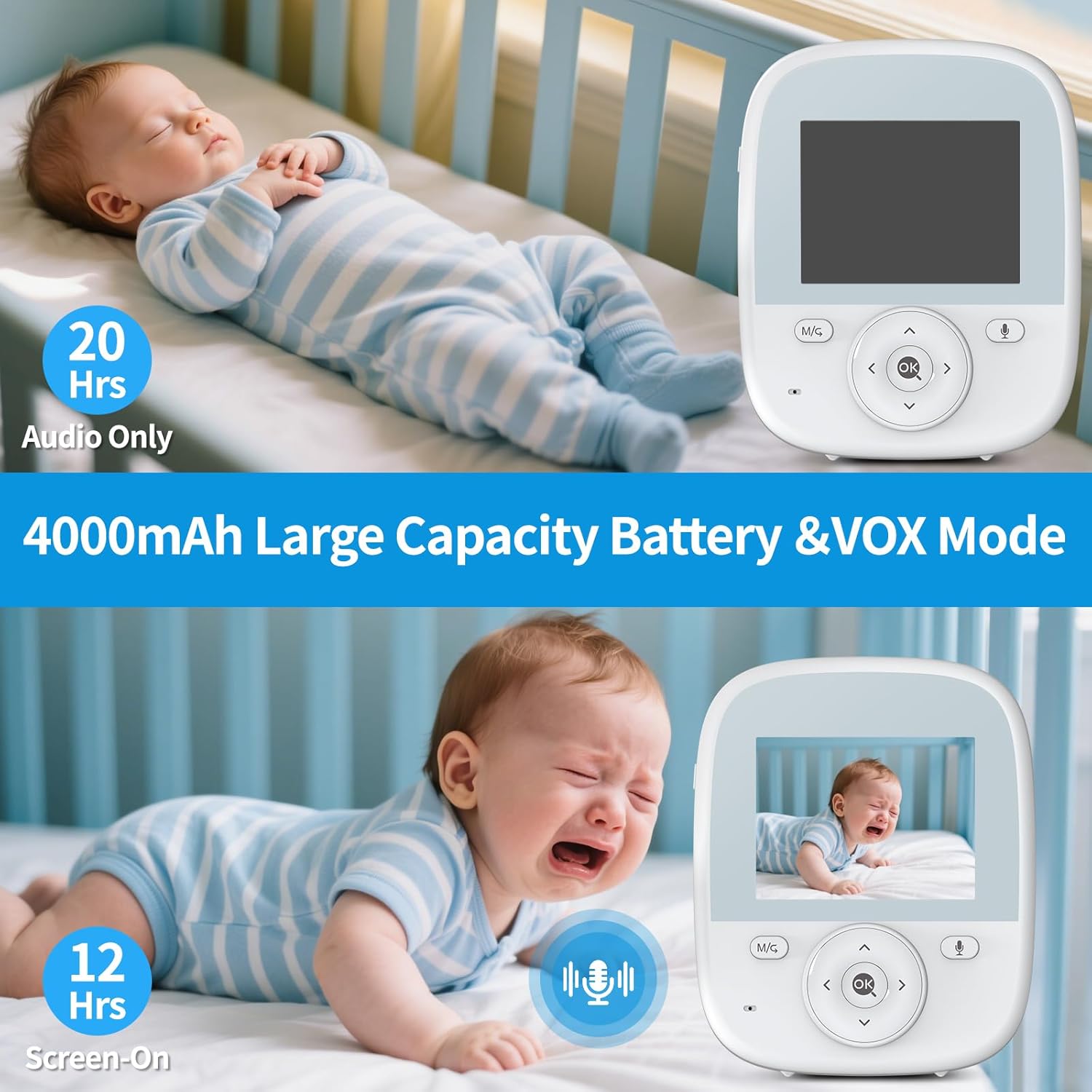
Figure 6: Automatic infrared night vision.
3.4 Two-Way Talk
Use the two-way talk feature to comfort your baby from another room.
- Press and hold the microphone button on the parent unit.
- Speak clearly into the microphone. Your voice will be transmitted to the baby unit.
- Release the button to stop talking and listen to your baby.
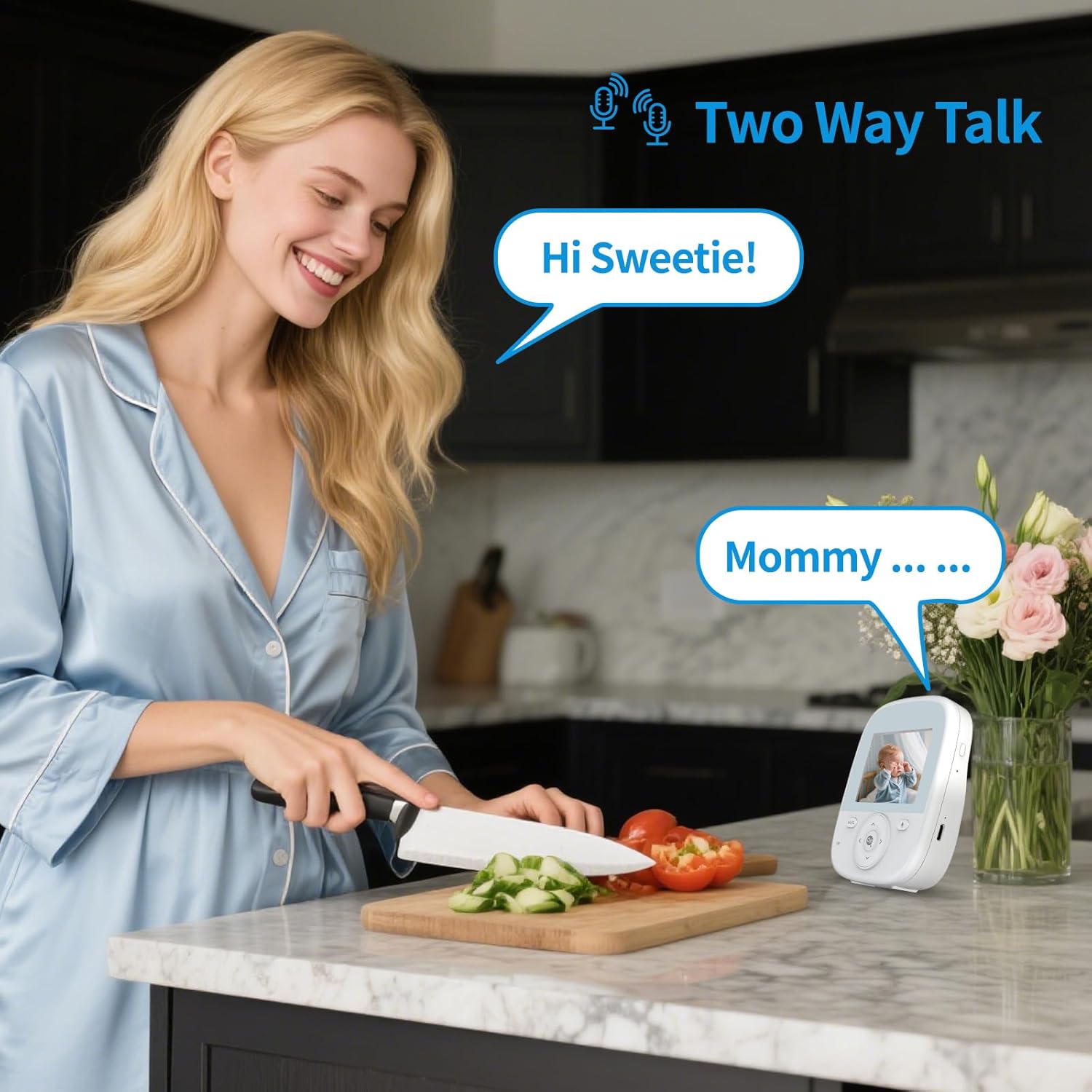
Figure 7: Two-way talk functionality.
3.5 Temperature Monitoring and Lullabies
The baby unit includes a temperature sensor to monitor the room temperature. You can also play soothing lullabies.
- The current room temperature is displayed on the parent unit screen.
- Access the menu on the parent unit to set temperature alerts or select from 8 pre-programmed lullabies.

Figure 8: Lullabies and temperature monitoring.
3.6 AI Detection Features (Off-Lens, Awakening, Crying) and Feeding Reminder
The monitor incorporates several AI features to enhance monitoring and provide timely alerts.
- AI Off-Lens Detection: If your baby moves out of the camera's field of view, the monitor will alert you.
- AI Awakening Reminder: The monitor can detect when your baby wakes up and will notify you.
- AI Crying Detection (VOX Mode): In VOX mode, the screen will activate and sound will be transmitted when your baby cries, conserving battery when quiet.
- Feeding Reminder: Set reminders on the parent unit to help maintain a consistent feeding schedule for your baby.

Figure 9: AI detection features for enhanced safety.
4. Maintenance
Proper maintenance ensures the longevity and optimal performance of your baby monitor.
- Cleaning: Use a soft, dry cloth to clean the surfaces of both the parent and baby units. Do not use liquid cleaners or aerosols.
- Battery Care: For the parent unit, avoid extreme temperatures and prolonged periods of full discharge or full charge to maximize battery life.
- Storage: If storing the monitor for an extended period, ensure both units are clean and fully charged (parent unit) or disconnected from power (baby unit). Store in a cool, dry place.
- Lens Care: Keep the camera lens clean and free from dust or smudges for clear image quality.
5. Troubleshooting
If you encounter issues with your VIZOLINK VB28 Baby Monitor, please refer to the following common solutions:
| Problem | Possible Solution |
|---|---|
| No image/sound on parent unit. |
|
| Poor image quality (pixelated, grainy). |
|
| Static or clicking sounds. |
|
| Parent unit battery drains quickly. |
|
6. Specifications
- Model Number: VB28
- Screen Size: 2.8 inches IPS LCD
- Transmission Type: 2.4GHz FHSS (Secure, No Wi-Fi)
- Digital Zoom: Up to 3X
- Night Vision: Automatic Infrared
- Two-Way Talk: Yes
- Temperature Sensor: Yes
- AI Detection: Off-Lens, Awakening, Crying
- Feeding Reminder: Yes
- Lullabies: 8 melodies
- Parent Unit Battery: 4000mAh (approx. 12 hours screen-on, 20 hours audio-only)
- Product Dimensions: 3 x 3.5 x 2 inches
- Item Weight: 1.21 pounds
- Manufacturer: Vizolink
7. Warranty and Support
For warranty information, technical support, or further assistance, please contact VIZOLINK customer service. Refer to the product packaging or the official VIZOLINK website for contact details.


