Introduction
This manual provides essential instructions for the safe and efficient use of your Generic KEF254 Portable Mini Speaker. Please read this manual thoroughly before operating the device and retain it for future reference.
Package Contents
Verify that all items are present in your package:
- KEF254 Portable Mini Speaker (2 units)
- Charging Cable (USB-C)
- Warranty Card
- User Manual
Product Overview
The KEF254 is a compact portable speaker designed for versatile audio playback. It features integrated RGB lighting and advanced audio technology for 3D surround sound effects. Its small size and magnetic base allow for easy attachment to various surfaces, including mobile phones.
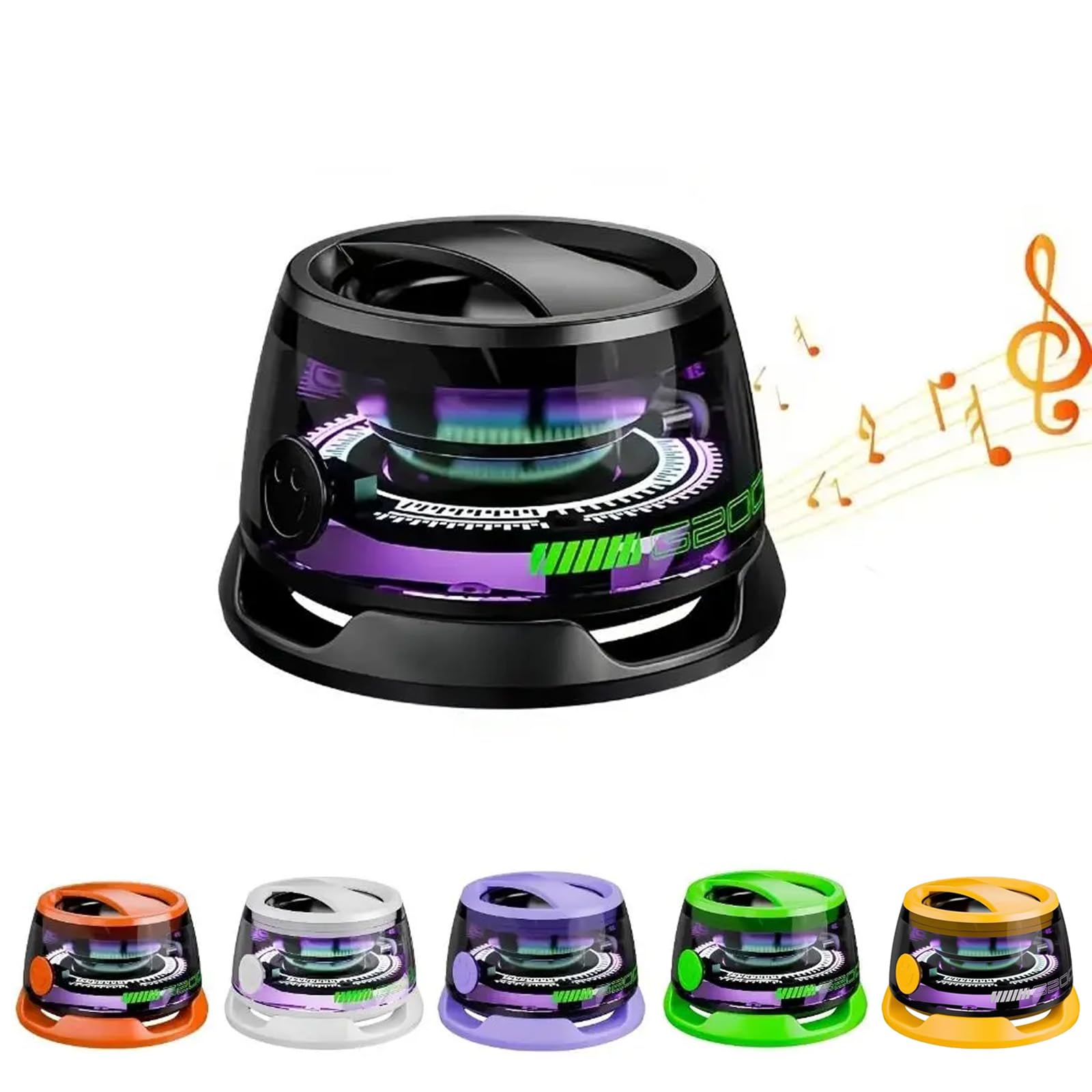
Figure 1: Generic KEF254 Portable Mini Speaker (Orange)

Figure 2: Speaker Dimensions (5.6cm/2.20inch width, 3.6cm/1.42inch height)
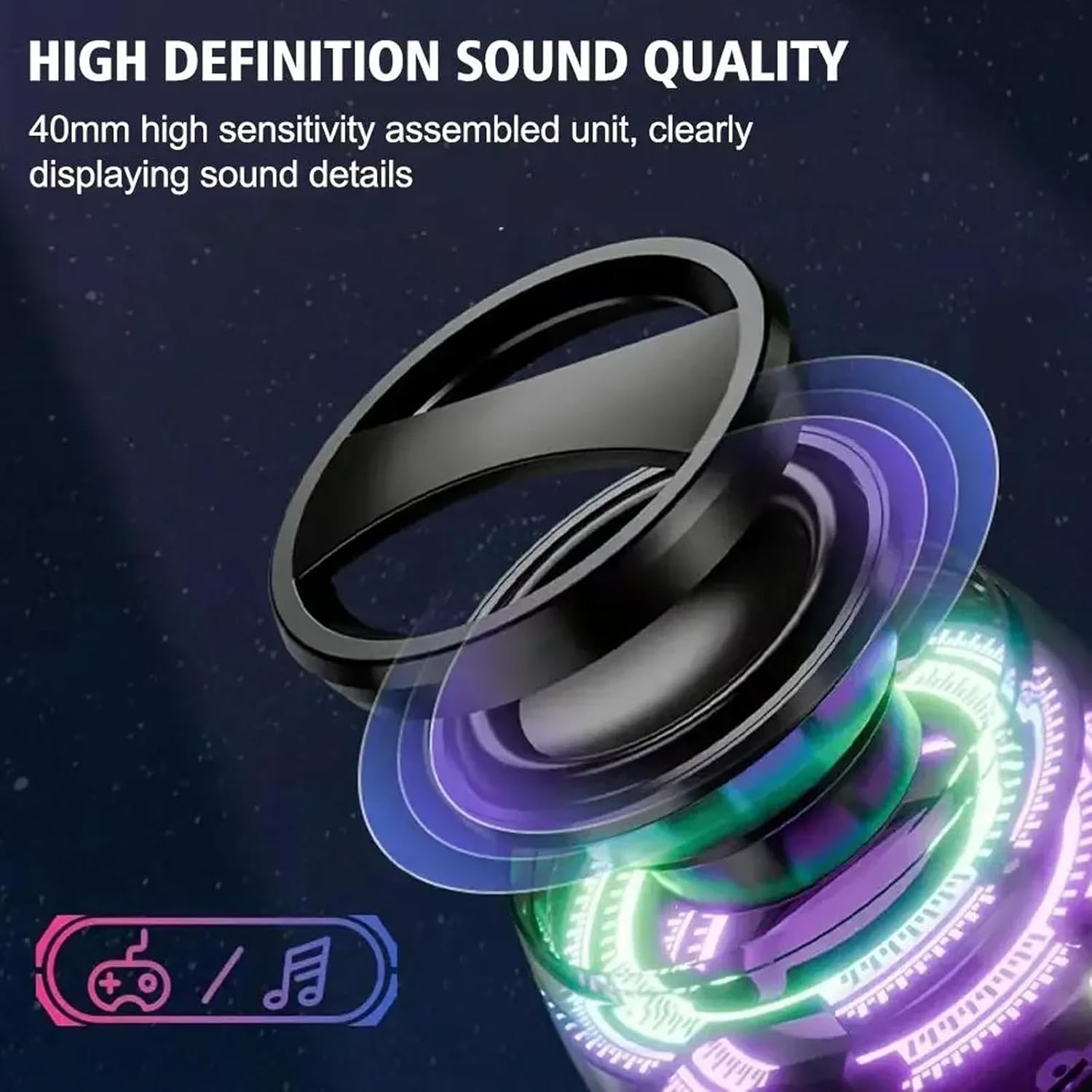
Figure 3: Speaker attached to a mobile phone
Setup
Bluetooth Pairing
- Power On: Press and hold the power button on the speaker until the RGB lights illuminate and an audible prompt indicates it is ready for pairing.
- Activate Bluetooth: On your mobile device (smartphone, tablet, laptop), enable Bluetooth.
- Select Device: In your device's Bluetooth settings, search for available devices and select "KEF254" from the list.
- Confirm Connection: Once connected, the speaker will provide an audible confirmation. The RGB lights may change pattern to indicate a successful connection.
Note: The speaker will automatically attempt to reconnect to the last paired device when powered on.
Operating Instructions
Power On/Off
- To Power On: Press and hold the power button for approximately 3 seconds.
- To Power Off: Press and hold the power button for approximately 3 seconds.
Audio Playback
Control music playback (play, pause, skip tracks, volume) directly from your connected Bluetooth device. The speaker's single button primarily controls power.
Magnetic Attachment
The speaker features a magnetic base for secure attachment to compatible surfaces. An adhesive O-ring is included for attaching to non-magnetic surfaces like the back of a smartphone.

Figure 4: Speaker attached to a bicycle
Video Demonstration
Video 1: Demonstration of KEF254 speaker features and usage, including magnetic attachment and RGB lighting effects.
RGB Lighting Modes
The KEF254 speaker features a built-in colorful RGB lighting system. The lights automatically change colors and patterns, synchronizing with the rhythm of the music to enhance the listening experience. Lighting modes are pre-programmed and cannot be manually adjusted.
3D Surround Sound
Utilizing advanced audio technology, the speaker delivers 3D surround sound effects. This technology aims to provide a more immersive audio experience, accurately reproducing sound details for various music genres.
Charging
The speaker is powered by an internal 12V battery. To charge the speaker:
- Connect the provided USB-C charging cable to the charging port on the speaker.
- Connect the other end of the USB-C cable to a compatible USB power source (e.g., wall adapter, computer USB port).
- The charging indicator light will show the charging status. Refer to the speaker's visual cues for full charge indication.
Maintenance
- Cleaning: Use a soft, dry cloth to clean the speaker's exterior. Do not use liquid cleaners or aerosols.
- Storage: Store the speaker in a cool, dry place away from direct sunlight and extreme temperatures.
- Water Exposure: While suitable for outdoor use, avoid submerging the speaker in water.
Troubleshooting
| Problem | Possible Cause | Solution |
|---|---|---|
| Speaker does not power on | Low battery; Power button not pressed correctly | Charge the speaker; Press and hold the power button for 3 seconds |
| Cannot pair via Bluetooth | Bluetooth not enabled; Speaker not in pairing mode; Device too far | Ensure Bluetooth is on; Power cycle speaker to enter pairing mode; Move device closer (within 10 meters) |
| No sound or low volume | Volume too low on speaker or device; Paired to wrong device | Increase volume on both speaker and device; Re-pair with correct device |
| RGB lights not working | Speaker is off or low battery | Ensure speaker is powered on and charged |
Specifications
| Feature | Detail |
|---|---|
| Model Name | Portable mini speaker |
| Item Model Number | KEF254 |
| Speaker Type | Portable Speaker |
| Special Feature | Built-In Powerbank (Note: This feature is listed in product specifications but not detailed in other sections. Use with caution.) |
| Color | Orange |
| Product Dimensions | 2.2"D x 2.2"W x 1.42"H (5.6cm x 5.6cm x 3.6cm) |
| Number of Items | 2 |
| Battery Type | 12V (included) |
| Manufacturer | BAI QUANG |
| Speaker Maximum Output Power | 250 Watts |
| Frequency Response | 250 Hz |
| Audio Output Mode | Surround |
| Mounting Type | Handlebar Mount (via accessory, not explicitly listed as included) |
Warranty and Support
For warranty information and customer support, please refer to the warranty card included in your package or contact the retailer where the product was purchased. Keep your proof of purchase for warranty claims.