
1. Introduction
This manual provides detailed instructions for the PeriphX PX808 Wireless PC Controller. Please read this manual carefully before using the product to ensure proper operation and to maximize your gaming experience. The PX808 controller is designed for multi-platform compatibility and features advanced technologies for precise and responsive control.
2. Package Contents
Verify that all items are present in the package:
- PeriphX PX808 Controller ×1
- 2.4G USB Dongle ×1
- USB-A to Type-C Charging Cable ×1
- User Manual ×1
3. Controller Layout
Familiarize yourself with the buttons and features of your PeriphX PX808 controller.

Front view of the PeriphX PX808 Wireless PC Controller and 2.4G USB dongle.

Close-up of the controller's face, highlighting the joysticks with dynamic RGB lighting, D-pad, and action buttons.

Side view illustrating the switchable triggers (Hall and Tactile modes) and programmable back buttons (M1, M2).
4. Setup and Connectivity
The PeriphX PX808 controller offers multiple connection options for various platforms.
4.1. Wired Connection
- Connect the USB-A end of the charging cable to your PC or compatible device.
- Connect the Type-C end of the charging cable to the controller's charging port.
- The controller will automatically be recognized and ready for use.
4.2. 2.4G Wireless Connection (PC, Steam Deck, Android)
- Insert the 2.4G USB Dongle into an available USB port on your PC, Steam Deck, or Android device.
- Turn on the controller. It will automatically attempt to connect to the dongle.
- Once connected, the indicator light on the controller will stabilize, indicating a successful connection.
4.3. Bluetooth Connection (Switch, Android, iOS, PC)
- Ensure the controller is powered on.
- Activate Bluetooth pairing mode on the controller (refer to specific button combinations in the quick start guide if provided, typically holding a specific button like 'Home' or 'Pair').
- On your device (Switch, Android, iOS, PC), go to Bluetooth settings and search for new devices.
- Select "PeriphX PX808" from the list of available devices to pair.
- The controller's indicator light will confirm a successful Bluetooth connection.

The PeriphX PX808 controller supports a wide range of platforms including PC, iOS, Android, Nintendo Switch, and Steam Deck.
5. Key Features and Functions
5.1. Hall Effect Joysticks
The PX808 features Hall Effect 3D joysticks, which use magnetic sensors instead of physical contacts. This design provides enhanced precision, prevents stick drift, and ensures stable, long-term use.
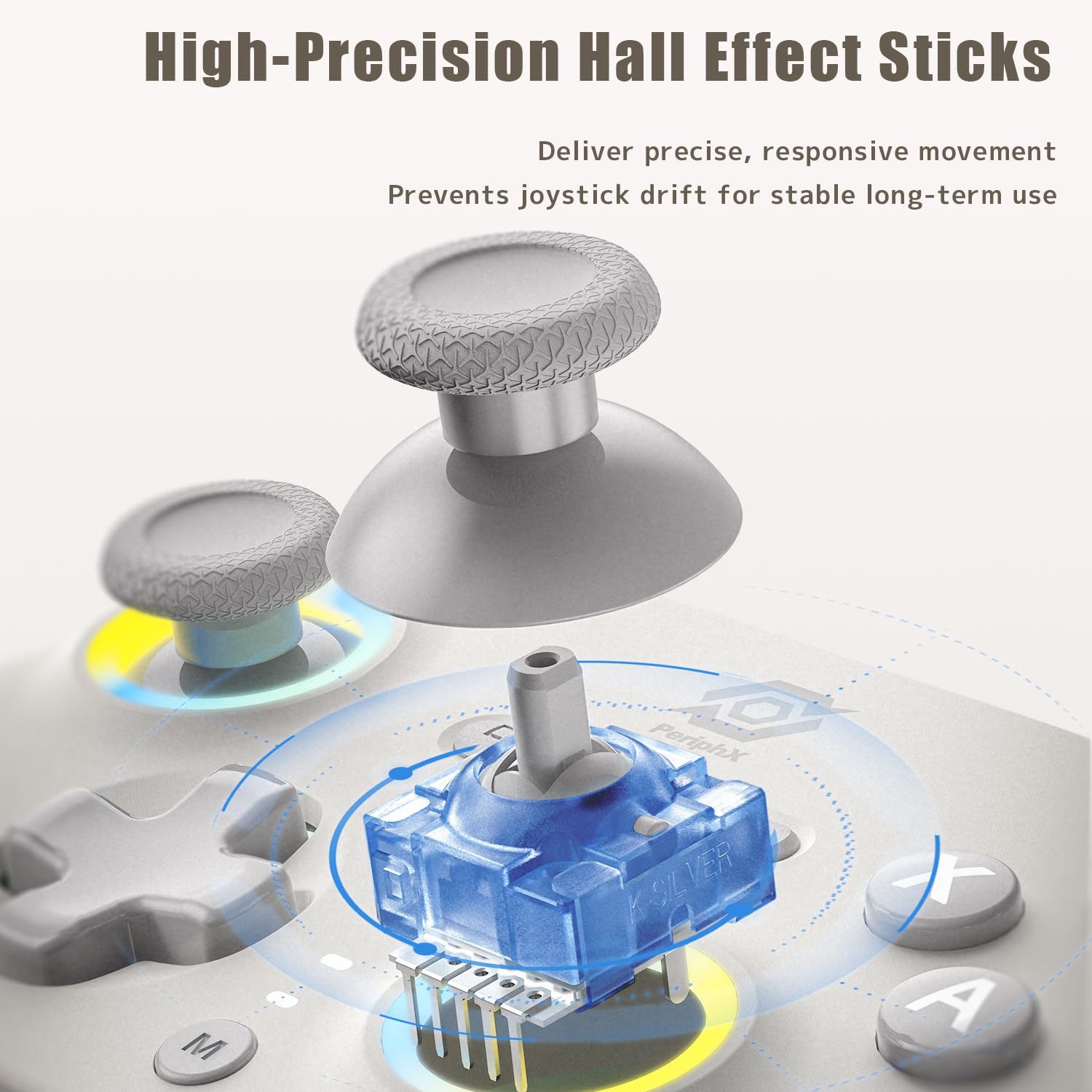
Detailed view of the high-precision Hall Effect sticks, designed for accurate and drift-free control.
5.2. Switchable Triggers (Hall & Tactile)
The controller includes dual-mode triggers that can be switched between Hall Effect (analog) and Tactile (digital) modes.
- Hall Effect Mode: Provides 255 levels of precise, analog input, ideal for racing games where throttle and brake control are crucial.
- Tactile Mode: Offers ultra-fast, short-travel response, perfect for FPS and fighting games requiring rapid firing or quick combo execution.
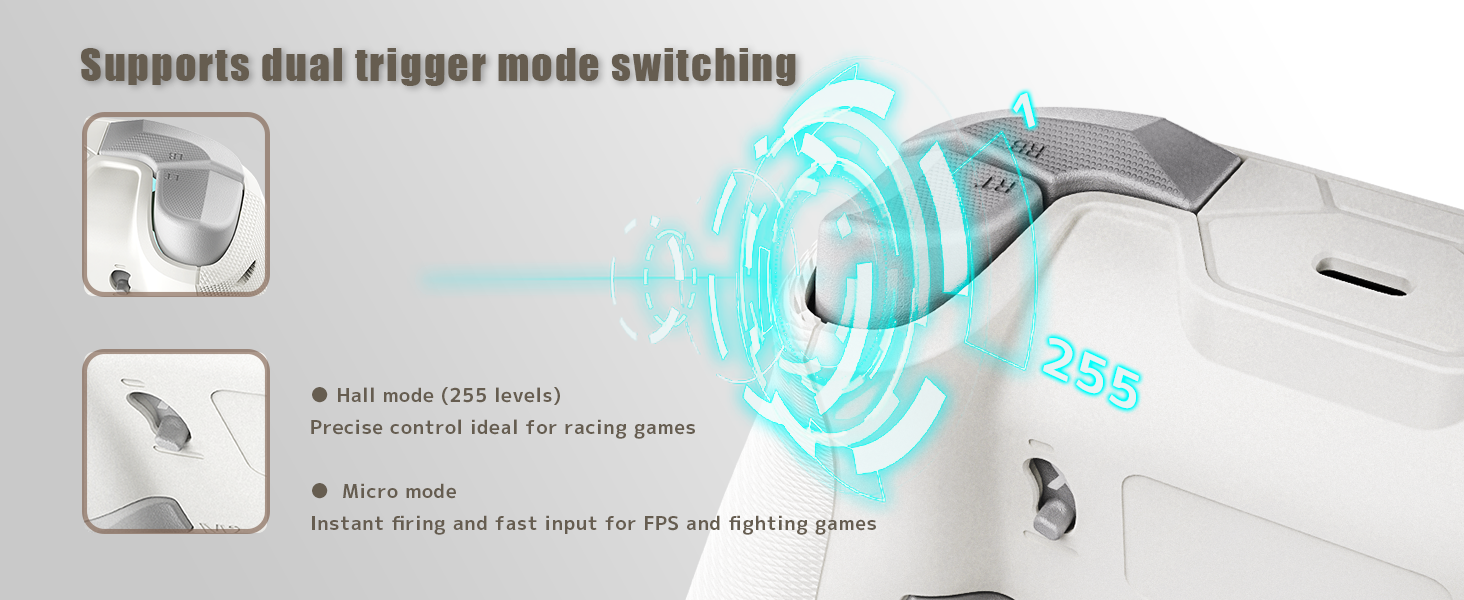
Illustration of the dual trigger mode, allowing users to switch between Hall (analog) and Micro (tactile) modes for different game genres.
5.3. 1000Hz Polling Rate
Experience a competitive edge with a true 1000Hz polling rate in wired and 2.4G modes. This ensures inputs are registered up to 4 times faster than standard gamepads, providing instant response and precise control in high-stakes gameplay.

The controller boasts a 1000Hz polling rate for ultra-fast, lag-free input response, crucial for competitive gaming.
5.4. Back Buttons (M1/M2)
The PX808 includes two programmable back buttons (M1 and M2) for custom assignments, allowing for more ergonomic and efficient gameplay.
5.5. Turbo Function
The Turbo mode reduces the need for repeated button pressing. It can be toggled on/off with a single click and is supported on +, A, B, X, Y, LB, RB, LT, RT, L3, and R3 buttons.
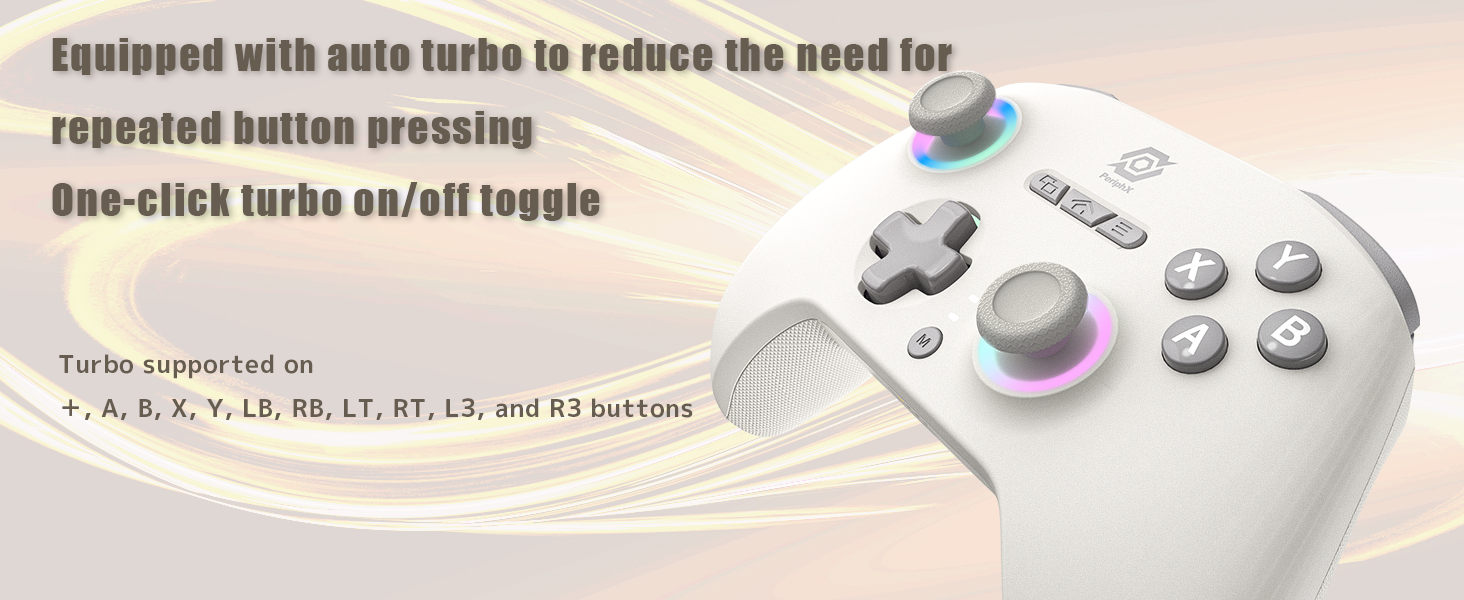
The auto turbo function simplifies gameplay by automating rapid button presses.
5.6. Macro Function
The controller supports macro programming, allowing users to record and assign complex sequences of button presses to a single button for advanced maneuvers.
5.7. RGB Lighting
Dynamic RGB lighting provides customizable effects, enhancing the aesthetic appeal of your controller and gaming setup.
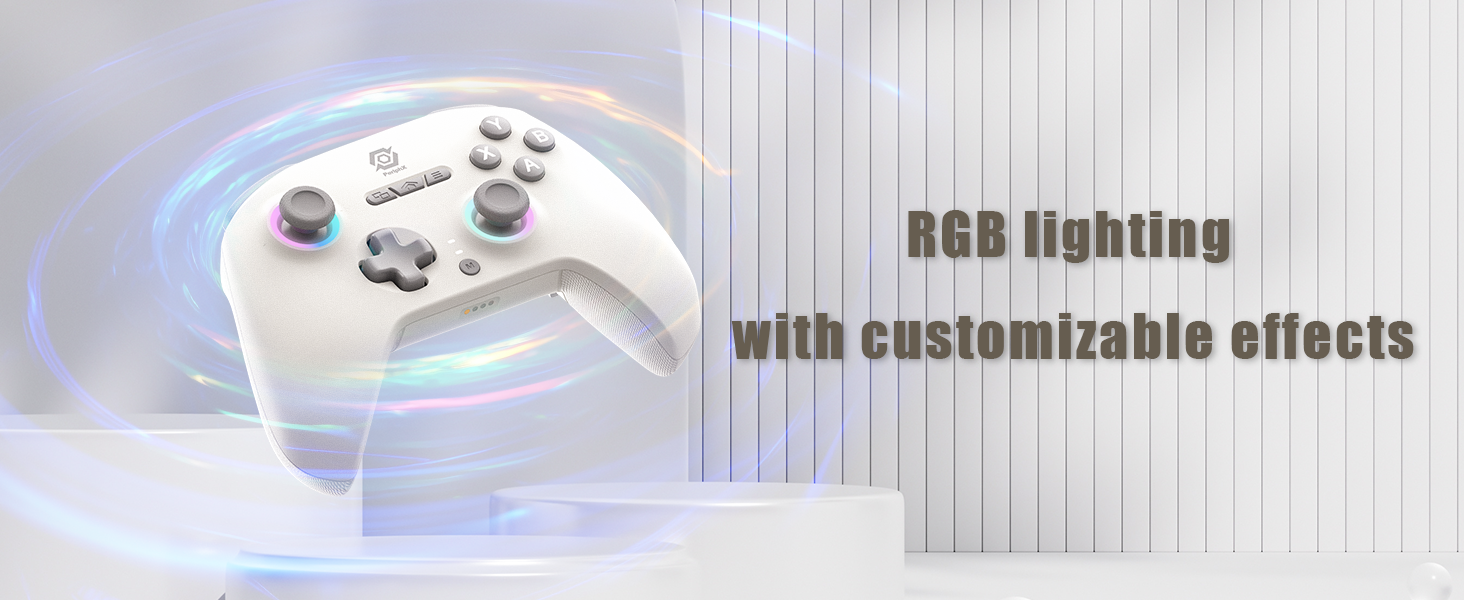
The controller features customizable RGB lighting to personalize your gaming experience.
5.8. Vibration Feedback
The PX808 offers 4-level adjustable HD vibration feedback, providing immersive tactile sensations that respond to in-game events.
5.9. 6-Axis Motion Control
Integrated 6-axis motion control (gyroscope) allows for intuitive and precise control in games that support motion sensing.

The controller integrates dual motor vibration and 6-axis gyro for immersive and precise control.
6. Charging and Battery
The controller is equipped with a built-in 1000mAh battery for extended gaming sessions.
- Charging Port: Type-C
- Charging Time: Approximately 2-3 hours for a full charge.
- Connect the provided USB-A to Type-C cable to a power source (e.g., PC USB port, USB wall adapter) and the controller's Type-C port to charge.
- The indicator lights will show charging status and battery level.
7. Troubleshooting
- Controller not connecting: Ensure the controller is charged. For 2.4G, verify the dongle is properly inserted. For Bluetooth, ensure the controller is in pairing mode and your device's Bluetooth is enabled. Try restarting both the controller and the device.
- Input lag: For optimal performance, use wired or 2.4G wireless connection, especially for competitive gaming. Ensure there are no strong wireless interferences nearby.
- Stick drift: The Hall Effect joysticks are designed to prevent drift. If you experience any issues, ensure the controller's firmware is up to date (check the PeriphX website for updates) or contact customer support.
- Buttons unresponsive: Check for physical obstructions. If the issue persists, try resetting the controller (refer to the quick start guide for reset instructions).
8. Specifications
| Model Number | PX808 (Item model number: 1133) |
| Dimensions | 158.5 x 103 x 63.6 mm |
| Weight | Approx. 250g (11.7 ounces) |
| Battery Capacity | 1000mAh |
| Charging Time | 2-3 hours |
| Operating Range | 10 meters |
| Charging Port | Type-C |
| Connectivity | Wired, 2.4G Wireless, Bluetooth |
| Polling Rate | 1000Hz (Wired & 2.4G modes) |
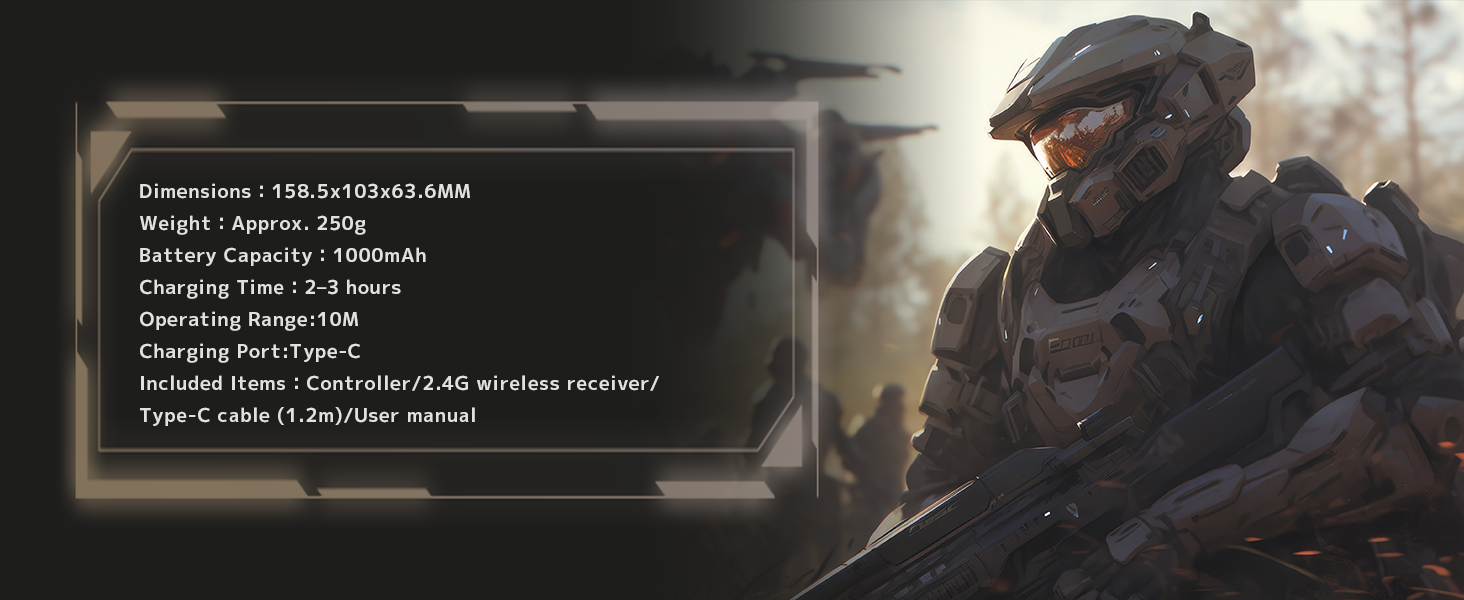
Key specifications of the PeriphX PX808 controller.
9. Warranty and Support
All PeriphX controllers undergo strict quality checks. The PX808 comes with a 6-month warranty. For any issues or inquiries, please reach out to our customer support. We aim to reply within 24 hours.
For further assistance, visit the official PeriphX website or contact our support team through your purchase platform.
10. Product Video
Watch the official product video for a visual overview of the PeriphX PX808 Wireless PC Controller's features and capabilities.
Official video showcasing the PeriphX Wireless PC Controller in action, highlighting its design and features.