
iSinbox JY821
iSinbox JY821 Smart Projector 4K User Manual
Model: JY821
1. Introduction and Overview
Welcome to the iSinbox JY821 Smart Projector 4K user manual. This guide provides essential information for setting up, operating, maintaining, and troubleshooting your projector. The JY821 is designed to deliver a high-quality home theater experience with advanced features and user-friendly operation.
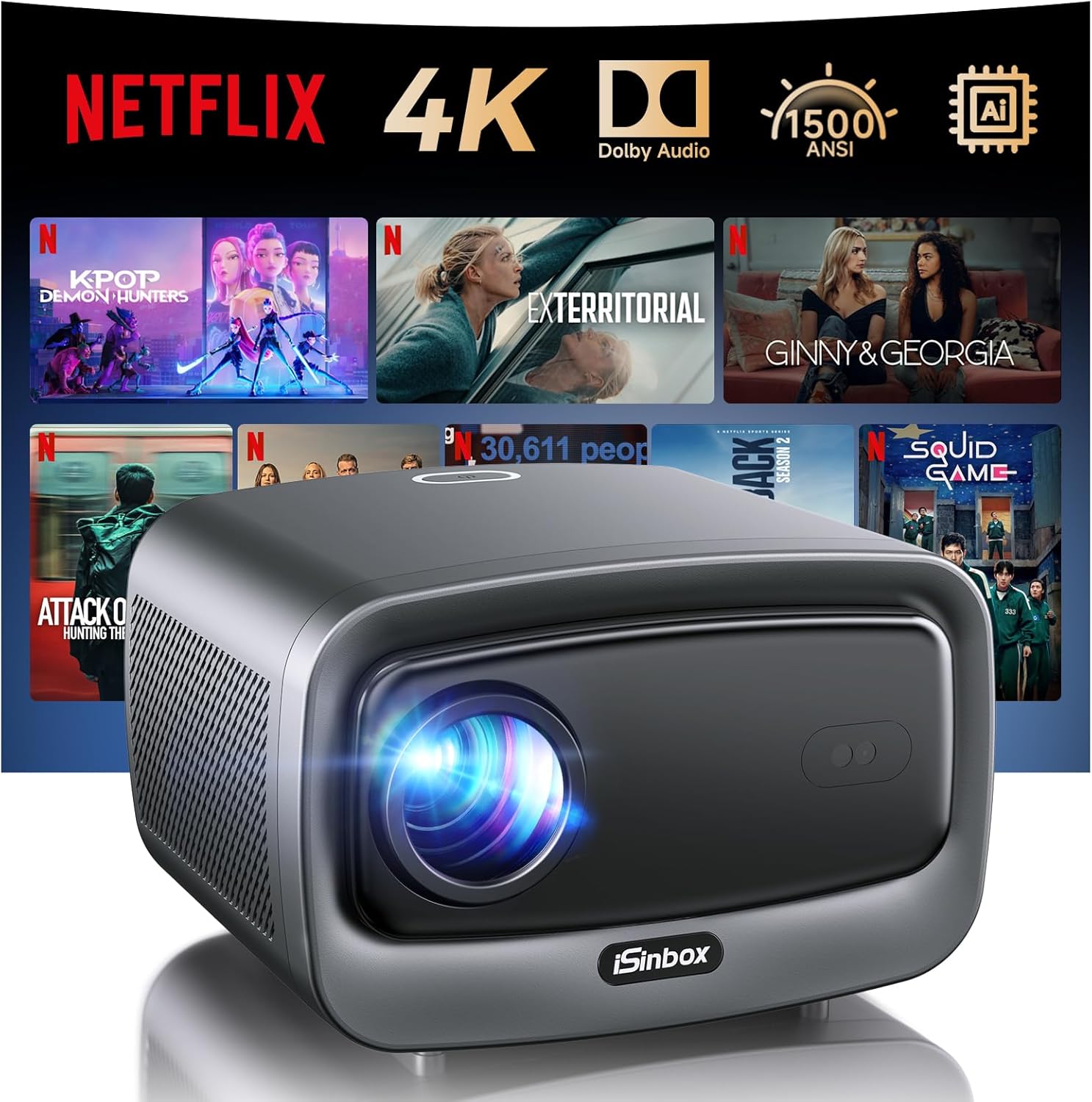
What's in the Box
- iSinbox JY821 Smart Projector
- Power Cord
- HDMI Cable
- AV Cable
- Remote Control
- User Manual (this document)
2. Setup Guide
Follow these steps for initial setup of your iSinbox JY821 projector.
Initial Power On and Placement
- Place the projector on a stable, flat surface or mount it according to your preferred installation method (ceiling, desktop, or wall mount). Ensure proper ventilation around the device.
- Connect the power cord to the projector and then to a power outlet.
- Press the power button on the projector or the remote control to turn on the device.
- The projector features an AI Movin System with automatic focus and 6D keystone correction. Upon power-on, it will automatically adjust the image for optimal clarity and alignment.

Connecting to Networks and Devices
- Wi-Fi Connection: Navigate to the network settings on the projector's smart OS. Select your Wi-Fi network and enter the password to connect. The projector supports ultra-fast Wi-Fi 6 for smooth streaming.
- Bluetooth Connection: The projector features dual-mode Bluetooth 5.3. You can connect external Bluetooth speakers or use the projector as a Bluetooth speaker for your mobile devices. Access Bluetooth settings to pair devices.
- HDMI/USB Connections: Use the provided HDMI cable to connect external devices such as laptops, gaming consoles (PS5), or streaming sticks (Fire TV Stick, Roku). Insert USB drives into the USB ports for media playback.

3. Operating Instructions
Learn how to navigate and utilize the various features of your iSinbox JY821 projector.
Smart Operating System and Apps
- The projector runs on the newest Linux operating system, providing a user-friendly interface.
- Access pre-installed streaming platforms such as Netflix, Prime Video, YouTube, Disney+, and Apple TV directly from the home screen. A Netflix membership is required for Netflix content.
- You can also browse the web or download additional compatible applications.

Image and Audio Settings
- 4K Decoding and HDR10+: The projector natively supports 1080P resolution and flawlessly decodes 4K content. HDR10+ technology enhances image depth and vibrant colors.
- AI PQ Enhancement: The AI Picture Quality enhancement optimizes visuals for a lifelike viewing experience.
- Zoom Function: Adjust the projection size from 50% to 100% using the digital zoom feature, allowing flexible placement without moving the projector.
- Dolby Audio Plus: Experience immersive sound with the built-in 36W speakers and advanced Dolby membrane speaker technology, providing rich bass and clear audio.


Screen Mirroring
Seamlessly mirror content from your Android or iOS device to the projector without delay. Refer to the projector's on-screen instructions for specific mirroring steps for your device type.
4. Maintenance
Proper maintenance ensures the longevity and optimal performance of your projector.
Dust Protection and Cooling System
- The JY821 features a fully sealed light engine, significantly boosting dust resistance and preventing image degradation due to dust buildup.
- It incorporates an industry-first liquid cooling system with a dual-core heat dissipation design. This system monitors temperature in real-time and automatically adjusts fan speed and coolant for optimal cooling, ensuring stable performance during long viewing sessions.


General Care
- Keep the projector in a clean, dry environment.
- Avoid blocking the ventilation openings.
- Clean the exterior with a soft, dry cloth. Do not use liquid cleaners or abrasive materials.
5. Troubleshooting
This section addresses common issues you might encounter with your iSinbox JY821 projector.
Common Issues and Solutions
| Issue | Possible Cause | Solution |
|---|---|---|
| No image or distorted image | Power issue, incorrect input source, auto-correction interference. | Ensure power is connected. Check input source (HDMI, USB). Allow auto-focus and keystone correction to complete. If distortion persists, try adjusting projector position. |
| No sound or low sound | Volume too low, incorrect audio output, Bluetooth connection issue. | Increase volume on projector and source device. Check audio output settings. If using Bluetooth, ensure devices are properly paired and within range. |
| Cannot connect to Wi-Fi/Bluetooth | Incorrect password, out of range, network interference. | Verify Wi-Fi password. Ensure projector is within range of router/Bluetooth device. Restart projector and router. |
| Apps not loading or slow performance | Slow internet connection, app cache, system overload. | Check internet speed. Clear app cache in settings. Restart the projector. Ensure sufficient storage space. |
6. Specifications
Detailed technical specifications for the iSinbox JY821 Smart Projector 4K.
| Feature | Detail |
|---|---|
| Brand | iSinbox |
| Model Number | JY821 |
| Display Resolution | Native 1920 x 1080 (Supports 4K Decoding) |
| Brightness | 1500 ANSI Lumens |
| Contrast Ratio | 25,000:1 |
| Operating System | Linux (Movin Smart Operating System) |
| Connectivity | Wi-Fi 6, Bluetooth 5.3 (Bi-directional), 2x HDMI, 2x USB, 1x LAN Port |
| Audio | 36W Speakers, Dolby Audio Plus |
| Special Features | Auto Focus, 6D Keystone Correction, Auto Screen Detection, Obstacle Avoidance, HDR10+, AI PQ Enhancement, Fully Sealed Light Engine, Liquid Cooling System, Built-in Streaming Apps (Netflix, Prime Video, YouTube, Disney+, Apple TV) |
| Dimensions | 7.7 x 8.6 x 5.5 inches |
| Weight | 4.97 pounds |
| Country of Origin | China |
7. Warranty and Customer Support
iSinbox is committed to providing excellent customer service and support for your projector.
Warranty Information
- 3-Year Warranty: Your iSinbox JY821 projector is covered by a 3-year limited warranty from the date of purchase.
- 1-Year Free Replacement: Within the first year of purchase, eligible issues may qualify for a free product replacement.
Technical Support
- Lifetime Technical Support: iSinbox offers lifetime technical support for your product.
- If you have any questions, require assistance with setup, operation, or troubleshooting, please feel free to contact our customer service team. Refer to your product packaging or the iSinbox official website for contact details.
Related documentsJY821


Ask a question about this manual
Ask about setup, troubleshooting, compatibility, parts, safety, or missing instructions. Manuals+ will review the question and use this page’s manual context to help answer it.