
Introduction
This manual provides detailed instructions for the proper use and maintenance of your Ortizan Portable Bluetooth Speaker X10. Please read this manual thoroughly before operating the device to ensure optimal performance and longevity.
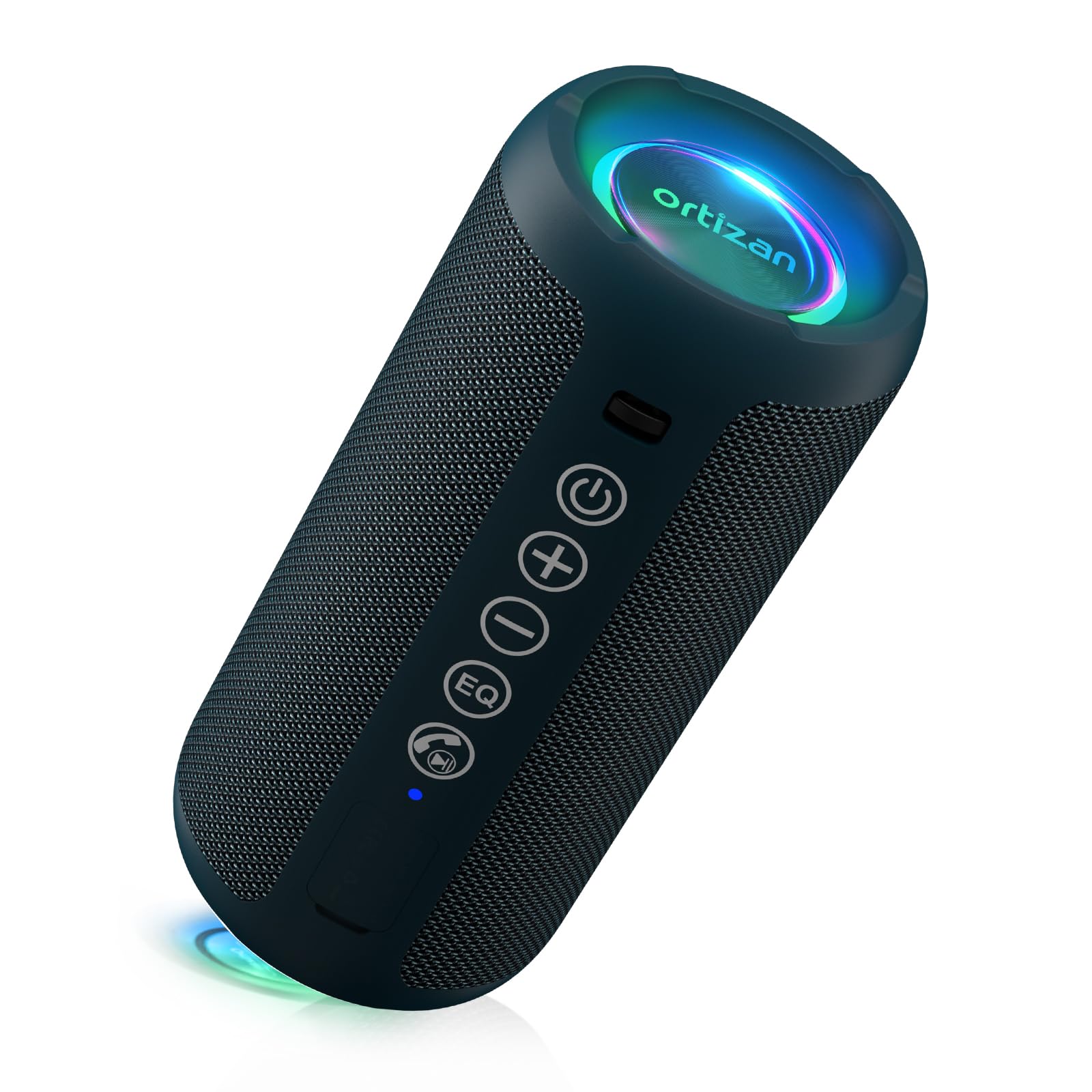
Image: Ortizan X10 Portable Bluetooth Speaker, showcasing its compact design.
Package Contents
Verify that all items listed below are included in your package:
- 1 x Ortizan Bluetooth Speaker
- 1 x USB-C Charging Cable
- 1 x 3.5mm AUX Cable
- 1 x Lanyard
- 1 x Quick Start Guide
Product Features
- High-Fidelity Stereo Sound: Equipped with 24W (2 x 12W) stereo audio drivers, an advanced digital signal processor, and dual passive radiators for enhanced bass.
- True Wireless Stereo (TWS) Pairing: Connect two Ortizan X10 speakers for a synchronized surround sound experience.
- RGB Colorful Light Show: Integrated LED lights offer various color-changing themes that pulse with your music. Can also be used as a standalone night light.
- IPX7 Waterproof Design: Provides protection against rain, dust, snow, and spills. Can be immersed in water up to 3 feet for 30 minutes.
- Extended Playtime: Up to 30 hours of continuous music playback at approximately 65dB volume, thanks to its 2600mAh battery.
- Bluetooth 5.3 Connectivity: Ensures a stable connection up to 66 feet (20 meters) without obstruction.
- Multi-functional: Supports Bluetooth, 3.5mm AUX input, and TF card playback. Includes a built-in microphone for hands-free calls.
- Durable Construction: Made from Acrylonitrile Butadiene Styrene (ABS) and Aluminum.
Controls and Indicators
The Ortizan X10 speaker features several buttons and indicators for easy operation:

Image: Ortizan X10 speaker with visible control buttons and active LED lights. The buttons include Power, Bluetooth, Volume Down, Volume Up, EQ, and Light Mode.
- Power Button (Ⓜ): Press and hold to power on/off. Short press to play/pause music.
- Bluetooth Button (Ⓘ): Short press to enter Bluetooth pairing mode.
- Volume Down Button (−): Short press to decrease volume. Long press for previous track.
- Volume Up Button (+): Short press to increase volume. Long press for next track.
- EQ Button (EQ): Short press to cycle through equalizer modes (e.g., Bass Boost, Vocal, 3D Sound).
- Light Mode Button (💡): Short press to change LED light modes. Long press to turn lights on/off.
- Charging Port (USB-C): For charging the speaker.
- AUX-in Port (3.5mm): For wired audio connection.
- TF Card Slot: For playing music directly from a MicroSD card.
- LED Indicator: Shows power status, charging status, and Bluetooth connection status.
Setup
Charging the Speaker
Before first use, fully charge the speaker. The charging time is approximately 3 hours.
- Connect the provided USB-C charging cable to the speaker's charging port.
- Connect the other end of the cable to a USB power adapter (not included) or a computer's USB port.
- The LED indicator will show charging status (e.g., red while charging, off when fully charged).
Bluetooth Pairing
To connect your speaker to a Bluetooth-enabled device:
- Power on the speaker by pressing and holding the Power button. The LED indicator will flash, indicating it's in pairing mode.
- Enable Bluetooth on your device (smartphone, tablet, etc.).
- Search for "Ortizan X10" in your device's Bluetooth settings and select it to connect.
- Once connected, the LED indicator will stop flashing and remain solid. You will hear an audible confirmation.

Image: Ortizan X10 speaker displaying multi-functional connectivity, shown next to a smartphone playing music.
Operating Instructions
Basic Music Playback
- Play/Pause: Short press the Power button.
- Volume Up/Down: Short press the Volume Up (+) or Volume Down (-) buttons.
- Next/Previous Track: Long press the Volume Up (+) button for the next track, and long press the Volume Down (-) button for the previous track.
True Wireless Stereo (TWS) Pairing
To pair two Ortizan X10 speakers for stereo sound:
- Ensure both speakers are powered on and not connected to any Bluetooth device.
- On one speaker (this will be the primary speaker), short press the Bluetooth button twice. It will enter TWS pairing mode.
- The primary speaker will automatically search for and connect to the second speaker.
- Once paired, both speakers will emit a confirmation tone, and their LED indicators will synchronize.
- Now, connect your device to the primary speaker via Bluetooth as described in the "Bluetooth Pairing" section.
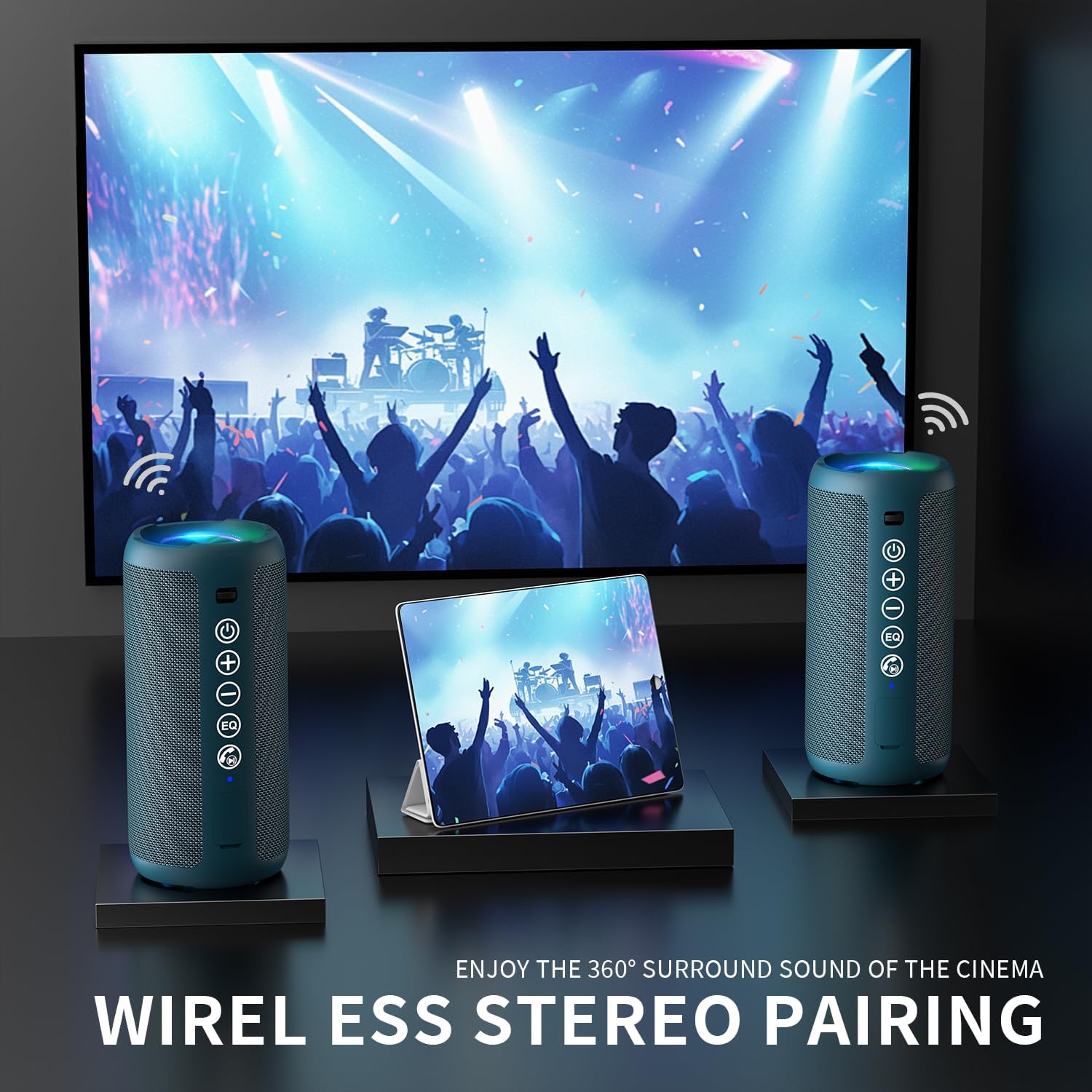
Image: Two Ortizan X10 speakers wirelessly paired, providing a surround sound experience for a movie playing on a screen.
LED Light Modes
The speaker features multiple LED light modes. Short press the Light Mode button (💡) to cycle through different light effects. Long press the Light Mode button to turn the lights on or off.
Image: Ortizan X10 speaker showcasing its mixing colored LED lights that sync to the beat of music.
AUX Input Mode
To play audio via the 3.5mm AUX cable:
- Connect one end of the 3.5mm AUX cable to the speaker's AUX-in port.
- Connect the other end to your audio source (e.g., MP3 player, computer).
- The speaker will automatically switch to AUX mode.
TF Card Playback
To play music directly from a TF (MicroSD) card:
- Insert a TF card with music files (MP3, WAV, etc.) into the TF card slot.
- The speaker will automatically detect the card and begin playing music.
Hands-free Calling
When connected to a smartphone via Bluetooth, the built-in microphone allows for hands-free calls:
- Answer Call: Short press the Power button.
- End Call: Short press the Power button during a call.
- Reject Call: Long press the Power button.
Maintenance
- Cleaning: Wipe the speaker with a soft, damp cloth. Do not use abrasive cleaners or solvents.
- Storage: Store the speaker in a cool, dry place away from direct sunlight and extreme temperatures.
- Battery Care: To prolong battery life, fully charge the speaker at least once every three months if not in regular use. Avoid fully discharging the battery frequently.
- Water Resistance: While IPX7 waterproof, ensure the charging port and AUX port covers are securely closed before exposing the speaker to water.
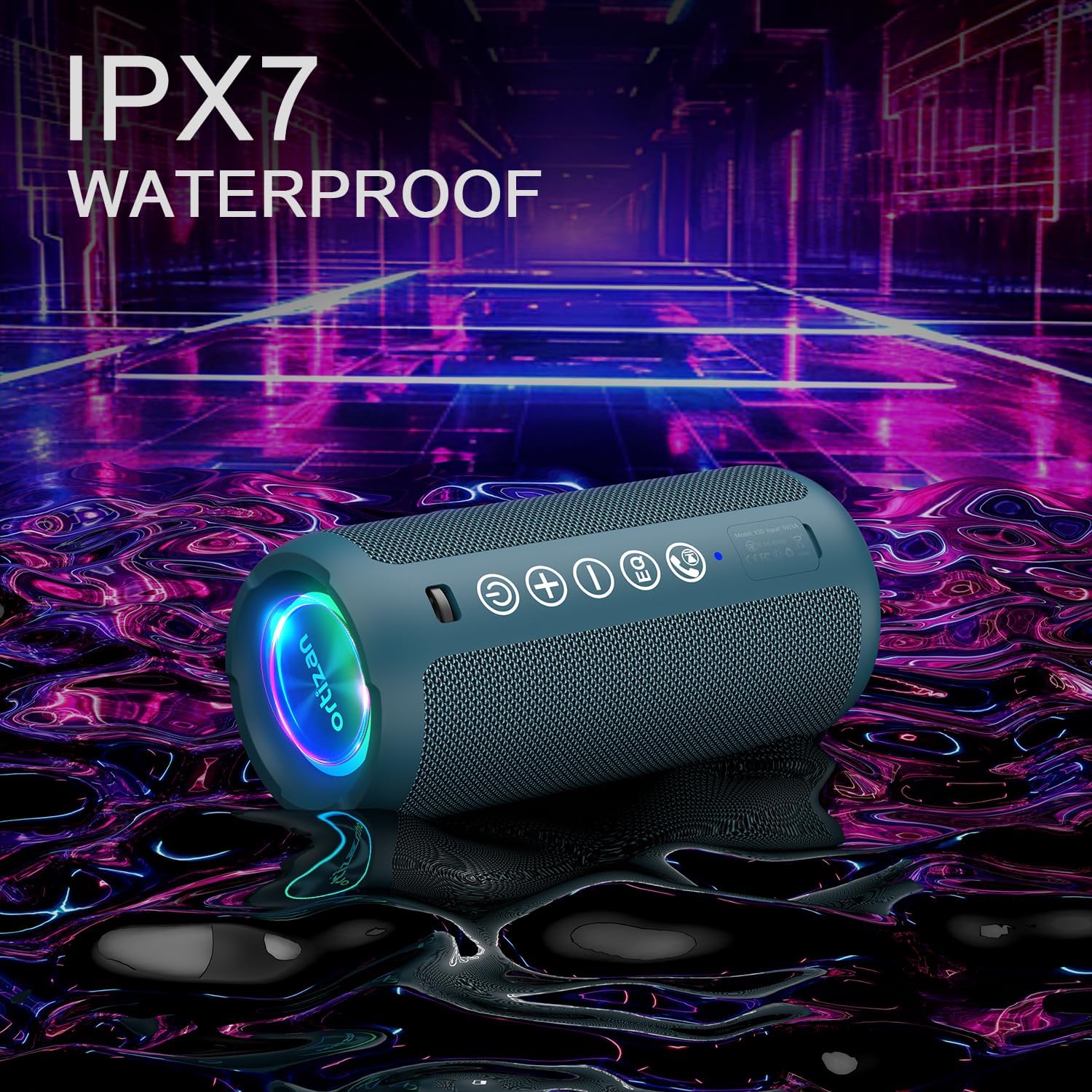
Image: Ortizan X10 speaker in a water-splashed environment, highlighting its IPX7 waterproof rating.
Troubleshooting
| Problem | Possible Cause | Solution |
|---|---|---|
| Speaker does not power on. | Low battery. | Charge the speaker for at least 30 minutes. |
| Cannot pair via Bluetooth. | Speaker not in pairing mode; device Bluetooth off; too far from speaker. | Ensure speaker is in pairing mode (flashing LED). Turn device Bluetooth on/off. Move device closer to speaker (within 66 ft). |
| No sound. | Volume too low; incorrect input mode; device not playing. | Increase speaker and device volume. Check if AUX or TF card mode is active. Ensure music is playing on the connected device. |
| TWS pairing fails. | Speakers already connected to other devices; too far apart. | Disconnect both speakers from any Bluetooth devices. Ensure speakers are close to each other during TWS pairing. |
| LED lights not working. | Lights turned off. | Long press the Light Mode button to turn them on. |
Specifications
| Feature | Detail |
|---|---|
| Model Name | X10 |
| Speaker Output Power | 24W (2 x 12W) |
| Bluetooth Version | 5.3 |
| Bluetooth Range | Up to 66 feet (20 meters) |
| Water Resistance | IPX7 |
| Battery Capacity | 2600 mAh |
| Playtime | Up to 30 hours (at 65dB volume) |
| Charging Time | Approximately 3 hours |
| Input Voltage | 5V DC |
| Connectivity | Bluetooth, AUX, TF Card |
| Product Dimensions | 3"D x 3"W x 6.69"H |
| Item Weight | 1.15 pounds (0.52 kg) |
| Material | ABS, Aluminum |
Official Product Videos
Watch these official videos for visual guides and demonstrations of the Ortizan X10 Portable Bluetooth Speaker.
Video: Comprehensive overview and demonstration of the Ortizan X10 speaker's features and functions (Duration: 8:47).
Video: Feature highlights and usage scenarios for the Ortizan X10 speaker (Duration: 1:57).
Video: Detailed look at the design and portability of the Ortizan X10 speaker (Duration: 2:04).
Warranty and Support
The Ortizan Portable Bluetooth Speaker X10 comes with a limited warranty. Please refer to the included Quick Start Guide or contact Ortizan customer support for specific warranty terms and conditions.
For technical support or inquiries, please visit the official Ortizan website or contact their customer service department.


