
1. Introduction
This manual provides essential information for the safe and effective operation of your GdjRttk 160W 3-Axis Moving Head Light. Please read this manual thoroughly before installation, operation, or maintenance to ensure proper usage and to prevent damage to the unit or injury to personnel. Keep this manual for future reference.
2. Safety Information
- Always connect the unit to a grounded power outlet.
- Ensure the voltage matches the power requirements specified on the unit.
- Do not open the housing; there are no user-serviceable parts inside. Refer all servicing to qualified personnel.
- Avoid direct eye exposure to the light source.
- Ensure adequate ventilation around the unit to prevent overheating.
- Mount the fixture securely using appropriate hardware and safety cables.
- Operate the unit within the specified temperature range (-20°C to 40°C).
3. Package Contents
Verify that all items listed below are included in your package:
- 1 x GdjRttk 160W Moving Head Light
- 1 x Power Cord
- 1 x Quick Lock Bracket
- 1 x Instruction Manual (this document)
- 1 x Safety Rope

4. Product Features
The GdjRttk 160W 3-Axis Moving Head Light is designed for dynamic stage lighting applications, offering a range of advanced features:
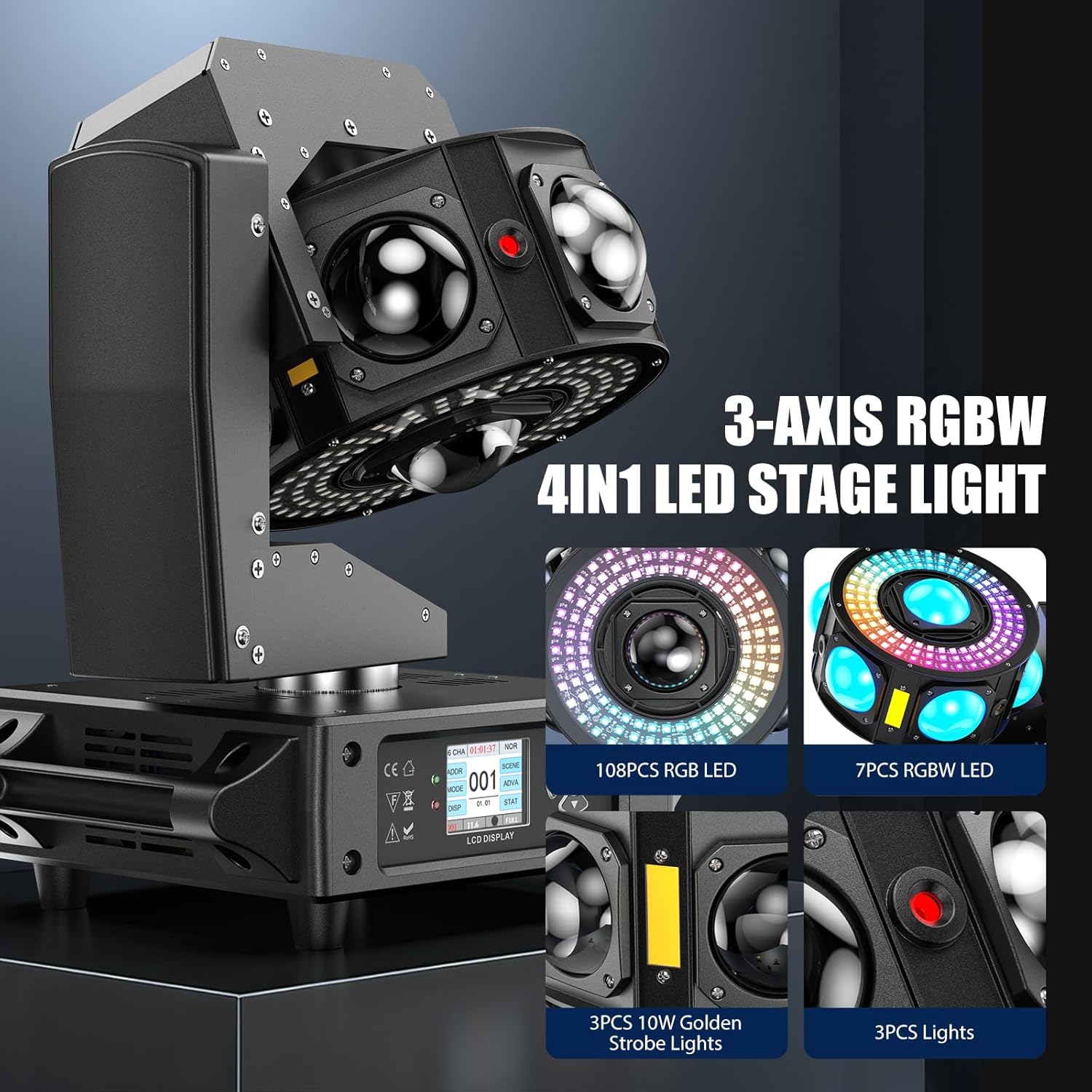
- 3-Axis Motion: Features 540° horizontal (Pan), 320° vertical (Tilt), and infinite Z-axis rotation for comprehensive coverage.
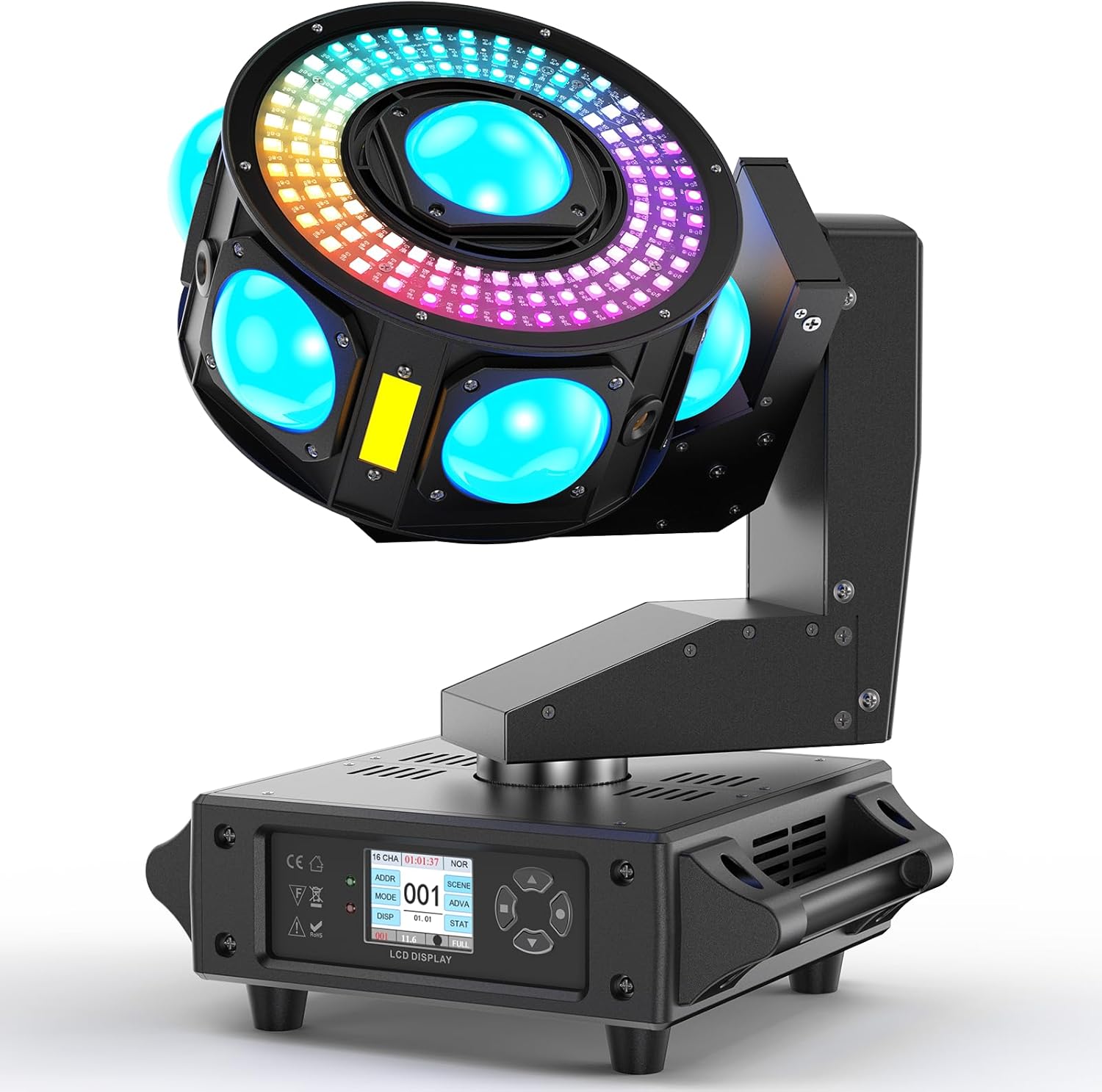
- Dynamic Multi-Effect Lighting: Equipped with 7x 3W RGBW LED beams (2° narrow angle), 108 RGB LEDs for over 30 programmable chase effects, and red/green/blue starry sky effects. Includes golden strobe for enhanced visual impact.
- Professional Control: Supports DMX512 and RDM protocols with 19/25 channel modes. Features a 1.77-inch LCD screen and 4-button interface for easy navigation.
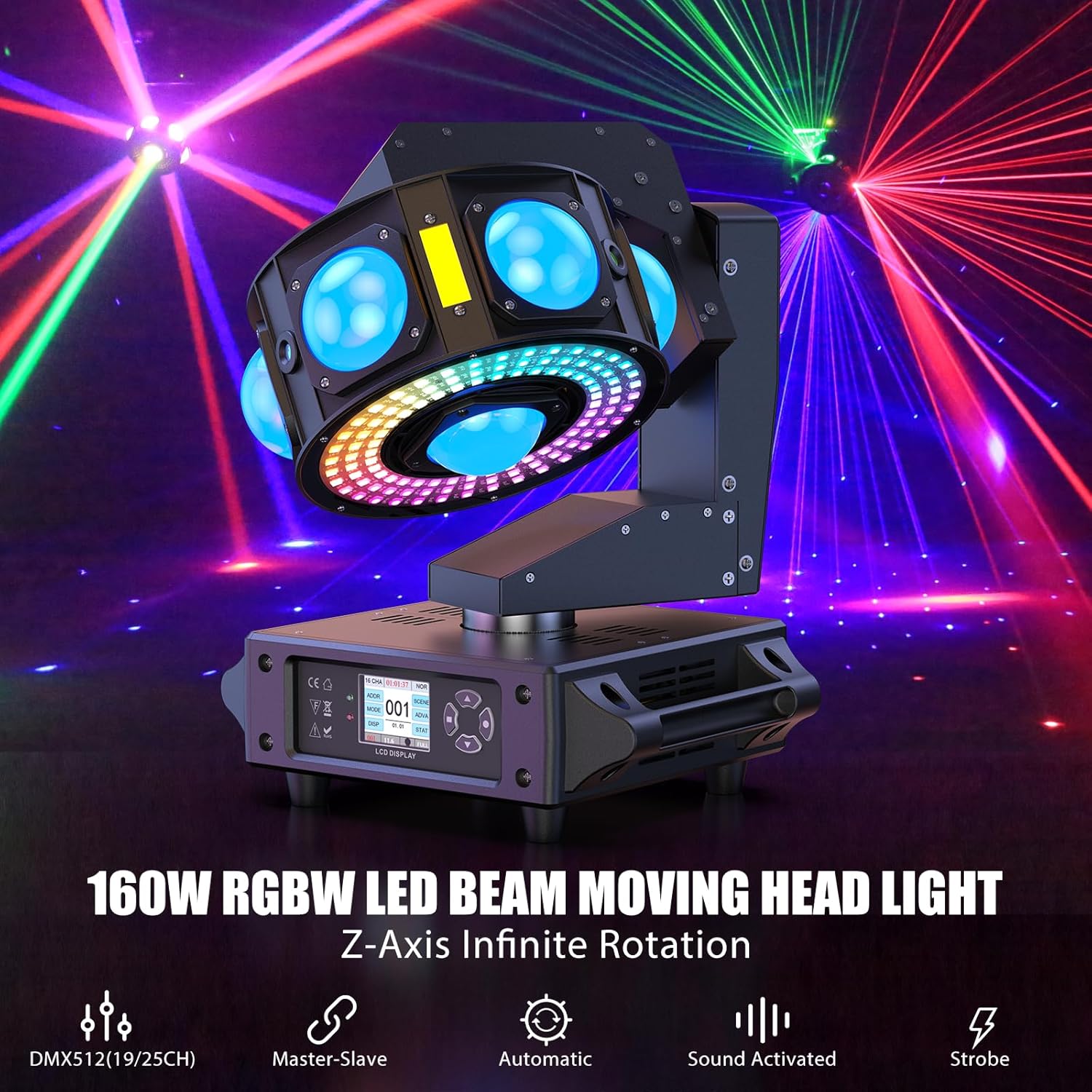
- Control Modes: Operates in Auto, Sound Activated, Master-Slave, and DMX modes.
- Durable Construction: Lightweight yet sturdy sheet metal and plastic hybrid structure with an IP20 rating.
- Long LED Lifespan: LEDs are rated for approximately 20,000 hours of operation.

5. Setup
Follow these steps for initial setup:
- Unpacking: Carefully remove the fixture from its packaging and inspect for any damage during transit.
- Mounting: The fixture can be mounted on a truss (using the quick lock bracket) or placed on a flat, stable surface. Ensure the mounting location is secure and can support the weight of the fixture. Always use the provided safety rope as a secondary attachment.
- Power Connection: Connect the power cord to the 'POWER IN' port on the rear of the unit, then plug it into a suitable 110V AC grounded power outlet.
- DMX Connection (Optional): If using DMX control, connect a DMX cable from your DMX controller to the 'DMX IN' port. For multiple units, daisy-chain them using 'DMX OUT' to the next unit's 'DMX IN'.
6. Operating Modes
The GdjRttk Moving Head Light offers several operating modes, selectable via the LCD display and buttons:
- Auto Mode: The fixture runs through pre-programmed light shows automatically.
- Sound Activated Mode: The light effects respond to ambient sound, ideal for parties and events.
- Master-Slave Mode: Connect multiple units via DMX cables. Set one unit as 'Master' and others as 'Slave' to synchronize their operation without a DMX controller.
- DMX Mode: Provides full control over all fixture parameters using an external DMX512 controller.
7. DMX Control
For professional control, connect the fixture to a DMX512 controller. The unit supports 19 or 25 DMX channels, allowing precise manipulation of pan, tilt, color, strobe, and effect parameters.
7.1. Control Panel Overview
The 1.77-inch LCD screen and four buttons (MENU, UP, DOWN, ENTER) allow for DMX address setting, mode selection, and parameter adjustments.

7.2. DMX Channel Modes
Refer to the DMX chart in the full instruction manual for detailed channel assignments for both 19CH and 25CH modes. This chart will specify functions such as Pan, Tilt, Pan/Tilt Speed, Dimmer, Strobe, Color, Gobo, and various effect controls.
8. Maintenance
Regular maintenance ensures optimal performance and extends the lifespan of your fixture:
- Cleaning: Periodically clean the lenses and exterior housing with a soft, lint-free cloth. Do not use abrasive cleaners or solvents.
- Inspection: Regularly check power cables, DMX cables, and mounting hardware for any signs of wear or damage. Replace damaged components immediately.
- Ventilation: Ensure cooling fans and ventilation openings are free from dust and debris to maintain proper airflow.
9. Troubleshooting
If you encounter issues, refer to the following common problems and solutions:
| Problem | Possible Cause | Solution |
|---|---|---|
| No power | Power cable disconnected, faulty outlet, blown fuse | Check power connections, test outlet, replace fuse (refer to Figure 7.1 for fuse location). |
| No DMX control | Incorrect DMX address, faulty DMX cable, DMX controller issue | Verify DMX address, check DMX cable integrity, ensure DMX controller is functioning correctly. |
| Fixture not moving/responding | Mode setting incorrect, motor calibration issue | Check operating mode. If in DMX, ensure correct channels are being sent. Power cycle the unit. |
| Overheating | Blocked ventilation, prolonged use in high ambient temperature | Clear ventilation openings. Ensure adequate space around the unit. Reduce operating time if ambient temperature is high. |
If problems persist, contact customer support for assistance.
10. Specifications
| Feature | Specification |
|---|---|
| Model Number | ZQ02621US |
| Power Source | Corded Electric |
| Voltage | 110 Volts (AC) |
| Light Source Wattage | 160 Watts |
| Light Source Type | Light Emitting Diode (LED) |
| LED Lifespan | 20,000 hours |
| Beam Angle | 2 Degrees |
| Pan Rotation (X-axis) | 540° |
| Tilt Rotation (Y-axis) | 320° |
| Z-axis Rotation | Infinite |
| Control Protocols | DMX512, RDM |
| DMX Channels | 19/25 Channels |
| Control Modes | Auto, Sound Activated, Master-Slave, DMX |
| Display | 1.77-inch LCD screen with 4 buttons |
| Material | Sheet Metal/Plastic Hybrid |
| IP Rating | IP20 |
| Product Dimensions | 10.31"L x 11.68"W x 13.18"H |
| Item Weight | 15.17 pounds |
| Operating Temperature | -20°C to 40°C |
11. Warranty and Support
For warranty information or technical support, please refer to the contact details provided with your purchase documentation or visit the official GdjRttk website. Keep your proof of purchase for any warranty claims.