
Introduction
This manual provides essential instructions for the safe and effective use, installation, and maintenance of your FYIOGXG replacement battery, compatible with KONKA KCMY-2901-T devices and identified by part number ZL18&6&50-B4-3S1P. Please read this manual thoroughly before using the battery to ensure optimal performance and longevity.
Important Safety Information
Your safety is paramount. Please adhere to the following guidelines to prevent damage to the battery, device, or personal injury.
- Do not attempt to disassemble, open, or service the battery pack. This can lead to electric shock, fire, or exposure to hazardous substances.
- Replace only with the battery pack designated for this product. Using an incompatible battery may cause fire or explosion.
- Do not crush, puncture, short external contacts, or dispose of in fire or water. Such actions can cause severe damage, fire, or explosion.
- Do not store above 60°C (140°F). High temperatures can degrade battery performance and pose a safety risk.
- Avoid using low-quality third-party adapter chargers. These can shorten the battery's life and may pose safety hazards.
- Keep the battery away from children.
- Dispose of used batteries responsibly according to local regulations.
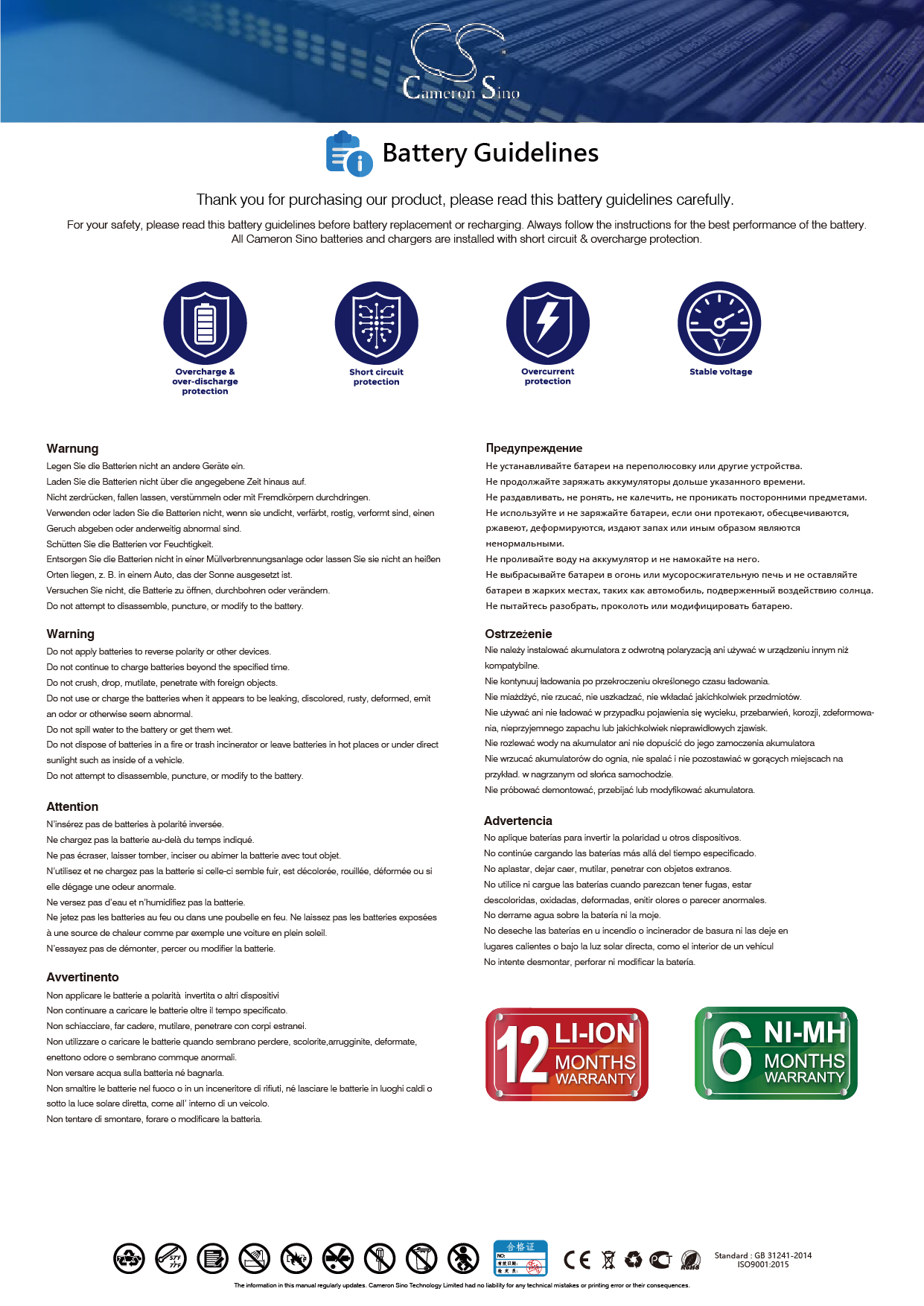
For detailed safety guidelines, refer to general battery safety information, such as those found at Battery Guidelines.
Setup and Installation
Before installation, ensure your device is powered off and disconnected from any power source. It is recommended to watch installation videos available online for guidance.
- Verify Compatibility: Carefully check the model number of your device (KONKA KCMY-2901-T) and the part number of your original battery (ZL18&6&50-B4-3S1P) to confirm compatibility with this replacement battery.
- Prepare Device: Power off your device completely and remove any external power connections.
- Remove Old Battery: Follow your device's specific instructions to safely remove the existing battery.
- Install New Battery: Insert the new FYIOGXG battery into the battery compartment. Ensure the connector is properly aligned and securely connected to your device's port.
- Secure Battery: Close the battery compartment cover or secure the battery as per your device's design.
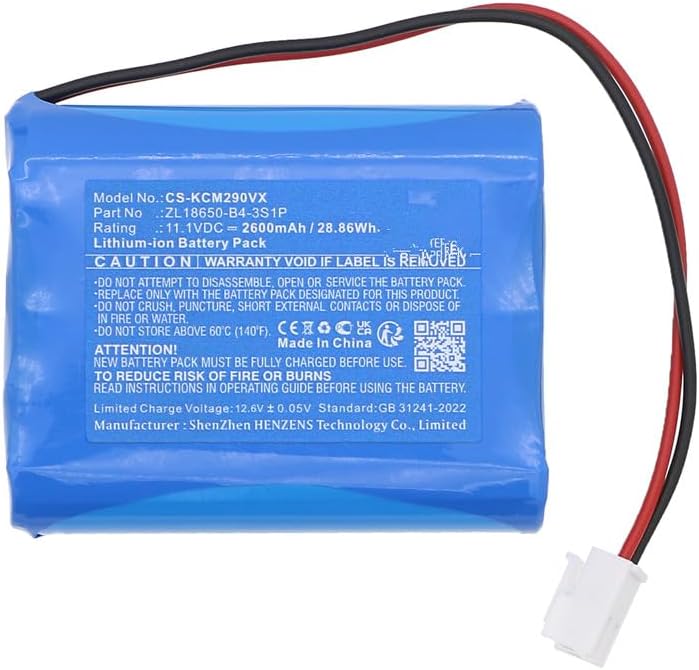
Image 1: The FYIOGXG replacement battery, showing its blue casing and attached wires with a white connector.

Image 2: A close-up view of the white connector with red and black wires, illustrating the connection type.
Operating Instructions
Initial Use and Charging
For optimal performance, a new battery requires a few charge and discharge cycles.
- First Use: After installation, fully charge the battery before its first use.
- Conditioning: A new battery will achieve its best performance after 2 or 3 complete cycles of charge and discharge. This means fully charging the battery, using the device until the battery is low, and then fully recharging it again.
- Charging: Use only the original or a high-quality, compatible charger for your device. Avoid low-quality third-party chargers, as they can shorten battery life.

Image 3: An illustration showing the battery in context with a generic electronic device, demonstrating typical usage.
Maintenance and Care
Proper care extends the life of your battery.
- Temperature: Store and operate the battery within recommended temperature ranges. Avoid extreme heat or cold. Do not store above 60°C (140°F).
- Charging Habits: While modern batteries have overcharge protection, it's generally good practice to avoid leaving the battery on charge indefinitely after it's full.
- Cleaning: Keep battery contacts clean and dry. Use a soft, dry cloth if cleaning is necessary.
- Protection Features: This battery includes built-in protection against overcharge, over-discharge, over-voltage, and short circuits to ensure safe and durable use.
Troubleshooting
If you encounter issues with your battery, consider the following common solutions:
| Problem | Possible Cause | Solution |
|---|---|---|
| Battery not charging | Loose connection, faulty charger, or battery not properly seated. | Ensure the battery connector is securely attached. Try a different, known-good charger. Re-install the battery. |
| Short battery life | New battery not conditioned, high power consumption by device, or extreme temperatures. | Complete 2-3 full charge/discharge cycles. Reduce device usage of power-intensive features. Operate device within recommended temperature ranges. |
| Device not powering on | Battery completely discharged, incorrect installation, or incompatible battery. | Charge the battery. Re-check installation steps. Verify battery compatibility with your device model. |
If issues persist, please contact customer support.
Product Specifications
| Feature | Detail |
|---|---|
| Model Compatibility | KONKA KCMY-2901-T |
| Part Number | KONKA ZL18&6&50-B4-3S1P |
| Brand | FYIOGXG |
| Battery Type | Lithium Polymer |
| Capacity | 2600mAh / 28.86Wh |
| Voltage | 11.1 Volts |
| Dimensions | 68.00 x 55.00 x 18.00mm (approximate) |
| Weight | 10g (approximate) |
| Certifications | ISO9001, RoHS, CE |
| Protection | Overcharge, over-discharge, over-voltage, short circuit |
| Manufacturer | CS |
Warranty and Support
Warranty Information
This FYIOGXG battery comes with a 1-Year Warranty from the manufacturer. Additionally, a 30-day refund/replacement policy is available through the seller, BatteryUniverse.
Please retain your proof of purchase for any warranty claims.
Customer Support
For any questions, technical assistance, or warranty claims, please contact the seller, BatteryUniverse. Email inquiries typically receive a response within 24 hours.
For general inquiries or to learn more about FYIOGXG products, please visit the brand's official channels.