1. Introduction and Overview
The ciciglow Smart Glasses are Bluetooth AI Smart Sunglasses designed for both men and women, featuring integrated microphone and speakers for audio and communication. These glasses offer a blend of eye protection and smart audio functionality, making them suitable for various outdoor activities.
Key Features:
- Premium Sound Experience: Dual speakers provide clear audio for calls and music. A high-definition microphone ensures clear conversations.
- Music and Calls: Connects to your phone via Bluetooth for music playback and hands-free calls.
- Touch Control: Single-key operation for managing music, calls, and activating your sound assistant.
- Long-Lasting Battery: Built-in 80mAh battery offers up to 6 hours of music playback, 4 hours of talk time, and 6 months of standby time. Magnetic charging reduces wear.
- Protective Lenses: Fully protective lenses shield your eyes from the sun while maintaining color, clarity, and contrast.
- Comfortable Design: Lightweight frame made of premium materials for comfortable wear during relaxation or exercise.
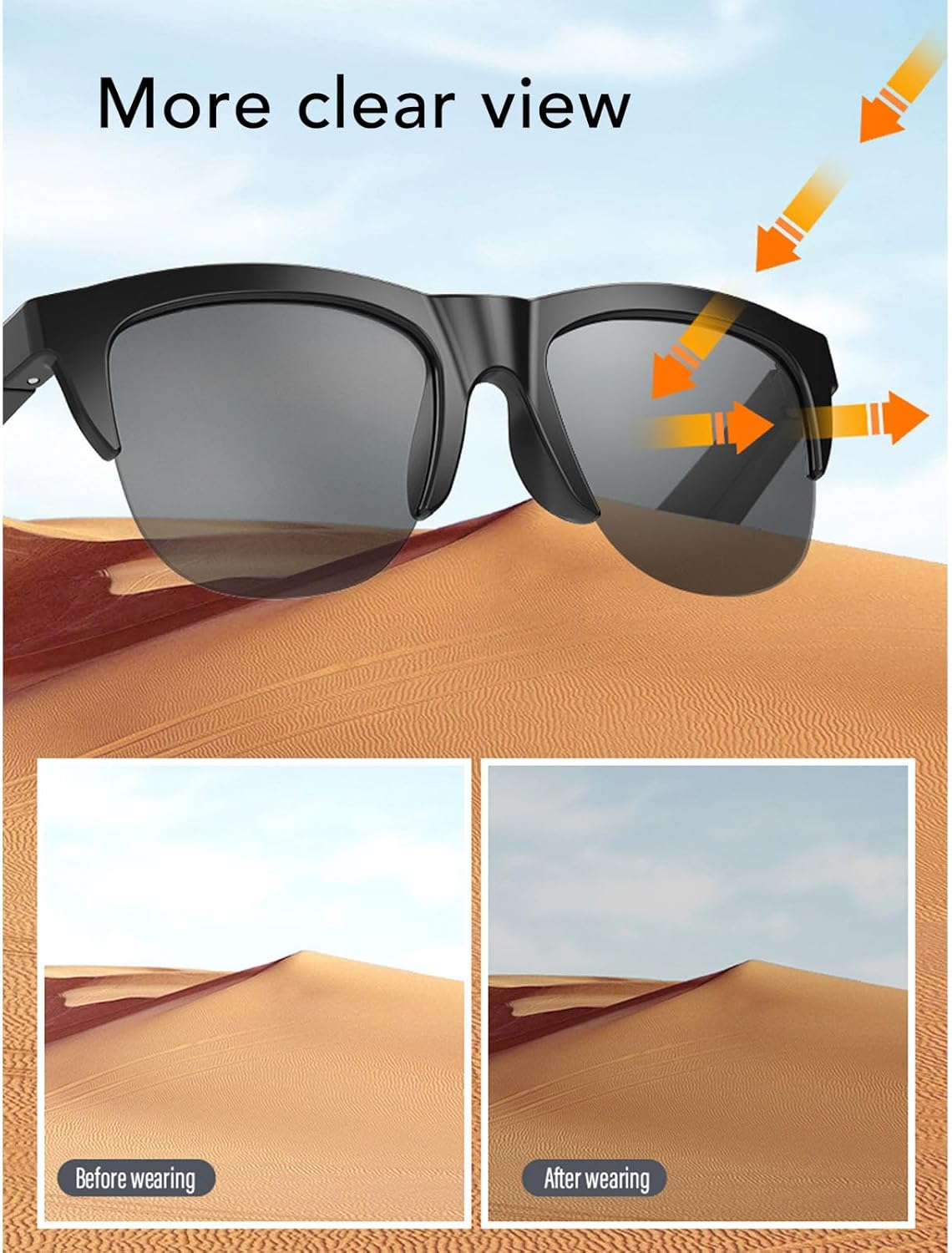
Image: The ciciglow Smart Glasses demonstrating eye protection from sun rays.
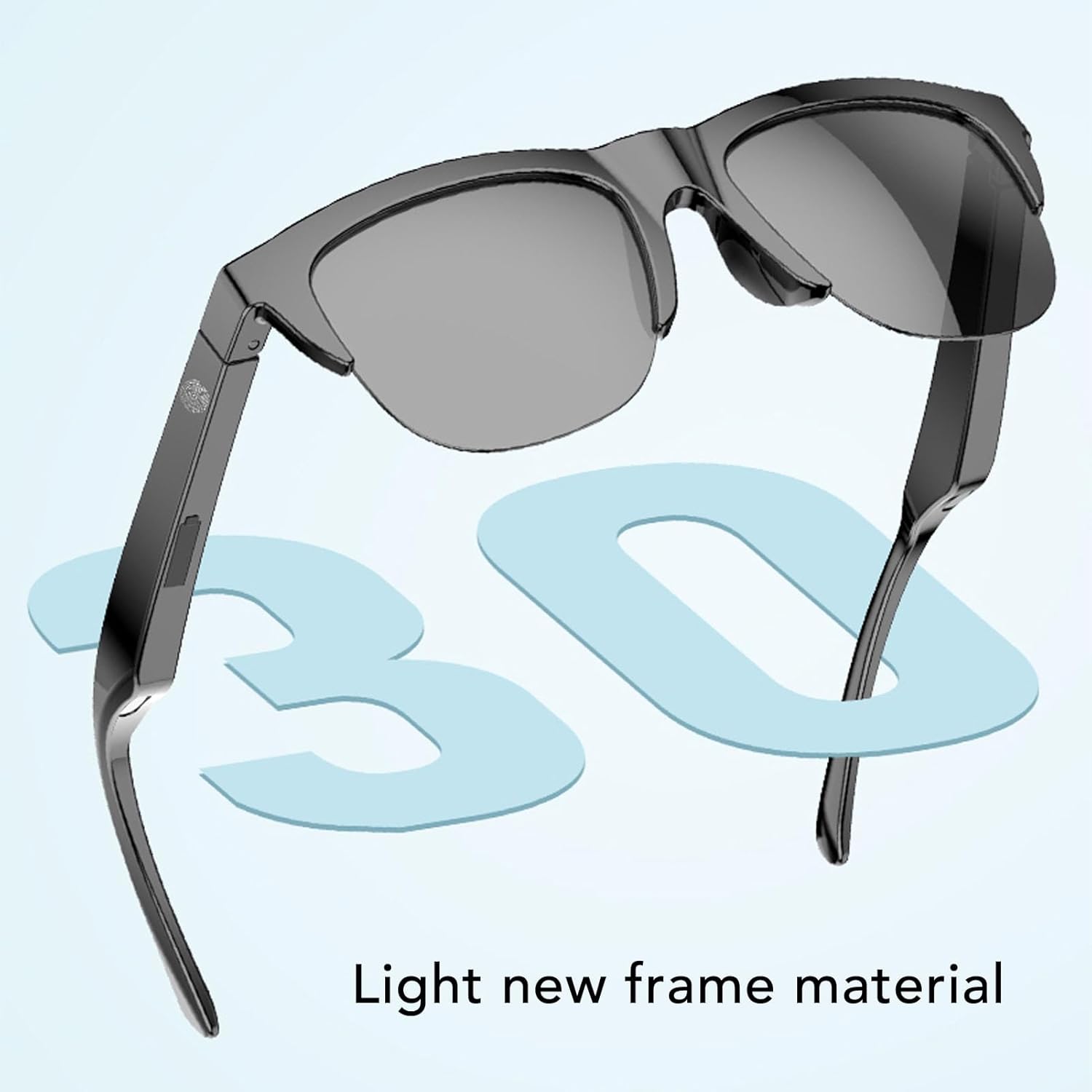
Image: The ciciglow Smart Glasses highlighting their lightweight frame material.
2. Package Contents
Please verify that all items are present in your package:
- 1 x ciciglow Smart Glasses
- 1 x Supply Cable (Charging Cable)
- 1 x Eyeglass Cleaning Cloth
- 1 x User Manual
3. Setup
3.1 Initial Charging
Before first use, fully charge your ciciglow Smart Glasses. Connect the provided supply cable to the magnetic charging port on the glasses and a compatible USB power source. A full charge typically takes approximately 2 hours.
3.2 Powering On/Off
- To Power On: Press and hold the multi-function touch control area on the temple of the glasses until you hear a power-on prompt or see an indicator light.
- To Power Off: Press and hold the multi-function touch control area until you hear a power-off prompt or the indicator light turns off.
3.3 Bluetooth Pairing
To connect your Smart Glasses to a device (e.g., smartphone, tablet):
- Ensure the glasses are powered on and in pairing mode (usually indicated by a flashing LED light). If not, power them off and then on again, or refer to the specific pairing instruction in the included user manual.
- On your device, go to the Bluetooth settings.
- Search for available devices. The glasses should appear as "ciciglow Smart Glasses" or a similar name.
- Select the glasses to pair. Once paired, you will hear a confirmation sound, and the LED indicator will change.
The Bluetooth connection distance is approximately 10 meters (32.81 feet).
4. Operating Instructions
4.1 Touch Control Functions
The ciciglow Smart Glasses feature intuitive touch controls on the temple. Specific actions are typically performed with a single key press, double-tap, or long press.
- Music Playback:
- Play/Pause: Single tap the touch control area.
- Next Track: Double-tap the right temple.
- Previous Track: Double-tap the left temple.
- Call Management:
- Answer/End Call: Single tap the touch control area during an incoming call or active call.
- Reject Call: Press and hold the touch control area during an incoming call.
- Voice Assistant: Triple-tap the touch control area to activate your device's voice assistant (e.g., Siri, Google Assistant).

Image: A woman wearing ciciglow Smart Glasses, illustrating the dual speaker audio experience.
4.2 Audio and Communication
The dual speaker design and high-definition microphone allow for clear audio output and input. Ensure the glasses are properly positioned on your face for optimal sound and microphone performance.
Video: An official product video demonstrating the features and usage of the ciciglow Smart Glasses, including call functionality and ergonomic design.
5. Maintenance and Care
5.1 Charging
Recharge the glasses using the magnetic charging cable when the battery is low. Avoid using non-standard chargers to prevent damage. The magnetic charging design helps protect the charging port and extends the product's lifespan.
5.2 Cleaning
Use the provided eyeglass cleaning cloth to gently wipe the lenses and frame. Avoid using harsh chemicals or abrasive materials that could scratch the lenses or damage the frame.
5.3 Water Resistance
The ciciglow Smart Glasses are rated XP4 for life waterproof. This means they are resistant to splashing water from any direction. They are not designed for submersion in water or for use during swimming or heavy rain. Ensure the charging port is dry before charging.
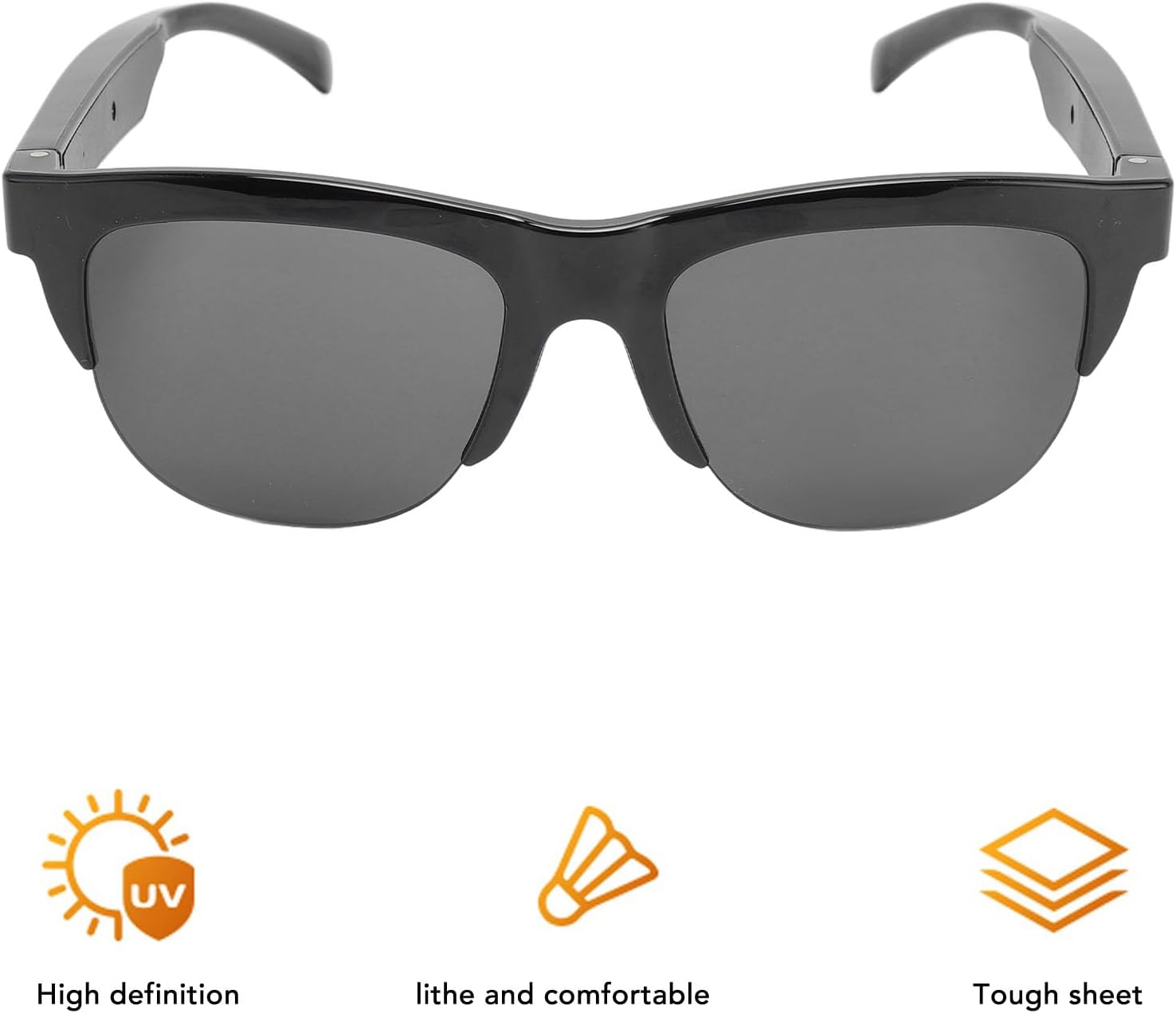
Image: The ciciglow Smart Glasses highlighting features such as UV protection, comfort, and durable construction.
6. Troubleshooting
If you encounter issues with your ciciglow Smart Glasses, please refer to the following common solutions:
| Problem | Possible Solution |
|---|---|
| Glasses do not power on. | Ensure the battery is charged. Connect to the charging cable and allow it to charge for at least 30 minutes before attempting to power on again. |
| Cannot pair with a device. | Ensure Bluetooth is enabled on your device. Make sure the glasses are in pairing mode. Move the glasses closer to your device (within 10 meters). Try restarting both the glasses and your device. |
| No sound or poor sound quality. | Check the volume level on both the glasses and your connected device. Ensure the glasses are properly paired and connected. Try disconnecting and re-pairing the Bluetooth connection. |
| Touch controls are unresponsive. | Ensure your fingers are clean and dry. Try powering the glasses off and on again. |
| Charging is not working. | Verify the charging cable is securely connected to both the glasses and the power source. Ensure the power source is functional. Check for any debris in the charging port. |
7. Specifications
| Feature | Detail |
|---|---|
| Model Number | ciciglow1omvqfypws |
| Material | ABS |
| Bluetooth Version | V5.4 |
| Bluetooth Connection Distance | Approx. ≥ 10m / 32.81ft |
| Frequency Response | 20-20000Hz |
| Battery Type | Built-in 80mAh Lithium Battery |
| Charging Time | Approx. 2 hours |
| Music Playback Time | Up to 6 hours |
| Talk Time | Up to 4 hours |
| Standby Time | Up to 6 months |
| Waterproof Rating | XP4 Life Waterproof |
| Package Dimensions | 7.09 x 2.76 x 1.97 inches |
| Item Weight | 3.67 ounces |
8. Warranty and Support
8.1 Warranty Information
Your ciciglow Smart Glasses are covered by a limited warranty against manufacturing defects. Please refer to the warranty card included in your original packaging for specific terms, conditions, and duration. Keep your proof of purchase for warranty claims.
8.2 Customer Support
For technical assistance, troubleshooting beyond this manual, or warranty inquiries, please contact ciciglow customer support through the retailer where you purchased the product or visit the official ciciglow website for contact information. Please have your model number (ciciglow1omvqfypws) and purchase details ready when contacting support.