
1. Overview
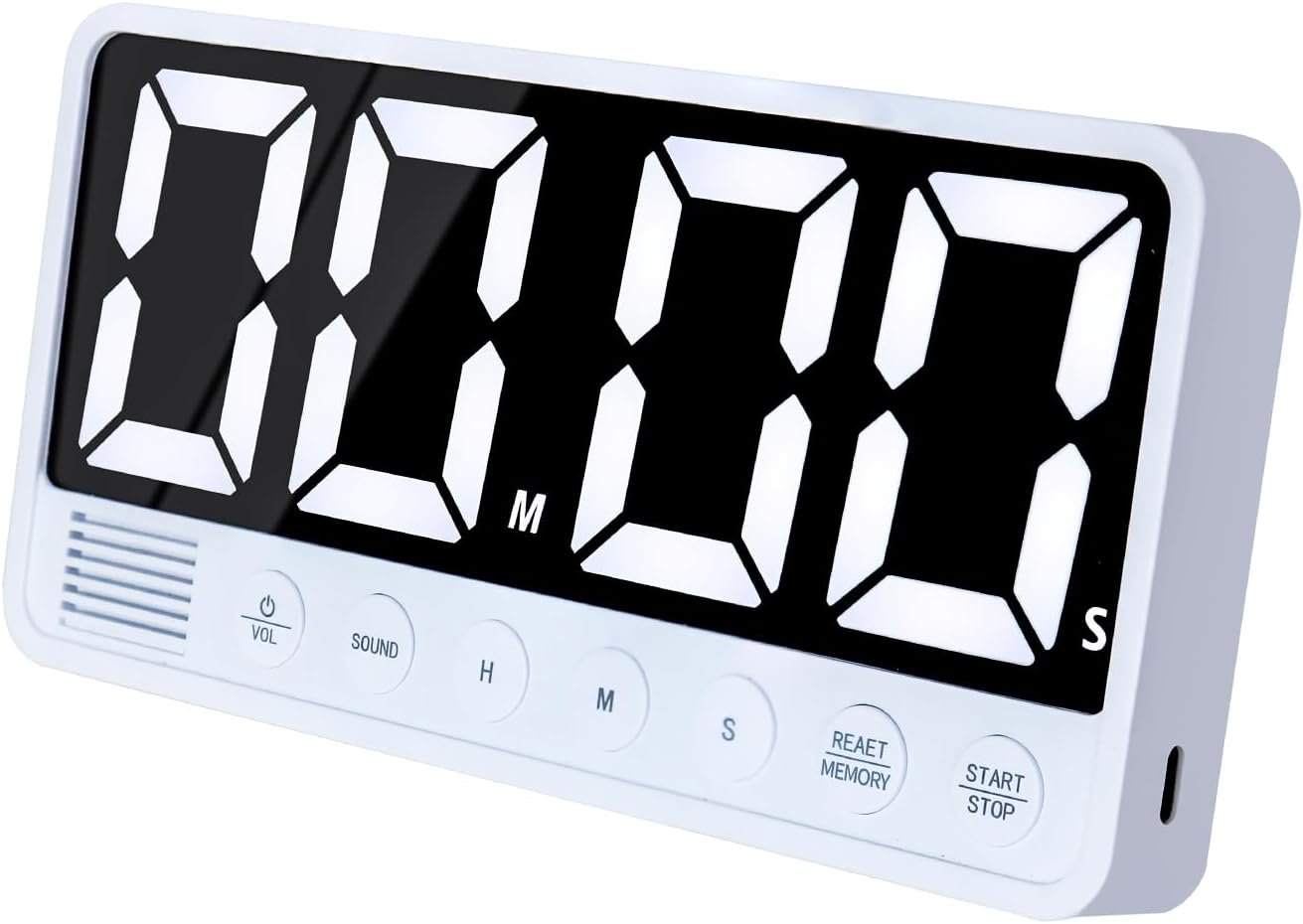
The FCXJTU Digital Kitchen Timer (Model YS1009) is a versatile and user-friendly device designed for various timing needs in the kitchen, classroom, office, or home gym. It features an extra-large LED display, multiple alarm options, and convenient placement methods.

2. Setup
2.1 Charging the Timer
The timer is equipped with a built-in 2000mAh lithium battery. It is charged via a USB-C cable (included). A full charge takes approximately 3 hours and provides about 18 hours of uninterrupted use. A low power icon will appear on the display to remind you when charging is needed.
- Connect the provided Type-C cable to the timer's charging port.
- Connect the other end of the cable to a 5V (OUTPUT VOLTAGE) power plug.
- Note: Using a power plug higher than 5V may lead to battery damage.

2.2 Placement Options
The FCXJTU Digital Kitchen Timer offers multiple convenient placement options:
- Magnetic Attachment: Four strong built-in magnets allow the timer to be easily stuck onto any metal surface, such as a refrigerator or oven.
- Foldable Stand: A built-in foldable stand allows the timer to be placed upright on a desktop, countertop, or shelf.
- Hanging Hole: A hanging hole is provided for mounting the timer on a hook or nail.

3. Operating Instructions
3.1 Button Functions
The timer features large, clearly labeled buttons for easy operation:
- HR: Sets the hour.
- MIN: Sets the minute.
- SEC: Sets the second.
- START/STOP: Starts or pauses the timer.
- CLEAR/RESET/MEMORY: Clears the current time setting or accesses memory functions.
- VOL (Volume): Adjusts the alarm volume.
- SOUND: Selects the alarm sound type.
3.2 Countdown Timer
To set a countdown:
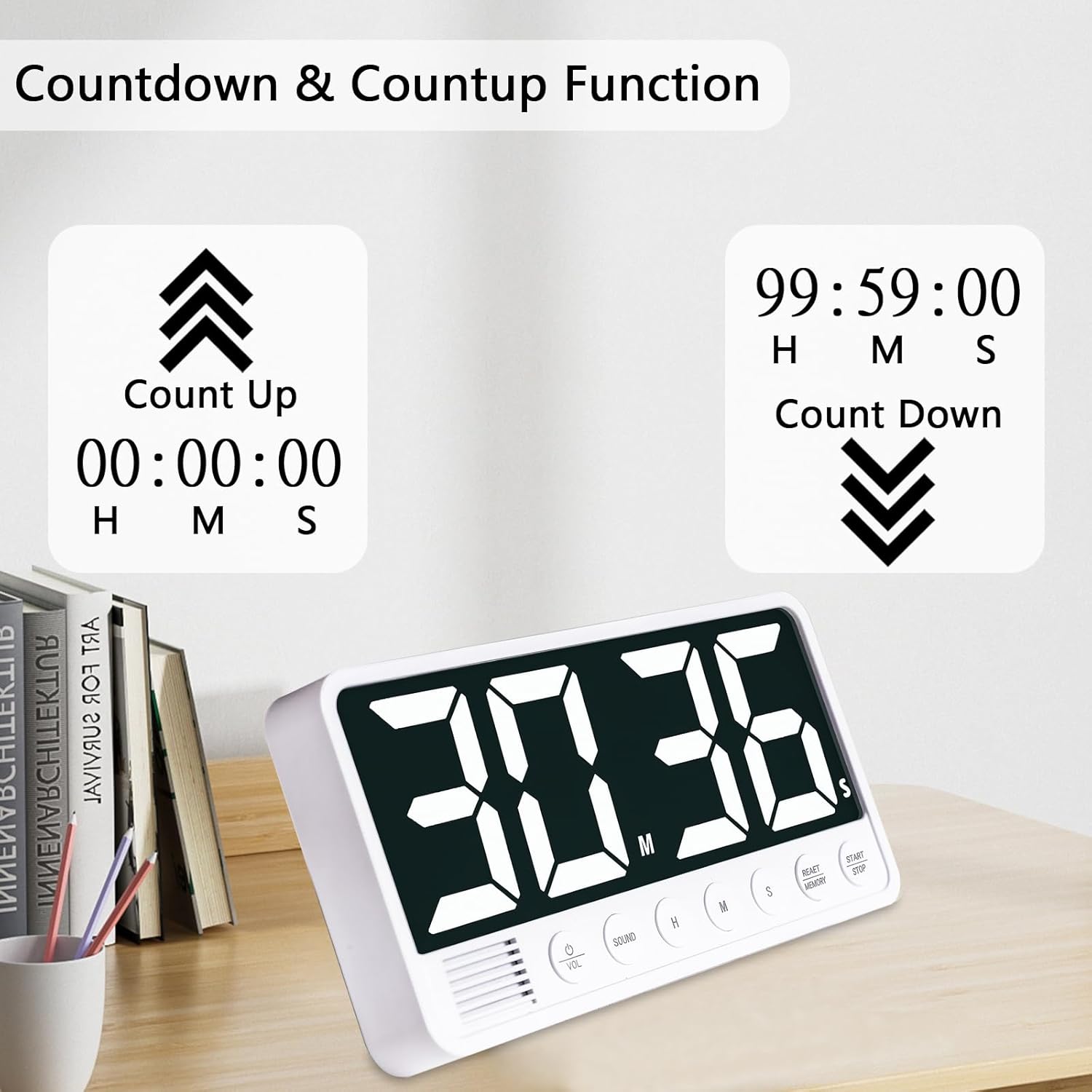
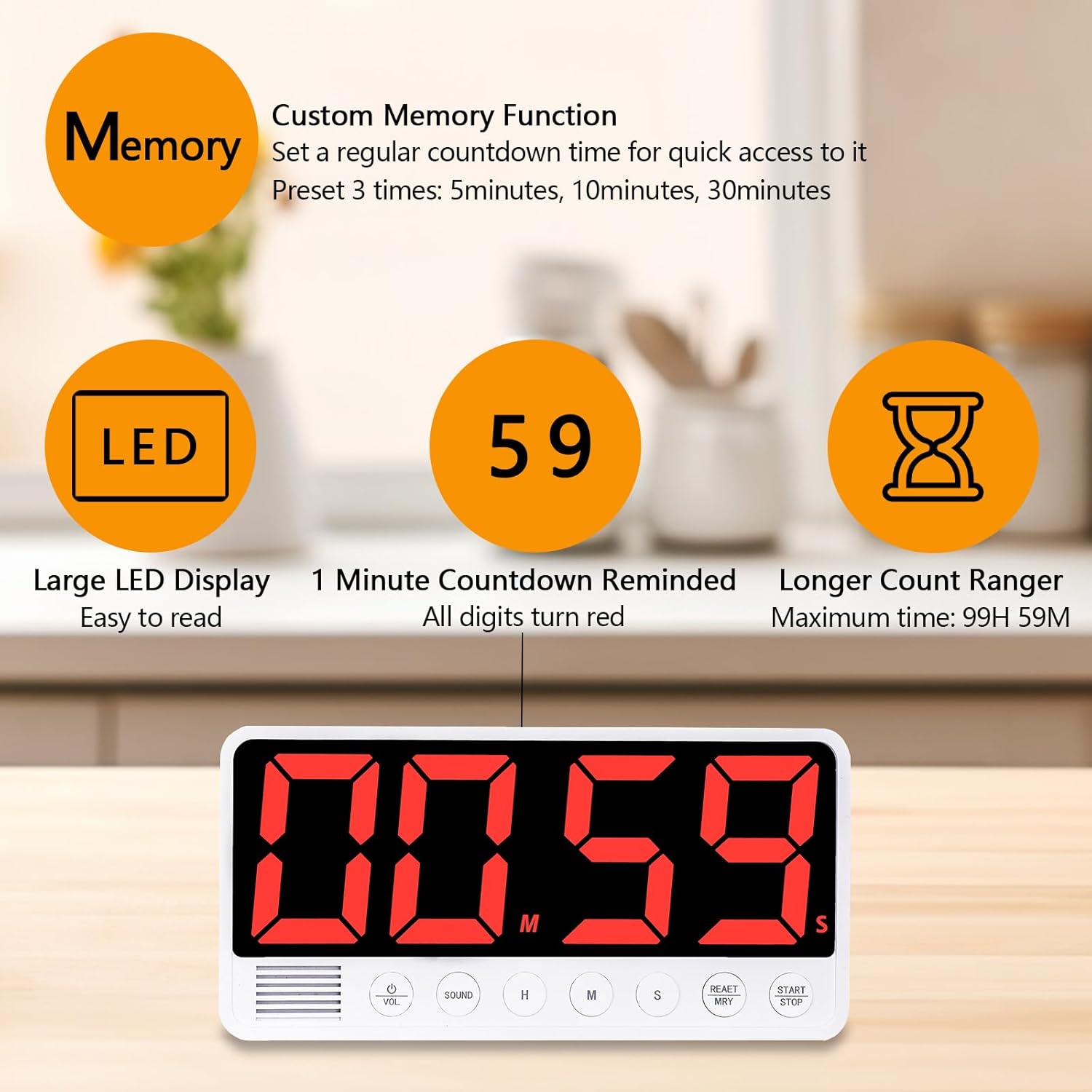
- Press the HR, MIN, and SEC buttons to set the desired countdown time (up to 99 hours, 59 minutes).
- Press the START/STOP button to begin the countdown.
- The display numbers will turn red during the last minute of the countdown.
- To pause, press START/STOP again. To resume, press START/STOP.
- To clear the time, press the CLEAR/RESET/MEMORY button.
3.3 Count-up Timer (Stopwatch)
To use the count-up function:
- Ensure the timer is at 00:00:00. If not, press the CLEAR/RESET/MEMORY button.
- Press the START/STOP button to begin counting up (from 00:00:00 to 99 hours, 59 minutes).
- To pause, press START/STOP again. To resume, press START/STOP.
- To clear the time, press the CLEAR/RESET/MEMORY button.
3.4 Alarm Settings
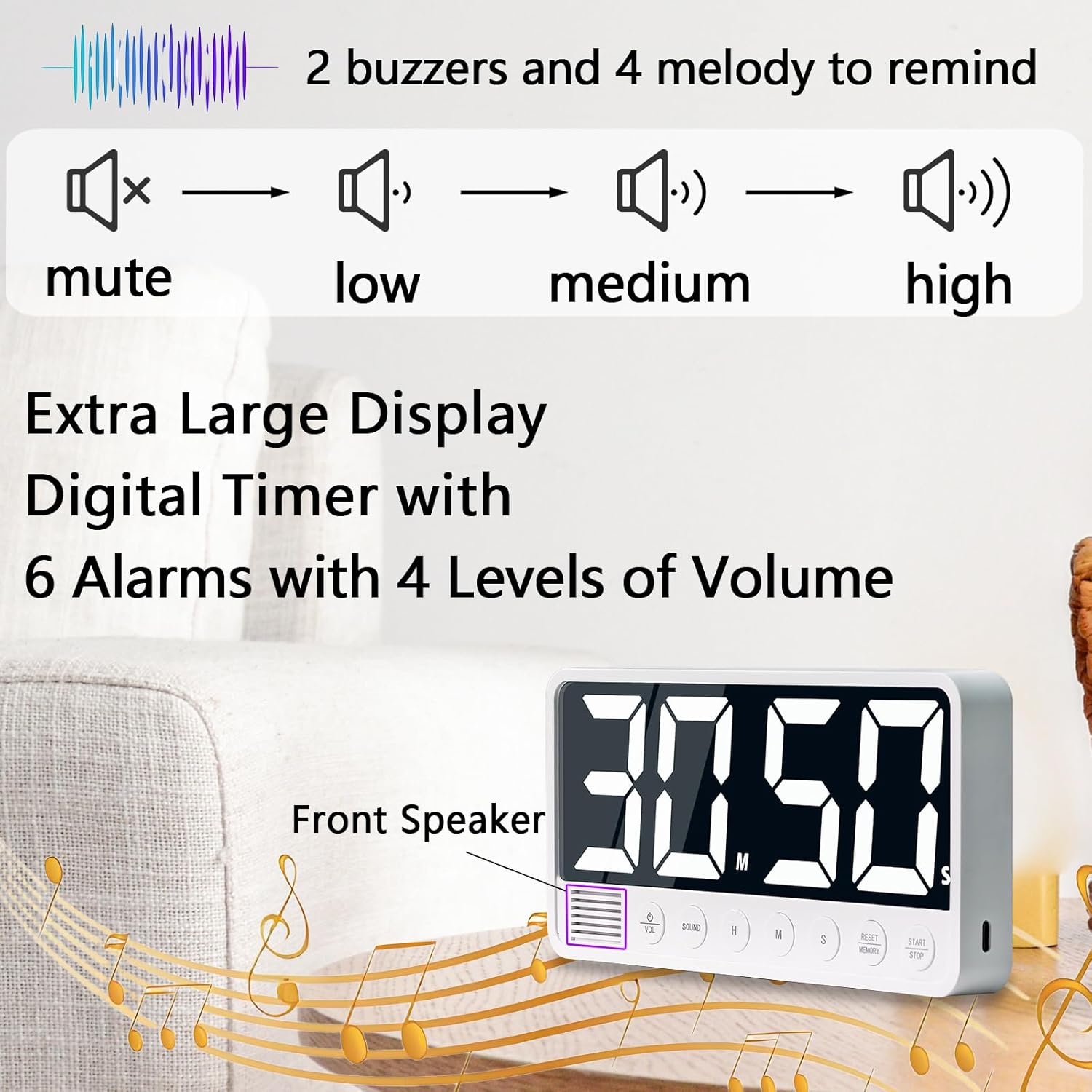
The timer offers 6 different alarm sounds and 4 volume levels:
- Alarm Sounds: Choose from 2 beep alarms and 4 music alarms using the SOUND button.
- Volume Levels: Adjust the volume to Loud (80-95dB), Medium (70-85dB), Soft (60-75dB), or Mute using the VOL button.
3.5 Memory Function
The timer can store 3 sets of frequently used times. The default memory times are 5 minutes, 10 minutes, and 30 minutes, which can be customized.
- To set a custom memory time, set the desired time using HR, MIN, and SEC.
- Press and hold the CLEAR/RESET/MEMORY button to save the current time to one of the memory slots.
- To recall a memory time, briefly press the CLEAR/RESET/MEMORY button to cycle through the stored times.

3.6 Automatic Power-saving Function
To conserve battery power, the timer will automatically turn off if it is not in use for more than 3 minutes. To reactivate, simply press any button.
4. Maintenance
- Clean the timer with a soft, dry cloth. Do not use abrasive cleaners or solvents.
- Avoid exposing the timer to extreme temperatures, direct sunlight, or high humidity.
- Do not immerse the timer in water or any other liquids.
5. Troubleshooting
5.1 Timer Not Turning On
- Ensure the timer is sufficiently charged. Connect it to a 5V power source using the USB-C cable.
- If the timer has been inactive for a long period, it might be in deep sleep mode. Try pressing any button to wake it up.
5.2 Alarm Too Loud/Quiet
- Use the VOL button to cycle through the four available volume levels (Loud, Medium, Soft, Mute).
5.3 Display Not Visible
- Ensure the timer is powered on and charged.
- Check the surrounding lighting conditions. The large LED display is designed for clear visibility in various environments.
6. Specifications
| Feature | Detail |
|---|---|
| Brand | FCXJTU |
| Model Number | YS1009 |
| Colour | White |
| Material | Plastic |
| Product Dimensions | 2.8D x 19W x 9.4H Centimetres |
| Item Weight | 229 Grams |
| Screen Size | 7.1 Inches |
| Max Countdown | 99 Hours 59 Minutes |
| Battery | 2000mAh Lithium Battery |
| Charging Port | USB-C |
| Alarm Options | 6 (2 Beep, 4 Music) |
| Volume Levels | 4 (Loud, Medium, Soft, Mute) |
| Memory Function | 3 Customizable Presets |
7. Warranty & Support
For warranty information, technical support, or any inquiries regarding your FCXJTU Digital Kitchen Timer, please refer to the product packaging or contact the seller directly through your purchase platform. Keep your proof of purchase for any warranty claims.

