
Maksone USY2402-BK
Maksone Nugget Ice Maker (Model USY2402-BK) User Manual
Your guide to operating and maintaining your Maksone ice maker.
Introduction
Thank you for choosing the Maksone Nugget Ice Maker. This manual provides essential information for the safe operation, maintenance, and troubleshooting of your new appliance. Please read it thoroughly before first use and keep it for future reference.
Important Safety Instructions
- Ensure the ice maker is placed on a stable, level surface away from direct sunlight and heat sources.
- Do not immerse the appliance, power cord, or plug in water or other liquids.
- Use only purified water for ice making.
- Keep children and pets away from the appliance during operation.
- Unplug the ice maker before cleaning or when not in use for extended periods.
- Do not operate the appliance with a damaged cord or plug.
- Refer all servicing to qualified personnel.
Package Contents
Verify that all items are present in the package:
- Maksone Nugget Ice Maker
- Ice scoop
- Ice basket
- Water tank
- User Manual (this document)
Product Overview
Familiarize yourself with the components of your Maksone Nugget Ice Maker.
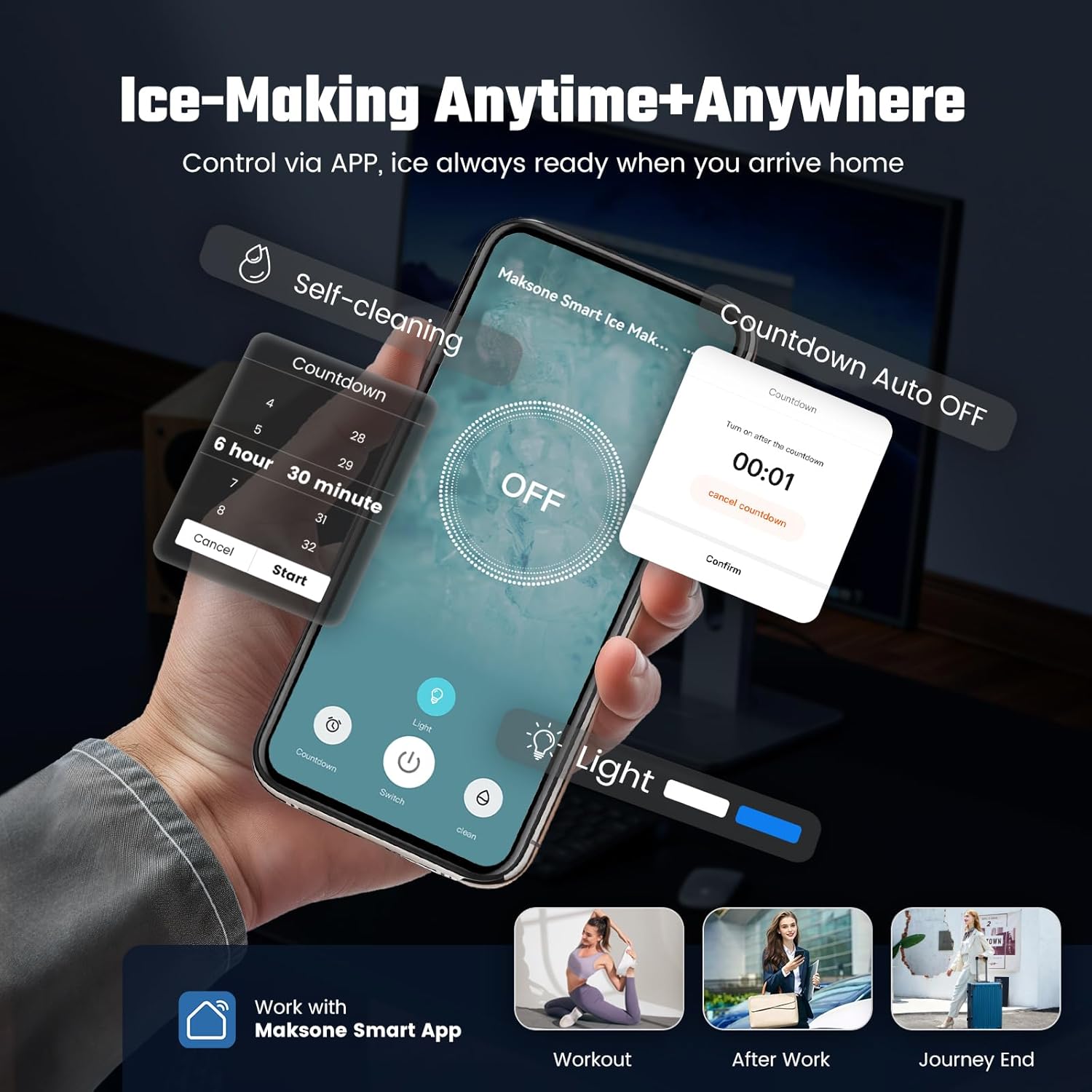
Figure 1: Front view of the Maksone Nugget Ice Maker, showing the control panel and ice output area.
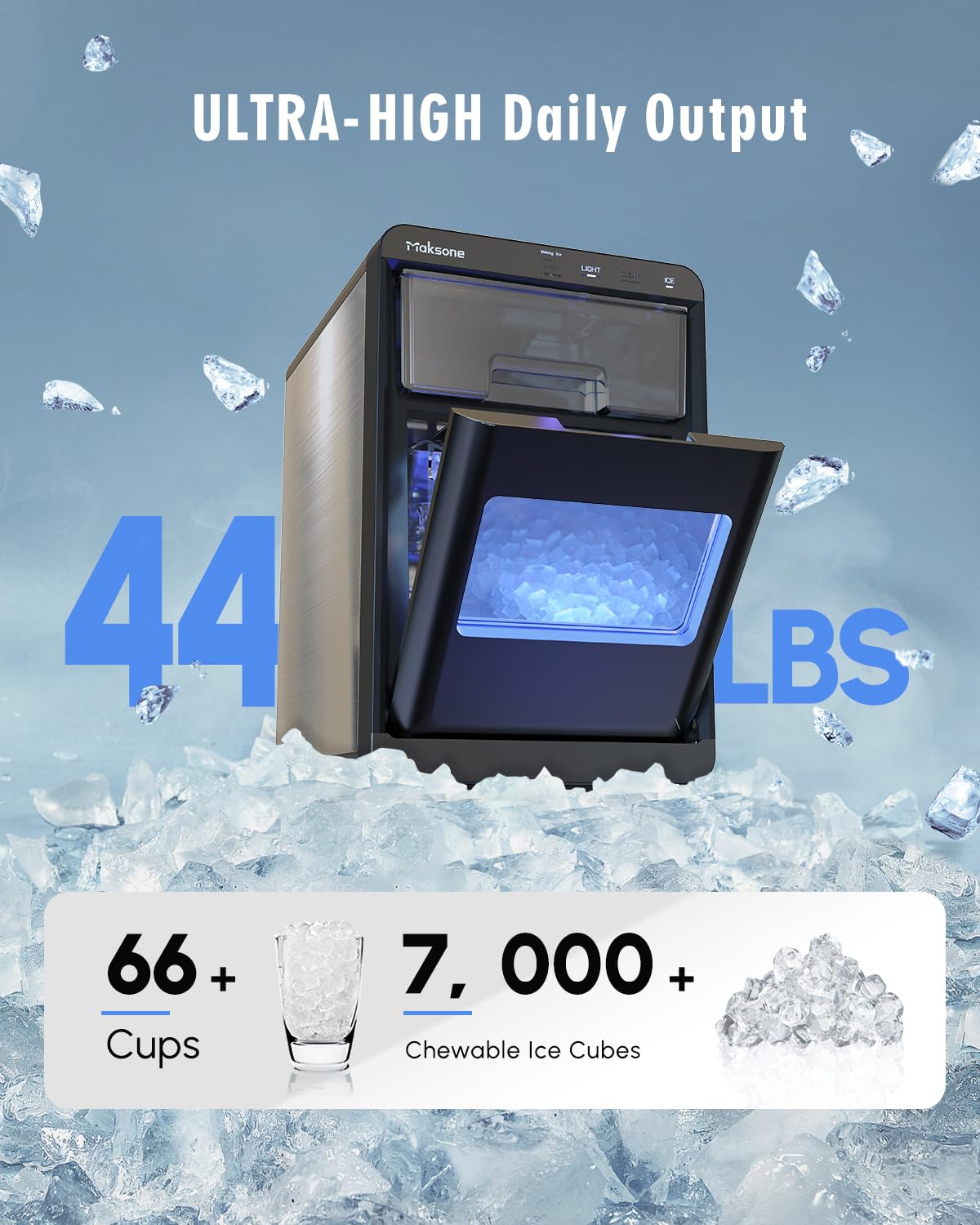
Figure 2: The ice maker with the ice basket pulled out, revealing the nugget ice.
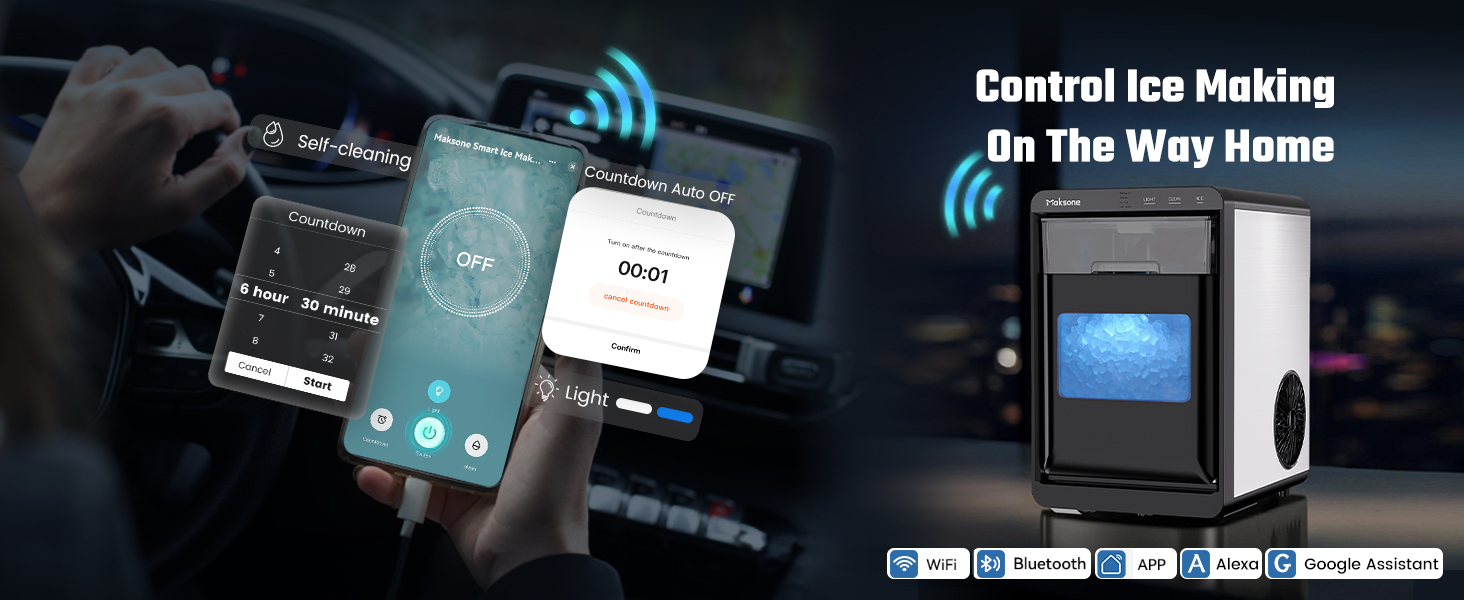
Figure 3: Overview of the ice maker's control panel and smart app connectivity for remote operation and self-cleaning.
Setup
- Unpacking: Carefully remove the ice maker from its packaging. Remove all packing materials, including any tape or protective film.
- Placement: Place the ice maker on a flat, stable, and heat-resistant surface. Ensure there is adequate ventilation around the unit (at least 5 inches of space on all sides). Avoid placing it near heat sources or in direct sunlight.
- Initial Cleaning: Before first use, clean the interior of the ice maker. Refer to the "Maintenance" section for detailed cleaning instructions.
- Water Filling: Open the water tank lid and fill the reservoir with purified water up to the "MAX" fill line (1.8 Liters capacity). Do not overfill.
- Power Connection: Plug the power cord into a grounded electrical outlet (115 Volts).
Operating Instructions
Starting Ice Production
- Ensure the water tank is filled with purified water.
- Press the "ICE" button on the control panel to begin the ice-making cycle. The "Making Ice" indicator will illuminate.
- The ice maker will produce nugget ice within approximately 7 minutes for the first batch. Subsequent batches may be faster.
- When the ice basket is full, the "Ice Full" indicator will light up, and the machine will automatically pause. Remove ice to resume production.
- If the water level is low, the "Add Water" indicator (red light) will flash. Refill the water tank to continue ice production.

Figure 4: The ice maker producing nugget ice, ready in approximately 7 minutes.
Smart App Control
The Maksone Nugget Ice Maker can be controlled via a smart application, allowing for remote operation, self-cleaning activation, and scheduling.
Video 1: Official Maksone video demonstrating the smart app control features, including remote ice making and self-cleaning functions.
Download the Maksone Smart App from your device's app store. Follow the in-app instructions to connect your ice maker. Features include:
- Remote Ice Making: Start or stop ice production from anywhere.
- Self-Cleaning Activation: Initiate the cleaning cycle remotely.
- Countdown Auto OFF: Schedule the ice maker to turn off after a set time.
Maintenance
Self-Cleaning Function
The ice maker features a convenient one-touch self-cleaning function:
- Ensure the ice basket is empty and the water tank is filled with clean water (or a mixture of water and white vinegar for descaling).
- Press the "CLEAN" button on the control panel. The machine will automatically run a cleaning cycle.
- Once the cycle is complete, drain the water from the unit. Refer to the "Draining the Unit" section below.
- It is recommended to perform a self-cleaning cycle once a week.
Figure 5: The self-cleaning function in action, circulating water to clean internal components.
Regular Cleaning
- Exterior: Wipe the exterior with a soft, damp cloth. Do not use abrasive cleaners or solvents.
- Interior: Periodically clean the water tank and ice basket with a mild detergent and warm water. Rinse thoroughly before reassembling.
Draining the Unit
To drain the water from the unit:
- Unplug the ice maker from the power outlet.
- Locate the drainage plug at the bottom of the unit.
- Place a container under the drainage plug.
- Remove the plug to allow water to drain completely.
- Once drained, replace the plug securely.

Figure 6: The elevated foot design facilitates hands-free drainage of the unit.
Troubleshooting
| Problem | Possible Cause | Solution |
|---|---|---|
| Ice maker not turning on | No power supply. | Check if the power cord is securely plugged into a working outlet. |
| "Add Water" indicator flashing | Water tank is empty or low. | Fill the water tank with purified water. |
| "Ice Full" indicator illuminated, but ice basket is not full | Ice sensor may be obstructed or dirty. | Clean the ice sensor. Ensure ice is evenly distributed in the basket. |
| Ice production is slow or ice is not forming | Ambient temperature too high; insufficient water; machine needs cleaning. | Ensure proper ventilation. Refill water tank. Perform a self-cleaning cycle. |
| Unusual noise during operation | Normal operation sounds (compressor, water pump); loose parts. | Some noise is normal. If noise is excessive or unusual, contact customer support. |
If you encounter issues not listed here or if the problem persists, please contact Maksone customer support.
Specifications
| Feature | Detail |
|---|---|
| Brand | Maksone |
| Model Name | USY2402-BK |
| Product Dimensions (D x W x H) | 14.76"D x 17.91"W x 11.61"H |
| Water Tank Capacity | 1.8 Liters |
| Wattage | 120 watts |
| Voltage | 115 Volts |
| Item Weight | 23.8 Pounds |
| Refrigerant | R600a |
| Material Type | Metal |
| Included Components | Ice scoop, ice basket, water tank |
| Ice Making Capacity | Up to 44 lbs/day |
| Noise Level | ≤45dB/A |
Warranty and Support
Maksone provides 24 months of after-sales support for its members. If you encounter any issues with your countertop ice maker, please contact Maksone customer service.
Contact Information: Refer to the product page or your purchase documentation for the most current contact methods (e.g., email support). Maksone aims to respond promptly 24/7.
no relevant documents
Ask a question about this manual
Ask about setup, troubleshooting, compatibility, parts, safety, or missing instructions. Manuals+ will review the question and use this page’s manual context to help answer it.