Introduction
This manual provides detailed instructions for the LINGQE USB to RS232 Serial Update Upgrade Flash Cable, designed for use with devices such as the FreeSAT V8 Super Satellite Receiver and Freesat IPTV Decoder. This cable facilitates firmware updates and system upgrades via a serial connection.
Setup
1. Driver Installation
Before connecting the cable, it is essential to install the correct driver for the PL2303GT chipset. Failure to install the driver will prevent the cable from functioning correctly.
- Download the latest driver from the official Prolific website: PL23XX_Pro-lific_DriverInstaller_v408.zip
- Follow the on-screen instructions to complete the driver installation.
- Restart your computer after installation if prompted.
2. Connecting the Cable
Once the driver is installed, connect the cable to your computer and the target device.
- Insert the USB Type-A male connector into an available USB port on your computer.
- Insert the 3.5mm 3P plug into the serial port of your FreeSAT V8 Super Satellite Receiver or Freesat IPTV Decoder.
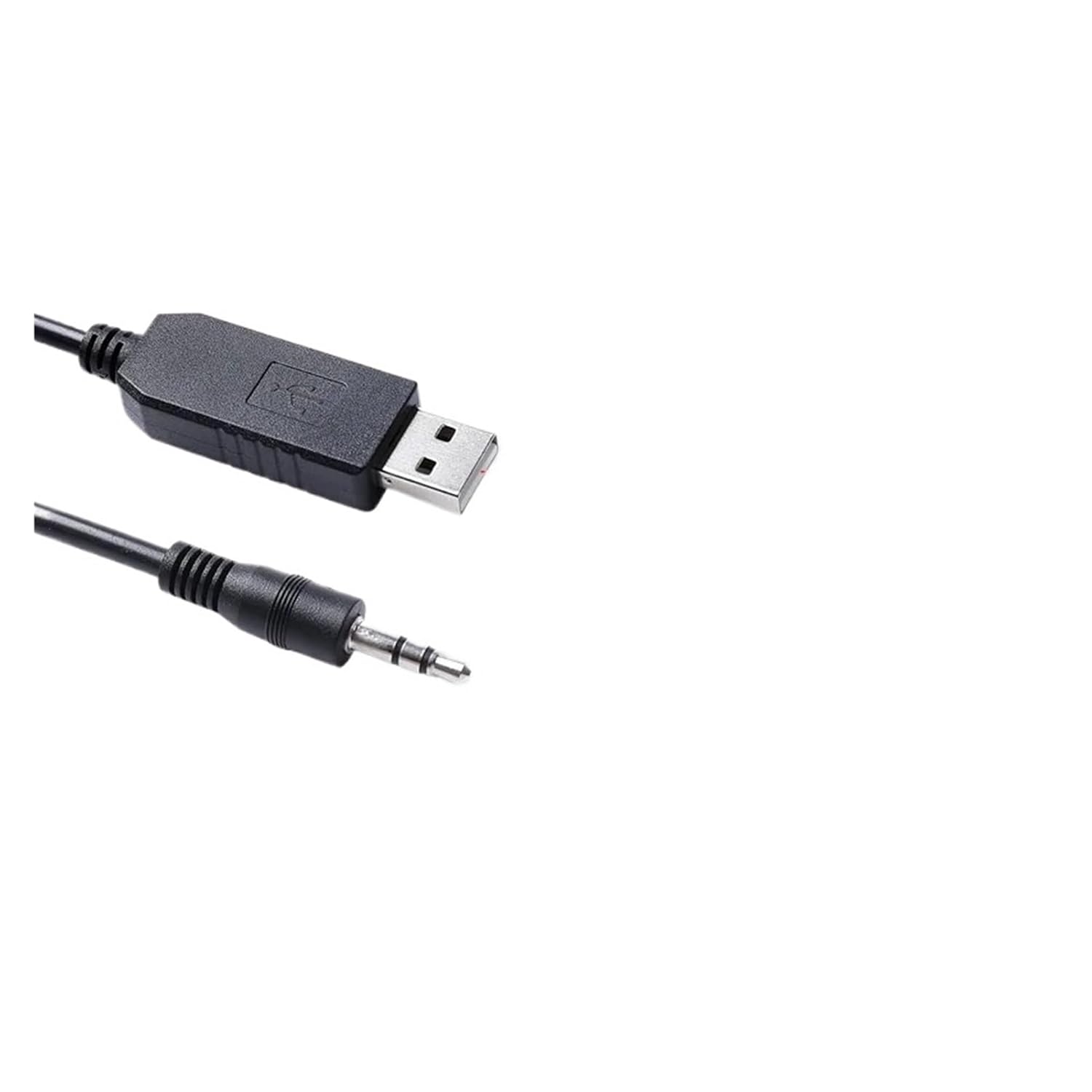
Image: The LINGQE USB to RS232 Serial Cable, showing the USB Type-A connector and the 3.5mm 3P plug. This cable facilitates serial communication between a computer and compatible devices.
Operating Instructions
This cable is primarily used for updating firmware or upgrading software on compatible devices that utilize an RS232 serial interface, such as the FreeSAT V8 Super Satellite Receiver and Freesat IPTV Decoder.
- Ensure the cable is correctly connected to both your computer and the target device as described in the "Setup" section.
- Open the specific update or upgrade software provided by the manufacturer of your FreeSAT V8 Super Satellite Receiver or Freesat IPTV Decoder on your computer.
- Within the software, select the correct COM port assigned to the USB to RS232 cable. This can usually be found in your computer's Device Manager under "Ports (COM & LPT)".
- Follow the instructions provided by the device manufacturer's software to initiate and complete the update or upgrade process.
- Do not disconnect the cable or power off the device/computer during the update process to prevent data corruption.

Image: A detailed view of the USB Type-A and 3.5mm 3P plug connectors of the LINGQE serial cable, highlighting their design for secure connections.
Maintenance
Proper care will extend the life of your LINGQE USB to RS232 Serial Cable.
- Store the cable in a cool, dry place away from direct sunlight and extreme temperatures.
- Avoid bending or kinking the cable sharply, especially near the connectors.
- Do not pull on the cable itself to disconnect it; always grasp the connector housing.
- Keep connectors clean and free from dust and debris.
- Do not expose the cable to liquids.
Troubleshooting
Cable Not Recognized by Computer
- Check Driver Installation: Ensure the PL2303GT driver is correctly installed. Re-download and reinstall if necessary.
- Verify USB Port: Try connecting the cable to a different USB port on your computer.
- Restart Computer: A system restart can often resolve recognition issues.
- Check Device Manager: In Windows, open Device Manager and look under "Ports (COM & LPT)" for the Prolific USB-to-Serial Comm Port. If there's an exclamation mark, the driver may be faulty or not installed.
Communication Errors During Update
- Correct COM Port: Ensure the update software is configured to use the correct COM port.
- Device Connection: Verify the 3.5mm plug is fully inserted into the device's serial port.
- Device Power: Ensure the target device is powered on and in the correct mode for updates (refer to the device's manual).
- Cable Integrity: Inspect the cable for any visible damage.
Specifications
| Model Number | 000013 |
| Brand | LINGQE |
| Cable Type | USB to RS232 Serial Cable |
| Connector A | USB 2.0 Type A Male |
| Connector B | 3.5mm 3P Plug |
| Chipset | PL2303GT |
| Logic Level | USB RS232 Level |
| Cable Length | 1.0m (3.3 ft) |
| Cable Material | P-VC outer jacket, 28AWG*3C Bare Copper |
| Color | Black |
| Application | FreeSAT V8 Super Satellite Receiver, Freesat IPTV Decoder |
PL2303GT Chipset Features
- USB Interface: Single-chip USB to RS232 asynchronous serial data transfer interface. Fully Compliant with USB 2.0 specification (Full-Speed). UHCI/OHCI (USB 1.1), EHCI (USB 2.0), xHCI (USB 3.1) Host Controller Compatible. Royalty-free USB to Virtual Com Port (VCP) drivers for Windows, Mac, Linux. Highly integrated USB 1.1 FS Transceiver with integrated termination resistors and pull-up resistor. Supports OTPROM for USB device descriptors configuration. Each IC has a unique ID (Serial Number). Supports bus-power, self-power, and high-power USB device configuration. Supports USB Selective Suspend (Remote Wakeup enabled). Supports 3.3V VBUS voltage operation.
- UART Interface (RS232): Built-in RS232 Transceiver meets EIA/-TIA-232F standards with 5.0V power supply. Guaranteed 1000kbps transmission rate under loading. Features three RS232 Drivers and five RS232 Receivers (always active).
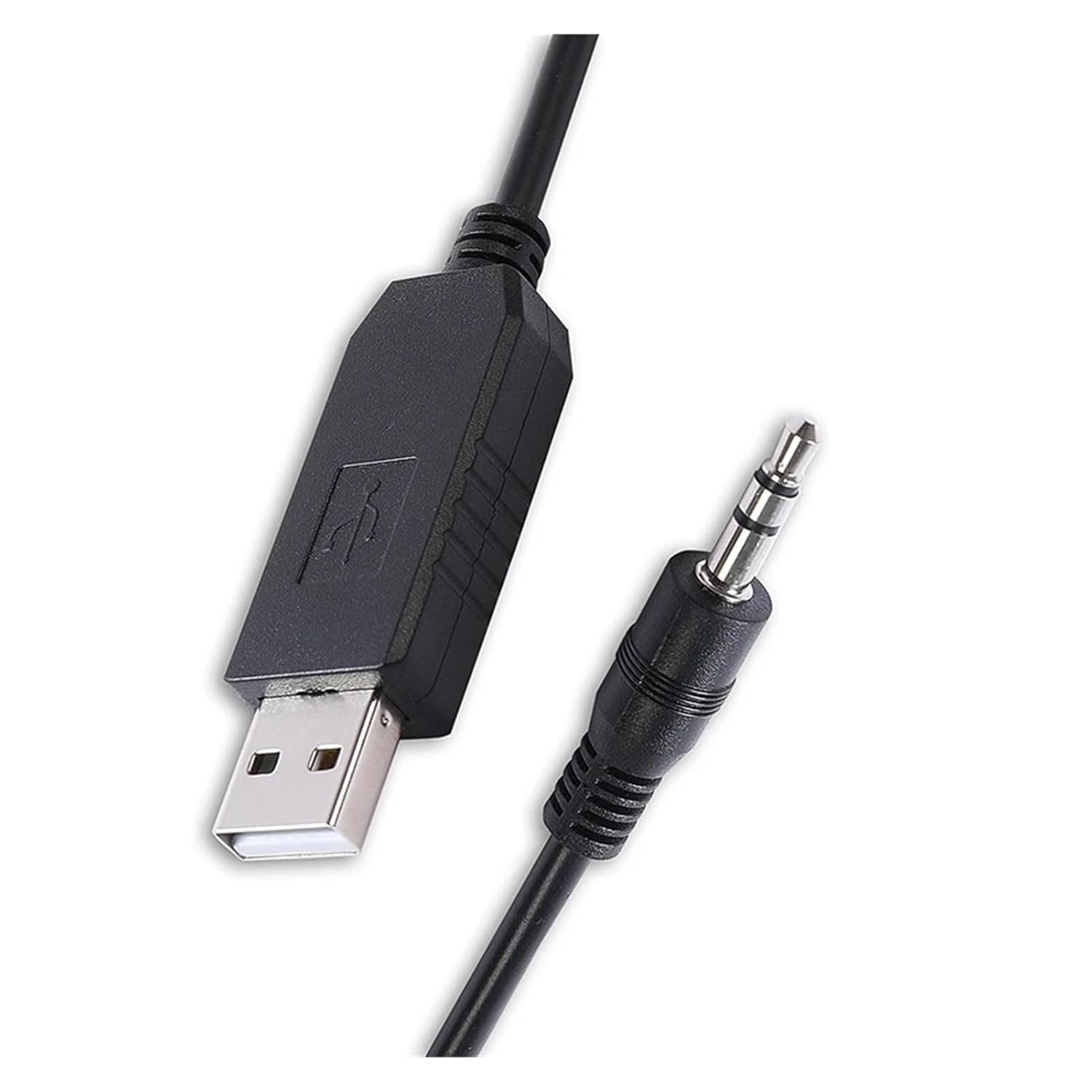
Image: An angled perspective of the LINGQE USB to RS232 Serial Cable, showcasing the robust construction of both the cable and its connectors.
Warranty Information
Specific warranty details for this product may vary. Please refer to your purchase documentation or contact the retailer for information regarding warranty coverage and terms.
Support
For technical assistance or further inquiries, please contact your product retailer or the manufacturer, LINGQE. Ensure you have your product model number (000013) available when seeking support.