
Introduction
Thank you for choosing the Labstandard K9 Wireless Lavalier Lapel Microphone. This 3-in-1 port microphone system is designed to provide high-quality, clear audio for various recording needs, including interviews, video podcasts, vlogs, YouTube content, and livestreams. Featuring advanced noise reduction technology and real-time auto-sync, it ensures your voice is captured with exceptional clarity, even in noisy environments. This manual will guide you through the setup, operation, and maintenance of your new wireless microphone system.
What's in the Box
Your Labstandard K9 Wireless Lavalier Lapel Microphone package includes the following components:
- 2 x Wireless Lavalier Microphones
- 1 x 3-in-1 Receiver (Lightning, USB-C, and 3.5mm jack compatibility)
- 2 x Foam Wind Muffs
- 2 x Furry Wind Muffs
- 1 x USB-C Charging Cable
- 1 x User Manual

Image: All components included in the Labstandard K9 Wireless Lavalier Lapel Microphone package, neatly arranged in their tray.
Setup Instructions
- Charge the Microphones: Before first use, ensure both wireless microphones are fully charged using the provided USB-C charging cable. The indicator light will show charging status.
- Connect the Receiver: Plug the 3-in-1 receiver into the appropriate port on your recording device (Lightning for iPhone/iPad, USB-C for compatible Android/PC, or 3.5mm jack for cameras/laptops).
- Power On Microphones: Press and hold the power button on each microphone until the indicator light turns on.
- Automatic Pairing: The microphones will automatically pair with the receiver. A solid green light on the microphone indicates a successful connection.
- Attach Wind Muff (Optional): For outdoor use or to minimize plosive sounds, attach either the foam or furry wind muff to the top of the microphone.
Video: Demonstration of connecting the receiver to a phone and powering on the microphone, highlighting noise cancellation features.
Video: A user demonstrates the ease of use and good sound quality of the microphone system.
Operating Instructions
Once the microphones are paired with the receiver, you are ready to begin recording. The system is designed for plug-and-play operation.
- Placement: Clip the microphone onto your clothing, ideally within 6-12 inches of your mouth, for optimal sound capture. The clip allows for 360-degree rotation for flexible positioning.
- Recording: Open your preferred recording application on your device. The microphone will automatically be detected as the audio input source. Begin recording as usual.
- Dual Microphone Use: Both microphones can be used simultaneously for recording two speakers, with real-time auto-sync ensuring synchronized audio.
- Monitoring: Some devices and apps may allow real-time audio monitoring through headphones connected to your device's audio output.

Image: The receiver plugged into a smartphone, illustrating the ease of recording with the wireless microphone system.

Image: Two individuals wearing the wireless lavalier microphones, demonstrating the dual-channel capability for recording multiple speakers.
Features
- Dual Wireless Microphones: The set includes two microphones for versatile recording scenarios.
- Noise Reduction Chip: Built-in chip effectively reduces ambient noise for clearer voice capture.
- Real-time Auto-Sync: Ensures audio and video are perfectly synchronized with super low latency (0.008s).
- 2.4G Signal Transmission: Provides stable and reliable wireless connection.
- Long-lasting Battery: Each microphone offers approximately 6 hours of battery life on a single charge.
- Interference Immunity: System is designed to be immune to interference from mobile phones, WLAN, Bluetooth, or light systems.
- Multi-Channel Real-Time Mixing: Supports synchronizing background music with human voice in real-time.
- Omnidirectional Condenser: Provides directional pickup with a pronounced proximity effect, enhancing the user's voice.

Image: The receiver and microphones illustrating stable signal transmission and ultra-low latency for seamless audio recording.
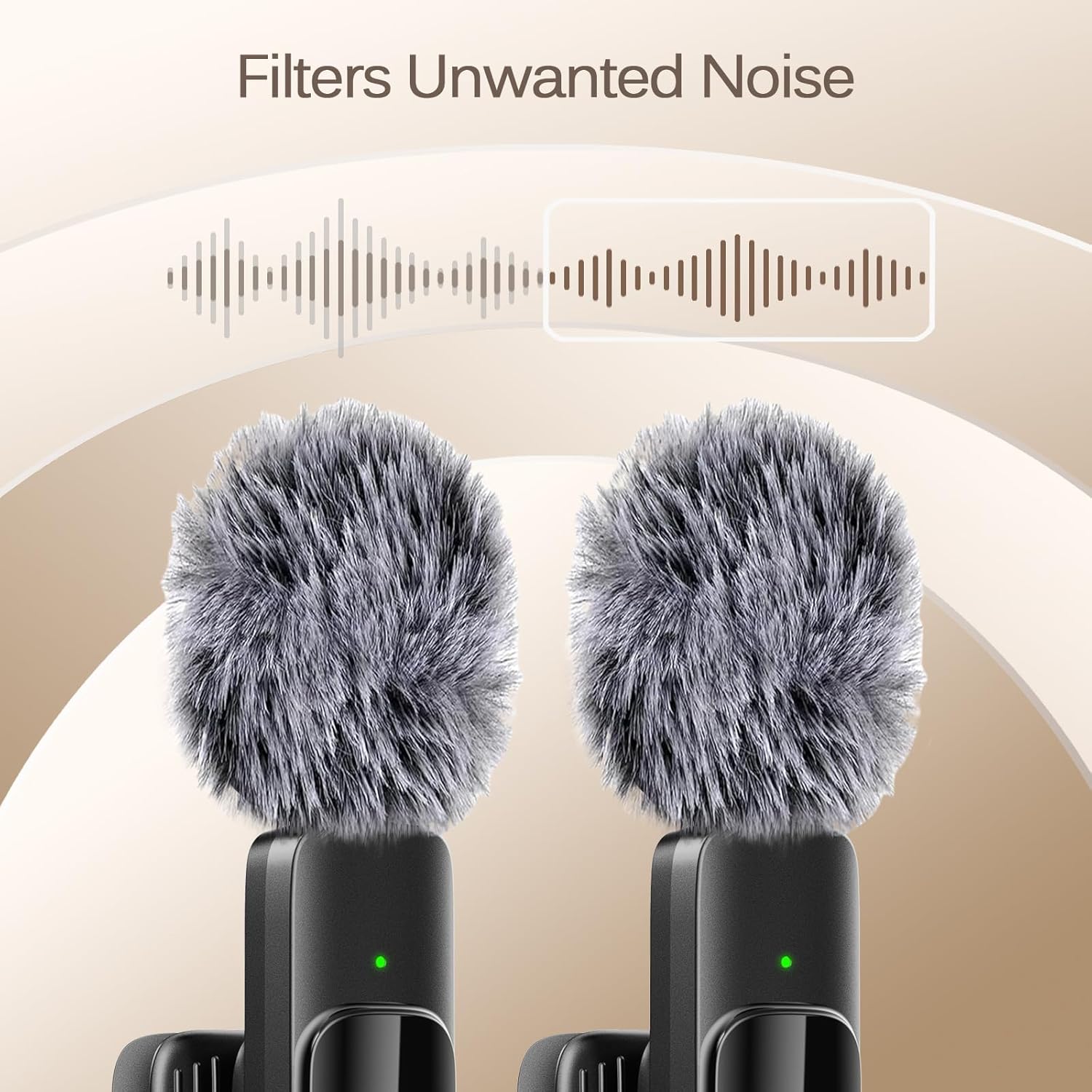
Image: Two microphones with furry wind muffs, visually representing the noise reduction capability that filters unwanted background sounds.
Compatibility
The Labstandard K9 Wireless Lavalier Lapel Microphone offers wide compatibility with various devices:
- Lightning Port: Compatible with all iPhone and iPad models.
- USB-C Port: Compatible with Android phones/tablets (Note: Not suitable for Samsung phones), PC/Laptops, and MacBooks.
- 3.5mm Jack: Compatible with cameras and other 3.5mm jack devices.

Image: A visual guide demonstrating the broad compatibility of the microphone system with different types of smartphones, tablets, cameras, and computers.

Image: Two women using the wireless microphones with a smartphone, emphasizing the professional noise-cancelling capabilities for clear audio.
Maintenance
To ensure the longevity and optimal performance of your Labstandard K9 Wireless Lavalier Lapel Microphone, follow these maintenance guidelines:
- Cleaning: Use a soft, dry cloth to wipe down the microphones and receiver. Avoid using liquid cleaners or abrasive materials.
- Storage: Store the microphones and receiver in a cool, dry place away from direct sunlight and extreme temperatures.
- Battery Care: Avoid fully discharging the batteries frequently. Charge them regularly, even if not in constant use, to maintain battery health.
- Handle with Care: Avoid dropping the devices or exposing them to excessive force, which can damage internal components.
Troubleshooting
If you encounter any issues with your Labstandard K9 Wireless Lavalier Lapel Microphone, please refer to the following common solutions:
- No Sound: Ensure both microphones are powered on and successfully paired (solid green light). Check that the receiver is securely plugged into your device. Verify your device's audio input settings.
- Poor Sound Quality/Interference: Ensure you are within the recommended operating range (up to 20m in open, unobstructed environments). Check for potential sources of interference (e.g., strong Wi-Fi signals, other 2.4G devices). Try attaching a wind muff if recording in windy conditions.
- Microphone Not Charging: Ensure the USB-C cable is properly connected to both the microphone and a power source. Check the charging indicator light.
- Connection Issues: Try restarting both the microphones and the recording device. Ensure no other Bluetooth or wireless audio devices are interfering with the connection.
Specifications
| Feature | Specification |
|---|---|
| Model Number | K9 |
| Brand | Labstandard |
| Microphone Form Factor | Lavalier |
| Connectivity Technology | 2.4G Wireless |
| Connector Type | 3-in-1 (Lightning, USB-C, 3.5mm Jack) |
| Number of Microphones | 2 |
| Number of Channels | 1 |
| Battery Type | Lithium Ion (1 A battery required, included) |
| Battery Life | Approx. 6 hours |
| Item Weight | 3.2 ounces |
| Product Dimensions | 4.5 x 3.3 x 0.7 inches |
| Material | Plastic |
| Special Feature | Clip-on design |
| Recommended Uses | Streaming, Video Recording, Voice Recording |
Warranty and Support
The Labstandard K9 Wireless Lavalier Lapel Microphone comes with lifetime VIP customer service. Should you have any questions, concerns, or require assistance with your product, please do not hesitate to contact Labstandard customer support for prompt solutions. Your satisfaction is our priority.