
Introduction
Thank you for choosing the Philips WiZ Rune Color Wi-Fi Ceiling Light. This smart LED ceiling light offers a wide spectrum of colors and tunable white light, controllable via Wi-Fi, voice commands, and the WiZ app. This manual provides essential information for safe installation, operation, and maintenance of your new lighting product.

Image: The Philips WiZ Rune Color Wi-Fi Ceiling Light, showcasing its sleek, circular design and vibrant light output.
Safety Information
- Always disconnect power before installation, removal, or servicing.
- Installation should be performed by a qualified electrician in accordance with local electrical codes.
- Do not use in wet locations or where directly exposed to water. This product is designed for indoor use only.
- Ensure the voltage supply matches the product's requirements (220-240V, 50Hz).
- Do not attempt to disassemble or modify the light fixture. There are no user-serviceable parts inside.
- Keep packaging materials out of reach of children.
Package Contents
Please check the box for the following items:
- Philips WiZ Rune Color Wi-Fi Ceiling Light (1 unit)
- Mounting Hardware (screws, wall plugs)
- Instruction Manual (this document)

Image: The retail packaging for the WiZ Rune Smart Ceiling Light, highlighting its features like app control, voice control, SpaceSense, and dual zone light effect.
Setup and Installation
Follow these steps to install your WiZ Rune Ceiling Light:
- Prepare for Installation: Turn off the main power supply at the circuit breaker before starting.
- Mount the Fixture:
- Carefully remove the diffuser from the light fixture to access the mounting holes.
- Mark the desired mounting location on the ceiling.
- Drill pilot holes and insert wall plugs if necessary.
- Secure the light fixture base to the ceiling using the provided screws.
- Wire the Light: Connect the electrical wires from your ceiling to the corresponding terminals on the light fixture (Live, Neutral, Earth). Ensure all connections are secure.
- Attach the Diffuser: Carefully reattach the diffuser to the light fixture.
- Restore Power: Turn the main power supply back on.
- WiZ App Setup:
- Download the WiZ app from the App Store (iOS) or Google Play Store (Android).
- Create a WiZ account or log in.
- Follow the in-app instructions to pair your new WiZ Rune Ceiling Light with your Wi-Fi network. Ensure your Wi-Fi network is 2.4GHz.
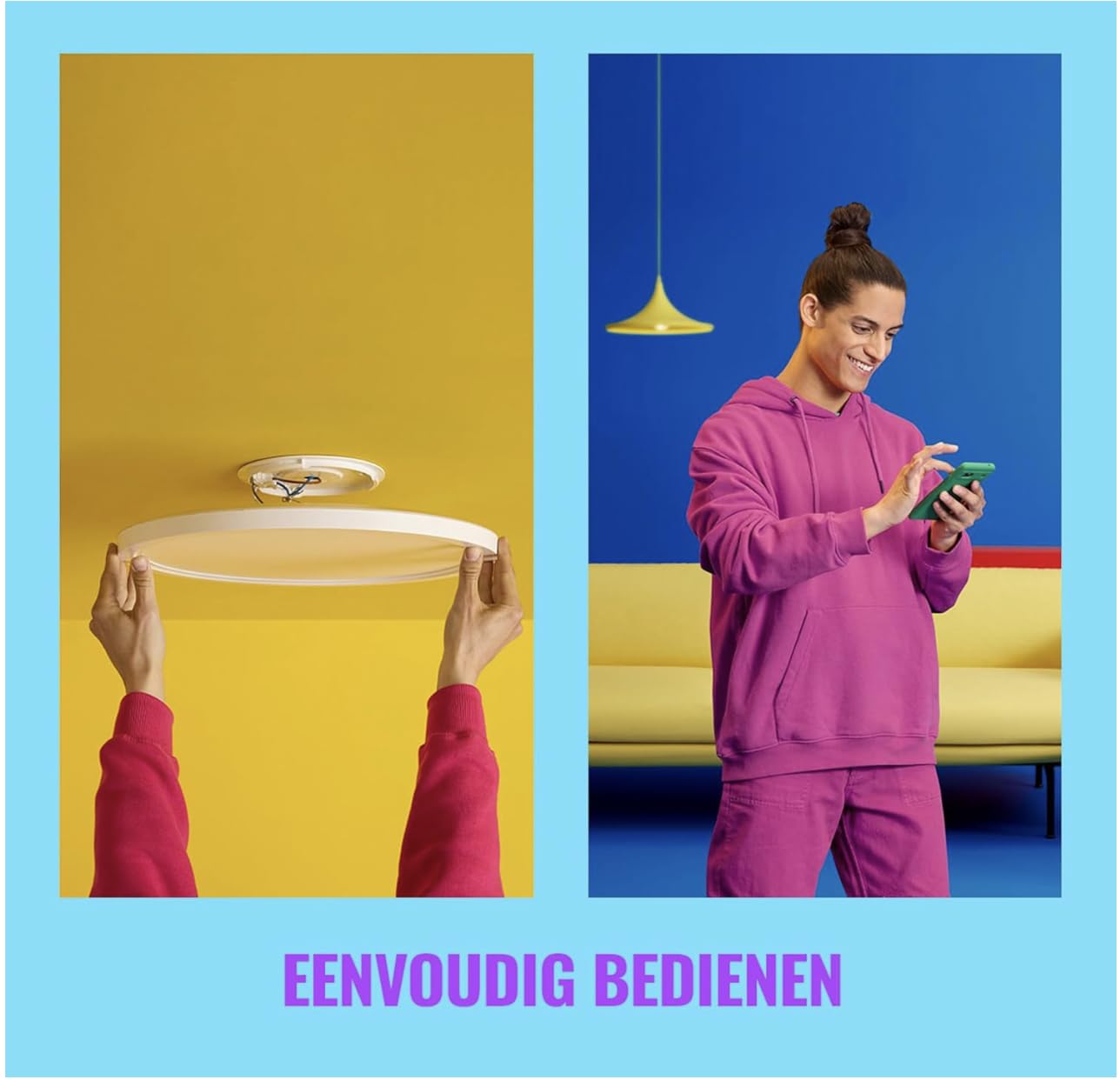
Image: A visual representation of the easy installation process and simple control methods for the WiZ Rune Ceiling Light.
Operating Instructions
WiZ App Control
The WiZ app is the primary interface for controlling your ceiling light. Through the app, you can:
- Turn the light on/off.
- Adjust brightness (up to 2100 lumens).
- Change color temperature (Warm White to Cool White).
- Select from 16 million colors.
- Choose from preset light modes or create custom scenes.
- Set schedules and timers.
- Group multiple WiZ lights for synchronized control.
Voice Control
The WiZ Rune Ceiling Light is compatible with popular voice assistants:
- Amazon Alexa: Enable the WiZ skill in the Alexa app and link your WiZ account. Then, use commands like "Alexa, turn on the ceiling light" or "Alexa, set ceiling light to blue."
- Google Assistant: Link your WiZ account in the Google Home app. Use commands such as "Hey Google, dim the ceiling light" or "Hey Google, change ceiling light to warm white."
SpaceSense™ Motion Detection
The WiZ Rune Ceiling Light features SpaceSense™ technology, which uses Wi-Fi signals to detect movement in a room without the need for additional sensors. This allows the light to automatically turn on when you enter and off when you leave, enhancing convenience and energy efficiency.
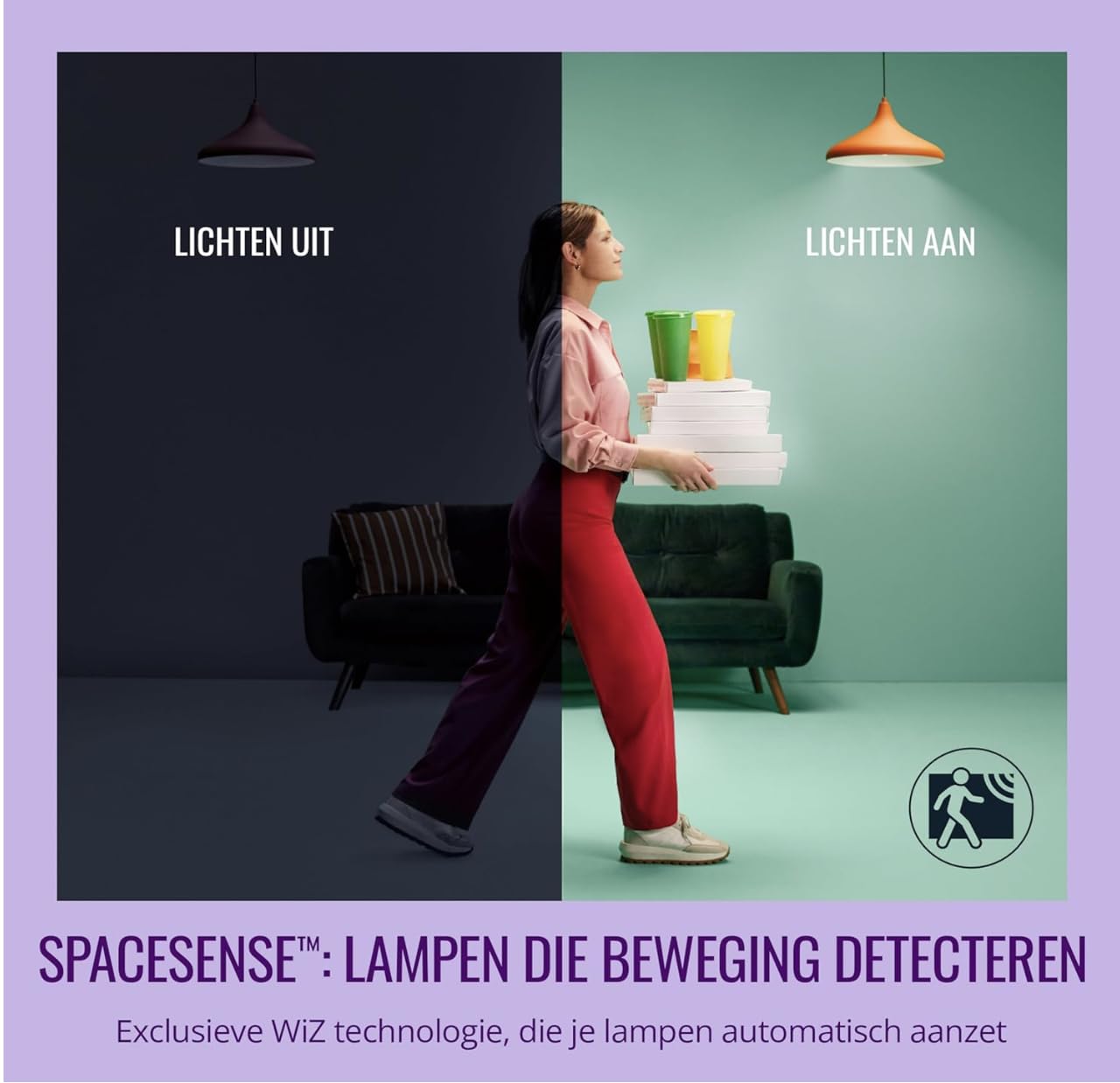
Image: Illustration of the SpaceSense™ feature, showing lights turning on when movement is detected and off when the room is empty.

Image: Icons representing various WiZ smart features including app control, light modes, global control, color and white light options, and voice control.
Maintenance
- Cleaning: Ensure the power is off before cleaning. Wipe the light fixture with a soft, dry, or slightly damp cloth. Do not use abrasive cleaners or solvents.
- Bulb Replacement: The LED light source is integrated and not user-replaceable. If the light source fails, the entire fixture should be replaced.
Troubleshooting
| Problem | Possible Cause | Solution |
|---|---|---|
| Light does not turn on. | No power supply; loose wiring; faulty fixture. | Check circuit breaker. Ensure wiring is secure. Contact customer support if issue persists. |
| Cannot connect to Wi-Fi. | Incorrect Wi-Fi password; 5GHz network; Wi-Fi signal too weak. | Verify password. Ensure you are connecting to a 2.4GHz network. Move router closer or use a Wi-Fi extender. Reset the light and try pairing again. |
| Voice control not working. | WiZ account not linked; incorrect device name; internet connectivity issue. | Ensure WiZ account is linked in Alexa/Google Home app. Use the exact device name. Check internet connection. |
| SpaceSense™ not detecting movement. | Obstructions; incorrect sensitivity settings; Wi-Fi interference. | Ensure clear line of sight for Wi-Fi signals. Adjust sensitivity in the WiZ app. Reduce other Wi-Fi interference. |
Specifications

Image: Technical drawing showing the dimensions of the WiZ Rune Ceiling Light, measuring 40.0 cm (15.75 inches) in diameter.
| Feature | Detail |
|---|---|
| Brand | Philips |
| Model | Rune Color Wi-Fi Ceiling Light |
| Light Type | LED |
| Light Colour | Warm White, Cool White, Colored (16 Million Colors) |
| Brightness | 2100 lumen |
| Power Consumption | 21W |
| Indoor/Outdoor Usage | Indoor |
| Accepted Voltage Frequency | 220 to 240 Volts, 50 Hertz |
| EU Energy Efficiency Label | High Efficiency |
| Connectivity | Wi-Fi (2.4GHz only) |
| Compatibility | Amazon Alexa, Google Assistant |
| Dimensions | 40.0 cm (15.75 inches) diameter |
Warranty and Support
Philips provides a limited warranty for this product. Please refer to the warranty card included in your package or visit the official Philips WiZ website for detailed warranty terms and conditions.
For technical support, troubleshooting assistance, or to report a problem, please visit the Philips WiZ Support Page or contact Philips customer service directly.