
1. Introduction
Thank you for choosing MZYMI Wireless Over Ear Bluetooth Headphones. These headphones are designed to provide a superior audio experience with advanced features such as Active Noise Cancelling, long battery life, and comfortable wear. This manual will guide you through the setup, operation, and maintenance of your new headphones.
2. Key Features
- Active Noise Cancelling (ANC): Reduces external environmental noise by up to 95% for an immersive listening experience.
- Superior Sound Quality: Equipped with 40mm drivers for deep, powerful bass and clear highs.
- Extended Battery Life: Up to 100 hours of playtime on a single charge with a 1000mAh Li-Polymer battery.
- Bluetooth 5.3 Technology: Ensures stable and seamless wireless connectivity.
- Comfortable & Portable Design: Lightweight, adjustable, and foldable with soft padded earcups for long-term comfort and easy transport.
- Dual-Mode Connectivity: Supports both wireless Bluetooth and wired 3.5mm audio cable connections.
3. Package Contents
The product package includes the MZYMI Wireless Over Ear Bluetooth Headphones. Please note that no additional components such as charging cables or audio cables are explicitly listed as included in the provided product information. Please check your packaging for all items.
4. Setup Guide
4.1 Charging the Headphones
Before first use, fully charge your headphones. Connect the charging cable (not explicitly listed as included, please use a compatible USB-C cable) to the charging port on the headphones and the other end to a USB power source. The LED indicator will show charging status and turn off when fully charged.
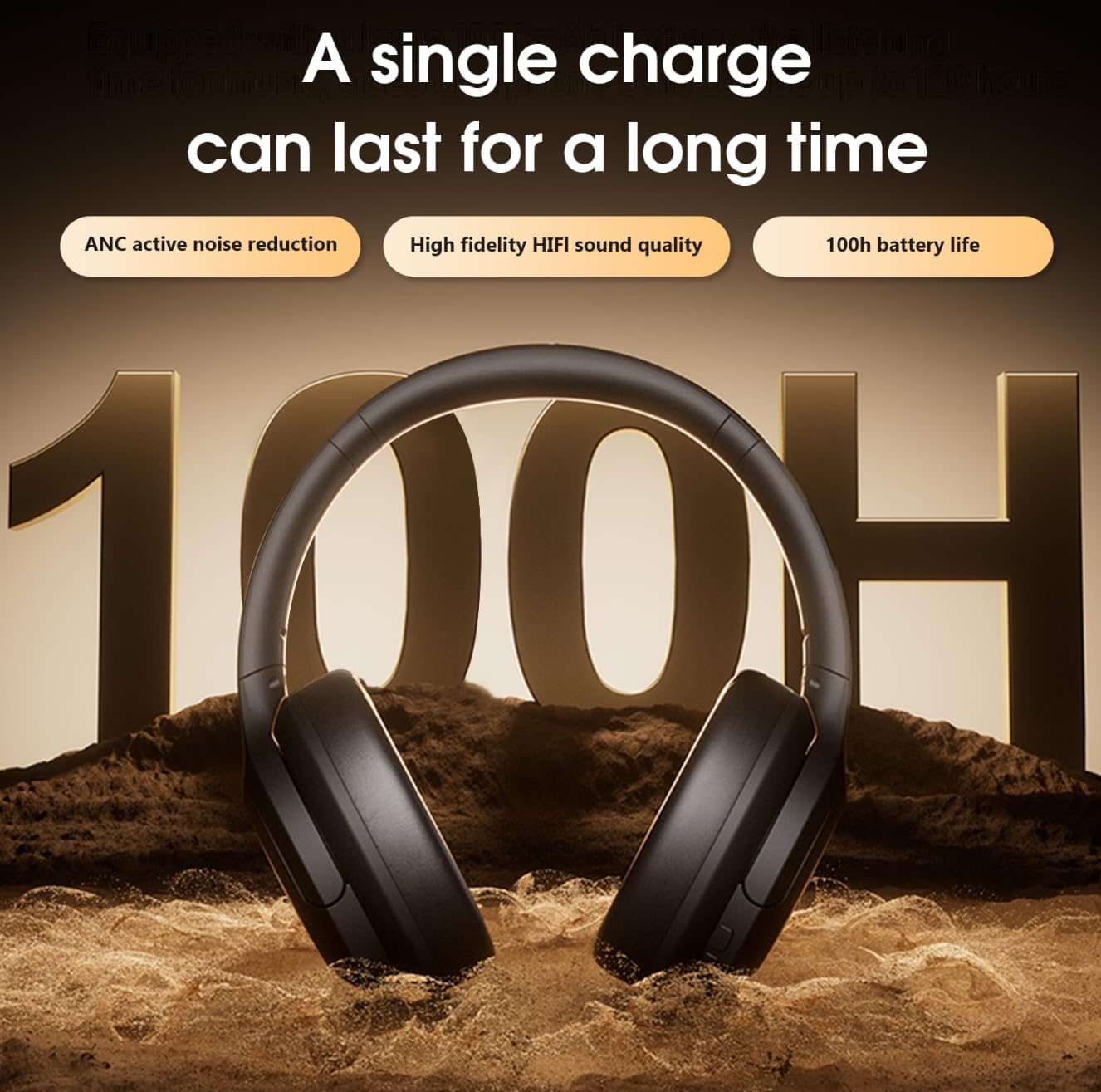
Image: MZYMI headphones highlighting 100 hours of battery life.
4.2 Bluetooth Pairing
- Ensure the headphones are powered off.
- Press and hold the Power button until the LED indicator flashes blue and red, indicating pairing mode.
- On your device (smartphone, tablet, laptop), enable Bluetooth and search for new devices.
- Select "MZYMI DJ16" from the list of available devices.
- Once connected, the LED indicator will turn solid blue or flash slowly. The headphones will automatically reconnect to the last paired device when powered on.

Image: Features of MZYMI headphones including Bluetooth connectivity and wired option.
4.3 Wired Connection
To use the headphones in wired mode, connect a 3.5mm audio cable (not explicitly listed as included) to the audio jack on the headphones and the other end to your audio source. This mode allows for uninterrupted listening even if the battery is depleted.
5. Operating Instructions
5.1 Basic Controls
The headphones feature a simple 3-button control layout for easy operation:
- Power Button: Press and hold to power on/off. Short press for play/pause.
- Volume Up (+): Short press to increase volume. Long press for next track.
- Volume Down (-): Short press to decrease volume. Long press for previous track.
- ANC Button: (If separate) Press to activate/deactivate Active Noise Cancelling.
5.2 Active Noise Cancelling (ANC)
The ANC feature effectively reduces ambient noise. Activate ANC by pressing the dedicated ANC button (if available) or as per the multi-function button instructions. This is ideal for noisy environments like commutes, gyms, or offices.

Image: MZYMI headphones featuring on-ear noise cancellation.
5.3 Call Functionality
When connected via Bluetooth, you can manage calls using the headphone controls:
- Answer/End Call: Short press the Power button.
- Reject Call: Press and hold the Power button.
The built-in microphones ensure clear communication.
5.4 Usage Scenarios
These headphones are versatile and suitable for various activities:
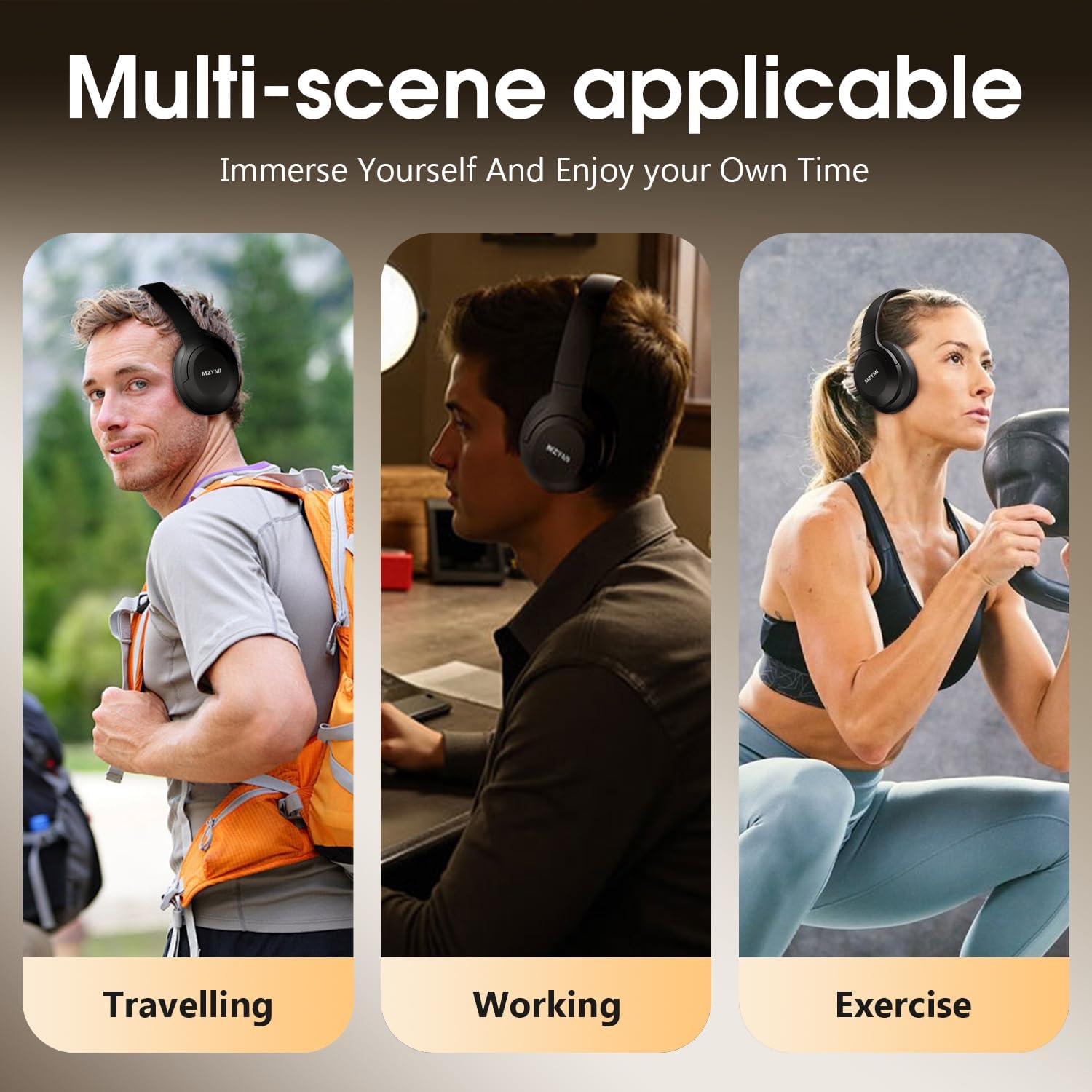
Image: MZYMI headphones are suitable for multiple scenarios including travel, work, and exercise.
6. Maintenance and Care
- Cleaning: Wipe the headphones with a soft, dry cloth. Do not use abrasive cleaners or solvents.
- Storage: Store the headphones in a cool, dry place. Utilize the foldable design for compact storage when not in use.
- Battery Care: To prolong battery life, avoid fully discharging the battery frequently. Charge regularly, even if not in use for extended periods.
- Water Resistance: These headphones are not water resistant. Avoid exposure to liquids.
7. Troubleshooting
| Problem | Possible Cause | Solution |
|---|---|---|
| Headphones do not power on. | Low battery. | Charge the headphones fully. |
| Cannot pair via Bluetooth. | Headphones not in pairing mode; device Bluetooth off; too far from device. | Ensure headphones are in pairing mode (flashing blue/red). Turn on Bluetooth on your device. Move headphones closer to the device (within 10 meters). Forget previous pairings on your device and try again. |
| No sound. | Volume too low; incorrect audio source; wired connection issue. | Increase volume on headphones and device. Ensure correct audio output is selected on your device. Check 3.5mm cable connection if using wired mode. |
| ANC not working effectively. | ANC not activated; type of noise. | Ensure ANC is activated. ANC is most effective against low-frequency, constant noise. |
8. Specifications
| Feature | Detail |
|---|---|
| Model Name | MZYMI DJ16 |
| Connectivity Technology | Wireless (Bluetooth), Wired (3.5 mm Jack) |
| Wireless Communication Technology | Bluetooth 5.3 |
| Headphones Jack | 3.5 mm Jack |
| Battery Life | 100 Hours |
| Battery Type | 1 Nonstandard Battery (included) |
| Audio Driver Type | Dynamic Driver (40mm) |
| Noise Control | Active Noise Cancellation |
| Impedance | 32 Ohm |
| Frequency Range | [20 Hz - 20,000 Hz] |
| Form Factor | Over Ear |
| Control Type | Button Control |
| Material | Plastic |
| Color | Black |
| Item Weight | 0.317 ounces |
| Manufacturer | MZYMI |
| Package Dimensions | 9.02 x 7.52 x 2.24 inches |
| Water Resistance Level | Not Water Resistant |
9. Warranty and Support
For warranty information and technical support, please refer to the documentation included with your purchase or contact the manufacturer directly. Keep your proof of purchase for any warranty claims.
Manufacturer: MZYMI