
Vvikizy Vvikizysvaqhiub16
EN06 Electric LCD Control Panel User Manual
Model: Vvikizysvaqhiub16
Brand: Vvikizy
1. Introduction
This user manual provides essential information for the installation, operation, and maintenance of your Vvikizy EN06 Electric LCD Control Panel. Designed for electric bikes, this display offers clear and convenient access to important riding data. Please read this manual thoroughly before use to ensure proper function and longevity of your device.

The Vvikizy EN06 Electric LCD Control Panel, shown with an electric bike in the background, ready for installation.
2. Product Features
- Easy Installation: Designed for quick setup, compatible with 22.2mm handlebars, simplifying the mounting process.
- Durable Material: Crafted from premium ABS material, ensuring lightweight yet robust construction for long-lasting use.
- Clear LCD Display: Provides a large screen for intuitive access to important data, including speed, distance, and battery status.
- Wide Application: Highly versatile and suitable for various types of electric bikes, meeting diverse user needs.
- Enhanced Visibility: Features a headlight interface to improve safety during nighttime riding by allowing connection to a bike headlight.

The EN06 display seamlessly integrated onto an electric bike handlebar, showcasing its compact design.
3. Specifications
| Feature | Description |
|---|---|
| Item Type | Bike Display Meter |
| Material | ABS |
| Weight | Approx. 80 Grams (2.9 oz) |
| Compatible Voltage | 24V, 36V, 48V, 60V |
| Handlebar Compatibility | For 22.2mm Handlebar |
| Model Name | Vvikizysvaqhiub16 |
| Package Dimensions | 3.94 x 3.15 x 2.76 inches |
4. Setup and Installation
The EN06 LCD Control Panel is designed for straightforward installation. Follow these steps to mount it on your electric bike:
- Ensure your electric bike's handlebar has a diameter of 22.2mm for proper fit.
- Loosen the bracket screw on the back of the display unit.
- Position the display on your handlebar at a comfortable viewing angle.
- Tighten the bracket screw securely to prevent movement during riding.
- Connect the 6-pin cable from the display to the corresponding port on your electric bike's controller. Ensure the connection is firm and secure.

The display unit with its integrated bracket, ready for mounting on a 22.2mm handlebar.
5. Operating Instructions
The EN06 LCD display provides clear information about your ride. Here's how to operate it:
- Power On/Off: Press and hold the power button (usually marked with a power symbol) to turn the display on or off.
- Mode Selection: Use the 'MODE' button to cycle through different display modes, such as current speed, average speed, max speed, trip distance, and total odometer.
- Data Display: The large LCD screen intuitively shows all relevant information, including speed (km/h), odometer (ODO), and battery level.
- Headlight Control: If your bike's system supports it, the display may have a function to control the headlight via its interface, enhancing visibility.

A detailed view of the EN06 display, highlighting the clear LCD screen and control buttons for easy operation.
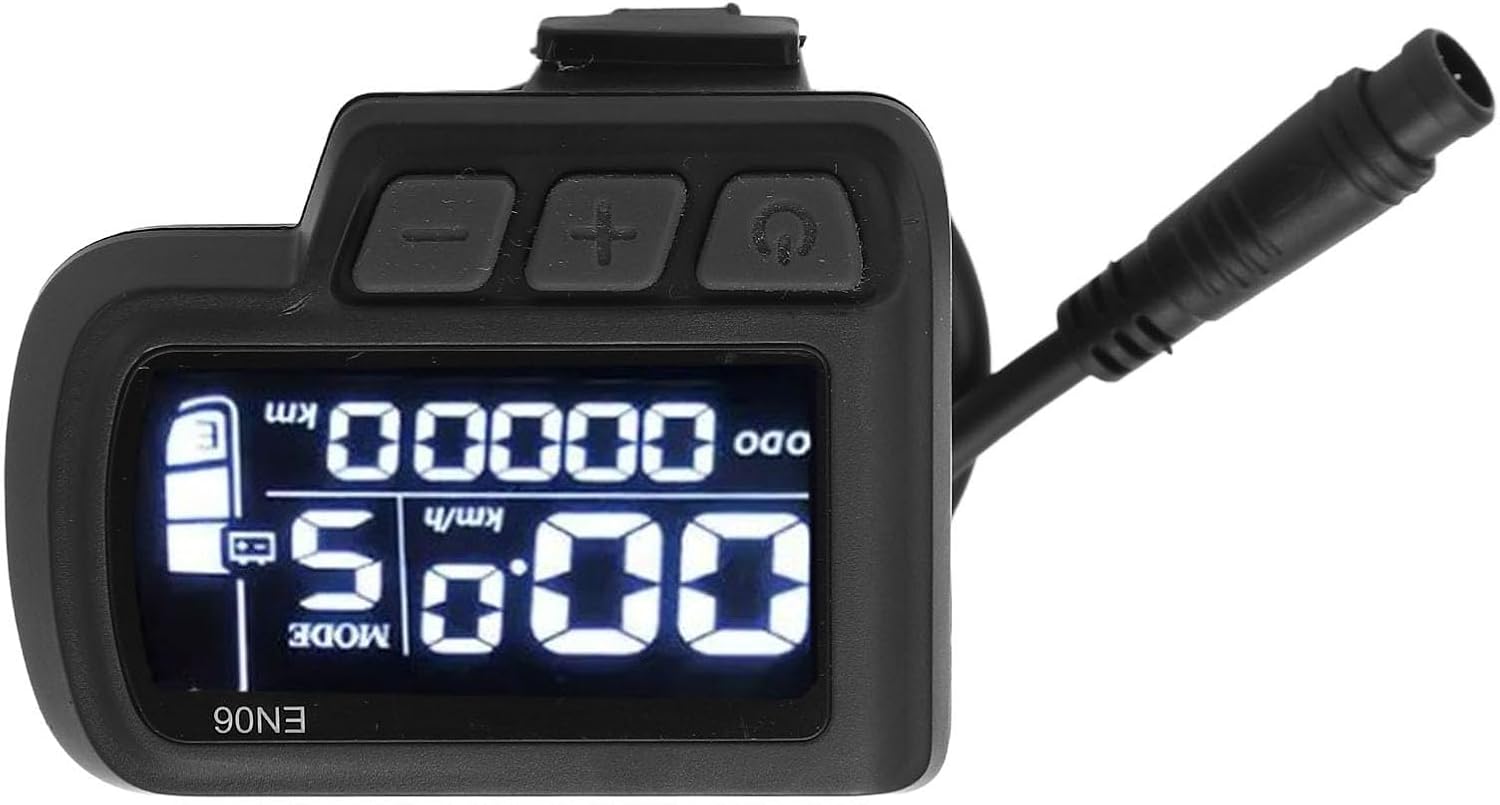
The EN06 display from an alternative angle, showing the robust casing and button layout.
6. Maintenance
To ensure the longevity and optimal performance of your EN06 LCD Control Panel, follow these simple maintenance guidelines:
- Cleaning: Wipe the display screen and body with a soft, damp cloth. Avoid using abrasive cleaners or solvents that could damage the ABS material or screen.
- Protection: While the unit is durable, avoid exposing it to extreme temperatures, direct sunlight for prolonged periods, or heavy impacts.
- Connections: Periodically check the cable connections to ensure they are secure and free from corrosion or damage.
- Storage: If storing your bike for an extended period, ensure the display is clean and stored in a dry, temperate environment.
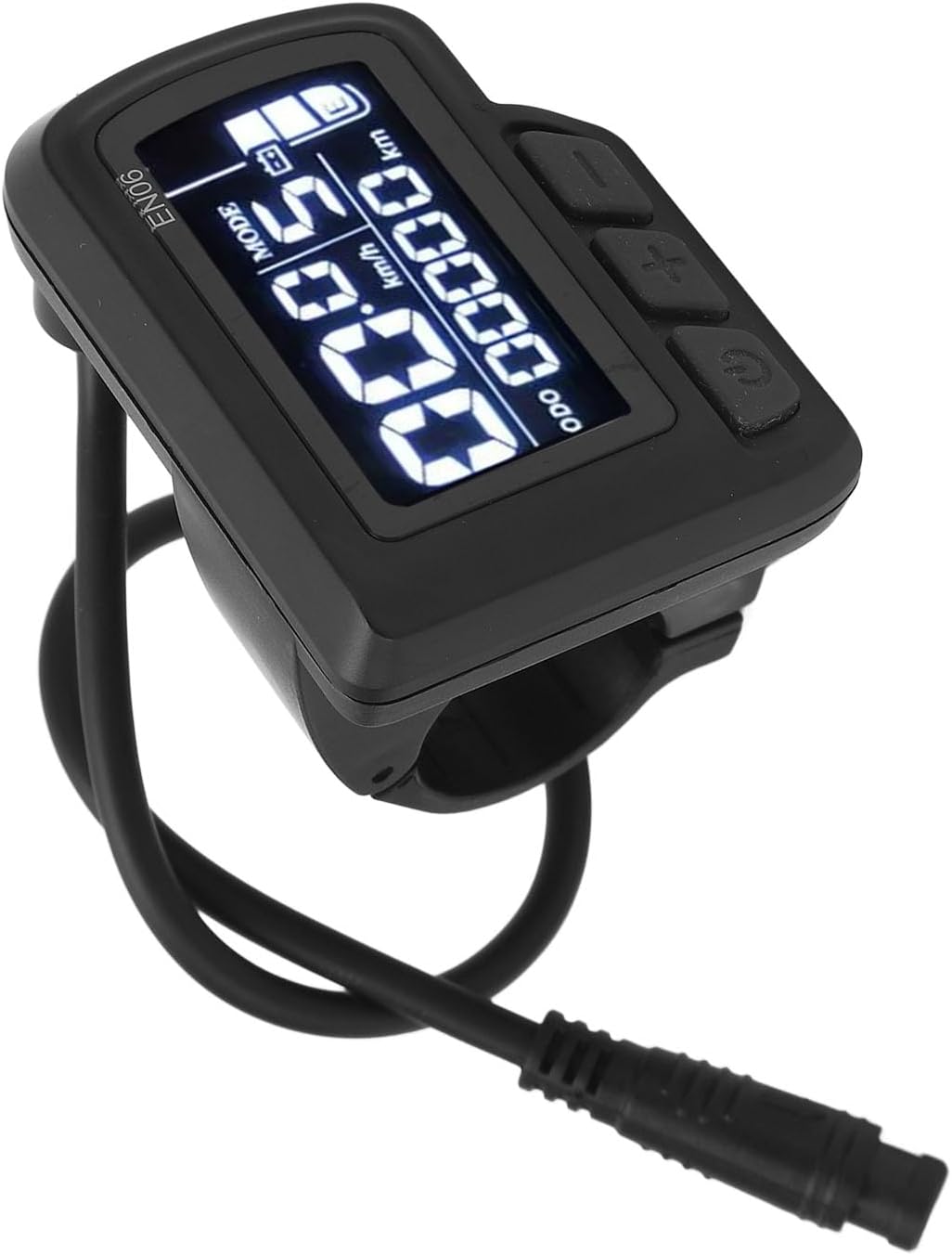
Side view of the EN06 display, illustrating the cable connection point which should be kept clean and secure.
7. Troubleshooting
If you encounter issues with your EN06 LCD Control Panel, try the following troubleshooting steps:
- Display Not Turning On:
- Check all cable connections to ensure they are firmly seated.
- Verify that your e-bike's battery is charged and providing power.
- Ensure the power button is pressed and held for a sufficient duration (typically 2-3 seconds).
- Incorrect Speed/Distance Readings:
- Confirm that the wheel circumference setting (if adjustable on your bike's controller) is correct.
- Check the speed sensor and its magnet for proper alignment and cleanliness.
- Buttons Unresponsive:
- Ensure the display is not exposed to excessive moisture or dirt.
- Gently clean around the buttons to remove any debris.
If problems persist after attempting these steps, please contact customer support.
8. Warranty and Support
The Vvikizy EN06 Electric LCD Control Panel is manufactured by Vvikizy. For any warranty claims, technical support, or further assistance, please refer to the contact information provided with your purchase or visit the official Vvikizy website. Keep your proof of purchase for warranty validation.
Related Documents - Vvikizysvaqhiub16
 |
M5 LCD Display Panel Controller Instruction Manual Instruction manual for the M5 LCD display panel used on e-scooters and e-bikes. Includes button operation guides, safety warnings, and regulatory compliance information. |
 |
Haytrix LCD-M5 Hand Control Panel Operation Instruction Manual Comprehensive guide detailing the operation, functions, settings, and specifications of the Haytrix LCD-M5 Hand Control Panel for electric bicycles. Covers display elements, connectivity, and user controls. |
 |
M5 LCD Display Meter User Manual User manual for the M5 LCD display meter, a professional control panel for electric bikes, e-scooters, and electric mountain bikes. Includes specifications, installation guide, and troubleshooting. |
 |
Haytrix LCD-H6C-2 E-bike Control Panel Operation Manual Detailed operation instructions, settings, and technical specifications for the Haytrix LCD-H6C-2 e-bike control panel. Covers display functions, wiring, error codes, and button operations for electric bicycle systems. |
 |
LCD-P3H Hand Control Panel Operation Instruction Manual Comprehensive operation instruction manual for the LHZN LCD-P3H Hand Control Panel, detailing its functions, settings, specifications, and usage for electric bicycles. |
 |
LCD-M5 Hand Control Panel Operation Instruction Manual This manual provides operation instructions for the LCD-M5 Hand Control Panel, covering its features, functions, settings, and troubleshooting for e-bike systems. |
Ask a question about this manual
Ask about setup, troubleshooting, compatibility, parts, safety, or missing instructions. Manuals+ will review the question and use this page’s manual context to help answer it.