
1. Product Overview
The peivi Wireless CarPlay and Android Auto Adapter converts your car's existing wired CarPlay or Android Auto system into a wireless connection. This ultra-compact device offers a stable and fast connection, enhancing your in-car experience with navigation, music, calls, and more.

Image 1.1: The peivi Wireless CarPlay and Android Auto Adapter, shown with a USB Type-C adapter and a USB Type-A extension cable.
Key Features:
- Ultra-Compact Design: Significantly smaller than many other adapters, designed to sit nearly flush with your car's USB port for a secure fit.
- Fast and Stable Connection: Equipped with an A9 chip, Bluetooth 5.4, and dual-band Wi-Fi (2.4GHz + 5.8GHz) for quick and reliable connectivity.
- Durable Construction: Crafted from aircraft-grade aluminum alloy for enhanced durability and efficient heat dissipation through dual-sided ventilation ports.
- Seamless Integration: Retains original CarPlay and Android Auto functionalities, including navigation, voice commands, music playback, and call management.

Image 1.2: The adapter's compact size, illustrated next to an AirPods case and a US dollar coin for scale.

Image 1.3: The adapter's secure, flush fit in a car's USB port, designed to prevent disconnections during driving conditions like bumpy roads or emergency braking.
2. What's in the Box
Please ensure all the following items are included in your package:
- 1 x peivi Wireless CarPlay Adapter & Android Auto Wireless Adapter
- 1 x USB Type-C Plug
- 1 x USB Type-A Extension Cable
- 1 x Instruction Manual (this document)
- 1 x Aftermarket Card
3. Setup Guide
Follow these steps to set up your peivi Wireless CarPlay and Android Auto Adapter:
- Connect the Adapter: Plug the adapter into your car's USB port. Use the provided USB Type-C plug or USB Type-A extension cable if needed.
- Enable Bluetooth & Wi-Fi: On your smartphone, turn on both Bluetooth and Wi-Fi.
- Pair with Bluetooth: On your phone's Bluetooth settings, search for the adapter's Bluetooth name (e.g., "SmartBox-xxxx") and pair with it. A pairing request may appear; confirm it.
- Allow Access: Grant necessary permissions for contacts and favorites sync when prompted.
After the initial setup, the adapter will automatically connect to your phone within 3-5 seconds when you start your car, provided Bluetooth and Wi-Fi are enabled on your phone.
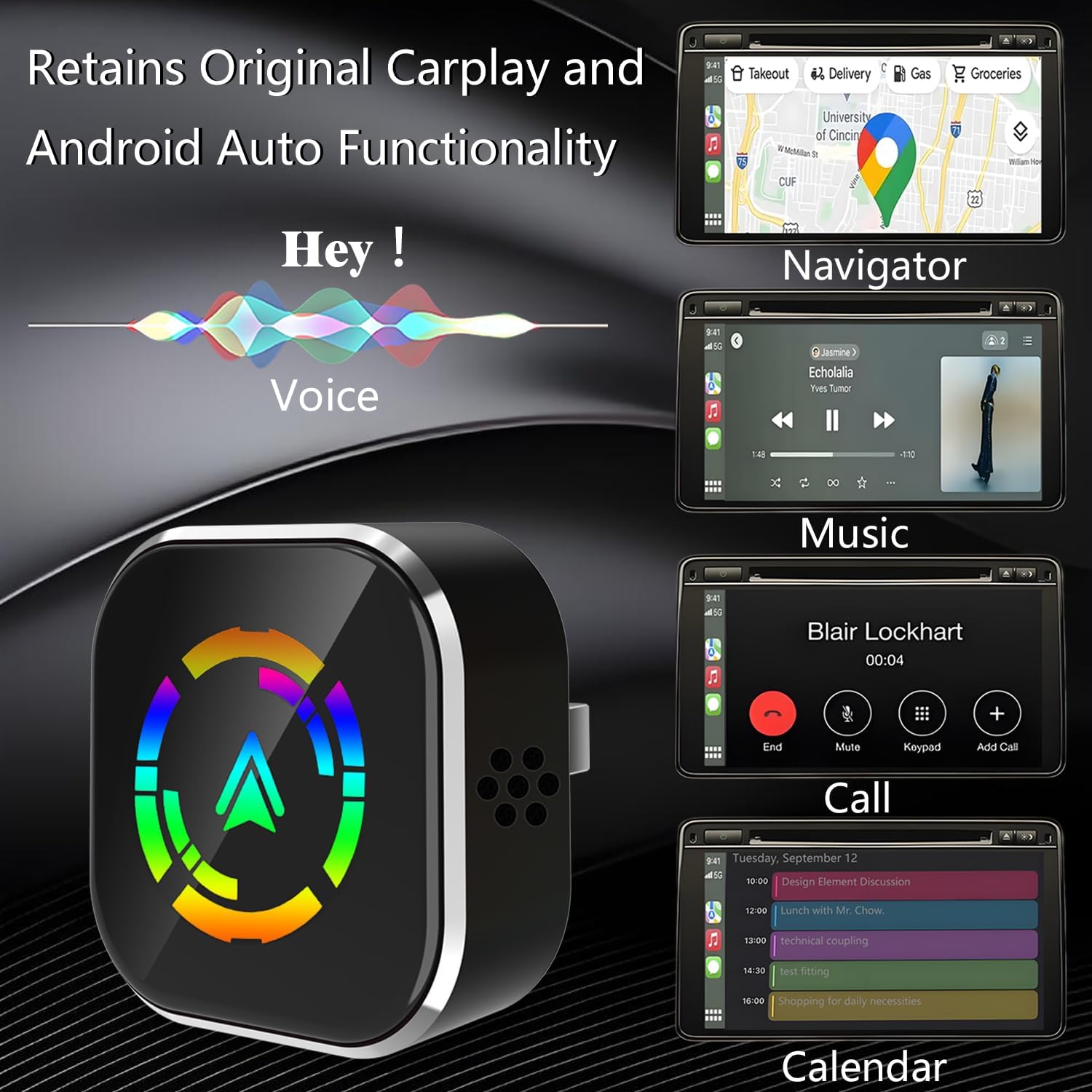
Image 3.1: Visual guide to the 3-step setup process: 1. Turn on Bluetooth & Wi-Fi, 2. Bluetooth pairing, 3. Allow access.
4. Operation
Once connected, the peivi adapter enables wireless access to your car's CarPlay or Android Auto system, allowing you to use your phone's features safely while driving.
Functions:
- Navigation: Access your preferred navigation apps directly on your car's display.
- Music & Audio: Stream music, podcasts, and audiobooks through your car's sound system.
- Calls & Messaging: Make and receive calls, and send messages using voice commands or the car's interface.
- Voice Control: Utilize Siri or Google Assistant for hands-free control of various functions.
- Calendar: View your schedule and appointments.
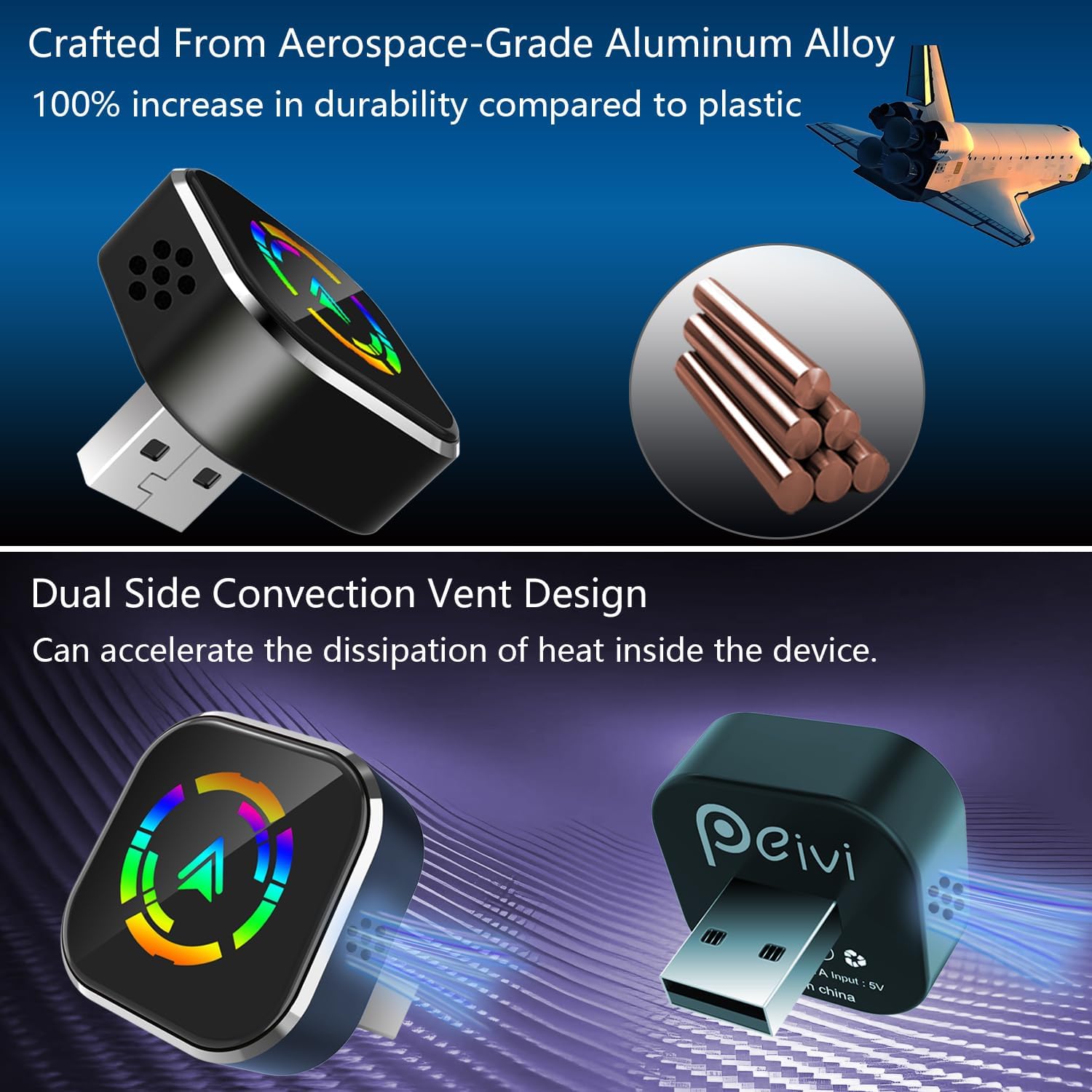
Image 4.1: The adapter allows full use of original CarPlay and Android Auto functionalities, including voice commands, navigation, music, calls, and calendar.
Retaining Original Car Controls:
The adapter is designed to work seamlessly with your car's existing control methods:
- Steering wheel controls
- OEM knob controls
- Touchscreen controls

Image 4.2: The adapter maintains compatibility with your car's original steering wheel, knob, and touchscreen controls for a familiar user experience.
5. Compatibility
The peivi Wireless CarPlay and Android Auto Adapter is compatible with 98% of car models that support wired CarPlay and Android Auto. It requires iOS 10+ for Apple devices and Android 11+ for Android devices.
Before purchasing, please ensure your car already supports wired Apple CarPlay or Android Auto.

Image 5.1: The adapter is compatible with a wide range of car manufacturers and requires iOS 10+ or Android 11+.
For a detailed list of compatible vehicles, please refer to the official compatibility pages:
6. Troubleshooting
If you encounter issues, please refer to the following frequently asked questions:

Image 6.1: Frequently Asked Questions providing solutions to common issues.
Common Issues and Solutions:
- Q: How do I perform an OTA firmware upgrade?
A: 1. Plug the adapter into the USB port of your car or laptop. 2. Forget the "SmartBox-xxxx" Wi-Fi network and turn off Bluetooth. 3. Reconnect to the "SmartBox-xxxx" Wi-Fi network and enter the password: 88888888. 4. Open your browser and enter: 192.168.1.101, ensuring that your phone's cellular network is available. 5. Once on the page, scroll to the bottom to find the upgrade button, then click to upgrade. - Q: What should I do if I cannot connect to Wi-Fi?
A: Turn off the car's infotainment system and then turn it back on to connect successfully. - Q: Do I need to manually enter the password to connect to Wi-Fi?
A: No manual connection is required. Under normal circumstances, it connects automatically. Manual connection may result in connection failure. If you have already manually connected, please ignore this network and reconnect. - Q: How do I resolve Bluetooth connection issues?
A: Clear all previously paired devices from your phone, then have your phone detect and re-pair with the current device to connect successfully. - Q: Both Wi-Fi and Bluetooth are connected successfully, but the Android Auto interface does not appear?
A: For Samsung phones, please update the Android Auto, Google Maps, and Google Browser apps. Go to Google Play Services, click "Storage," then "Manage Storage," and finally "Clear All Data." - Q: After starting the car, the Android Auto interface does not automatically appear when reconnecting?
A: Wait for the connection prompt to appear, then wait an additional 10-15 seconds. If the Android AUTO interface does not appear after a long time, please manually connect via Bluetooth.
7. Product Specifications
| Feature | Detail |
|---|---|
| Product Dimensions | 1.15 x 1.15 x 0.45 inches |
| Item Weight | 1.4 ounces |
| Brand | peivi |
| Connectivity Technology | Bluetooth, Wi-Fi |
| Power Source | Corded Electric |
| Material | Metal (Aircraft-grade aluminum alloy) |
| Special Features | 100% faster & stable connection, 100% more secure connection, 60% smaller size, 35% improved heat dissipation |
| Manufacturer | SHENZHEN LESHIDA ELECTRONICS CO., LTD. |
| Date First Available | April 7, 2025 |
8. Safety Information
Please observe the following safety guidelines to ensure proper use and prevent potential hazards:
- Avoid placing the adapter near other wireless devices to prevent interference.
- Allow the adapter to cool down before handling to prevent burns, especially after prolonged use.
- Do not dispose of the adapter in fire or expose it to excessive heat.
- Do not attempt to disassemble or modify the device.
9. Warranty and Support
Your peivi Wireless CarPlay and Android Auto Adapter comes with comprehensive support:
- 2-Year Warranty: Enjoy peace of mind with a 2-year warranty covering manufacturing defects.
- 30-Day Free Return/Exchange: If you are not satisfied, you can return or exchange the product within 30 days of purchase.
- 24/7 Online Professional Support: Access online support for any questions or issues you may encounter.
- Lifetime Free Firmware Updates: Ensure your adapter always has the latest features and compatibility improvements.
- FCC Certified: This product is FCC certified, ensuring compliance with regulatory standards.

Image 9.1: Summary of after-sales support, including warranty and online assistance.