
1. Introduction and Overview
The Pyle PMP74VC Portable Megaphone Bullhorn is a powerful and versatile audio projection device designed for clear and effective communication over large distances. With 100 watts of power, it can project sound up to 1500 yards, making it suitable for outdoor events, crowd control, sports, and safety drills. This megaphone includes multiple audio modes such as Talk, Siren, Music, and Whistle, along with a fun voice changer feature. It offers Bluetooth and AUX connectivity for seamless audio streaming and is built with a lightweight, durable ABS chassis for easy handling.
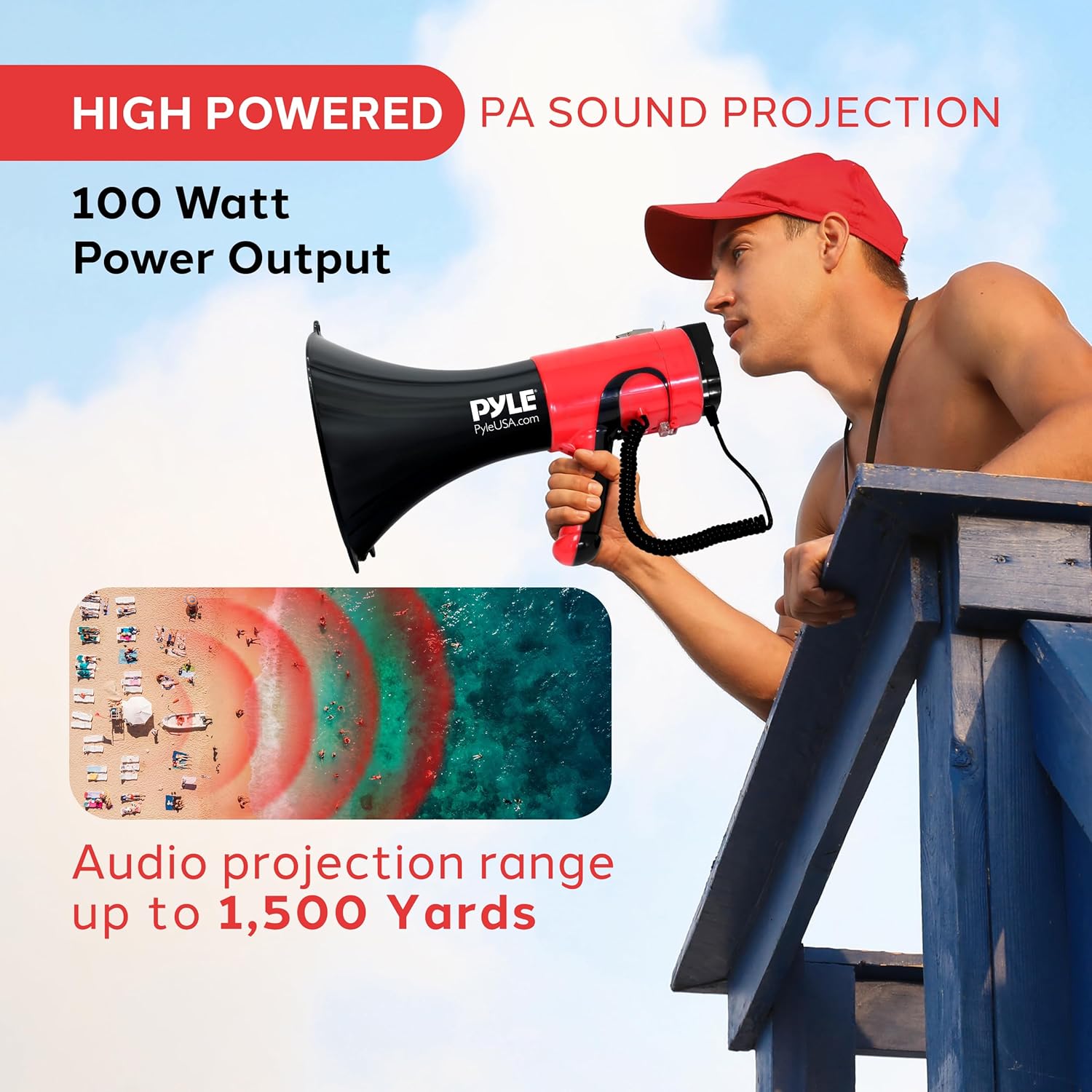
Figure 1: Pyle PMP74VC Megaphone demonstrating its powerful sound projection capabilities.
2. What's in the Box
Carefully unpack the contents and ensure all items are present:
- Megaphone Bullhorn Unit
- Microphone (integrated or wired)
- Shoulder Strap
- 12V Lithium Rechargeable Battery
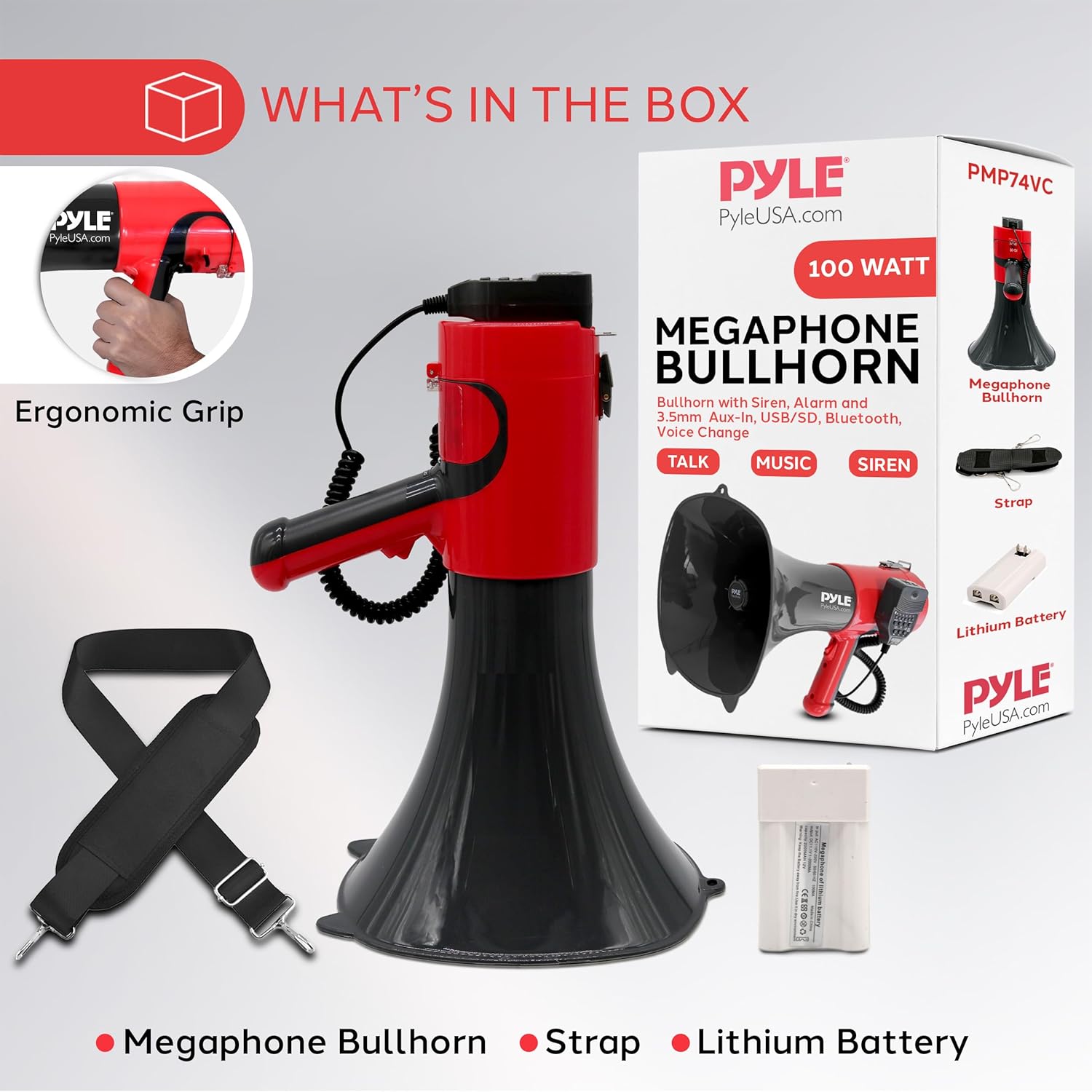
Figure 2: Included components of the Pyle PMP74VC Megaphone.
3. Product Features
- High Power Output: 100-watt amplifier for sound projection up to 1500 yards.
- Multiple Audio Modes: Talk, Siren, Music, and Whistle functions.
- Voice Changer: Six distinct voice modes for varied communication.
- Connectivity: Bluetooth for wireless audio streaming and 3.5mm AUX input.
- Recording Function: Ability to record and playback short messages.
- Ergonomic Design: Comfortable pistol grip and lightweight ABS construction.
- Dual Power Options: Operates with a 12V Lithium rechargeable battery or 8 x 'C' batteries (not included).
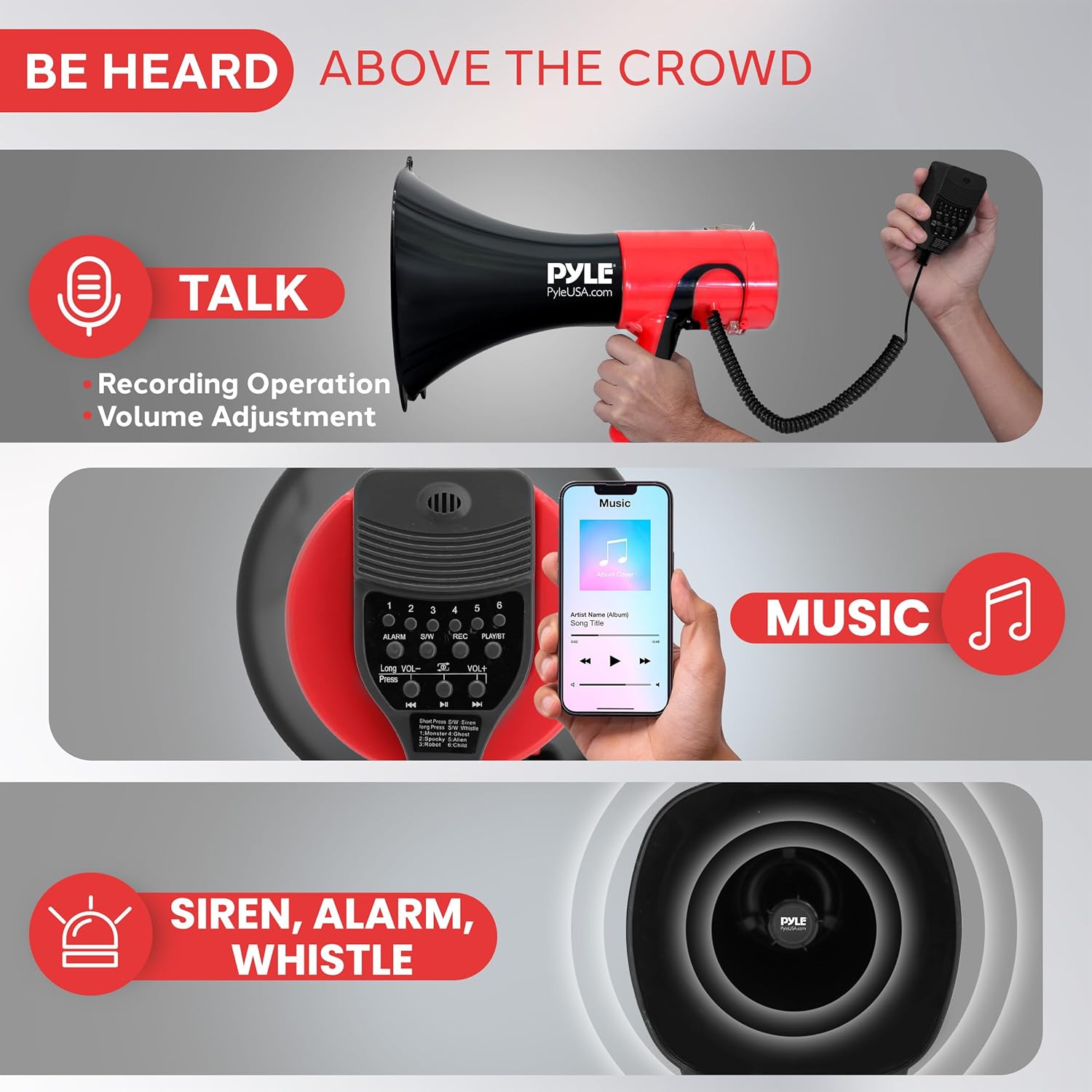
Figure 3: Overview of the megaphone's versatile audio modes.
4. Setup
4.1 Battery Installation
The PMP74VC megaphone can be powered by the included 12V Lithium rechargeable battery or 8 x 'C' batteries (not included).
- Locate the battery compartment, typically at the rear of the megaphone unit.
- Open the battery compartment cover.
- For 12V Lithium Battery: Insert the rechargeable battery, ensuring correct polarity. Close the compartment cover securely.
- For 'C' Batteries: Insert 8 'C' batteries, observing the correct positive (+) and negative (-) terminals as indicated inside the compartment. Close the compartment cover securely.
It is recommended to fully charge the 12V Lithium battery before first use. The charging port is usually located near the battery compartment or on the control panel.

Figure 4: Battery compartment and power options.
4.2 Attaching the Shoulder Strap
Attach the provided shoulder strap to the designated loops on the megaphone unit. This allows for comfortable carrying during extended use.
5. Operating Instructions
Familiarize yourself with the control panel and microphone buttons for optimal use.
Figure 5: Megaphone control panel and microphone.
5.1 Power On/Off and Volume Control
- Power: Locate the power switch, usually on the handle or control panel. Slide it to the 'ON' position to power on the megaphone.
- Volume: Use the 'VOL+' and 'VOL-' buttons or a rotary knob on the control panel to adjust the output volume. Start with a lower volume and increase as needed.
5.2 Talk Mode
To use the megaphone for voice amplification:
- Ensure the megaphone is powered on.
- Press and hold the talk button on the microphone or handle.
- Speak clearly into the microphone. Release the button to stop talking.
5.3 Siren, Alarm, and Whistle Modes
The megaphone features built-in alert sounds:
- Siren/Alarm: Press the 'ALARM' or 'SIREN' button on the control panel to activate the siren sound. Press again to deactivate.
- Whistle: Some models may have a dedicated 'WHISTLE' button. Press to activate and deactivate.
5.4 Music Playback (Bluetooth/AUX/USB/SD)
The megaphone supports various audio input methods:
- Bluetooth Pairing:
- Turn on the megaphone and activate Bluetooth mode (if applicable, usually indicated by an LED or voice prompt).
- On your smartphone or audio device, search for Bluetooth devices and select 'Pyle PMP74VC' or similar.
- Once paired, you can stream audio wirelessly.
- AUX Input: Connect an external audio device (e.g., MP3 player, phone) to the 3.5mm AUX input jack using an audio cable.
- USB/SD Card: Insert a USB flash drive or SD card containing audio files into the respective slots. The megaphone will typically begin playback automatically. Use the 'PLAY/PAUSE' and 'NEXT/PREVIOUS' buttons to control playback.
5.5 Voice Changer
To use the voice changer feature:
- Press the 'VOICE CHANGER' button (often labeled with numbers 1-6 or an icon) to cycle through the available voice effects.
- Speak into the microphone to hear your voice modulated.
5.6 Recording Operation
To record and playback short messages:
- Press the 'REC' button to start recording. Speak clearly into the microphone.
- Press 'REC' again to stop recording.
- Press the 'PLAY' button to listen to your recorded message.
6. Maintenance
- Cleaning: Wipe the megaphone's exterior with a soft, damp cloth. Do not use harsh chemicals or abrasive cleaners.
- Storage: Store the megaphone in a cool, dry place away from direct sunlight and extreme temperatures. If storing for an extended period, remove 'C' batteries (if used) and ensure the rechargeable battery is partially charged (not fully depleted or fully charged).
- Battery Care: For the 12V Lithium battery, avoid overcharging or deep discharging to prolong its lifespan.
7. Troubleshooting
| Problem | Possible Cause | Solution |
|---|---|---|
| No sound output | Power off; low battery; volume too low; microphone not activated. | Ensure power is ON; charge/replace batteries; increase volume; press microphone talk button. |
| Distorted sound | Volume too high; microphone too close to mouth; low battery. | Reduce volume; maintain proper distance from microphone; charge/replace batteries. |
| Bluetooth not connecting | Megaphone not in pairing mode; device too far; incorrect device selected. | Ensure megaphone is in Bluetooth pairing mode; bring devices closer; select correct device from list. |
| Voice changer not working | Feature not activated; incorrect mode. | Press the voice changer button to cycle through effects. |
8. Specifications
- Model Number: PMP74VC
- Power Output: 100 Watts
- Projection Range: Up to 1500 yards
- Material: ABS Construction
- Color: Black & Red
- Power Source: 12V Lithium Battery (included) or 8 x 'C' Batteries (not included)
- Connectivity: Bluetooth, 3.5mm AUX Input, USB, SD Card Slot
- Dimensions: 27.99 x 27.99 x 40.49 cm
- Weight: 1.67 kg
9. Warranty and Support
For warranty information and technical support, please refer to the documentation provided with your purchase or visit the official Pyle website. Keep your proof of purchase for any warranty claims.


