
1. Introduction
This manual provides detailed instructions for the safe assembly, operation, and maintenance of your Freeboss T68 LED Lighted Dressing Table. Please read all instructions carefully before assembly and use to ensure proper function and longevity of the product.
Safety Warnings
Attention: This dressing table contains electrical components. Ensure you read and follow all instructions carefully for safe assembly and use. Pay particular attention to potential hazards such as sharp edges, pinch points, and electrical components. Avoid overloading the table and keep it dry to prevent accidents.
2. Package Contents
Before beginning assembly, verify that all components listed below are present and undamaged. If any parts are missing or damaged, please contact customer support.
- Dressing Table Unit (Main Desk)
- LED Lighted Mirror
- Matching Stool
- Drawers and Shelving Units
- Assembly Hardware (screws, dowels, metal rails, etc.)
- Power Adapter for LED Mirror
3. Assembly Instructions
The Freeboss T68 dressing table is designed for straightforward assembly. Detailed illustrated instructions and numbered parts are provided to guide you through each step. It is recommended to assemble the unit on a soft, clean surface to prevent scratches.
- Unpack Components: Carefully remove all parts from the packaging and lay them out. Identify each part using the provided numbering.
- Assemble the Main Desk: Follow the step-by-step diagrams to connect the main desk panels. Ensure all screws are tightened securely.
- Install Drawers and Shelves: Attach the metal rails to the designated sections and slide the drawers into place. Assemble the open shelving units as instructed.
- Mount the Mirror Unit: Secure the LED mirror unit to the top section of the dressing table. Ensure it is firmly attached and aligned.
- Assemble the Stool: Follow the instructions to assemble the matching stool.
- Connect Electrical Components: Plug the LED mirror's power adapter into a suitable electrical outlet.

4. Operating Instructions
4.1. LED Mirror Operation
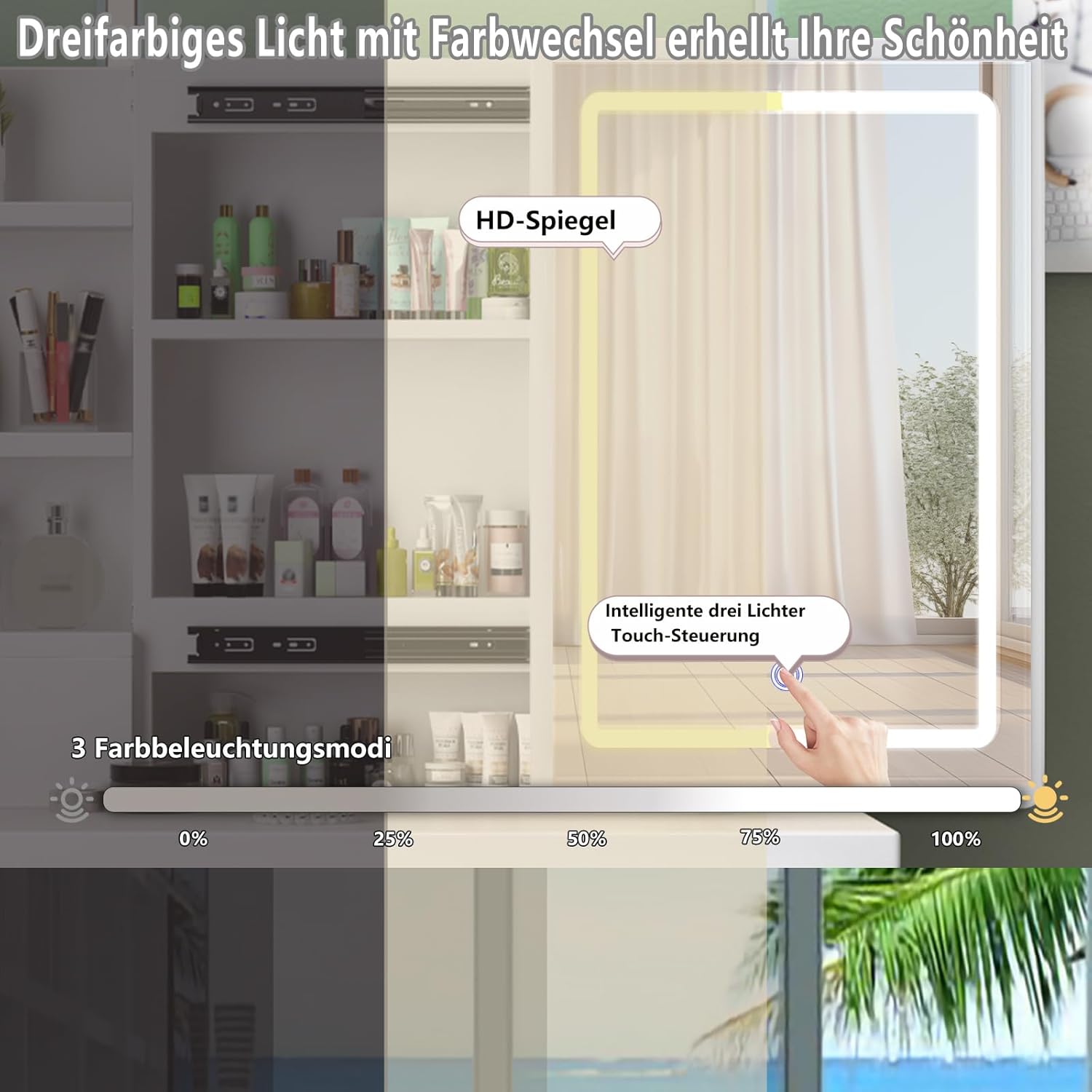
The integrated LED mirror offers adjustable brightness and three color temperature modes for optimal lighting during makeup application or styling.
- Power On/Off: Touch the power icon on the mirror surface to turn the LED lights on or off.
- Adjust Brightness: Press and hold the power icon to cycle through brightness levels. Release when the desired brightness is achieved.
- Change Color Temperature: Briefly touch the power icon (after turning on) to switch between the three color temperature modes (e.g., warm, natural, cool light).
4.2. Sliding Mirror and Storage
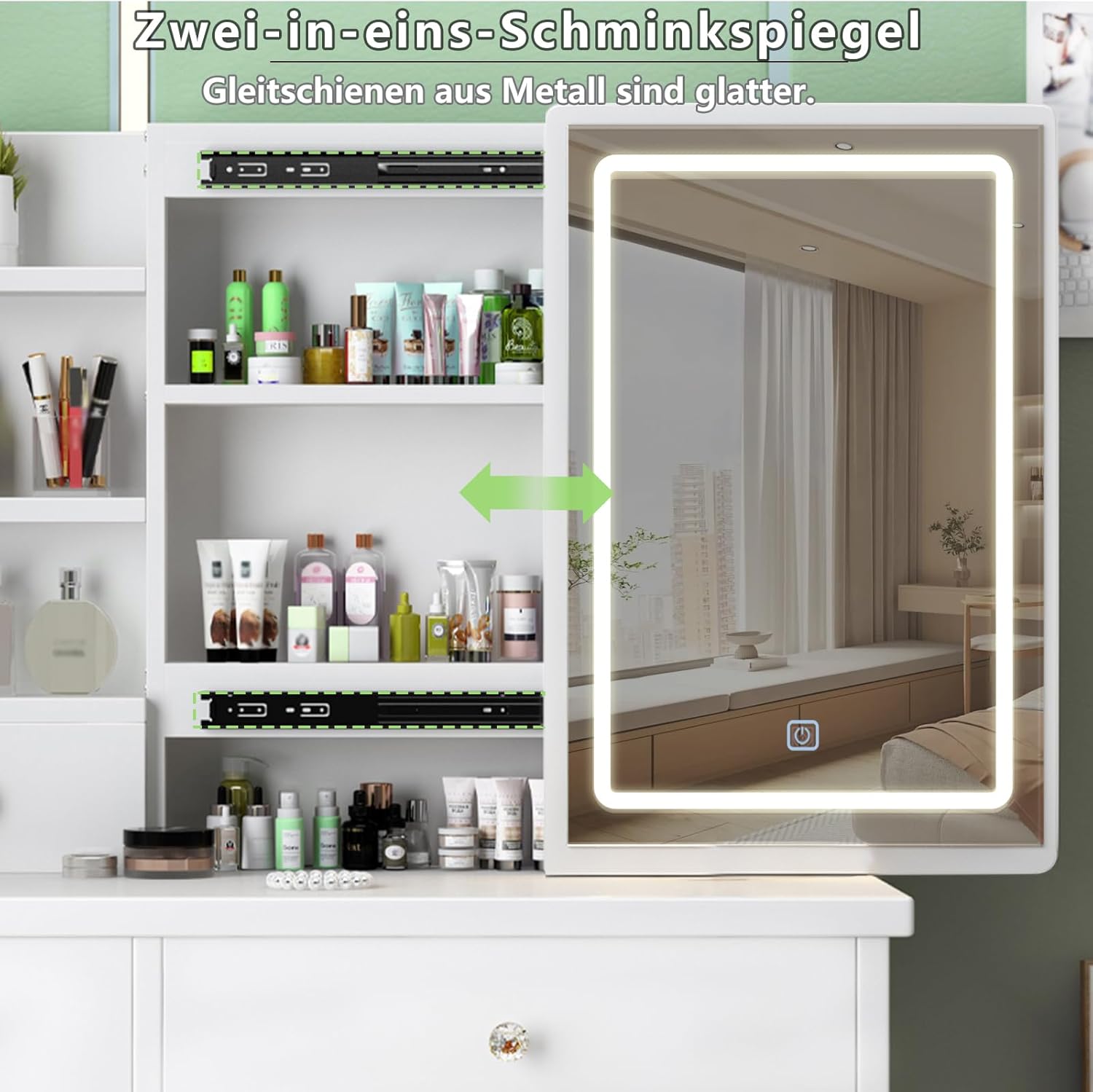
The mirror unit is designed to slide horizontally, revealing additional storage compartments behind it. This feature allows for discreet storage of items and easy access.
- Gently slide the mirror to the left or right along its metal rails to access the hidden shelves.
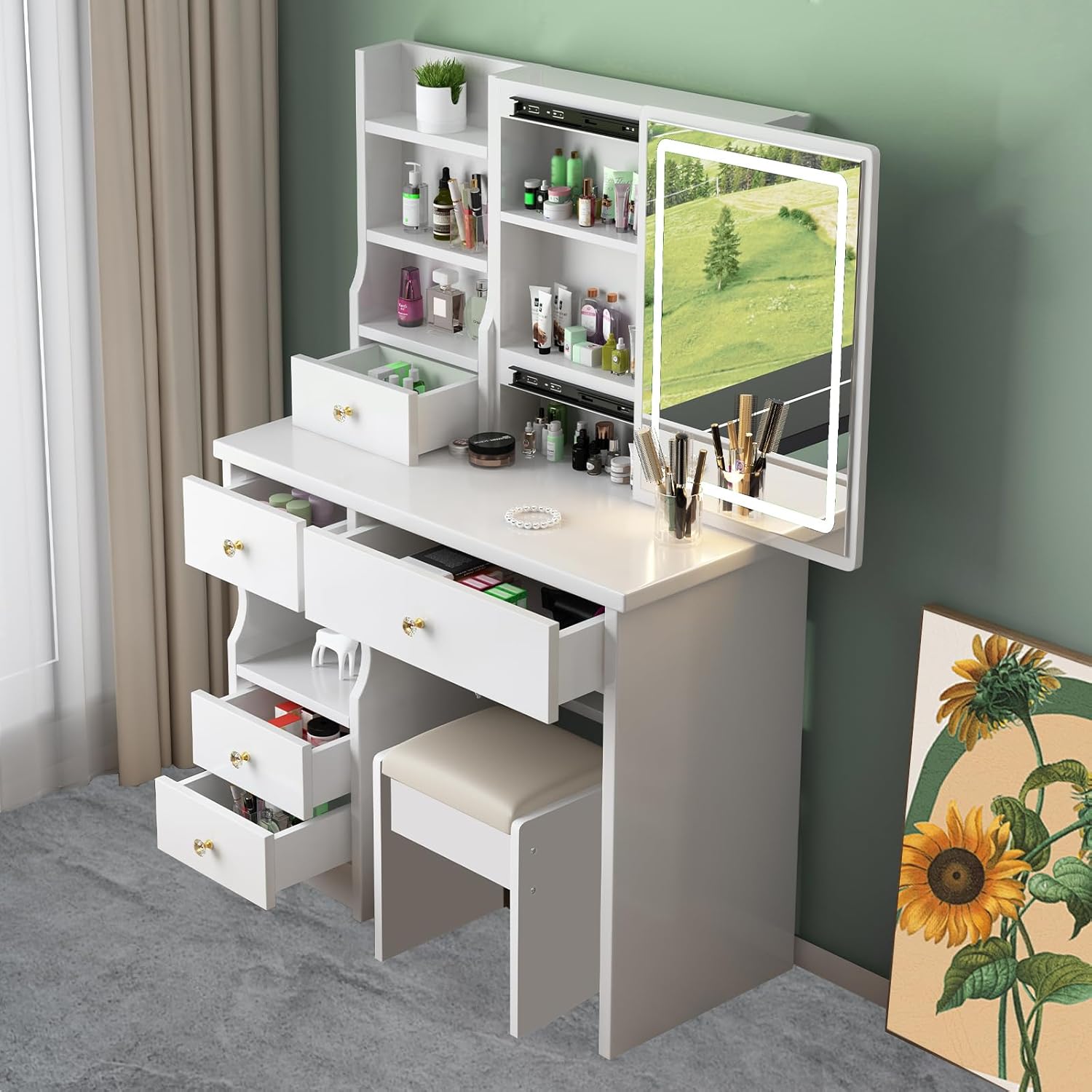
- Utilize the open shelves and drawers for organizing cosmetics, jewelry, and other personal items.
5. Maintenance and Care
Proper care will help maintain the appearance and functionality of your dressing table.
- Cleaning the Surface: Wipe the table surfaces with a soft, damp cloth. Avoid abrasive cleaners or harsh chemicals that could damage the finish.
- Cleaning the Mirror: Use a glass cleaner and a lint-free cloth for the mirror. Do not spray cleaner directly onto the mirror to prevent liquid from entering electrical components.
- Dusting: Regularly dust all surfaces to prevent buildup.
- Electrical Components: Ensure the power adapter and cables are kept dry and away from water.
- Avoid Overloading: Do not place excessively heavy items on the table or in the drawers to prevent structural damage.
6. Troubleshooting
If you encounter any issues with your Freeboss T68 dressing table, please refer to the following common solutions:
- LED Mirror Not Lighting Up:
- Check if the power adapter is securely plugged into both the mirror and the wall outlet.
- Ensure the wall outlet is functional by testing it with another device.
- Verify that the touch sensor on the mirror is clean and unobstructed.
- Drawers Sticking or Not Sliding Smoothly:
- Ensure the drawer rails are clean and free of debris.
- Check that the drawer is correctly aligned on its rails.
- Avoid overloading drawers, which can cause them to stick.
- Table Wobbles:
- Verify that all assembly screws are tightened securely.
- Ensure the table is placed on a flat, even surface.
If these steps do not resolve the issue, please contact customer support for further assistance.
7. Product Specifications
| Feature | Specification |
|---|---|
| Model Number | T68 |
| Brand | Freeboss |
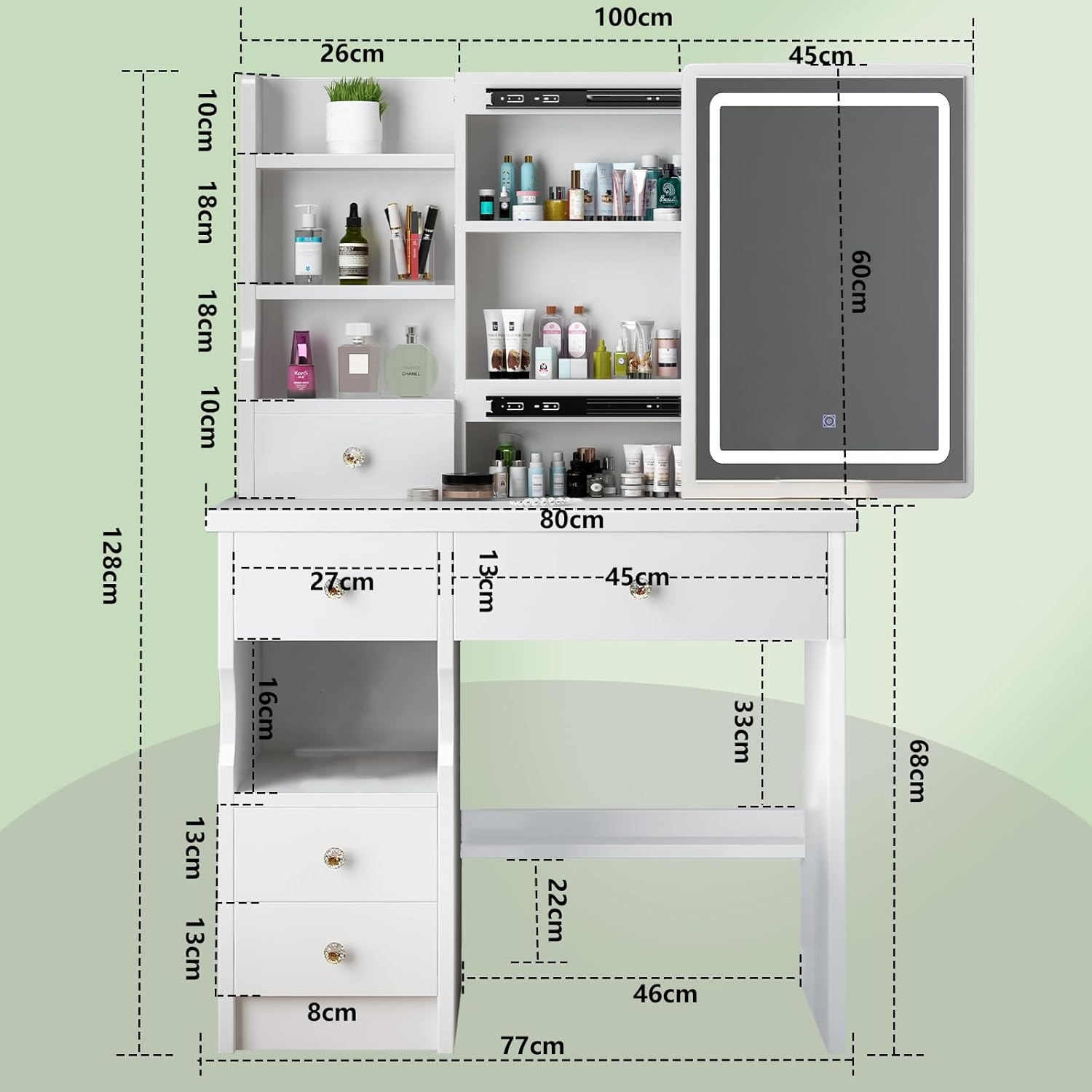
| Product Dimensions (L x W x H) | 80 x 36 x 128 cm |
| Item Weight | 26 Kilograms |
| Material | Wood (Frame) |
| Assembly Required | Yes |
| Mirror Type | LED Lighted, Adjustable Brightness, 3 Color Modes, Sliding |
| Storage | 5 Drawers, 3 Open Shelves, Hidden Storage behind Mirror |
| UPC | 742004382255 |
8. Warranty and Customer Support
For warranty information, specific product support, or to report missing/damaged parts, please contact the seller or manufacturer directly through your purchase platform. Keep your proof of purchase for any warranty claims.