
1. Introduction
This manual provides instructions for the proper installation, operation, and maintenance of your OEMIRY OM-ROF03-PP Replacement Sediment Filter Cartridge. This filter is designed for use with the OEMIRY OM-ROF03 UV Reverse Osmosis System to ensure optimal water purification performance.
The OM-ROF03-PP filter is a polypropylene (PP) melt-blown sediment filter, crucial for removing larger particles from your water supply before it undergoes further purification stages.
2. Safety Information
Please read all safety instructions carefully before installing or replacing the filter cartridge. Failure to follow these instructions may result in property damage or injury.
- Always turn off the water supply to the reverse osmosis system before attempting any filter replacement.
- Depressurize the system as instructed by your OM-ROF03 system manual before opening filter housings.
- Use only genuine OEMIRY replacement filters to ensure proper fit and performance.
- Do not use with water that is microbiologically unsafe or of unknown quality without adequate disinfection before or after the system.
- Keep the filter cartridge out of reach of children.
- Dispose of used filters according to local regulations.
3. Installation and Replacement
This section details the steps for replacing the OM-ROF03-PP sediment filter cartridge in your OEMIRY OM-ROF03 UV Reverse Osmosis System.
3.1 Preparing for Filter Replacement
- Turn off the main water supply valve to your reverse osmosis system.
- Open the purified water faucet to relieve pressure from the system. Allow water to drain until the flow stops.
- Locate the sediment filter housing. The OM-ROF03-PP is typically the first stage filter.
3.2 Replacing the Sediment Filter Cartridge

Figure 1: Illustration of replacing the internal water filter, specifically pointing to the PP filter.
- Carefully twist and pull out the old OM-ROF03-PP sediment filter cartridge from its housing. Some residual water may drip out.
- Unpack the new OEMIRY OM-ROF03-PP filter cartridge. Ensure the O-rings are properly seated.
- Insert the new filter cartridge into the housing, aligning it correctly. Push firmly and twist to secure it in place.
- Ensure all filter cartridges are securely installed.
3.3 Post-Installation Steps
- Slowly turn on the main water supply valve to the reverse osmosis system.
- Check for any leaks around the filter housings. If leaks occur, turn off the water, re-seat the filter, and re-tighten.
- Open the purified water faucet and allow the system to flush for approximately 15-20 minutes. This flushes out air and any carbon fines from new filters (though less critical for sediment filters, it's good practice for the whole system).
- Close the faucet and allow the system's storage tank (if applicable) to fill completely.
4. Operation and Filtration Benefits
The OEMIRY OM-ROF03-PP sediment filter is the first line of defense in your OM-ROF03 UV Reverse Osmosis System, designed to protect subsequent filters and the RO membrane from premature clogging.
4.1 Sediment Removal

Figure 2: The OM-ROF03-PP filter effectively removes sediment and other undissolved particulates.
This PP melt-blown filter effectively removes contaminants 1 micron or greater in diameter. This includes sediment, rust, silt, sand, iron, moss, pollen, protozoa, and other suspended solids, ensuring cleaner water enters the next filtration stages.
4.2 System Efficiency
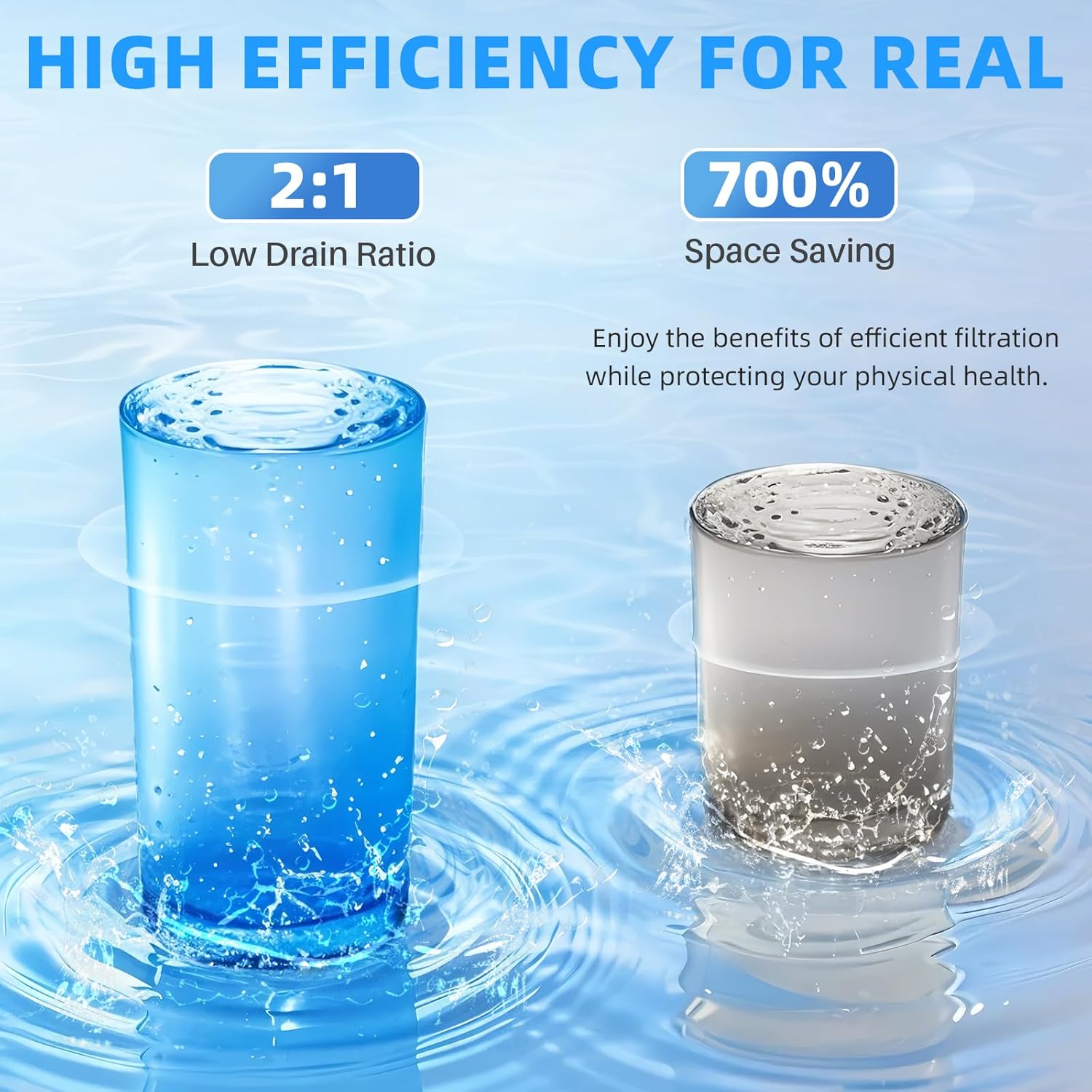
Figure 3: The OM-ROF03 system's efficient 2:1 pure water to waste ratio.
When used as part of the OEMIRY OM-ROF03 system, this filter contributes to the overall efficiency, which can produce up to 500 gallons per day (GPD) with an excellent 2:1 pure water to waste ratio, minimizing water wastage.
4.3 Comprehensive Filtration (System Overview)

Figure 4: Overview of the OM-ROF03 UV Reverse Osmosis System's filtration process.
The OM-ROF03 system, utilizing this sediment filter, employs an 8-stage filtration process. This comprehensive process effectively removes over 99.99% of more than 1000 contaminants, including TDS (such as fluoride, nitrates/nitrites), chemicals (like PFAS/PFOA/PFOS), heavy metals (such as lead, arsenic), microplastics, and chloride. The system also includes a UV sterilizer.

Figure 5: The UV sterilizer component of the OM-ROF03 system.
The integrated UV sterilizer effectively removes over 99.99% of algae and other microorganisms, providing an additional layer of purification.
5. Maintenance
Regular replacement of the OM-ROF03-PP sediment filter is crucial for maintaining the performance and longevity of your OEMIRY OM-ROF03 UV Reverse Osmosis System.
5.1 Filter Replacement Schedule

Figure 6: Recommended service time for the OM-ROF03-PP filter cartridge.
The OM-ROF03-PP sediment filter cartridge has an extended service life of approximately 6-8 months. However, the actual filter life may vary depending on local water quality and usage patterns. It is recommended to monitor your water quality and flow rate to determine the optimal replacement interval for your specific conditions.
Replacing the filter regularly ensures consistent water quality and prevents strain on other components of your RO system.
6. Specifications
| Feature | Specification |
|---|---|
| Brand | OEMIRY |
| Model Number | OM-ROF03-PP |
| Material | Polypropylene (PP) |
| Product Dimensions (D x W x H) | 3.9"D x 3.9"W x 12"H |
| Item Weight | 8.16 ounces |
| Filtration Micron Rating | 1 micron (nominal) |
| Compatible System | OEMIRY OM-ROF03 UV Reverse Osmosis System |
| Recommended Replacement | 6-8 months (varies by water quality/usage) |
7. Troubleshooting
If you experience issues with your water filtration system after replacing the sediment filter, consider the following common troubleshooting steps:
- Low Water Flow:
- Ensure all water supply valves are fully open.
- Check if the new filter cartridge is properly seated and sealed.
- A new filter may initially restrict flow slightly until it is fully saturated and flushed.
- If the filter is old, it may be clogged and require replacement.
- Leaks Around Filter Housing:
- Turn off the water supply immediately.
- Ensure the filter cartridge is correctly inserted and twisted into place.
- Check the O-rings on the filter for proper seating or damage. Replace if necessary.
- Unusual Taste or Odor:
- Ensure the system has been adequately flushed after filter replacement (15-20 minutes).
- While the sediment filter primarily removes particles, taste/odor issues are usually related to carbon filters. Check the replacement schedule for your carbon filters (CTO).
For persistent issues, refer to the complete OEMIRY OM-ROF03 UV Reverse Osmosis System manual or contact OEMIRY customer support.
8. Warranty and Support
OEMIRY is committed to providing high-quality water filtration solutions and excellent customer service.
If you are not satisfied with your purchase or have any concerns regarding your OEMIRY OM-ROF03-PP Replacement Sediment Filter Cartridge or the OM-ROF03 UV Reverse Osmosis System, please contact our trained water specialists.
For support, please visit the official OEMIRY website or refer to the contact information provided with your original system purchase. You can also visit the OEMIRY Store on Amazon for more information and to contact support.
