
1. Introduction
The Govee Table Lamp 2 Pro x Sound by JBL is a versatile smart lamp designed to enhance your living space with dynamic lighting and high-quality audio. Featuring integrated JBL sound, music-light synchronization, and extensive customization options via the Govee Home App, this cordless lamp offers an immersive audiovisual experience for any occasion.
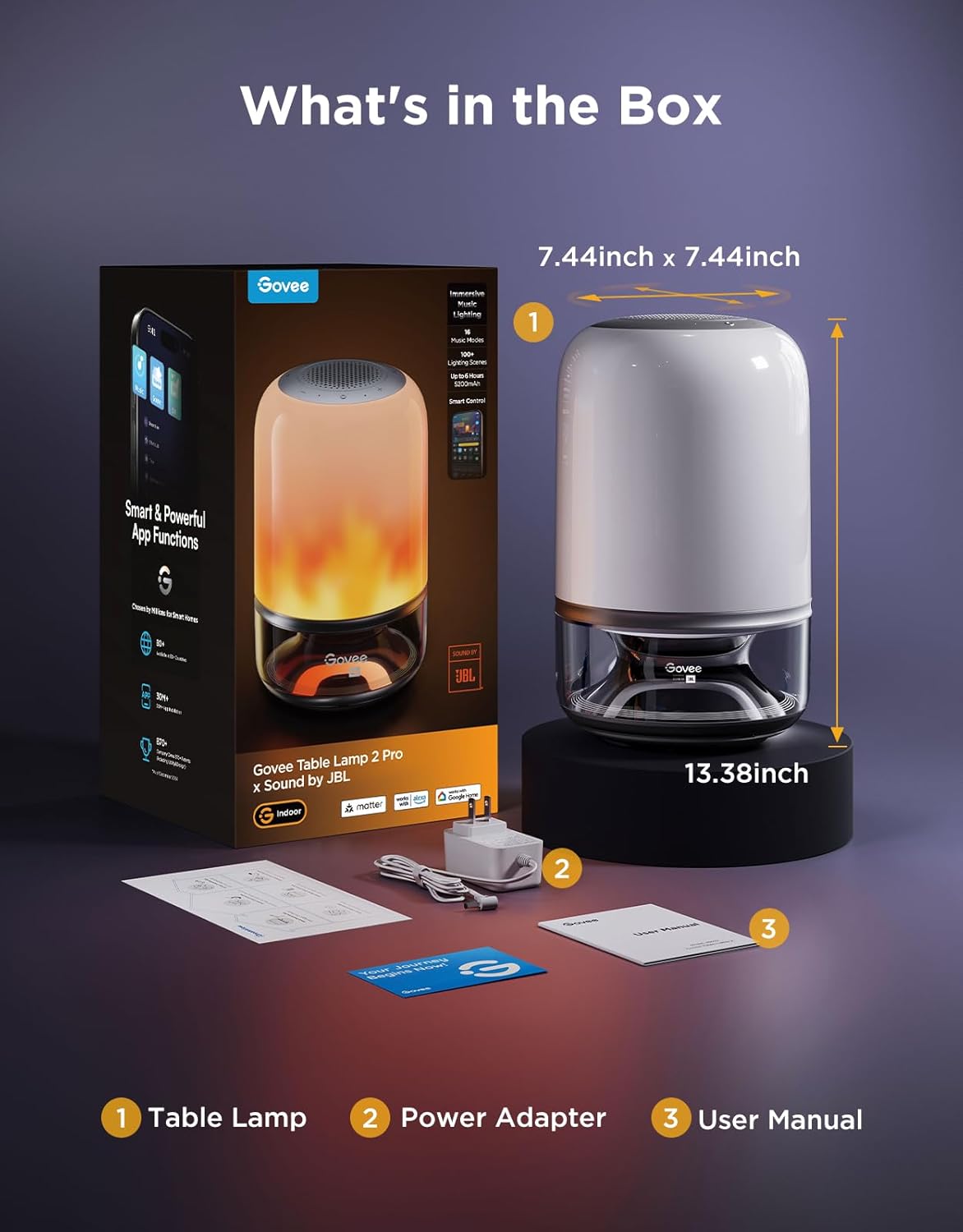
2. What's in the Box
- Table Lamp
- Power Adapter
- User Manual
3. Setup Guide
- Charge the Lamp: Before first use, connect the provided power adapter to the lamp and a power outlet to fully charge the internal 5200mAh battery.
- Download Govee Home App: Search for 'Govee Home' in your smartphone's app store (iOS/Android) and download the application.
- Power On: Press and hold the power button on the lamp's top panel to turn it on.
- Pair with App: Open the Govee Home App, tap the '+' icon in the top right corner, and search for 'H6020' or 'Table Lamp 2 Pro'. Follow the on-screen instructions to connect the lamp via Bluetooth and Wi-Fi (5.8GHz Wi-Fi supported for stereo pairing).
- Matter Integration: For convenient voice control and smart home integration, connect the lamp with Alexa, Google Assistant, or Matter through the Govee Home App settings.
4. Operating Instructions
4.1 Basic Controls
- Power Button: Press and hold to turn on/off.
- Touch Panel: Use the touch-sensitive controls on the top for volume adjustment, music playback, and basic light mode changes.
- Govee Home App: Access full customization, including color, scene, music modes, illumination, and advanced settings.
4.2 Key Features
- Immersive Music Lighting: The integrated chipset and algorithm provide an impressive 32ms response time, accurately capturing every beat for precise music-light synchronization. Choose from 16 music modes for a fully immersive audiovisual experience.
- Clearer Visuals & DIY: Equipped with 210 high-density LED lamp beads, offering enhanced visual clarity. Customize each bead's color for unlimited DIY creativity, transforming your space into a vibrant masterpiece.
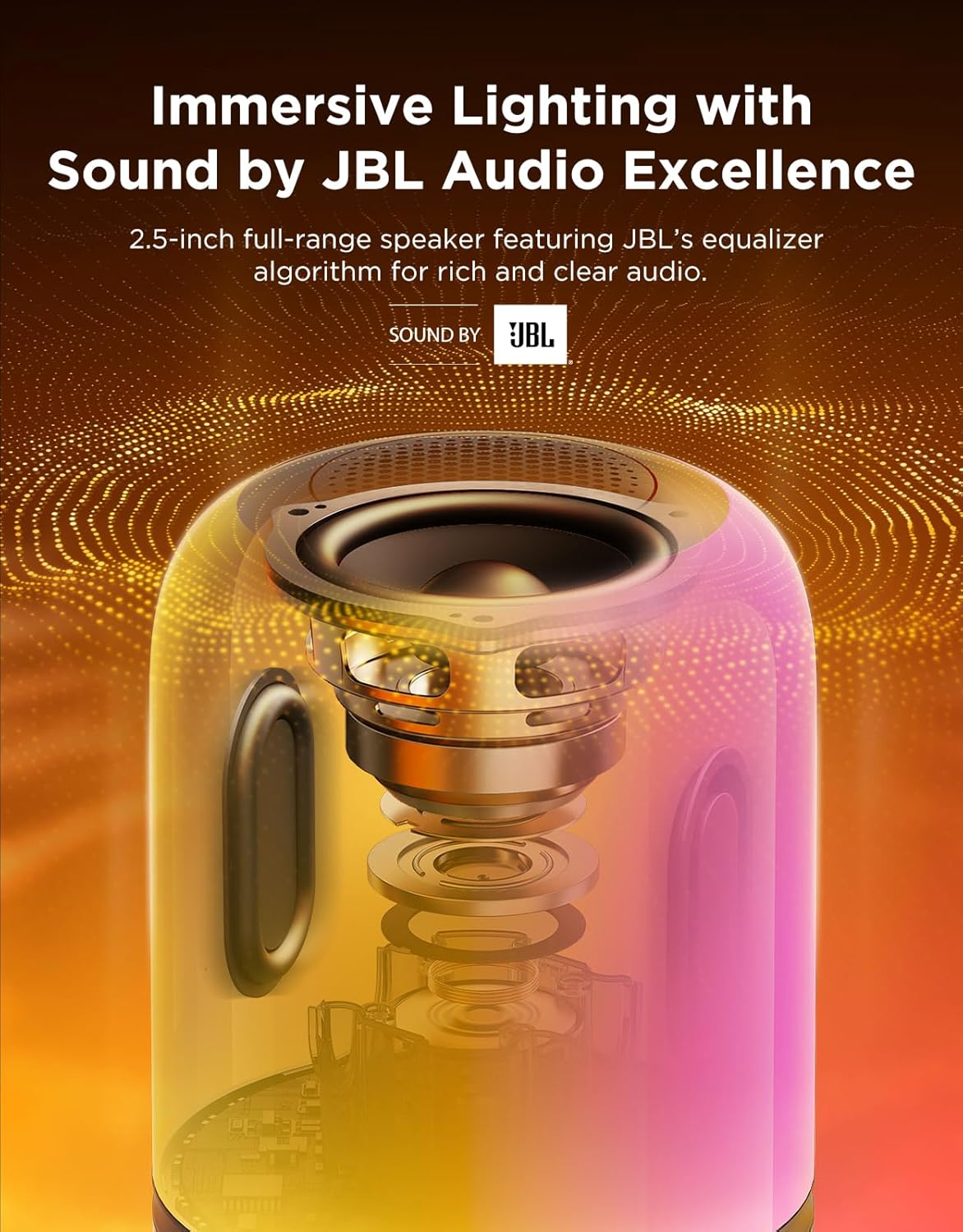
- Sound by JBL with Stereo Pairing: Features a compact 2.5-inch 500cc full-range speaker with JBL's equalizer algorithm for excellent audio. Pair two Govee Table Lamp 2 Pro units for immersive stereo audio and synchronized light effects.
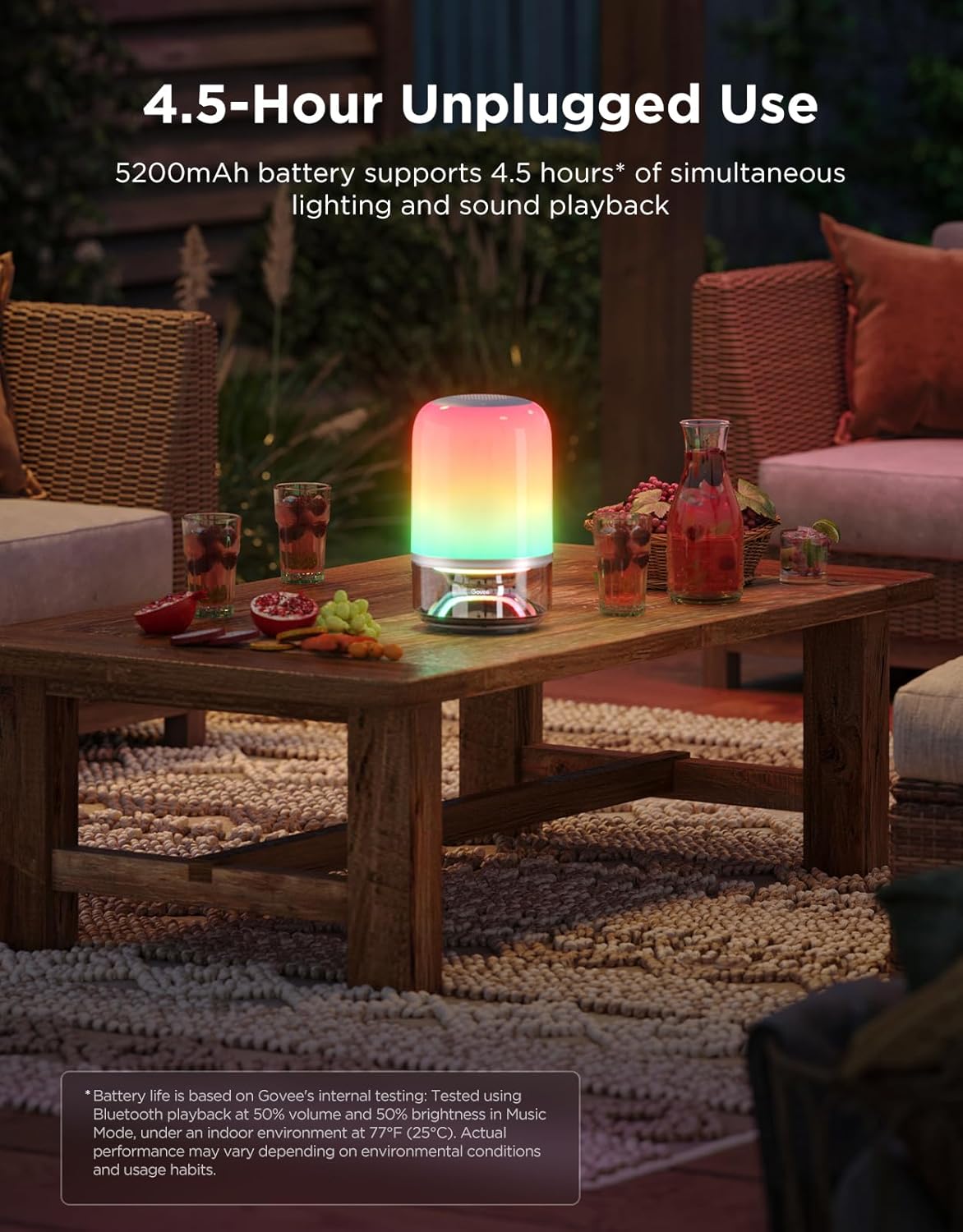
- Unplugged Entertainment: The 5200mAh battery supports 4.5 hours of simultaneous sound and light playback (at 50% volume and brightness), ideal for portable use.
- Lighting for Every Occasion: Select from 100+ preset lighting scenes. Adjust brightness (up to 600lm with adapter) and color temperature (2700K-6500K) to suit your mood.
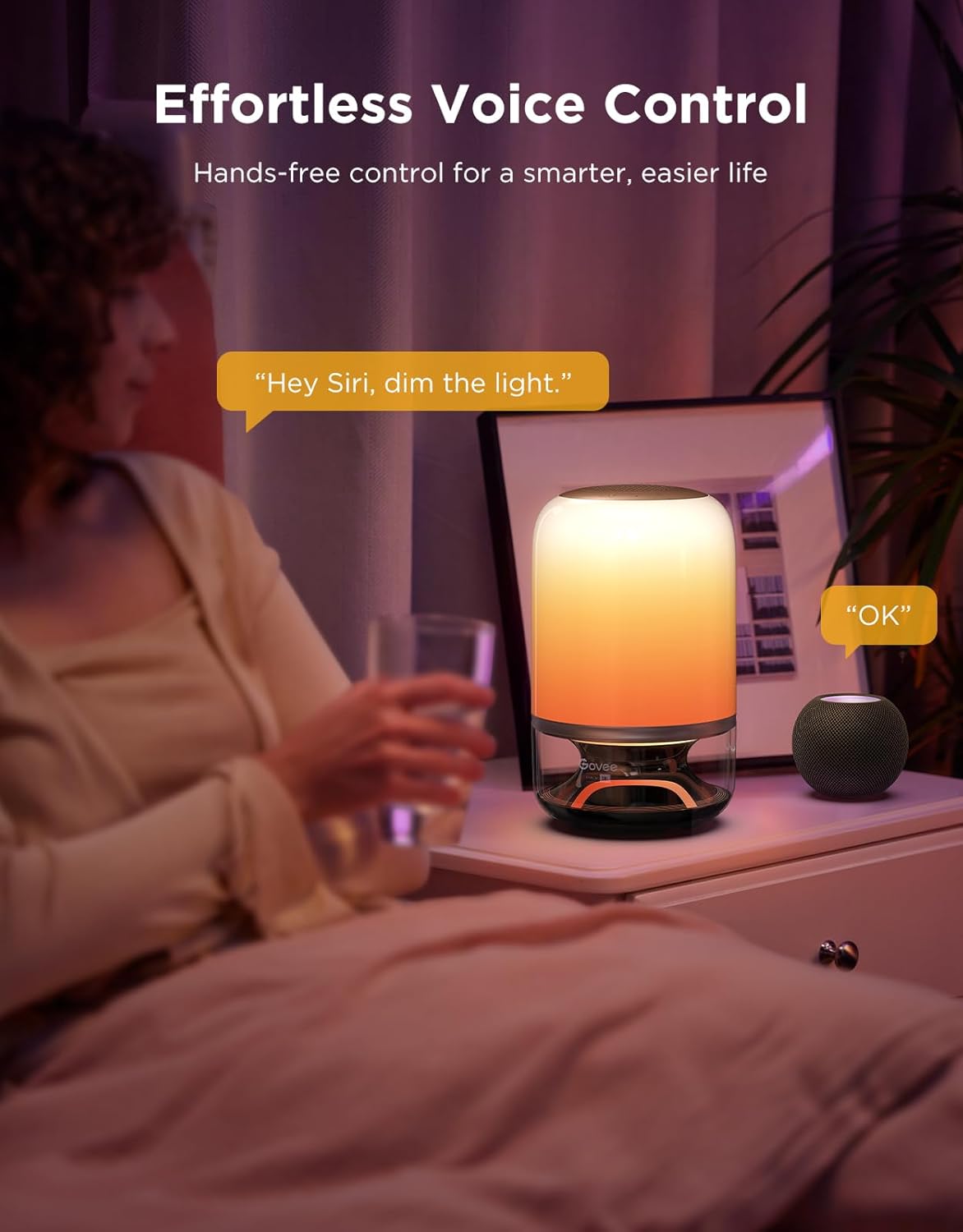
- Smart and Convenient Control: Seamlessly integrates with Alexa, Google Assistant, and Matter for voice control. The Govee Home App offers extensive personalization.
- Music DreamView: Expand your immersive experience by synchronizing with up to 10 other Govee lights for a full-room audio-visual display.
5. Media Gallery
5.1 Product Images



5.2 Official Product Videos
6. Specifications
| Feature | Detail |
|---|---|
| Model Name | H6020 |
| Product Dimensions | 7.28"D x 7.28"W x 13.38"H |
| Item Weight | 5.28 pounds |
| Material | Plastic |
| Color | Multicolor |
| Speaker Type | Soundbar |
| Battery Capacity | 5200 Milliamp Hours |
| Connectivity Technology | Bluetooth, Wi-Fi |
| Input Voltage | 12 Volts |
| Water Resistance Level | Not Water Resistant |
7. Maintenance
To ensure the longevity and optimal performance of your Govee Table Lamp 2 Pro, follow these maintenance guidelines:
- Cleaning: Use a soft, dry cloth to wipe the lamp's surface. Avoid abrasive cleaners or solvents that may damage the finish.
- Storage: Store the lamp in a cool, dry place when not in use for extended periods.
- Battery Care: For optimal battery life, avoid fully discharging the lamp frequently. Recharge it regularly.
8. Troubleshooting
- Lamp not turning on: Ensure the lamp is charged or connected to the power adapter. Press and hold the power button for a few seconds.
- Cannot connect to App: Ensure Bluetooth is enabled on your device and the lamp is within range. Restart the Govee Home App and try pairing again. Check your Wi-Fi connection.
- Music Sync not working: Ensure the lamp is in a music mode. Check the sensitivity settings in the Govee Home App. Ensure the audio source is playing clearly.
- Poor Sound Quality: Ensure the lamp is placed on a stable surface. Adjust volume settings in the app or on the lamp. If pairing two lamps, ensure stable 5.8GHz Wi-Fi connection.
9. Warranty & Support
The Govee Table Lamp 2 Pro comes with a limited warranty. For detailed warranty information, technical support, or further assistance, please refer to the official User Manual (PDF) available for download or visit the Govee Store on Amazon.
You can also find the full User Manual PDF here.