
Introduction
This manual provides detailed instructions for the installation, operation, maintenance, and troubleshooting of your Oskkude 9.7 Inch Android 14 Car Stereo. Please read this manual thoroughly before using the product to ensure proper function and safety. This unit is designed for Hyundai Sonata models from 2011 to 2015.

Image: Overview of the Oskkude 9.7 Inch Android 14 Car Stereo, including included accessories and a visual comparison of the car's dashboard before and after installation.
Safety Information
- Always ensure the vehicle is parked safely before operating the stereo's advanced features.
- Do not attempt to install the unit if you are unfamiliar with car electrical systems. Professional installation is recommended.
- Keep the volume at a level that allows you to hear outside traffic sounds.
- Avoid exposing the unit to extreme temperatures or direct sunlight for prolonged periods.
- Use only approved accessories and cables.
Package Contents
Verify that all items listed below are included in your package:
- 9.7 Inch Android Car Stereo Unit
- Power Cable
- RCA Input/Output Cables
- 2 USB Cables
- Camera Input Cable
- GPS Antenna
- Backup Camera
- Mounting Screws
- Instruction Manual (this document)

Image: Visual representation of all components included in the product package, such as the main unit, cables, camera, and antenna.
Video: This video demonstrates the various components included in the package for the Android Car Stereo, specifically for Hyundai Sonata 2010-2015 models.
Setup and Installation
Vehicle Compatibility
This double din car radio stereo is specifically designed for Hyundai Sonata 2011, 2012, 2013, 2014, and 2015 models. Please verify the year, dimensions, and shape of your vehicle's center console before proceeding with installation to ensure a proper fit and seamless integration.
Installation Overview
Installation typically involves removing the factory stereo, connecting the new unit's wiring harness, installing the GPS antenna and backup camera (if applicable), and securing the new stereo in place. Due to the complexity of car electrical systems, professional installation is highly recommended.

Image: A visual comparison showing the original Hyundai Sonata dashboard and the dashboard after the Oskkude 9.7 Inch car stereo has been installed.
Wiring Connections
Carefully connect the power cable, RCA input/output cables, USB cables, camera input cable, and GPS antenna according to the provided wiring diagram (refer to the separate wiring diagram sheet if included). Ensure all connections are secure to prevent malfunctions.
Image: The rear view of the car stereo unit, illustrating the various ports and connections for power, audio, video, and accessories.
Video: This video provides a general installation guide for car stereos, useful as a reference for the installation process.
Operating Instructions
Android 14.0 System and Touch Screen
Your car stereo operates on the Android 14.0 system with 2GB RAM and 32GB ROM, ensuring smooth performance and quick responses. The 9.7-inch IPS touch screen provides a clear and vibrant visual experience.
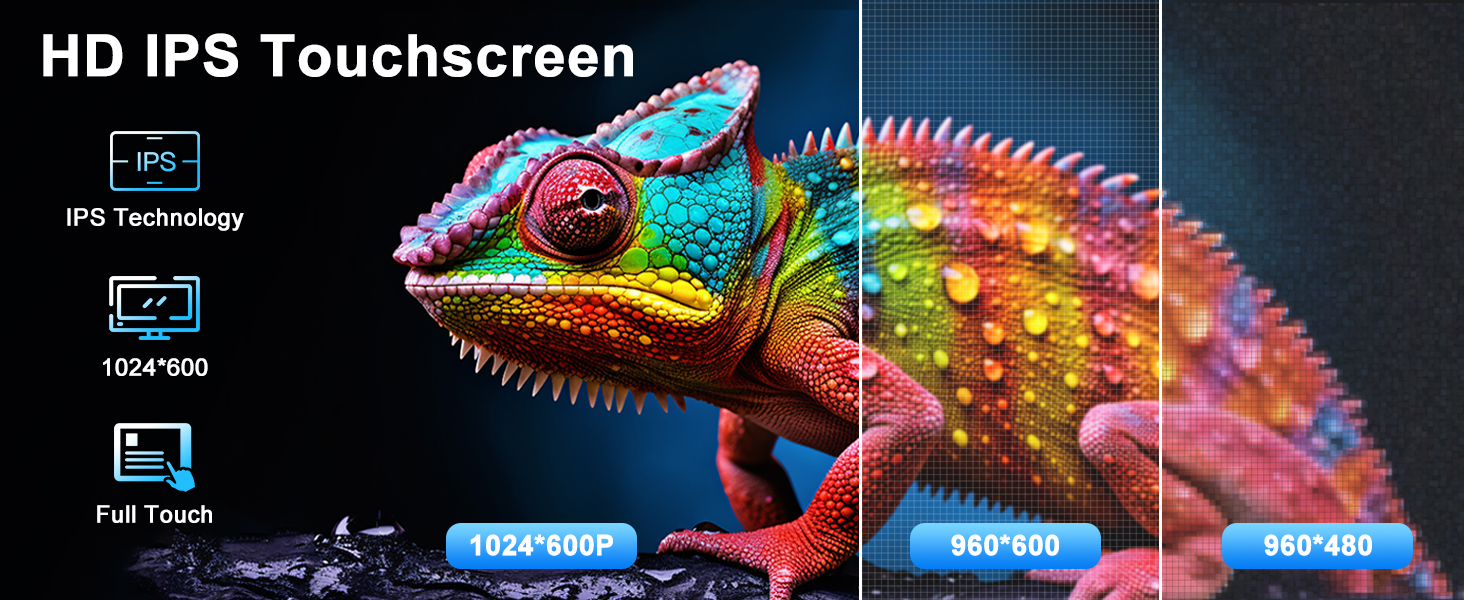
Image: Illustrates the high-definition IPS touchscreen, highlighting its technology, 1024*600 resolution, and full touch capabilities.
Video: Demonstrates the various functions and display capabilities of the product's multi-function screen.
Wireless CarPlay and Android Auto
The stereo supports both wireless CarPlay and Android Auto, allowing seamless integration with your smartphone. Access navigation, make calls, send messages, and play music using voice commands or the touch screen, keeping your focus on the road.
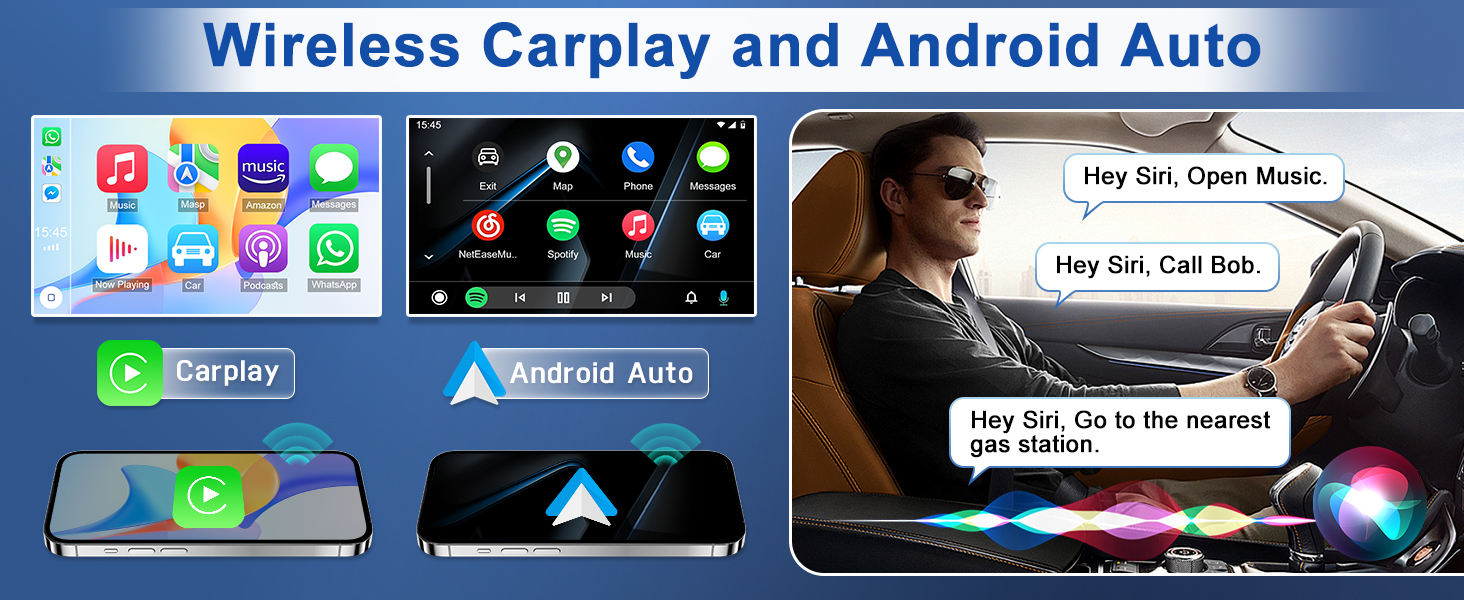
Image: Displays the user interfaces for Wireless CarPlay and Android Auto, showing how they integrate with the car stereo for navigation, calls, and music.
Video: A guide on how to wirelessly connect your smartphone to the car stereo using CarPlay.
GPS Navigation & Wi-Fi
The unit features a built-in Wi-Fi module and supports both online and offline maps. It comes with a pre-installed offline map of North America. Connect to Wi-Fi via your phone's hotspot to use online navigation and download additional Android apps from the application store.
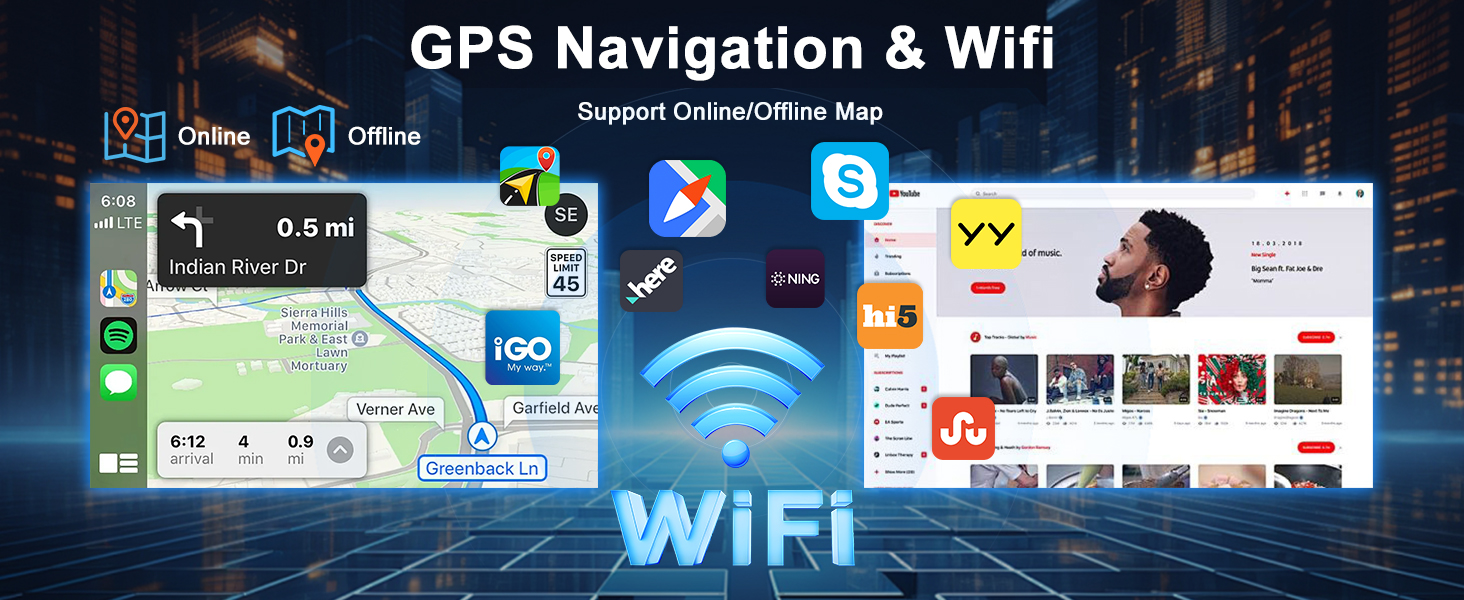
Image: Illustrates the GPS navigation capabilities with various map applications and the Wi-Fi connectivity feature.
Video: This video demonstrates how to initiate and use the car's navigation system.
Built-in Bluetooth
Pair your phone via Bluetooth to enjoy hands-free calling and wireless music streaming. Manage your calls and play your favorite audio directly from the stereo.

Image: Shows the built-in Bluetooth interface, including options for phone calls, contacts, and music playback.
Steering Wheel Control (SWC)
Maintain control of your original steering wheel functions. Easily switch songs, change channels, and adjust volume without taking your hands off the wheel, enhancing safety and convenience.
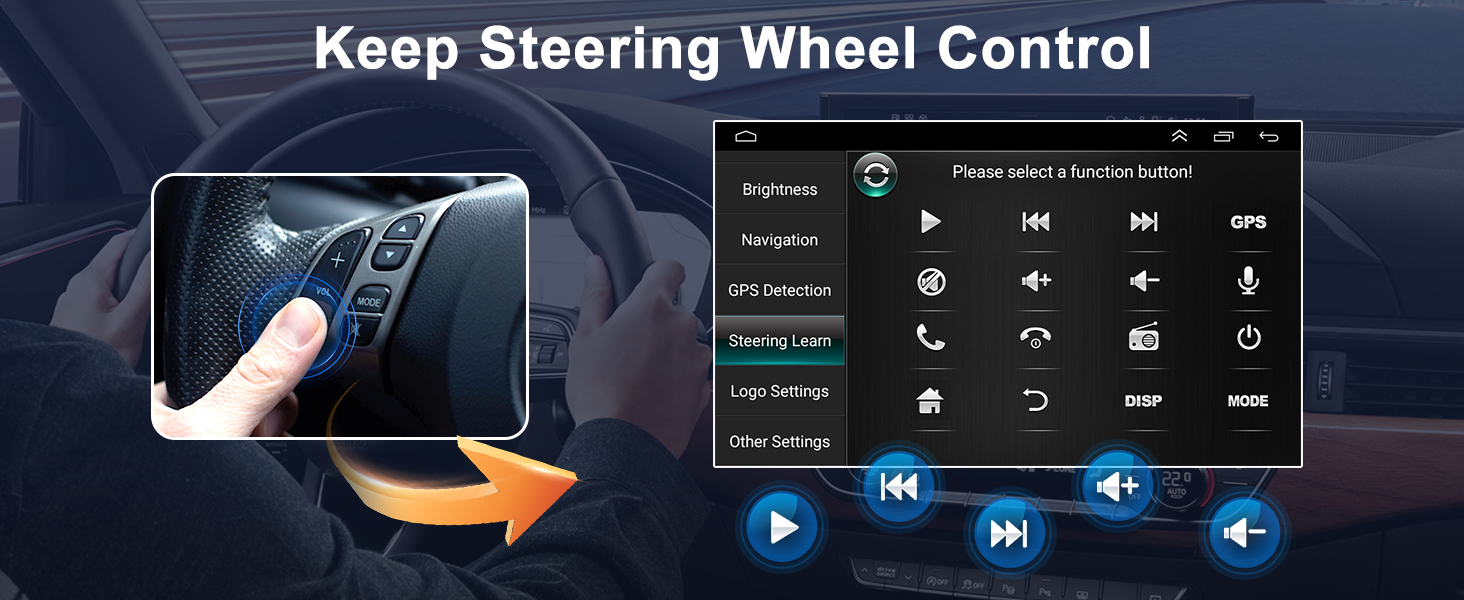
Image: Demonstrates how the car stereo integrates with existing steering wheel controls, allowing easy access to functions like volume and track changes.
Backup Camera
The system supports a backup camera with night vision and a 170° wide field of view, providing a comprehensive view of the area behind your vehicle when reversing.
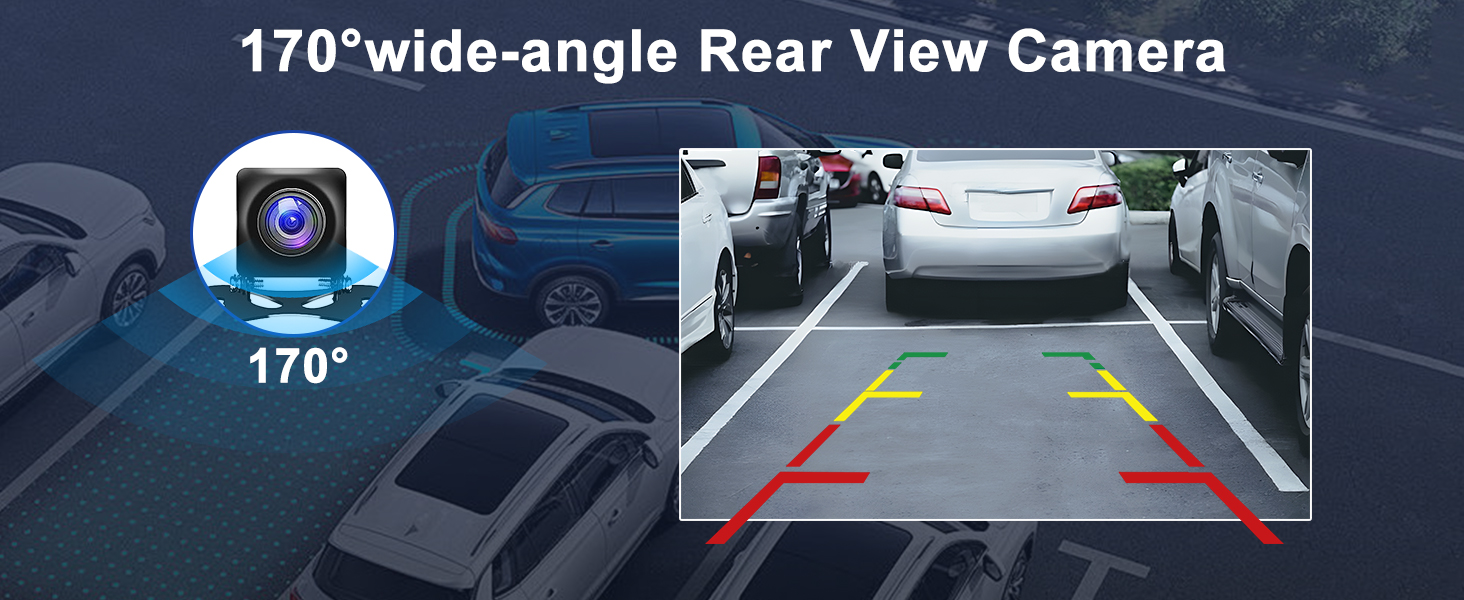
Image: Shows the display from a 170-degree wide-angle rear view camera, including parking guidelines for assistance.
FM/RDS Radio
The radio supports automatic and manual station searching, allowing you to easily find and save your favorite FM/RDS radio stations.
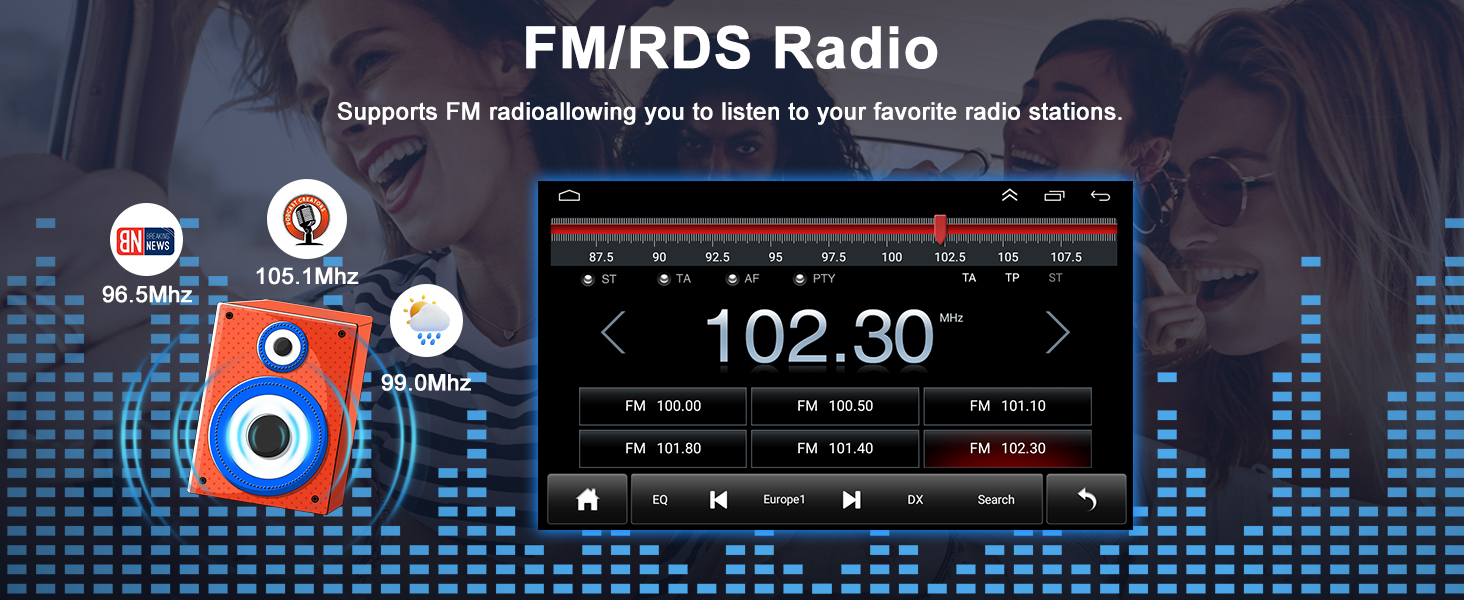
Image: Displays the FM/RDS radio interface, showing frequency tuning and various radio functions.
Mirror Link
Utilize the Mirror Link function to sync your smartphone screen directly to the car radio. This allows you to view navigation maps, play videos, and access other phone content on the larger display.
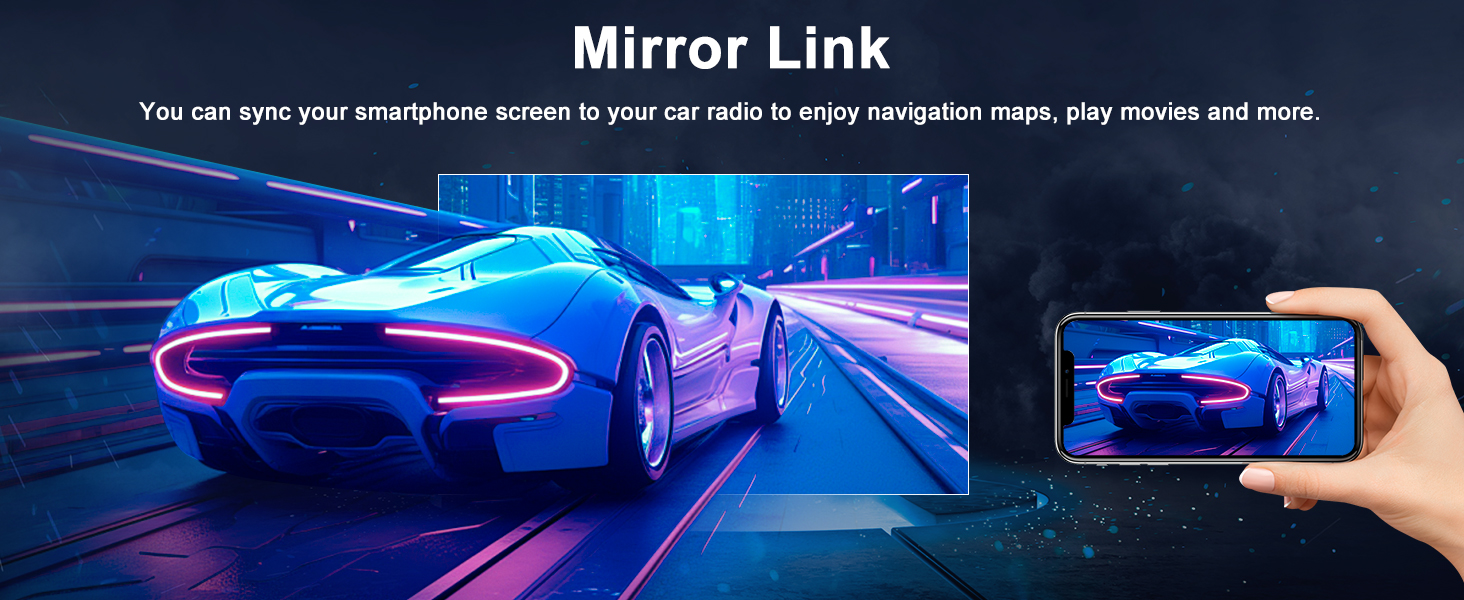
Image: Illustrates the Mirror Link function, showing a smartphone screen mirrored onto the car stereo display.
Split Screen
The split-screen feature allows you to run two applications simultaneously. For example, you can follow navigation directions while listening to music or viewing another app.
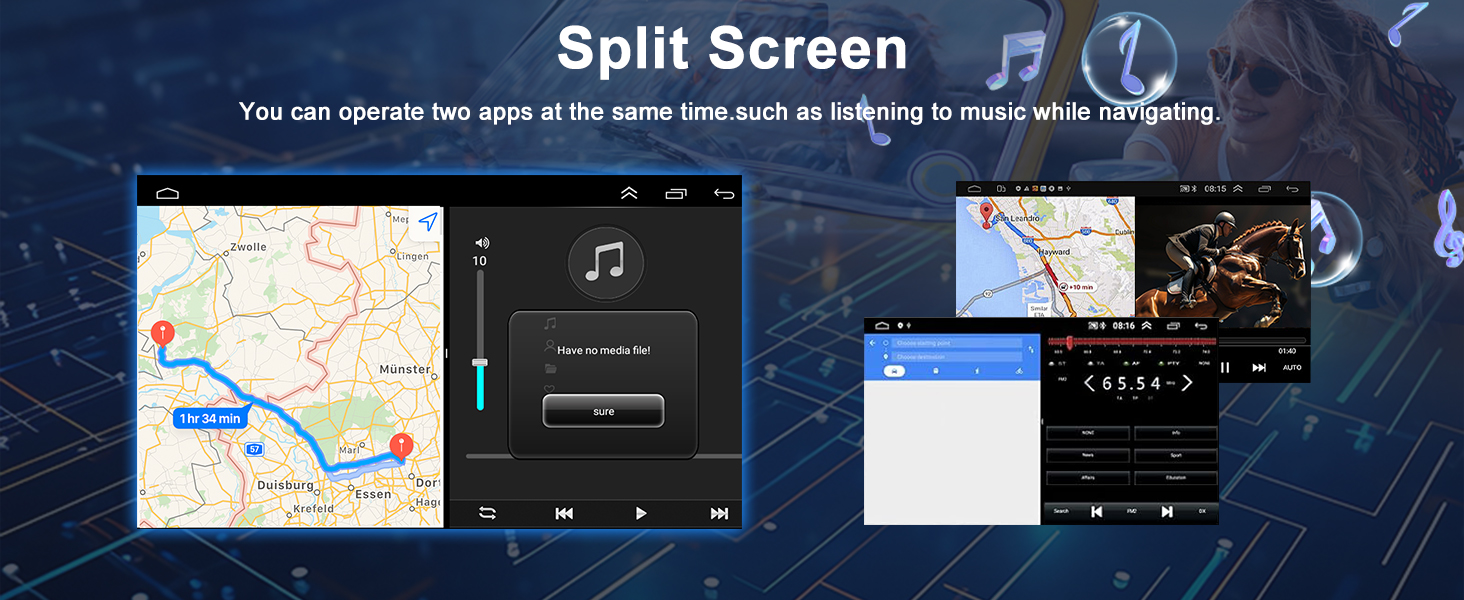
Image: Demonstrates the split-screen capability, displaying two different applications running side-by-side on the car stereo screen.
USB/SD/AUX Input
The unit supports USB, SD, and AUX inputs for playing media files. You can download songs and videos to storage devices and play them through the stereo. The USB port also provides a charging function for compatible devices.
Maintenance
- Cleaning: Use a soft, dry cloth to clean the screen and exterior. Avoid abrasive cleaners or solvents.
- Software Updates: Periodically check the manufacturer's website for software updates to ensure optimal performance and access to new features.
- Environmental Conditions: Protect the unit from extreme temperatures, moisture, and direct sunlight.
Troubleshooting
| Problem | Possible Cause | Solution |
|---|---|---|
| Unit does not power on. | Incorrect wiring, blown fuse, vehicle battery issue. | Check power connections, inspect fuses, verify vehicle battery voltage. Consult a professional if needed. |
| No sound output. | Speaker wiring issues, volume too low, mute activated, incorrect audio source. | Check speaker connections, increase volume, deactivate mute, select correct audio source. |
| GPS signal loss or inaccuracy. | GPS antenna obstructed or improperly installed, poor satellite coverage. | Ensure GPS antenna has a clear view of the sky and is correctly connected. Move to an open area. |
| Bluetooth connection issues. | Device not in pairing mode, incorrect pairing code, interference. | Ensure both devices are in pairing mode, re-enter pairing code, try pairing in a different location. |
| Touch screen unresponsive. | Temporary software glitch, screen calibration needed. | Restart the unit. If issue persists, perform a factory reset (refer to advanced settings). |
Specifications
| Feature | Specification |
|---|---|
| Brand | Oskkude |
| Model Number | TISU-04-DYY-25QA1915X |
| Operating System | Android 14.0 |
| RAM + ROM | 2GB + 32GB |
| Screen Size | 9.7 Inches |
| Display Type | IPS Touchscreen |
| Connectivity | Bluetooth, USB, Wi-Fi |
| Special Features | Wireless CarPlay, Wire Android Auto, Steering Wheel Control, GPS Navigation, Split Screen, AHD Backup Camera, FM/AUX, AV IN, RCA, RLV |
| Map Type | Worldwide (Offline North America map included) |
| Control Method | Touch, Voice |
| Item Weight | 1600 Grams |
Warranty and Support
For warranty information, please refer to the documentation provided with your purchase or contact Oskkude customer support directly. Keep your proof of purchase for warranty claims.
For technical assistance or further inquiries, please visit the official Oskkude website or contact their customer service department.