
Introduction
Thank you for choosing Energy Sistem StyleBuds wireless earbuds. These earbuds are designed to provide a high-quality audio experience with advanced features such as Bluetooth 5.4 connectivity, ESmart Connect app compatibility, IPX4 water resistance, and extended battery life. This manual will guide you through the setup, operation, and maintenance of your new device.
What's in the Box

Image: Energy Sistem StyleBuds retail packaging.
- Energy Sistem StyleBuds Earbuds
- Charging Case
- USB Type-C Charging Cable
- User Manual (this document)
Setup
1. Initial Charging
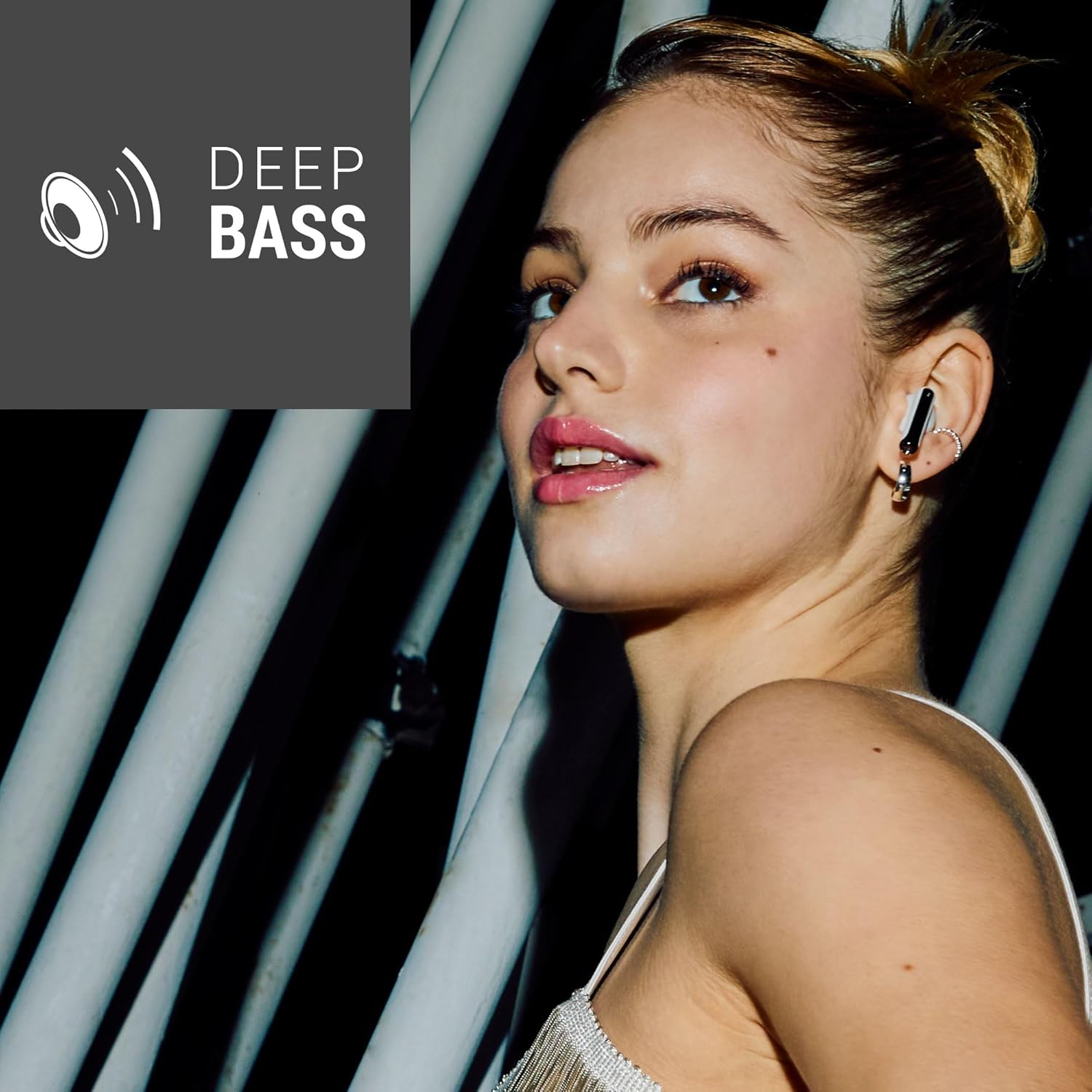
Image: StyleBuds earbuds in their charging case.
Before first use, fully charge the StyleBuds and their charging case. Connect the USB Type-C cable to the charging port on the case and to a compatible USB power source. The indicator light on the case will show charging status. A full charge for the case typically takes up to 12 hours. The earbuds themselves charge quickly within the case, providing approximately 1 hour of playback from just 5 minutes of charging.
2. Bluetooth Pairing
- Ensure the earbuds are in the charging case and the case has sufficient battery.
- Open the charging case. The earbuds will automatically enter pairing mode.
- On your device (smartphone, tablet, PC), enable Bluetooth and search for available devices.
- Select "Energy Sistem StyleBuds" from the list of found devices.
- Once connected, a confirmation sound will play, and the earbuds will be ready for use.
After the initial pairing, the earbuds will automatically connect to the last paired device when removed from the case, provided Bluetooth is enabled on your device.
3. ESmart Connect App
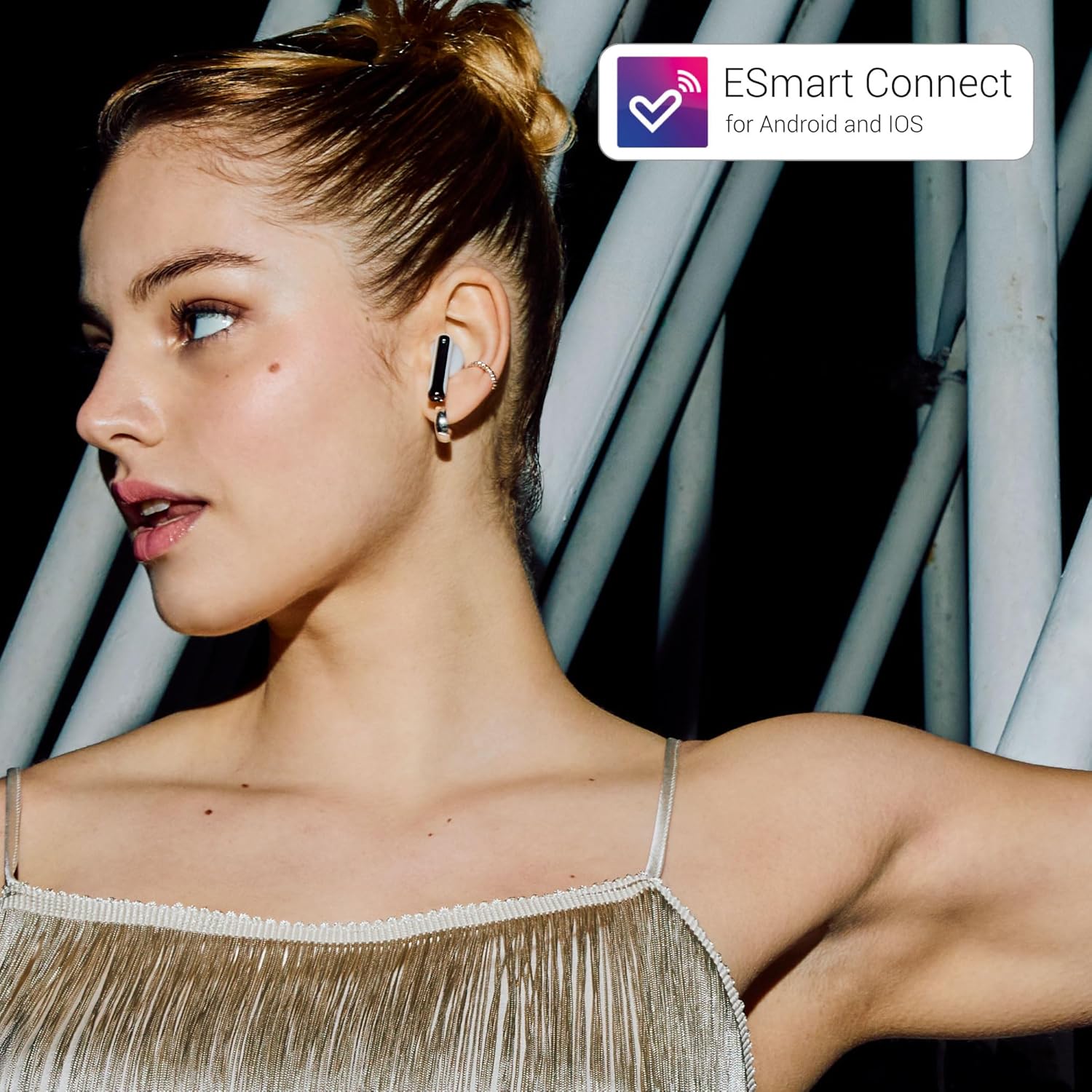
Image: ESmart Connect app integration with StyleBuds.
Enhance your experience by downloading the ESmart Connect app for Android and iOS. The app allows you to:
- Adjust the equalizer settings to customize your sound profile.
- Configure touch controls manually.
- Keep your device updated with the latest firmware.
Download the app from your device's app store or visit energysistem.com/app.
Operating Instructions
1. Touch Controls
The StyleBuds feature intuitive touch controls on each earbud. Specific functions can be customized via the ESmart Connect app, but common controls include:
- Single Tap: Play/Pause music, Answer/End call.
- Double Tap (Left/Right): Skip track forward/backward (customizable).
- Triple Tap: Activate voice assistant (customizable).
- Long Press: Reject call, toggle specific modes (customizable).
2. Making and Receiving Calls

Image: StyleBuds designed for high-quality voice calls.
The StyleBuds are equipped with an ENC (Environmental Noise Cancellation) microphone, ensuring clear calls by reducing unwanted background noise. Use the touch controls to answer, end, or reject calls.
3. Low Latency Mode
For an optimized experience when gaming or watching videos, activate the low latency mode. This mode minimizes audio delay, ensuring perfect synchronization between sound and image. Refer to the ESmart Connect app or your customized touch controls for activation.
4. Water Resistance (IPX4)

Image: StyleBuds with IPX4 splash-proof rating.
The StyleBuds feature an IPX4 rating, making them resistant to splashes and sweat. This allows for use during workouts or in light rain. Do not submerge the earbuds in water or expose them to strong jets of water.
5. Battery Autonomy

Image: StyleBuds highlighting 25 hours of autonomy.
Enjoy up to 5 hours of continuous playback on a single charge. With the included charging case, the total autonomy extends to up to 25 hours, ensuring your music accompanies you throughout the day.
6. Deep Bass Sound

Image: StyleBuds delivering deep bass sound.
The StyleBuds are engineered with 10mm drivers to deliver powerful and clear audio with rich, deep bass, enhancing your listening experience across various music genres.
Maintenance
1. Cleaning
- Regularly clean the earbuds and charging case with a soft, dry, lint-free cloth.
- Do not use abrasive cleaners, solvents, or aerosol sprays.
- Gently remove any earwax or debris from the earbud grilles using a small, soft brush or cotton swab.
2. Storage
When not in use, store the earbuds in their charging case to protect them and keep them charged. Store the device in a cool, dry place away from extreme temperatures and direct sunlight.
Troubleshooting
| Issue | Solution |
|---|---|
| Earbuds not pairing | Ensure earbuds are charged. Place them in the case, close, then open to re-enter pairing mode. Check your device's Bluetooth settings. |
| No sound from one earbud | Ensure both earbuds are charged. Try resetting the earbuds (refer to ESmart Connect app for specific instructions). Re-pair with your device. |
| Charging case not charging | Verify the USB Type-C cable is securely connected to both the case and the power source. Try a different cable or power adapter. |
| Poor call quality | Ensure the microphone is not obstructed. Move to a quieter environment. Check for strong Bluetooth interference. |
Specifications

Image: StyleBuds made with 100% recycled plastic.
- Model: StyleBuds
- Bluetooth Version: 5.4
- Drivers: 10 mm
- Impedance: 16 Ohms
- Microphone: Built-in with ENC (Environmental Noise Cancellation)
- Water Resistance: IPX4 (Splash-proof)
- Earbud Battery Life: Up to 5 hours
- Total Battery Life (with case): Up to 25 hours
- Quick Charge: 5 minutes charge for 1 hour playback
- Charging Port: USB Type-C
- Control Method: Touch
- Compatible Devices: Mac, PC Windows, Smartphone, Tablet, TV
- Material: 100% Recycled Plastic (GRS certified)
- Product Weight: 32 grams (earbuds + case)
- Dimensions: 2.3 x 6 x 4.5 cm (case)
- Software: ESmart Connect App
Warranty and Support
Energy Sistem products are manufactured to the highest quality standards. This product is covered by a limited warranty from the date of purchase. For detailed warranty information, technical support, or service inquiries, please visit the official Energy Sistem website or contact their customer support directly. Keep your proof of purchase for warranty claims.