
1. Introduction
Thank you for choosing the Pmjebe MP3 Player with Bluetooth, Model B66. This device is designed for portable audio playback, voice recording, and other functions. This manual provides detailed instructions for setup, operation, maintenance, and troubleshooting to ensure optimal use of your device.
Please read this manual thoroughly before using the product and retain it for future reference.
2. Product Overview
2.1 Package Contents
- Pmjebe MP3 Player (Model B66)
- Type-C Charging Cable
- User Manual
2.2 Device Layout and Controls

Image: Front and side view of the Pmjebe MP3 Player, highlighting the touch screen interface, power button, headphone jack, and Type-C port.
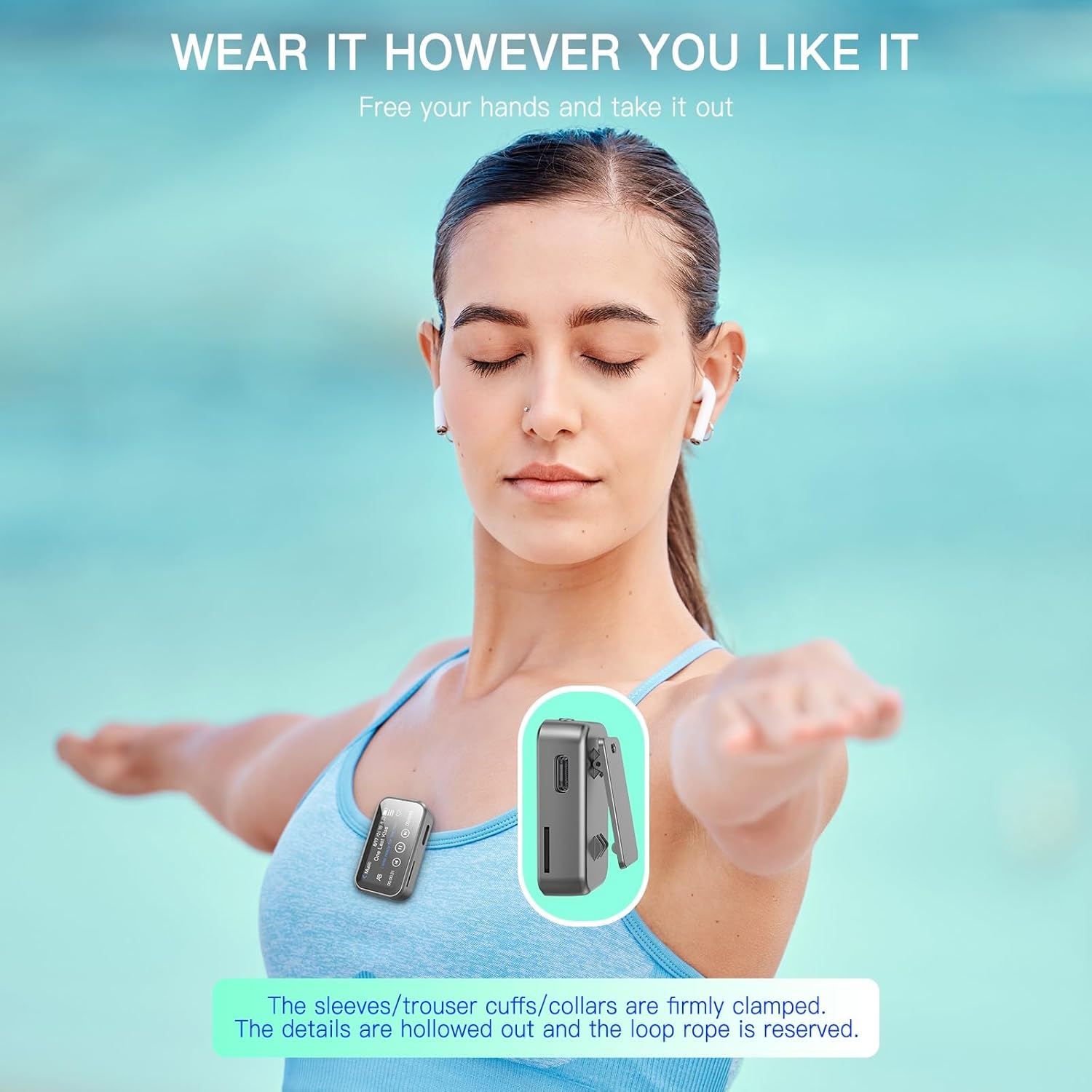
Image: Detailed view of the MP3 player showing the Type-C power button, SD card slot, and headphone plug, alongside icons for Recorder, Lossless Music, E-Book, Audio Novel, Folder, Settings, FM Radio, Bluetooth, and Share functions.
The device features a 1.47-inch full touch screen for navigation. Key physical controls and ports include:
- Power Button: Located on the top, used for turning the device on/off and screen lock.
- Headphone Jack: Standard 3.5mm audio output, located on the top.
- Type-C Port: For charging and data transfer, located on the side.
- Micro SD Card Slot: For expandable storage, located on the side.
- Built-in Speaker: For audio playback without headphones.
- Back Clip: For attaching the player to clothing or accessories.
3. Setup
3.1 Charging the Device
- Connect the provided Type-C charging cable to the device's Type-C port.
- Connect the other end of the cable to a USB power adapter (not included) or a computer's USB port.
- The battery indicator on the screen will show charging status. A full charge typically takes approximately 2 hours.
The device has a built-in 200mAh Lithium polymer battery, providing up to 20 hours of playback on a full charge.
3.2 Transferring Music and Files
The MP3 player has 32GB of built-in memory. You can transfer audio files, e-books, and other compatible files from your computer.
- Connect the MP3 player to your computer using the Type-C cable.
- The player will appear as a removable disk drive on your computer.
- Drag and drop your desired files into the appropriate folders on the player (e.g., 'Music' for audio files, 'E-Book' for text files).
- Safely eject the device from your computer before disconnecting the cable.
3.3 Expanding Storage with a Micro SD Card
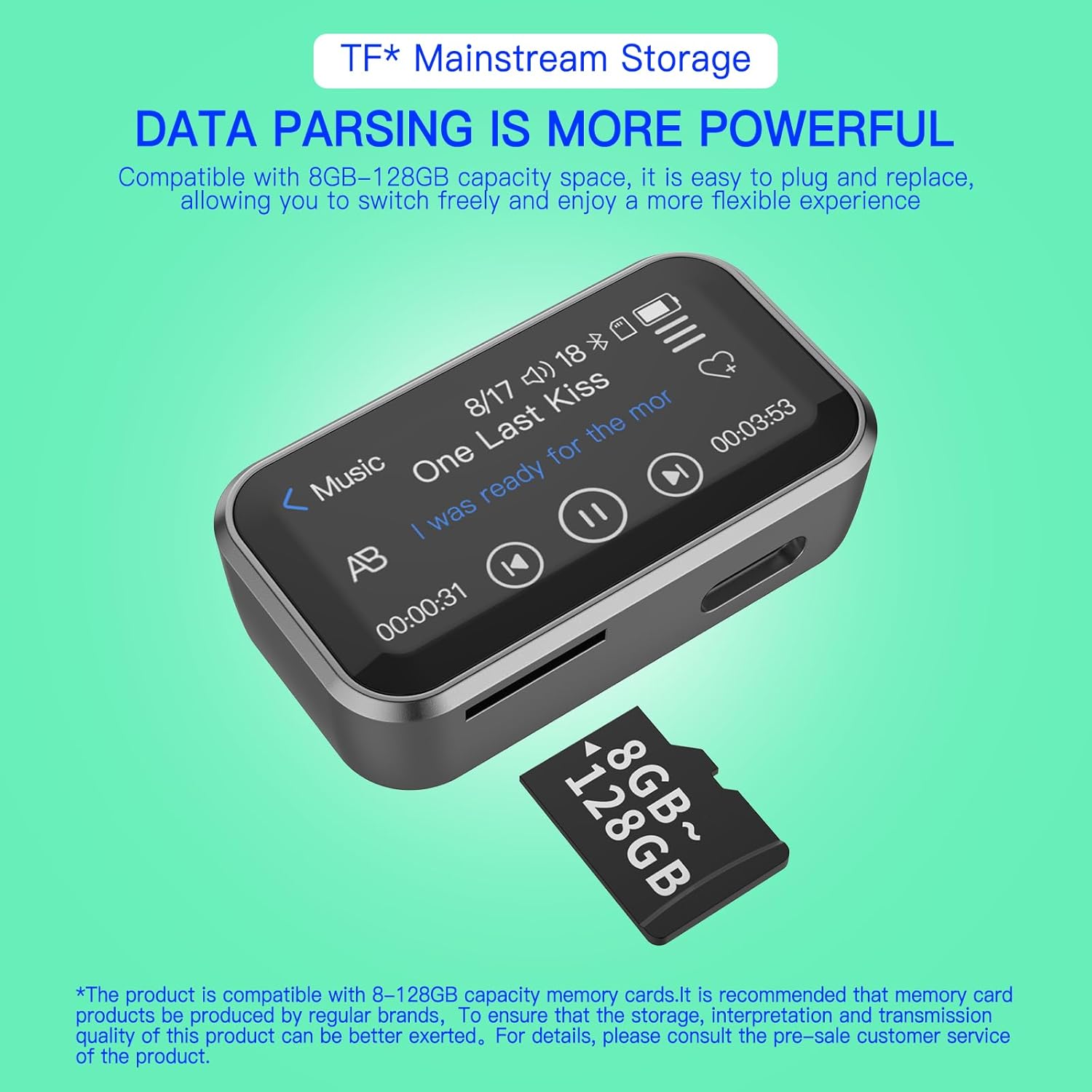
Image: The MP3 player next to a Micro SD card, indicating compatibility with 8GB to 128GB storage capacities.
The device supports Micro SD cards from 8GB to 128GB for additional storage.
- Locate the Micro SD card slot on the side of the player.
- Gently insert the Micro SD card into the slot until it clicks into place.
- To remove, push the card inward until it springs out slightly, then pull it out.
4. Operating Instructions
4.1 Power On/Off and Screen Lock
- Power On: Press and hold the power button until the screen lights up.
- Power Off: Press and hold the power button, then select 'Power Off' on the screen.
- Screen Lock/Unlock: Briefly press the power button to lock or unlock the screen.
4.2 Navigating the Interface
The device uses a 1.47-inch capacitive touch screen. Swipe left/right or tap icons to navigate through menus and select functions.
4.3 Music Playback

Image: The MP3 player screen showing music playback, emphasizing its 32GB capacity and HiFi lossless sound quality.

Image: The MP3 player with icons representing supported audio formats including FLAC, WAV, MP3, OGG, WMA, APE, and AAC-LC, indicating M4A hardware decoding support.
The player supports various lossless audio formats including MP3, WMA, OGG, WAV, APE, FLAC, and AAC-LC. Music files downloaded from Apple devices (R4A) can also be played directly.
- From the main menu, tap the 'Music' icon.
- Browse your music library by artist, album, genre, or folder.
- Tap a song to begin playback.
- Use the on-screen controls for play/pause, skip tracks, and volume adjustment.
4.4 Bluetooth Pairing

Image: The MP3 player demonstrating connection to a Bluetooth headset and a Bluetooth speaker, highlighting its upgraded Bluetooth 5.3 version for faster and more stable connections.
The MP3 player features Bluetooth 5.3 for wireless connection to headphones or speakers.
- From the main menu, tap the 'Bluetooth' icon.
- Ensure your Bluetooth headphones or speaker are in pairing mode.
- The player will scan for available devices. Select your device from the list.
- Once paired, audio will play through the connected Bluetooth device.
4.5 Voice Recording
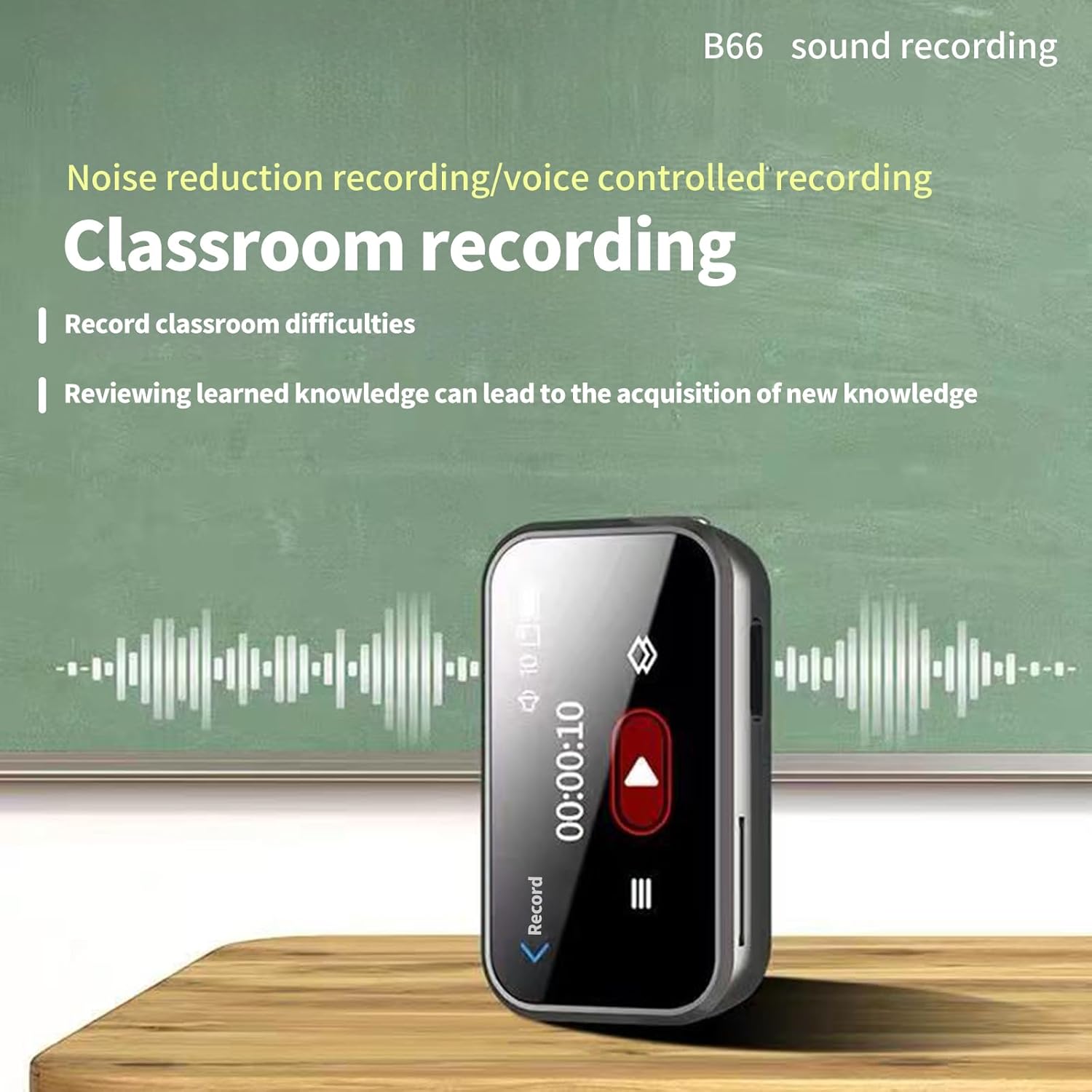
Image: The MP3 player displaying its recording interface, illustrating its use for classroom recording with noise reduction technology.
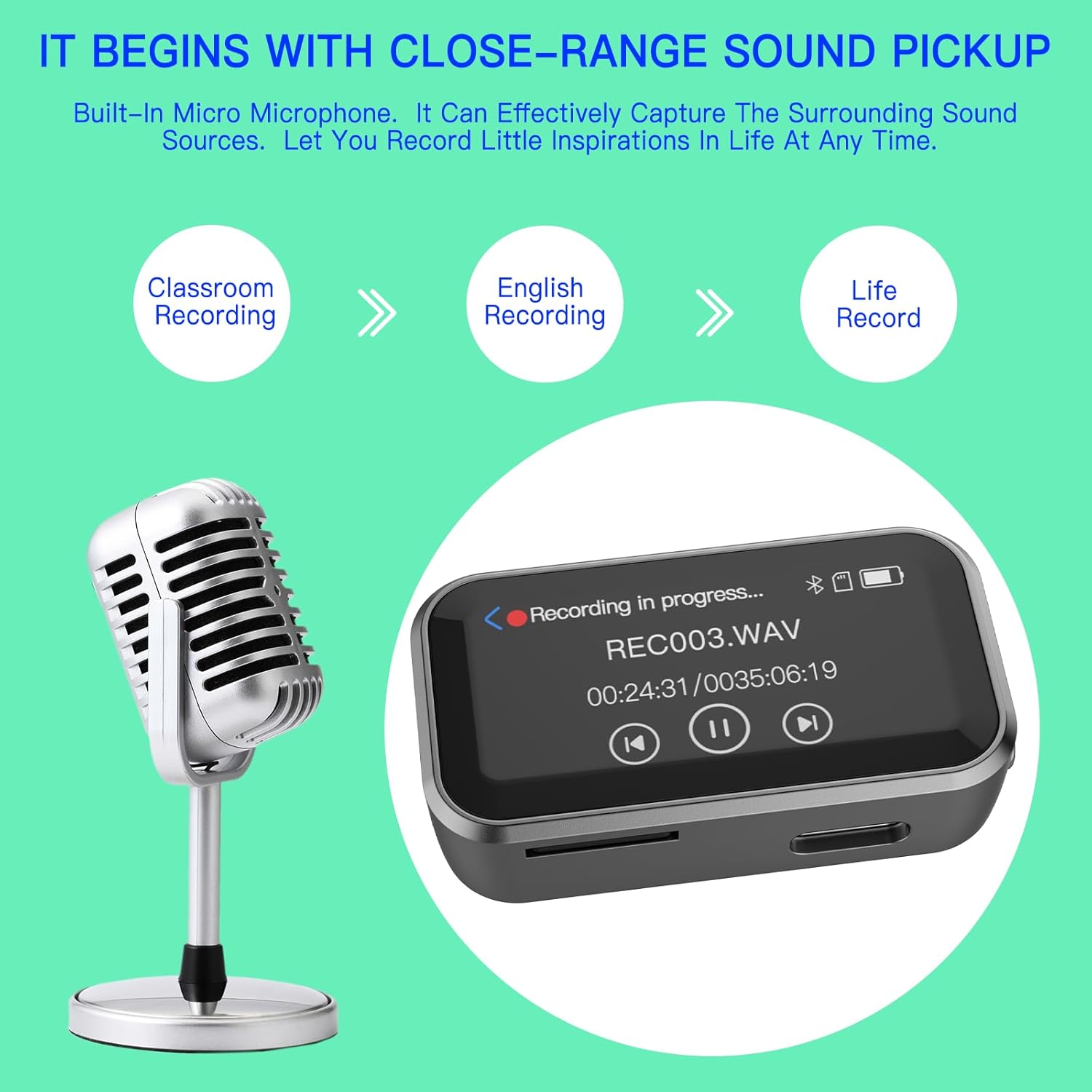
Image: The MP3 player positioned near a vintage microphone, symbolizing its capability for close-range sound pickup and various recording applications like classroom, English, and general life recording.
The device features a dynamic noise reduction microphone and PCM intelligent noise reduction technology for clear recordings.
- From the main menu, tap the 'Recorder' icon.
- Tap the record button to start recording.
- Tap the pause/stop button to manage the recording.
- Recordings are saved automatically and can be accessed through the 'Folders' or 'Recorder' menu.
4.6 FM Radio
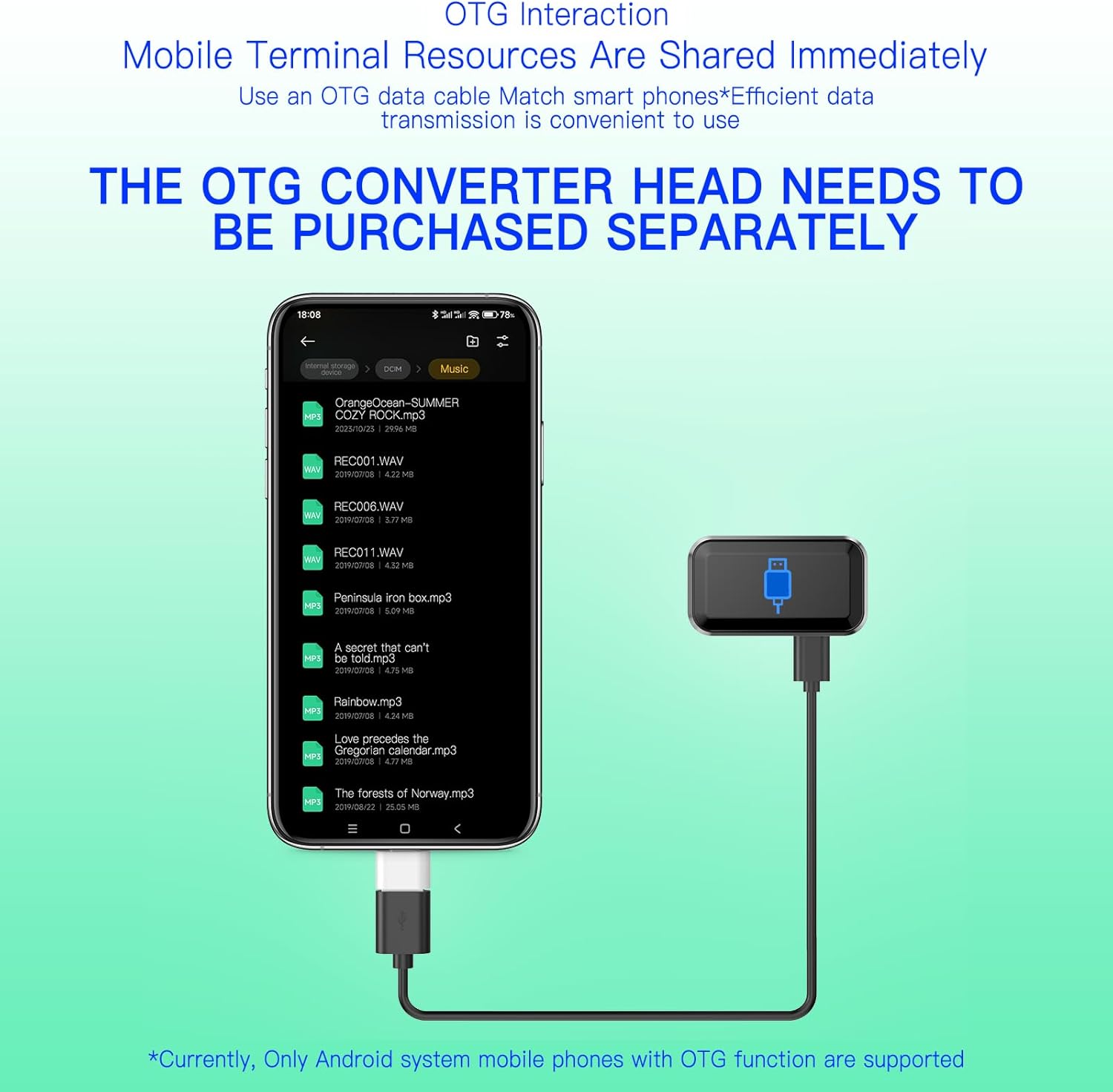
Image: A person jogging outdoors while listening to the Pmjebe MP3 Player, with an overlay of the FM radio frequency tuner, indicating the ability to find favorite stations.
To use the FM radio function, wired headphones must be connected as they act as the antenna.
- Connect wired headphones to the 3.5mm jack.
- From the main menu, tap the 'FM Radio' icon.
- Use the on-screen controls to scan for stations or manually tune to a frequency.
4.7 E-Book Function
The device supports e-book reading.
- Transfer compatible text files to the 'E-Book' folder on the player.
- From the main menu, tap the 'E-Book' icon.
- Select the desired e-book to open and read.
4.8 Hypnosis Music
The player includes built-in hypnosis music, such as ASMR, white noise, fast sleep sounds, waves, meditation, brain waves, and rain sounds, designed to aid relaxation and sleep.
- From the main menu, locate and tap the 'Hypnosis Music' or similar icon.
- Browse and select the desired sound to play.
5. Maintenance
5.1 Cleaning
- Use a soft, dry, lint-free cloth to clean the device's screen and body.
- Avoid using abrasive cleaners, solvents, or aerosol sprays.
5.2 Storage
- Store the device in a cool, dry place away from direct sunlight and extreme temperatures.
- Avoid exposing the device to water or high humidity.
6. Troubleshooting
6.1 Device Does Not Power On
- Ensure the battery is charged. Connect the device to a power source and allow it to charge for at least 15 minutes before attempting to power on again.
- Try pressing and holding the power button for an extended period (10-15 seconds) to force a restart.
6.2 Cannot Connect to Bluetooth Device
- Ensure both the MP3 player and the Bluetooth device are sufficiently charged.
- Place the MP3 player and the Bluetooth device within close proximity (typically within 10 meters).
- Ensure the Bluetooth device is in pairing mode.
- Turn off and on the Bluetooth function on both devices, then attempt to pair again.
6.3 Files Not Appearing After Transfer
- Verify that the files were transferred to the correct folders on the device (e.g., music in 'Music', e-books in 'E-Book').
- Ensure the file formats are supported by the player (e.g., MP3, WAV, FLAC for audio).
- Disconnect and reconnect the player to the computer, then check again.
6.4 FM Radio Not Working
- Ensure wired headphones are securely plugged into the 3.5mm jack, as they serve as the antenna for the FM radio.
- Try rescanning for stations in an open area.
7. Specifications
| Brand | Pmjebe |
| Model Number | B66 |
| Screen Size | 1.47 Inches |
| Memory Storage Capacity | 32 GB (Built-in) |
| Expandable Memory | Supports Micro SD card (8GB-128GB) |
| Connectivity Technology | Bluetooth 5.3 |
| Supported Audio Formats | MP3, WMA, OGG, WAV, APE, FLAC, AAC-LC, R4A |
| Battery Type | Lithium Polymer (200mAh) |
| Playback Time | Up to 20 hours |
| Charging Time | Approx. 2 hours (via Type-C) |
| Item Weight | 1.76 ounces (50 grams) |
| Package Dimensions | 3.23 x 2.4 x 1.06 inches |
| Special Features | Bluetooth, Expandable Memory, FM Radio, Touch Screen, Voice Recorder, Built-in Speaker, E-Book, Hypnosis Music |
8. Warranty and Support
For warranty information or technical support, please refer to the product packaging or contact your retailer. If you have any questions or encounter issues not covered in this manual, please reach out to Pmjebe customer service for assistance.


