
1. Product Overview
The Roinvou Android 15 Single Din Car Stereo features a 7-inch manual flip-out IPS touchscreen, offering a versatile and interactive in-car entertainment and navigation experience. This unit supports wireless CarPlay and Android Auto, integrated GPS navigation with offline North American maps, and WiFi connectivity. Enhanced audio features include DSP and EQ settings for a customizable sound experience. It also provides multi-function interfaces, colorful backlight settings, steering wheel control compatibility, and AHD reversing camera support.
2. Package Contents
Verify all items are present in the package:
- 1 x Car MP5 Player
- 1 x Power Cable
- 1 x RCA Cable
- 1 x Rear Camera Input Cable
- 1 x 6 Pin USB Cable
- 1 x Microphone
- 1 x Rear View Camera
- 1 x Radio Antenna
- 1 x GPS Antenna
- 2 x Accessories (Mounting Brackets)
- 1 x AHD Rear View Camera
- 1 x User Manual

Figure 2.1: All components included in the package.
3. Installation and Wiring
Proper installation is crucial for optimal performance. It is recommended to have this unit installed by a professional.
3.1 Wiring Connections
Refer to the wiring diagram for correct connections. Ensure all power, ground, and speaker wires are securely connected to prevent damage or malfunction.

Figure 3.1: Main wiring port connections.
3.2 Backup Camera Installation
The included AHD reversing camera provides a 170-degree ultra-wide field of view. Connect the red cable to the positive terminal of the car's reverse light and the black cable to the negative terminal. The reverse input cable must be plugged in, even if the camera is not used, to avoid affecting Bluetooth and WiFi signal reception.

Figure 3.2: Backup camera wiring instructions.
3.3 Manual Flip-Out Screen Operation
The 7-inch HD touchscreen features a manual retractable design. Gently pull or push the screen to adjust its viewing angle. This manual mechanism enhances durability and optimizes dashboard space.

Figure 3.3: Manual operation of the flip-out screen.
Video 3.1: Demonstration of the manual flip-up screen mechanism.
Video 3.2: Short demonstration of the manual flip-out screen.
4. Operating Instructions
4.1 Wireless CarPlay & Android Auto
The unit supports both wired and wireless CarPlay and Android Auto. Connect your smartphone via USB or Bluetooth. The system prioritizes wireless connection and automatically switches if the signal is weak. CarPlay/Android Auto will activate upon entering the vehicle, allowing access to navigation, music, and calls. Voice assistants like Siri and Google Assistant are supported for hands-free operation.
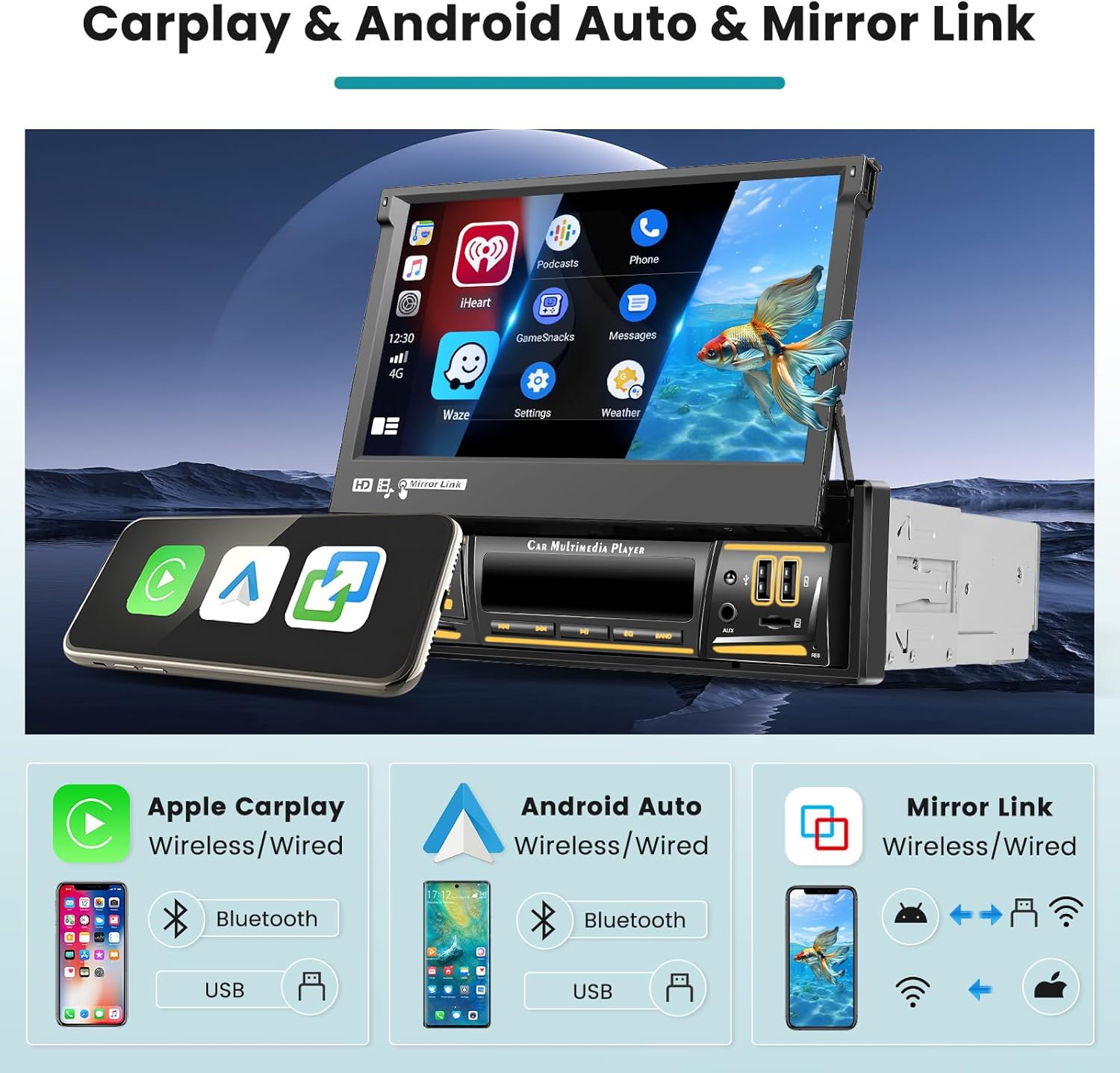
Figure 4.1: CarPlay, Android Auto, and Mirror Link interface.
Video 4.1: Demonstration of main functions including CarPlay, Android Auto, and Mirror Link.
4.2 GPS Navigation & WiFi Connectivity
The unit comes with pre-loaded offline North American maps. Connect to WiFi for online maps, app downloads (e.g., YouTube, TikTok), and other internet-based services. The WiFi connection is designed for stability and reliable coverage.
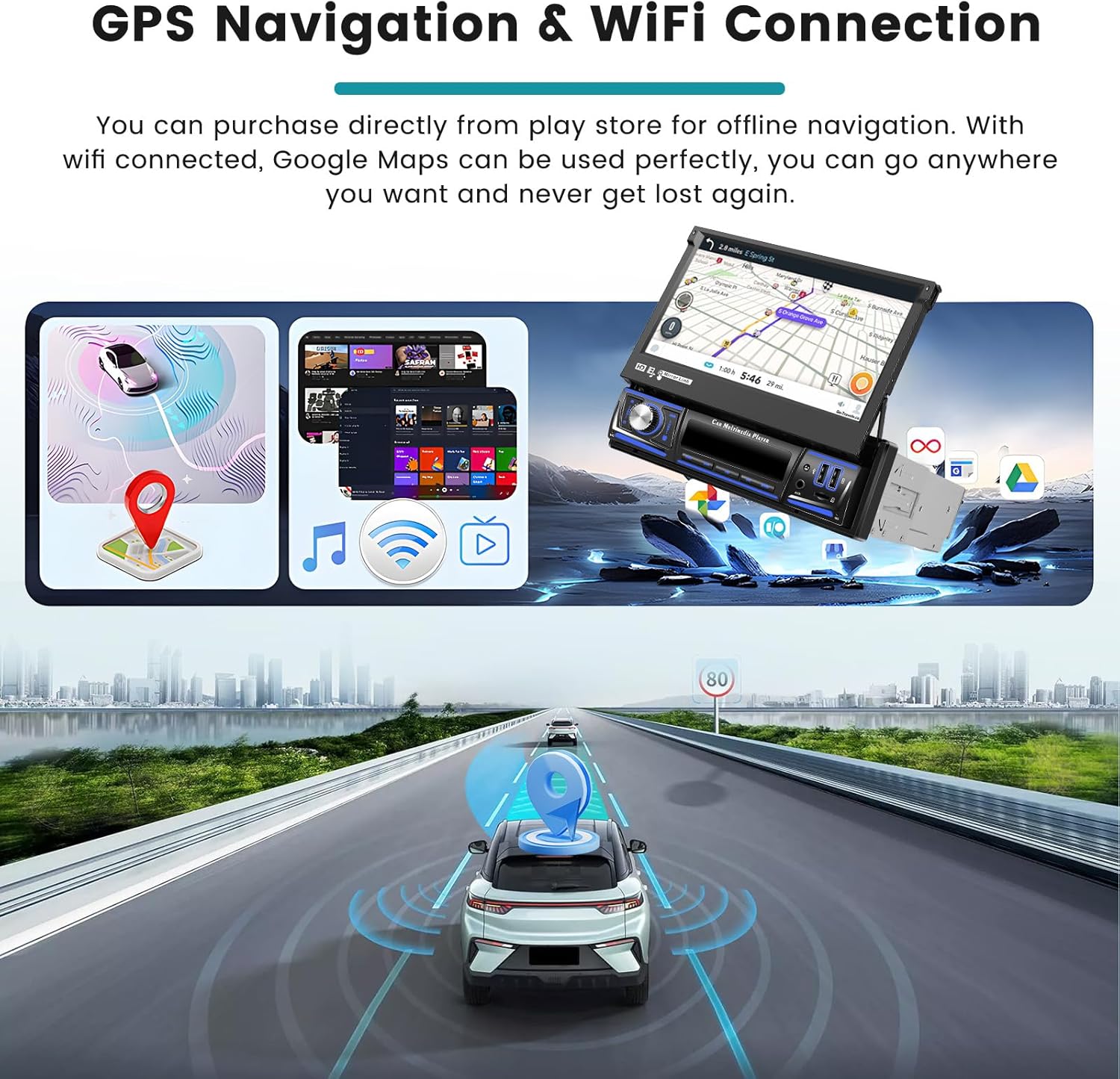
Figure 4.2: GPS navigation and WiFi interface.
4.3 FM/RDS Radio & Bluetooth
Access FM radio with RDS (Radio Data System) functionality, which provides station names, traffic conditions, and news. The unit features intelligent channel memory for frequently listened-to stations. Bluetooth allows for hands-free calling, music playback, and automatic phone book loading.

Figure 4.3: FM/RDS radio and Bluetooth interface.
4.4 DSP & EQ Settings
Utilize the Digital Sound Processor (DSP) for enhanced audio quality. The Equalizer (EQ) offers multi-mode one-key switching and manual adjustment of high, medium, and low frequency bands to customize your listening experience.

Figure 4.4: DSP and EQ settings interface.
4.5 Steering Wheel Control
The unit supports learning from your original steering wheel control buttons, allowing for convenient operation of the car stereo without taking your hands off the wheel.
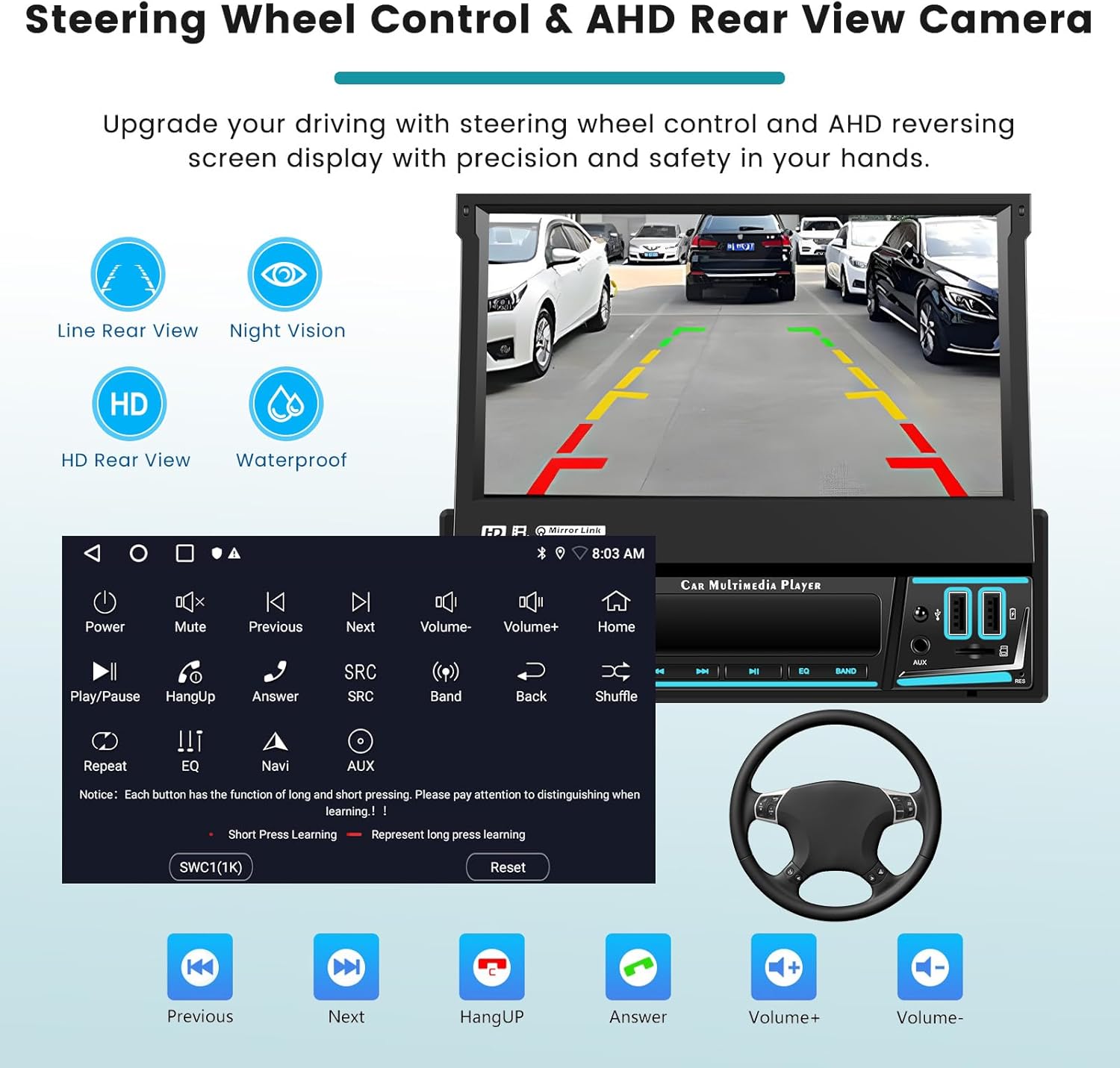
Figure 4.5: Steering wheel control learning interface.
5. Maintenance
To ensure the longevity and optimal performance of your Roinvou car stereo, follow these maintenance guidelines:
- Cleaning: Use a soft, dry cloth to clean the touchscreen and exterior. Avoid abrasive cleaners or solvents.
- Software Updates: Periodically check the manufacturer's website for available software updates to ensure you have the latest features and bug fixes.
- Environmental Conditions: Avoid exposing the unit to extreme temperatures, direct sunlight for prolonged periods, or excessive moisture.
6. Troubleshooting
If you encounter issues with your car stereo, refer to the following common troubleshooting steps:
| Problem | Possible Cause | Solution |
|---|---|---|
| No Power | Incorrect wiring; Blown fuse | Check power cable connections; Inspect and replace fuse if necessary. |
| No Sound | Speaker wiring issue; Volume too low; Mute activated | Verify speaker connections; Increase volume; Deactivate mute function. |
| CarPlay/Android Auto not connecting | Incorrect phone settings; Faulty USB cable; Bluetooth not paired | Ensure phone settings allow CarPlay/Android Auto; Try a different USB cable; Pair Bluetooth device. |
| Touchscreen unresponsive | System freeze; Calibration issue | Restart the unit; Perform touchscreen calibration via settings. |
7. Specifications
| Feature | Detail |
|---|---|
| Model | B0F37Z349Z |
| Screen Size | 7 Inches (Manual Flip Out IPS) |
| Display Resolution | 1024x600 |
| Operating System | Android 15 |
| RAM | 2GB |
| ROM | 64GB |
| Connectivity | Bluetooth, USB, Wi-Fi |
| Special Features | Wireless Carplay/Android Auto, FM/RDS, DSP, EQ, Mirror Link, GPS, AHD Reversing Camera, Steering Wheel Control |
| Item Weight | 4.18 pounds |
| Package Dimensions | 13.11 x 8.86 x 3.46 inches |
8. Warranty Information
This Roinvou product comes with a 1-Year Warranty from the date of purchase. Please retain your proof of purchase for warranty claims. For detailed warranty terms and conditions, refer to the official Roinvou website or contact customer support.
9. Customer Support
For any questions, technical assistance, or support inquiries regarding your Roinvou Android 15 Single Din Car Stereo, please contact Roinvou customer service through their official website or the contact information provided in your purchase documentation.