
Introduction
Thank you for choosing the Lancoon Digital Alarm Clock LK-AD31Black. This multifunctional LED alarm clock features a vibrant RGB color display, voice recording capabilities, adjustable backlight, voice control, and a convenient snooze function. This manual provides detailed instructions for setup, operation, maintenance, and troubleshooting to ensure optimal use of your device.
Package Contents
- 1 x Lancoon Digital Alarm Clock
- 1 x User Manual
- 1 x Charging Cable
Setup
Power Connection
Connect the provided charging cable to the alarm clock and plug it into a standard USB power adapter (not included) or a powered USB port. The clock is designed for plug-in operation.
For the power-outage memory mode and voice-activated display to function during power interruptions, install 3 AAA batteries (not included) into the battery compartment. Ensure correct polarity.

Figure 1: Front view of the Lancoon Digital Alarm Clock, displaying the time and various icons.
Operating Instructions
Setting Time and Alarms
Refer to the physical manual for specific button functions to set the current time and up to two alarms. The clock supports both 12-hour and 24-hour formats, which can be switched with a single button press. You can choose from 10 pre-installed wake-up melodies.
Voice Recording for Alarms
To personalize your alarm sound, long-press the dedicated recording button on the device. You can record a custom message or sound up to 30 seconds in length. This recording will then be used as your alarm tone.
RGB Color Display Customization
The clock features a dynamic RGB color screen. Tap the "TOUCH" panel on the top of the device to cycle through various display colors. There are 6 static colors (e.g., red, blue, green) and 3 dynamic RGB color cycles available.

Figure 2: Examples of the RGB color display options, including monochrome and dynamic color cycles.
Adjusting Display Brightness
The display brightness can be adjusted to 4 different levels (Low, Medium, High, and Off) using the top button. This allows you to tailor the screen intensity to your environment, ensuring readability during the day and minimizing glare at night.

Figure 3: Visual representation of the four adjustable screen brightness levels.
Snooze Function
When an alarm sounds, press the snooze button to temporarily silence the alarm and gain an additional 5 minutes of sleep. The alarm will sound again after the snooze period.
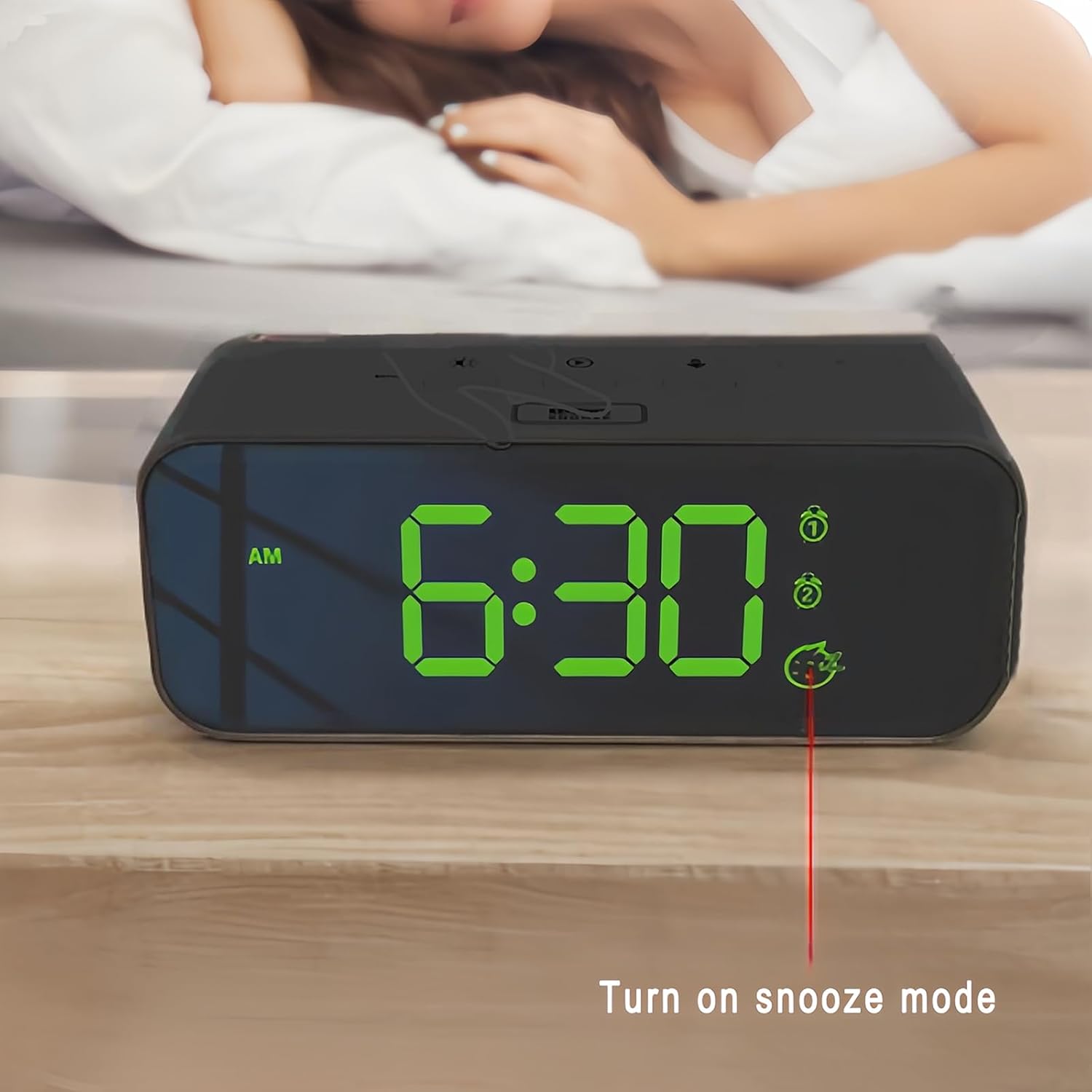
Figure 4: The alarm clock display indicating that snooze mode is active.
Voice Control and Power-Outage Memory Mode
When operating on battery power (during a power outage), the clock enters an energy-saving sleep mode where the screen dims after 20 seconds. The display can be reactivated for 8 seconds by detecting sounds above 90dB (e.g., clapping) or by tapping the surface where the clock is placed. When plug-in power is restored, the display will return to full brightness.

Figure 5: The clock's display reactivating upon detection of sound (90dB).

Figure 6: Demonstration of the power-outage memory mode, showing display behavior during power interruptions.
Maintenance
Cleaning
To clean the alarm clock, gently wipe the surface with a soft, dry cloth. Do not use abrasive cleaners, solvents, or chemical sprays, as these may damage the finish or internal components. Ensure the device is unplugged before cleaning.
Battery Replacement
If using batteries for the power-outage memory mode, replace them when the display no longer reactivates or retains settings during power interruptions. Use 3 new AAA batteries, ensuring correct polarity.
Troubleshooting
- Clock not turning on:
Ensure the charging cable is securely connected to both the clock and a working power source. Try a different USB power adapter or port. If using batteries, check if they are inserted correctly and are not depleted.
- Display is dim or off:
Check the brightness settings. If on battery power, the display will dim after 20 seconds; make a sound or tap the surface to reactivate it. Ensure batteries are not depleted if relying on battery power for display activation.
- Alarm not sounding:
Verify that the alarm is set correctly and is enabled. Check the volume settings if applicable (though not explicitly mentioned, it's a common alarm clock feature). Ensure the recorded voice message is not silent or too low.
- Voice recording not working:
Ensure you are long-pressing the correct button for recording. Speak clearly and close enough to the microphone. Check if the recording duration limit (30 seconds) is being exceeded.
- Time/settings reset after power outage:
This indicates that the backup batteries are either not installed or are depleted. Install or replace 3 AAA batteries to maintain settings during power interruptions.
Specifications
| Brand | Lancoon |
| Model Number | LK-AD31Black |
| Color | Black |
| Display Type | LED |
| Power Source | Corded Electric (Plug-in) |
| Backup Battery (for memory) | 3 x AAA (not included) |
| Material | Acrylonitrile Butadiene Styrene (ABS) |
| Product Dimensions | 6.02"W x 2.48"H x 1.88"D (approx. 15.3 x 6.3 x 4.8 cm) |
| Item Weight | 9.4 ounces (approx. 266 grams) |
| Special Features | Alarm, Auto Half-Light Mode, Large Display, Snooze, Sound Recordings, RGB Color Display, Voice Control |
Warranty and Support
For warranty information or technical support, please refer to the contact details provided with your purchase documentation or visit the official Lancoon website. Please retain your proof of purchase for any warranty claims.


