1. Introduction
Thank you for choosing the Generic TWS Bluetooth Wireless Earbuds Model KD-795. These earbuds are designed for convenience and high-quality sound, featuring an in-ear design for comfortable wear. With Bluetooth 5.3 technology and integrated microphones, they offer seamless connectivity for music playback and calls.
Key Features:
- Advanced Connectivity: Bluetooth 5.3 for stable and fast connection.
- Long-lasting Battery: Up to 7 hours of music playback and 5 hours of talk time.
- Charging Case with Hibernation: Provides extended battery life and up to 3 months of standby time.
- Comfortable & Ergonomic Design: Designed for a secure and comfortable fit during extended use.
- Superior Sound Quality: Equipped with 8mm drivers for clear and powerful audio (20Hz-20KHz frequency response).
- Intuitive Touch Control: Manage music, calls, and modes with simple taps.

Image: Overview of the earbuds highlighting key features like noise cancellation, game mode, long battery life, comfort, and dual microphone.
2. Setup Guide
2.1 Initial Charging
Before first use, ensure the earbuds are fully charged. The charging case also needs to be charged.
- Remove Protective Stickers: The earbuds come with protective transport stickers on their charging contact points. These stickers must be removed before placing the earbuds in the charging case for the first time.
- Charge the Case: Connect the provided USB Type-C cable to the charging port on the case and to a 5V/1A power source. The indicator light on the case will show charging status.
- Charge the Earbuds: Place the earbuds into the charging case. Ensure they are correctly seated. The earbuds will begin charging automatically.
A full charge for the earbuds typically takes about 1.5 hours. The charging case battery capacity is 300mAh.
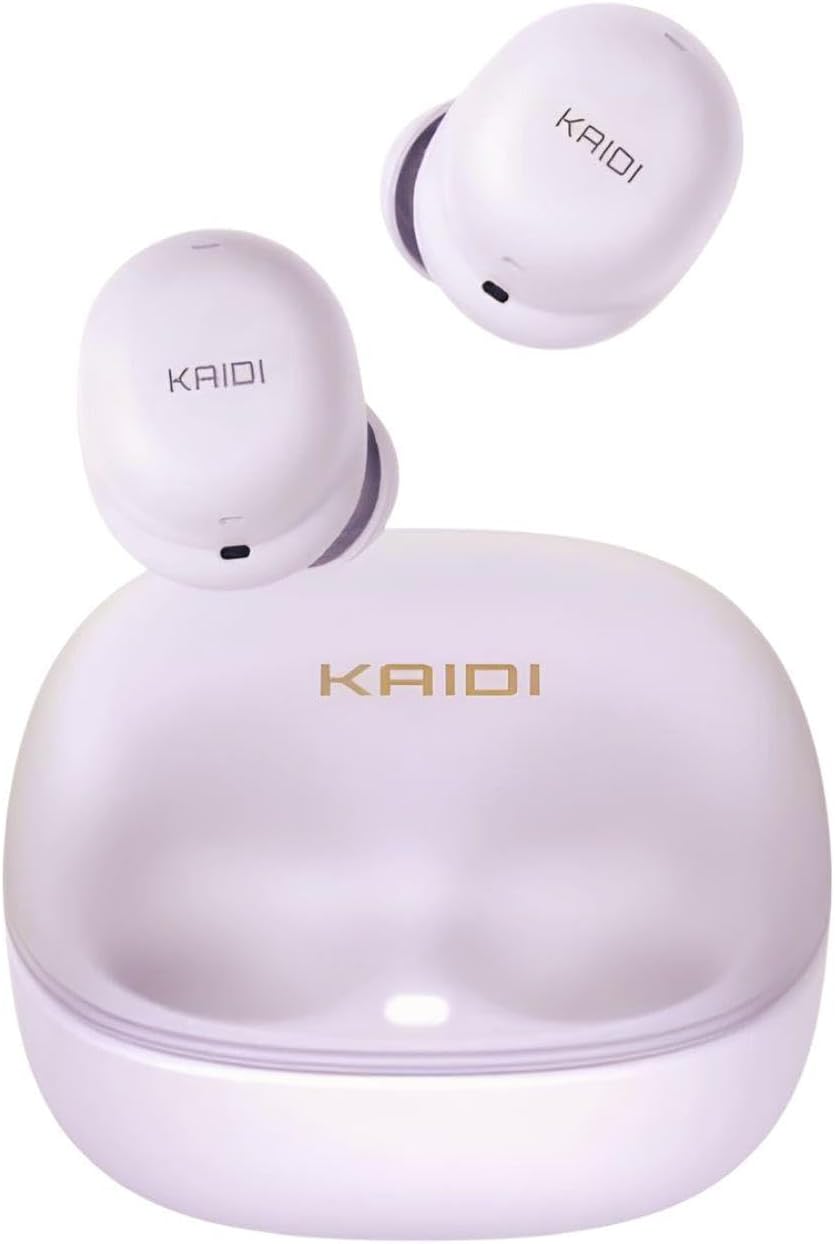
Image: The earbuds and their charging case, illustrating how they are stored and charged.
2.2 Bluetooth Pairing
Follow these steps to pair your earbuds with your device:
- Power On: Open the charging case. The earbuds will automatically power on and enter pairing mode. You may hear an audible prompt.
- Activate Bluetooth: On your smartphone or other Bluetooth-enabled device, go to the Bluetooth settings and turn on Bluetooth.
- Search for Device: Look for "Kaidi TWS" or "KD-795" in the list of available devices.
- Connect: Select the device name to connect. Once connected, you will hear a confirmation sound, and the earbuds' indicator lights may change.
The earbuds will automatically reconnect to the last paired device when taken out of the case, if Bluetooth is enabled on the device.
3. Operating Instructions
3.1 Touch Controls
The earbuds feature intuitive touch controls on their outer surface. The specific functions may vary slightly, but generally include:
- Play/Pause: Single tap on either earbud.
- Next Track: Double tap on the right earbud.
- Previous Track: Double tap on the left earbud.
- Answer/End Call: Single tap on either earbud during an incoming call or active call.
- Reject Call: Press and hold either earbud for 2 seconds during an incoming call.
- Activate Voice Assistant: Triple tap on either earbud (if supported by your device).
- Game Mode: Specific touch gesture (refer to product packaging or quick start guide for exact gesture if available).
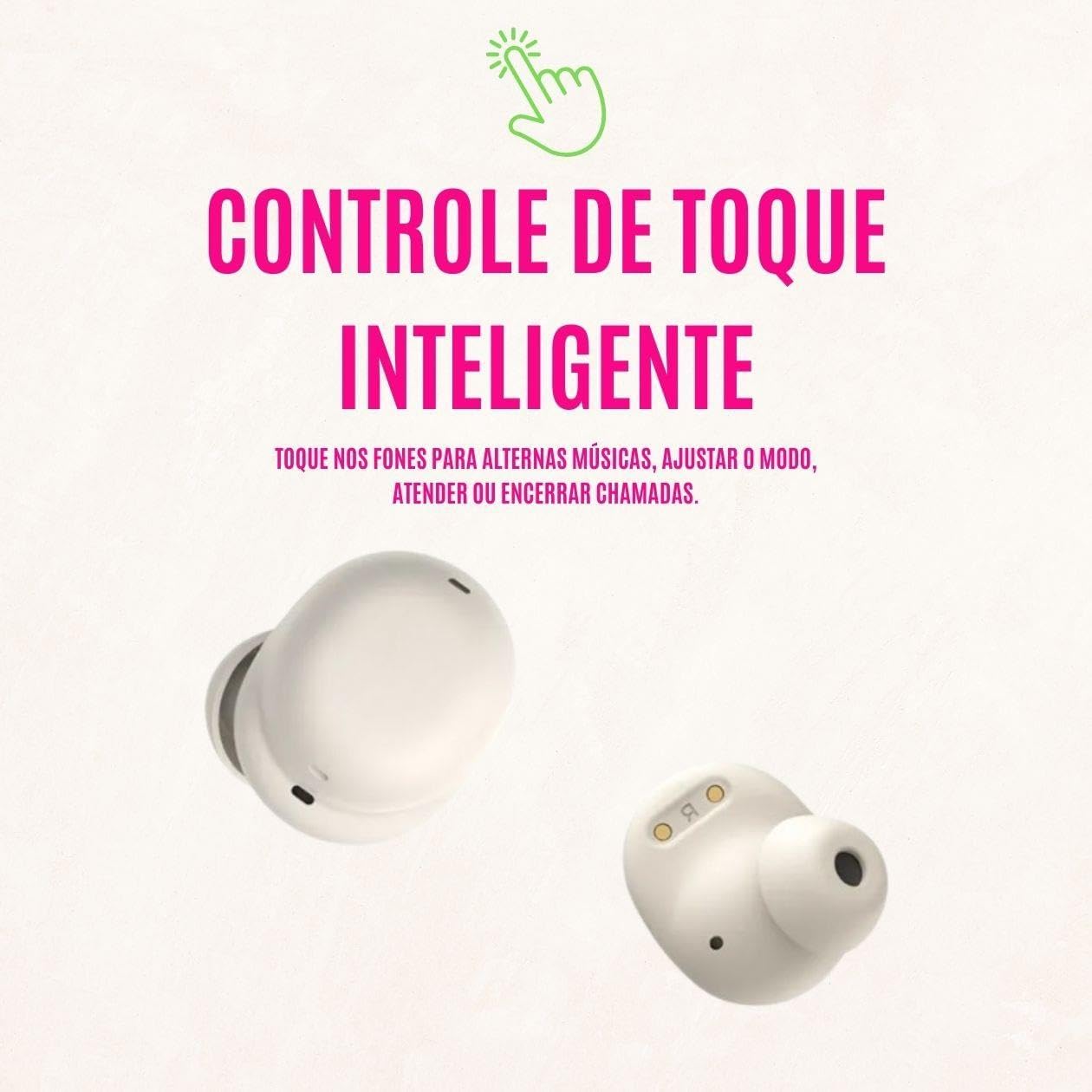
Image: Illustration of the touch control functionality on the earbuds, allowing users to manage music and calls.
3.2 Power On/Off
- Power On: The earbuds automatically power on when removed from the charging case.
- Power Off: Place the earbuds back into the charging case. They will automatically disconnect and power off.
3.3 Battery Life
The earbuds provide approximately 7 hours of music playback and 5 hours of talk time on a single charge (at 50% volume). The charging case extends the total usage time significantly, offering up to 23 hours of total battery duration with recharges.
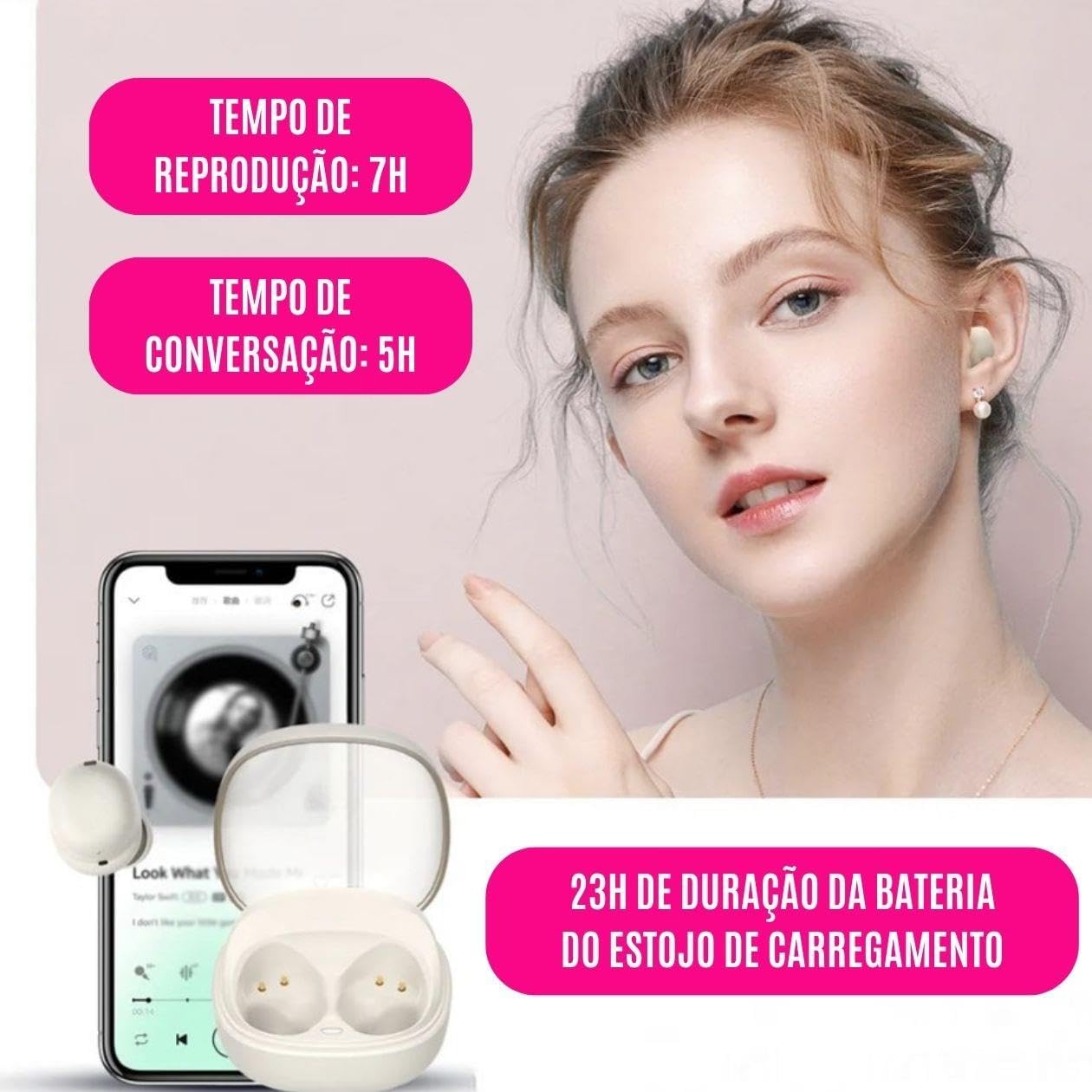
Image: Visual representation of the earbud and charging case battery life, highlighting playback and talk times.
4. Maintenance
- Cleaning: Use a soft, dry, lint-free cloth to clean the earbuds and charging case. Do not use harsh chemicals or abrasive materials.
- Storage: When not in use, store the earbuds in their charging case to protect them and keep them charged. The case offers a hibernation mode for extended standby time (up to 3 months).
- Water Resistance: These earbuds are not water resistant. Avoid exposure to water, sweat, rain, or excessive moisture to prevent damage.
- Avoid Extreme Temperatures: Do not expose the earbuds or charging case to extreme heat or cold.
5. Troubleshooting
- Earbuds not pairing:
- Ensure protective stickers are removed from charging contacts.
- Make sure both earbuds and the charging case are sufficiently charged.
- Turn off and on Bluetooth on your device.
- Try forgetting the device ("Kaidi TWS" or "KD-795") from your device's Bluetooth list and re-pairing.
- Place earbuds back in the case, close the lid, wait a few seconds, then open to re-initiate pairing mode.
- No sound or low volume:
- Check the volume level on both your connected device and the earbuds.
- Ensure the earbuds are properly seated in your ears.
- Confirm the earbuds are connected to the correct device.
- Earbuds not charging:
- Verify the charging cable and power adapter are working correctly.
- Ensure the charging contacts on both the earbuds and the case are clean and free of debris.
- Make sure the earbuds are correctly placed in the charging case.
- Touch controls not responding:
- Ensure your fingers are clean and dry.
- Try restarting the earbuds by placing them in the case and taking them out again.
6. Specifications
| Feature | Detail |
|---|---|
| Model Name | Kaidi TWS (Model KD-795) |
| Bluetooth Version | 5.3 |
| Connectivity Technology | Wireless (Bluetooth) |
| Earbud Battery Capacity | 40mAh |
| Charging Case Battery Capacity | 300mAh |
| Earbud Charging Time | Approx. 1.5 hours |
| Music Playback Time | Up to 7 hours (at 50% volume) |
| Talk Time | Up to 5 hours (at 50% volume) |
| Total Battery Duration (with case) | Up to 23 hours |
| USB Port | Type-C |
| Input Voltage/Current | DC 5V/1A |
| Speaker Size | 8mm drivers |
| Frequency Response | 20Hz ~ 20KHz |
| Operating Range | Up to 10 meters (without obstacles) |
| Noise Control | None |
| Water Resistance Level | Not water resistant |
| Control Type | Touch Control |
| Material | Plastic |
| Included Components | Earbuds, Charging Case, USB Type-C Cable, User Manual |
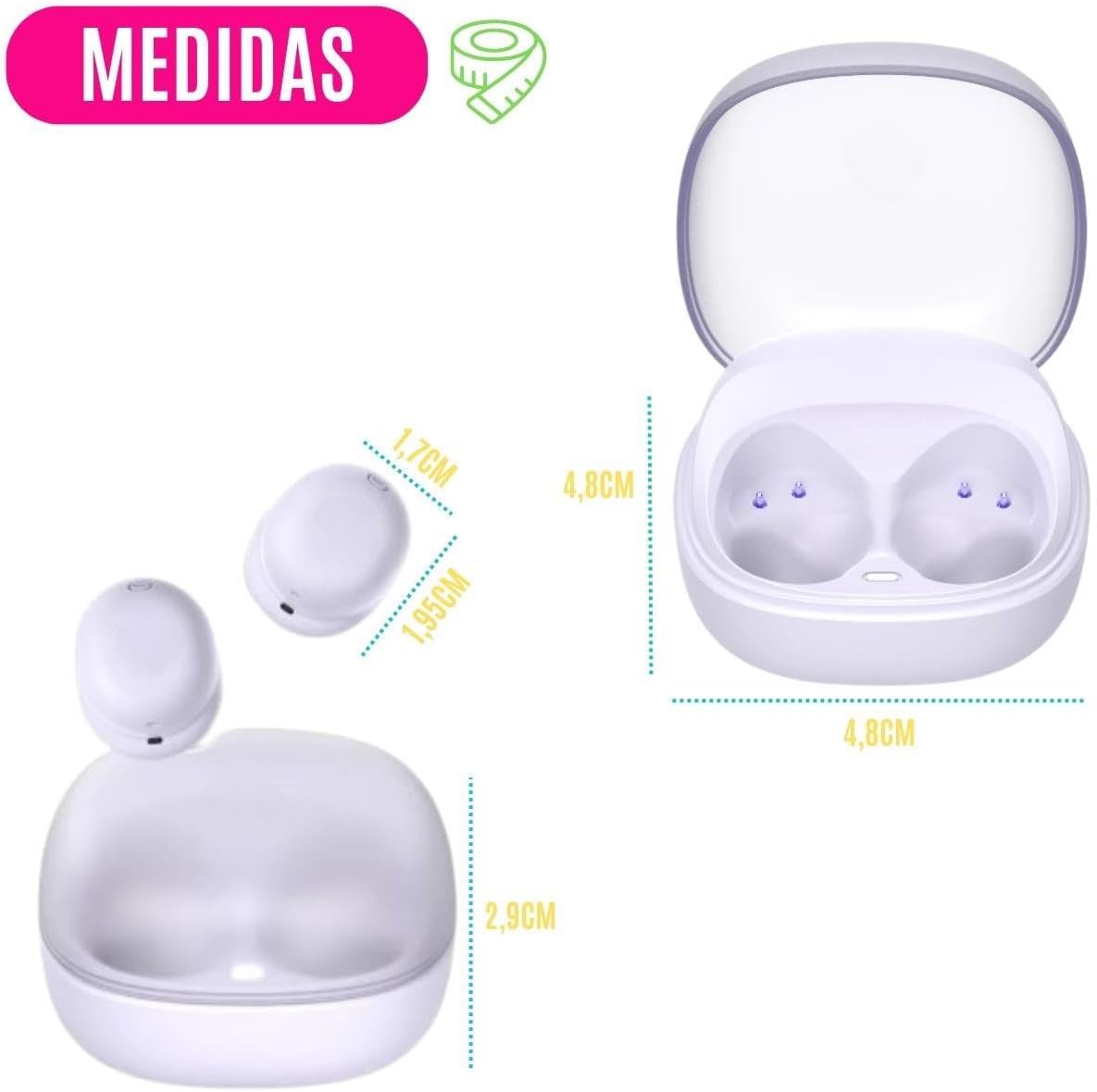
Image: Dimensions of the earbuds and charging case for reference.
7. Warranty Information
This product comes with a manufacturer's warranty of 3 months from the date of purchase. This warranty covers manufacturing defects. Please retain your proof of purchase for warranty claims. The warranty does not cover damage caused by misuse, accidents, unauthorized modifications, or failure to follow the instructions in this manual, including exposure to water.
8. Support
If you encounter any issues not covered in the troubleshooting section or require further assistance, please contact your retailer or the point of purchase for support. Please have your product model number (KD-795) and proof of purchase ready when contacting support.


