
AXIAOLIFH S90 white
S90 Wireless Bluetooth Headphones User Manual
Model: S90 white
Brand: AXIAOLIFH
Introduction
This manual provides detailed instructions for the setup, operation, maintenance, and troubleshooting of your AXIAOLIFH S90 Wireless Bluetooth Headphones. Please read this manual carefully before using the product to ensure proper function and longevity.
The S90 headphones feature ultra-long battery life, a mini in-ear design, and noise cancellation technology for an enhanced audio experience. They are designed for comfort and stable wear, making them suitable for extended use.
Package Contents
- S90 Wireless Bluetooth Headphones (Left and Right Earbuds)
- Charging Case
- USB Charging Cable
- User Manual
Product Overview
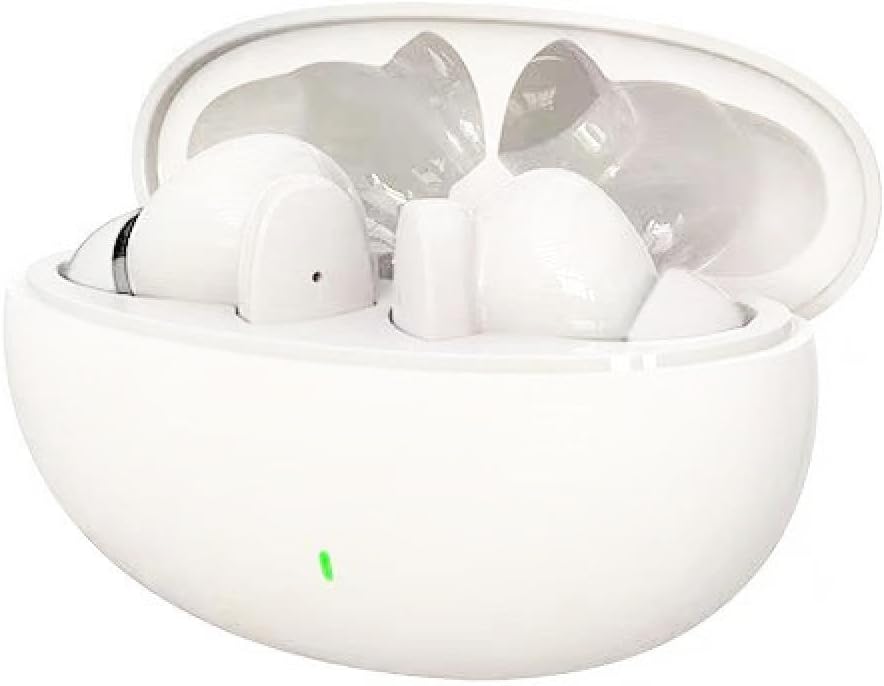
Figure 1: S90 white wireless earbuds in their open charging case, showing the earbuds nestled inside and a green indicator light on the front of the case.

Figure 2: A person wearing a white S90 earbud, illustrating the in-ear fit and highlighting the call noise cancellation feature with a graphic indicating environmental noise reduction.
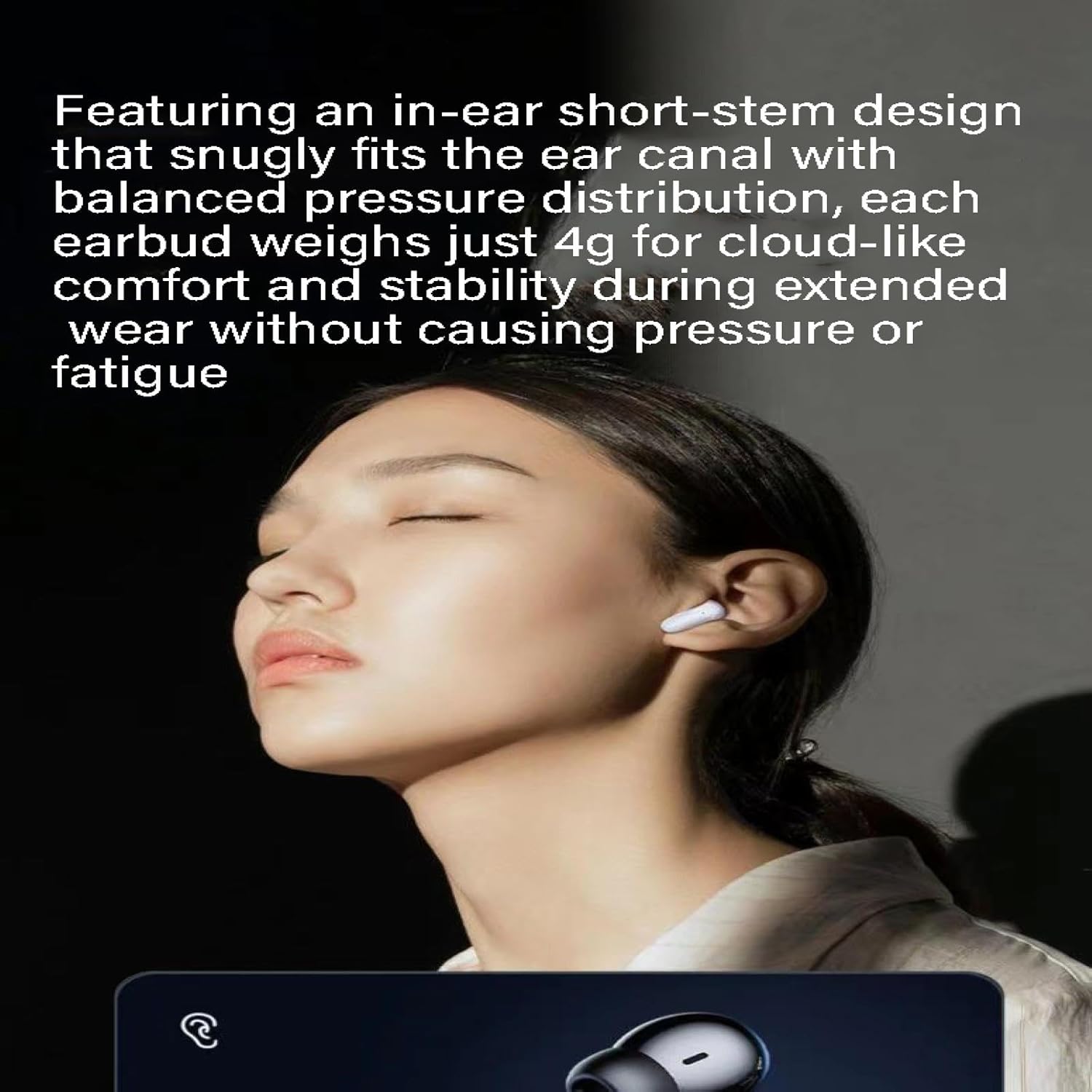
Figure 3: A person wearing a white S90 earbud, emphasizing the comfortable and stable in-ear fit due to its lightweight and ergonomic design.
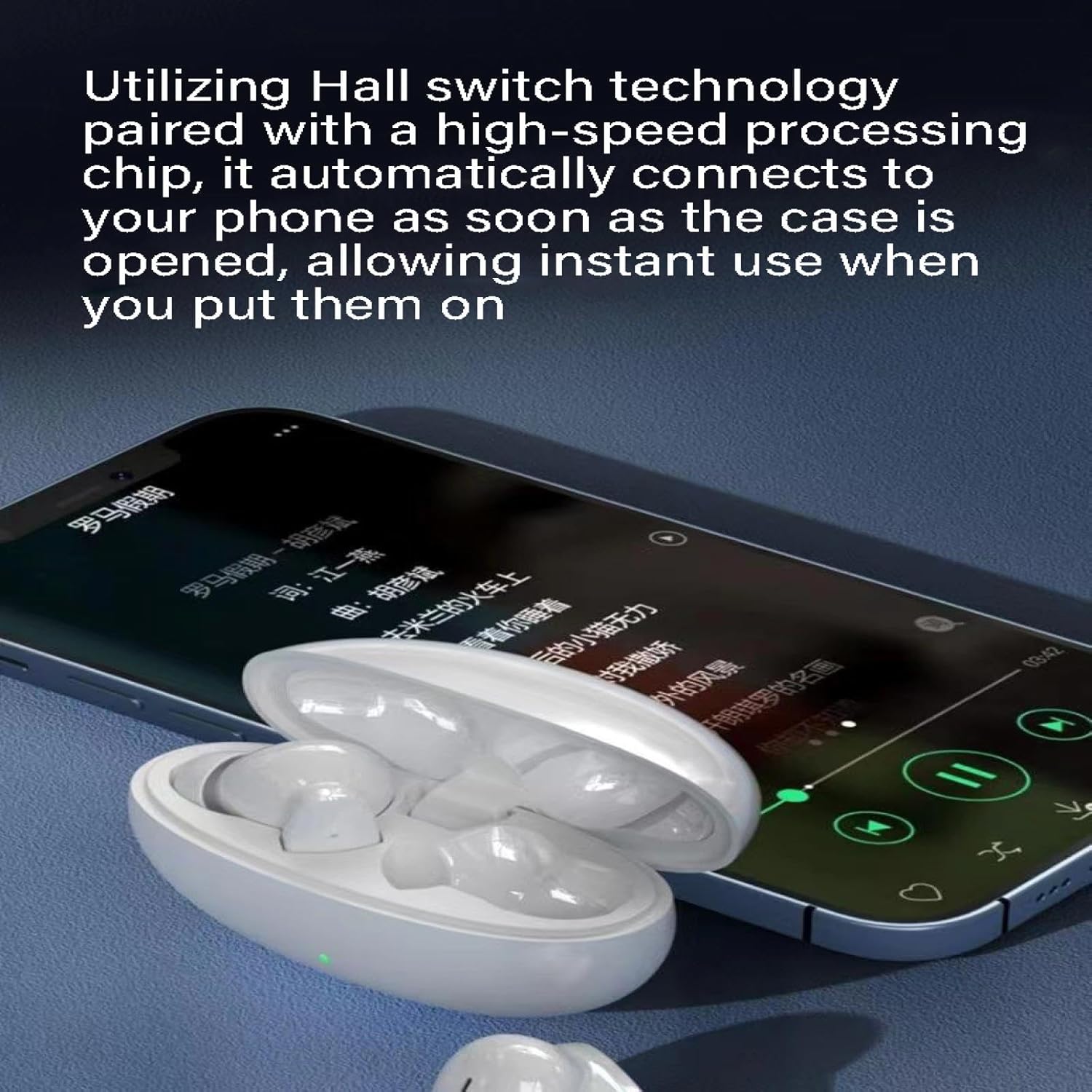
Figure 4: S90 white earbuds in their open charging case positioned next to a smartphone displaying a music player interface, illustrating the automatic connection feature via Hall switch technology.
Setup
1. Initial Charging
Before first use, fully charge the S90 headphones and their charging case. Connect the USB charging cable to the charging port on the case and to a power source (e.g., computer USB port or wall adapter).
- The indicator light on the charging case will show charging status.
- A full charge typically takes 1-2 hours.
2. Pairing with Your Device
- Ensure the headphones are charged.
- Open the charging case. The earbuds will automatically enter pairing mode (indicated by a flashing light on the earbuds).
- On your device (smartphone, tablet, computer), go to Bluetooth settings and turn Bluetooth on.
- Search for available devices and select "S90" from the list.
- Once connected, the earbud indicator lights will stop flashing.
- The S90 utilizes Hall switch technology, allowing for automatic reconnection to the last paired device simply by opening the charging case.
Operating Instructions
Power On/Off
- Power On: Open the charging case, or long-press the touch area on both earbuds for 3 seconds.
- Power Off: Place the earbuds back into the charging case and close the lid, or long-press the touch area on both earbuds for 5 seconds.
Music Playback
- Play/Pause: Single tap either earbud.
- Next Track: Double tap the right earbud.
- Previous Track: Double tap the left earbud.
- Volume Up: Triple tap the right earbud.
- Volume Down: Triple tap the left earbud.
Call Management
- Answer/End Call: Single tap either earbud.
- Reject Call: Long-press either earbud for 2 seconds.
Voice Assistant
- Activate Voice Assistant: Long-press either earbud for 3 seconds (when not on a call).
Maintenance
- Cleaning: Use a soft, dry, lint-free cloth to clean the earbuds and charging case. Do not use harsh chemicals or abrasive materials.
- Storage: When not in use, store the headphones in their charging case to protect them and keep them charged. Store in a cool, dry place away from direct sunlight and extreme temperatures.
- Water Resistance: The S90 headphones have an IPX4 water resistance rating, meaning they are resistant to splashing water from any direction. They are not designed for submersion in water. Avoid exposing them to heavy rain or sweat for prolonged periods.
- Battery Care: To prolong battery life, avoid fully discharging the battery frequently. Charge the headphones regularly, even if not used for extended periods.
Troubleshooting
| Problem | Possible Cause | Solution |
|---|---|---|
| Headphones not pairing. | Low battery; not in pairing mode; device Bluetooth off; interference. | Charge headphones; ensure case is open for pairing; turn on device Bluetooth; move away from other wireless devices. |
| No sound from one earbud. | Earbud not connected; low battery; earbud dirty. | Place both earbuds back in case, close, then reopen; charge earbuds; clean earbud speaker mesh. |
| Poor sound quality. | Distance from device; interference; dirty earbuds. | Move closer to device; avoid obstacles; clean earbuds. |
| Headphones not charging. | Cable issue; power source issue; dirty charging contacts. | Try a different USB cable/power source; clean charging contacts on earbuds and case. |
Specifications
- Model: S90
- Bluetooth Protocol: 5.0
- Transmission Range: 10 meters
- Water Resistance: IPX4
- Battery Life: 4-8 hours (earbuds), 18-20 hours (with charging case)
- Functions: Waterproof, Noise Reduction, Breathing Light, Long Battery Life, Call Function, Music Support
- Material: PC+ABS
- Usage Style: Earbud
- Weight (per earbud): Approximately 4g
Warranty and Support
For warranty information or technical support, please contact AXIAOLIFH customer service through the retailer where you purchased the product or visit the official AXIAOLIFH website (if available).
Please retain your proof of purchase for any warranty claims.
Ask a question about this manual
Ask about setup, troubleshooting, compatibility, parts, safety, or missing instructions. Manuals+ will review the question and use this page’s manual context to help answer it.