
Introduction
Thank you for choosing the Fire-Boltt Ring X Smart Watch. This manual provides essential information for the proper setup, operation, and maintenance of your device. Please read it thoroughly before use to ensure optimal performance and longevity of your smartwatch.

Image: The Fire-Boltt Ring X Smart Watch, highlighting its sleek design and the brand's slogan.
What's in the Box
Upon unboxing, please ensure all the following items are present:
- 1 x Fire-Boltt Ring X Smart Watch
- 1 x Charging Cable
- 1 x User Manual
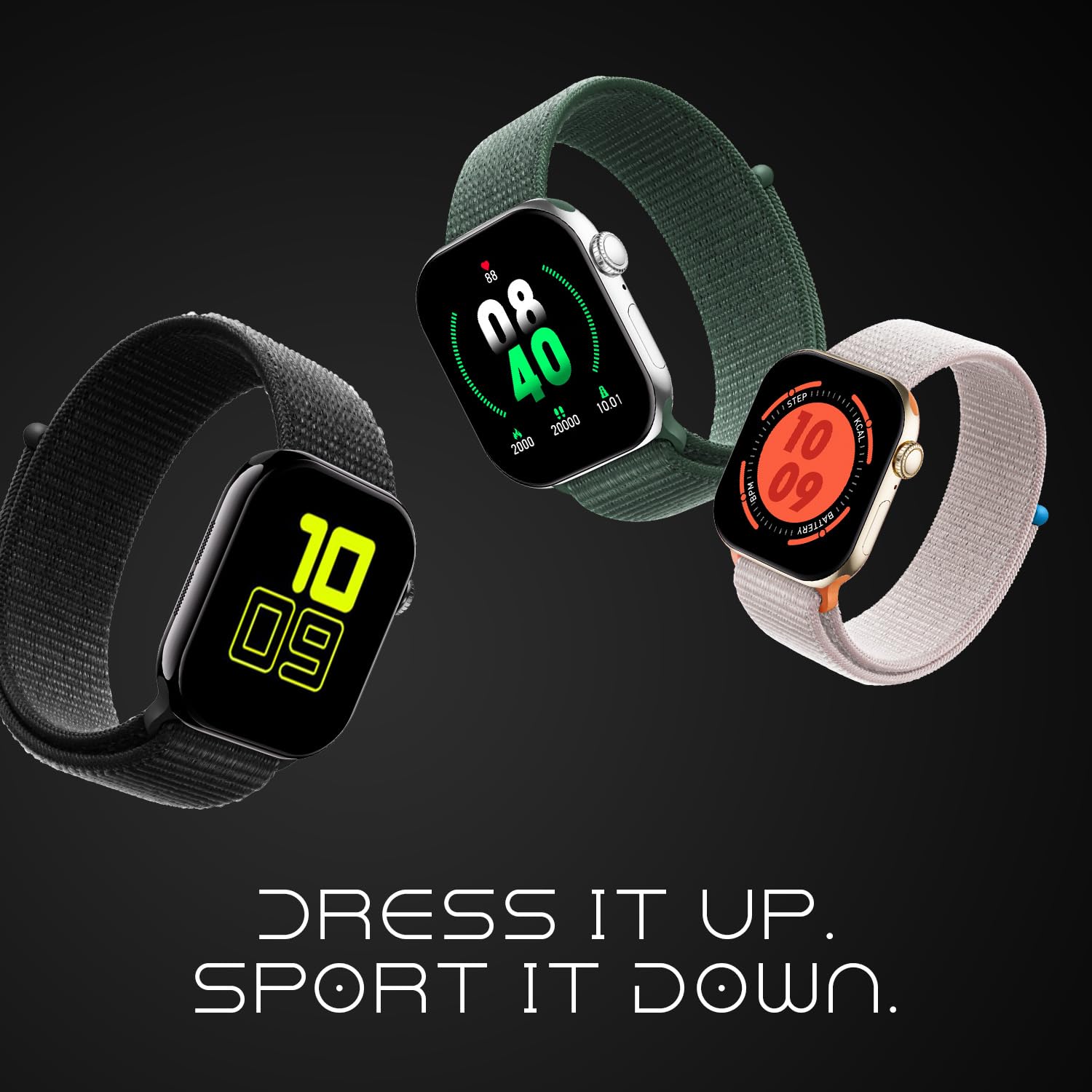
Image: Contents of the Fire-Boltt Ring X Smart Watch package, including the smartwatch, charging cable, and user manual.
Product Overview
Display
The Fire-Boltt Ring X features a 2.01-inch IPS full-touch display with 2.5D curved glass and a resolution of 240x296 pixels. It supports Always-On Display functionality, keeping key information visible without needing to activate the screen.

Image: A detailed view of the smartwatch display, emphasizing its size and Always-On capability.
Design and Controls
The smartwatch features a durable zinc alloy case and a rotating crown for intuitive navigation. It is available in various band colors including Active Black, Active Starlight, Pink, Mocha Mouse, Blue, Active Green, and Black.

Image: The rotating crown and metal case of the Fire-Boltt Ring X Smart Watch.

Image: Fire-Boltt Ring X Smart Watch in Active Black.

Image: Fire-Boltt Ring X Smart Watch in Active Starlight.

Image: Fire-Boltt Ring X Smart Watch in Pink.

Image: Fire-Boltt Ring X Smart Watch in Mocha Mouse.

Image: Fire-Boltt Ring X Smart Watch in Blue.

Image: Fire-Boltt Ring X Smart Watch in Active Green.
Setup
Charging the Smart Watch
The Fire-Boltt Ring X supports wireless charging. To charge your device:
- Place the smartwatch on the wireless charging pad.
- Ensure the charging cable is connected to a power source.
- The watch display will indicate charging status.
A full charge typically provides up to 5-7 days of usage, depending on usage patterns. The battery capacity is 125 mAh.

Image: The smartwatch being charged wirelessly.
Pairing with Your Smartphone
To unlock the full potential of your Fire-Boltt Ring X, pair it with your smartphone:
- Download the companion app (refer to the packaging or quick start guide for app name) from your phone's app store (compatible with Android and iOS).
- Enable Bluetooth on your smartphone.
- Open the app and follow the on-screen instructions to search for and connect to your Fire-Boltt Ring X.
- Confirm the pairing request on both your phone and the smartwatch.
The watch supports advanced Bluetooth 3.0 + 5.1 connectivity for stable connections.
Operating Instructions
Basic Navigation
- Touchscreen: Swipe left/right/up/down to navigate through menus and notifications. Tap to select.
- Rotating Crown: Rotate to scroll through lists or adjust settings. Press to return to the home screen or confirm selections.
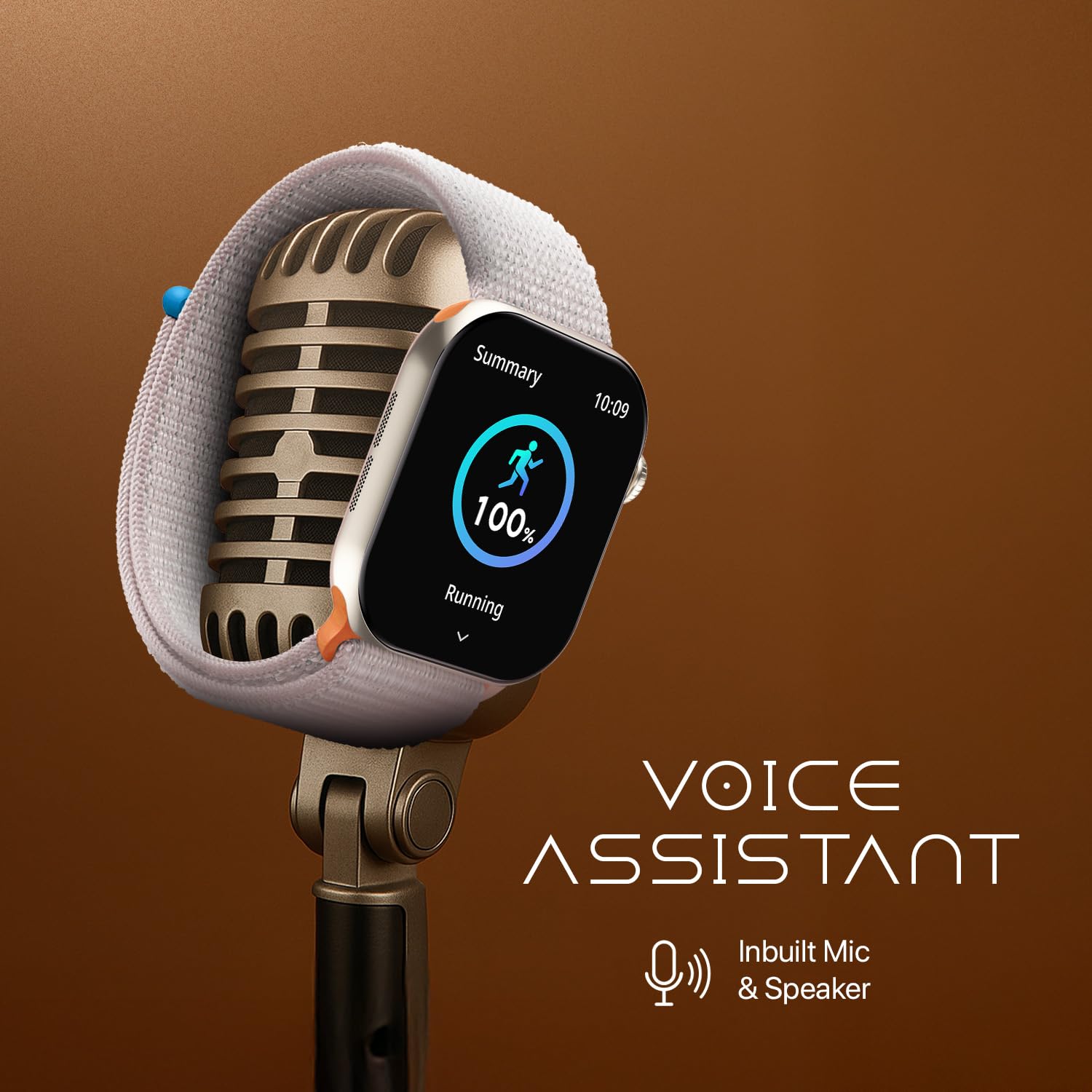
Image: Various menu options displayed on the smartwatch screen, demonstrating navigation.
Bluetooth Calling
With the built-in microphone and speaker, you can make and receive calls directly from your wrist once paired with your phone.
- To answer a call, tap the green icon on the watch screen.
- To reject a call, tap the red icon.
- You can also dial numbers from the watch's dial pad.

Image: The smartwatch showing an incoming call and call history, illustrating its Bluetooth calling feature.
AI Voice Assistant
Activate the AI Voice Assistant (compatible with Google Assistant and Siri) on your watch to perform various tasks hands-free, such as setting reminders, checking weather, or playing music.

Image: The smartwatch displaying the AI Voice Assistant interface.
Health Tracking
The Fire-Boltt Ring X offers comprehensive health and fitness tracking:
- Heart Rate Monitor: Continuously tracks your heart rate.
- SpO2 Monitoring: Measures blood oxygen levels.
- Sleep Monitor: Analyzes sleep patterns (light, deep, REM sleep).
- Activity Tracker: Records steps, calories burned, and distance covered.
- 100+ Sports Modes: Track various activities like cycling, swimming, and yoga with dedicated modes.
- Female Health Features: Provides tracking for female physiological cycles.

Image: Health Suite features on the smartwatch, showing SpO2, heart rate, and sleep data.

Image: The smartwatch tracking a running activity, demonstrating its sports modes.
Smart Utilities and Customization
The smartwatch includes several useful utilities and customization options:
- Calculator: Perform basic calculations.
- Flashlight: Use the screen as a light source.
- Stopwatch & Alarm: Timers and customizable alarms.
- Weather Updates: Get real-time weather information.
- Smart Reminders: Set reminders for hydration, movement, etc.
- Watch Faces: Choose from over 500 cloud-based or custom photo watch faces.
- Games: Enjoy built-in puzzle games.

Image: Smart utilities and reminders available on the smartwatch.
Smart Notifications
Receive notifications from your smartphone apps directly on your watch, including messages, social media alerts, and more.

Image: The smartwatch showing smart notifications from various applications.
Maintenance
Water Resistance
The Fire-Boltt Ring X is IP67 water-resistant, meaning it can withstand splashes, rain, and brief immersion in water up to 1 meter. It is suitable for activities like swimming. However, it is not recommended for hot showers, saunas, or diving.
Image: The smartwatch demonstrating its water resistance.
Cleaning
To maintain your smartwatch, regularly clean the screen and strap with a soft, dry cloth. If necessary, use a slightly damp cloth and mild soap, then dry thoroughly.
Battery Care
To prolong battery life:
- Avoid extreme temperatures.
- Do not fully discharge the battery frequently.
- Charge the device regularly, even if not in constant use.
Troubleshooting
If you encounter issues with your Fire-Boltt Ring X, try the following common solutions:
- Watch not turning on: Ensure the watch is fully charged. Connect it to the charging cable and a power source.
- Cannot pair with phone: Make sure Bluetooth is enabled on your phone and the watch is within range. Restart both devices and try pairing again through the companion app.
- Inaccurate health data: Ensure the watch is worn snugly on your wrist. Clean the sensors regularly.
- Notifications not appearing: Check app permissions on your phone to ensure the companion app has access to notifications. Verify notification settings within the app.
- Short battery life: Reduce screen brightness, disable unnecessary features like Always-On Display if not needed, and limit frequent heart rate monitoring.
For further assistance, please refer to the official Fire-Boltt support channels.
Specifications
| Feature | Specification |
|---|---|
| Model Name | Ring X |
| Model Number | BSW005 |
| Display | 2.01" IPS Full-Touch, 240x296 pixels, 2.5D Curved Glass, Always-On Display |
| Connectivity | Bluetooth 3.0 + 5.1 |
| Battery Capacity | 125 mAh Lithium-Ion |
| Battery Life | Up to 5-7 days (typical usage) |
| Charging Type | Wireless Charging |
| Water Resistance | IP67 (1 meter depth) |
| Operating System Compatibility | Android, iOS |
| Sensors | Accelerometer, Heart Rate Monitor, SpO2 Sensor |
| Special Features | Bluetooth Calling, AI Voice Assistant (Google Assistant, Siri), 100+ Sports Modes, 500+ Watch Faces, Smart Notifications, Games, Calculator, Flashlight, Alarm, Stopwatch, Weather Updates, Female Health Tracking |
| Case Material | Zinc Alloy |
| Band Material | Nylon |
| Dimensions | 36 x 42 x 10 mm |
| Weight | 46 Grams |
Official Product Videos
Fire-Boltt Ring X Smartwatch Overview
Video: An overview of the Fire-Boltt Ring X Smartwatch, showcasing its 2.01-inch display, Always-On feature, Bluetooth Calling, Wireless Charging, AI Voice Assistant, 100+ Sports Modes, Health Suite, and 500+ Watchfaces.
Fire-Boltt Ring X Features Showcase
Video: A detailed showcase of the Fire-Boltt Ring X, highlighting its 2.01-inch Ultra HD display, Always-On functionality, Bluetooth calling, wireless charging, workout tracking, heart rate monitoring, sleep tracking, built-in voice assistant, music playback, and IP67 water resistance.
Warranty and Support
The Fire-Boltt Ring X Smart Watch comes with a 1-year brand warranty. For warranty claims, technical support, or further inquiries, please contact Fire-Boltt customer service or visit their official website.