
Introduction
This manual provides instructions for the AIDITIYMI KHDT875-CE KSDT863-M replacement infrared remote control. This remote is designed to be compatible with Konka Set Top Box models KHDT875-CE and KSDT863-M. It requires no programming or pairing; simply install batteries to begin operation.
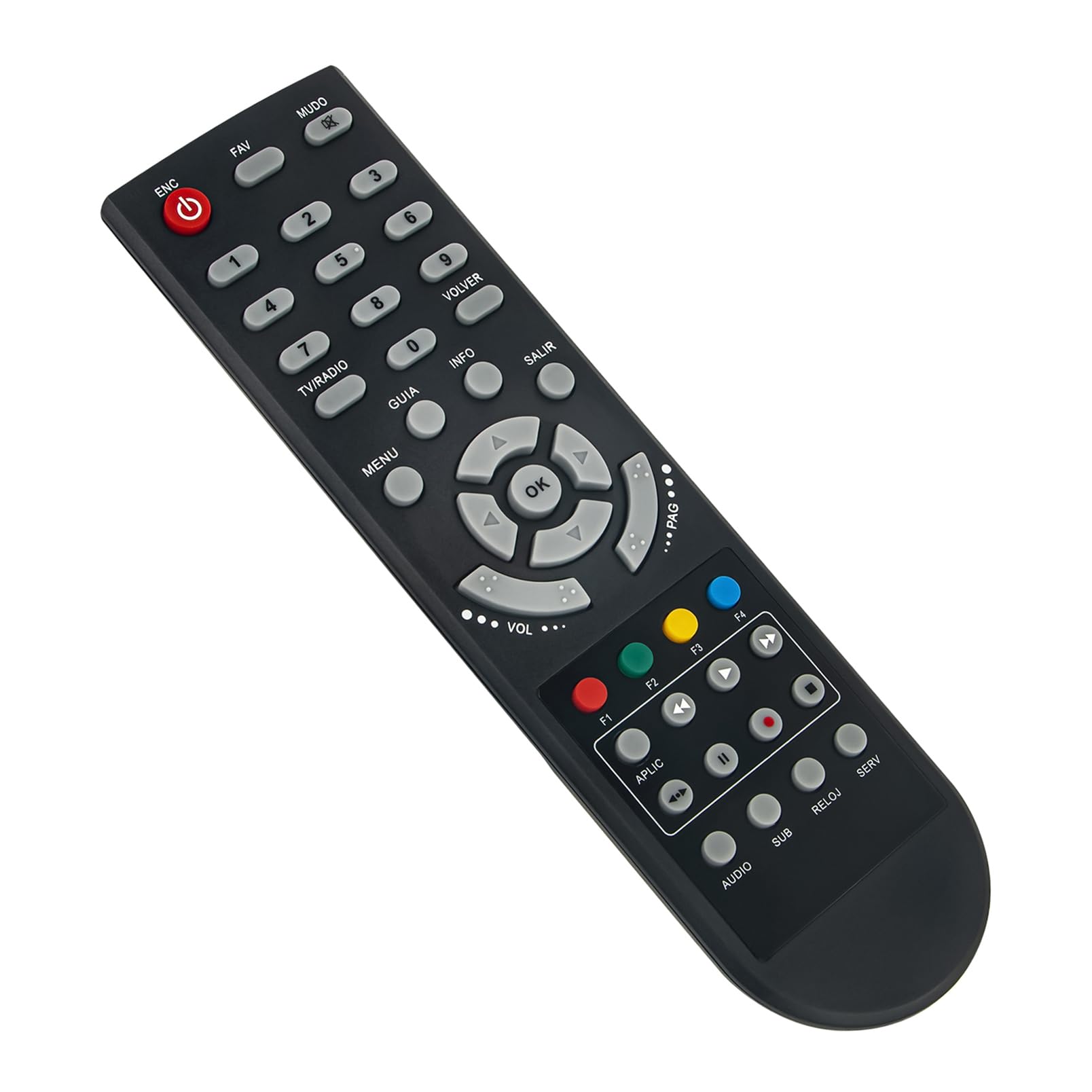
Image: Front view of the AIDITIYMI KHDT875-CE KSDT863-M replacement remote control. The remote is black with grey and red buttons, clearly labeled for various functions including power, numbers, navigation, volume, and media controls.
Setup
To prepare your remote control for use, follow these simple steps:
- Open the Battery Compartment: Locate the battery compartment on the back of the remote control. Slide the battery cover downwards or press the latch to open it.
- Insert Batteries: Insert two (2) new AAA alkaline batteries into the compartment. Ensure that the positive (+) and negative (-) terminals of the batteries align correctly with the markings inside the compartment.
- Close the Battery Compartment: Replace the battery cover by sliding it back into position until it clicks securely.
The remote control is now ready for use with your compatible Konka Set Top Box. No additional programming or pairing is required.

Image: Back view of the remote control with the battery cover removed, revealing the battery compartment. Two slots for AAA batteries are visible, along with polarity indicators.
Operating Instructions
This remote control functions as a direct replacement for your original Konka Set Top Box remote. Point the remote control directly at your Set Top Box for optimal performance. The buttons are labeled for intuitive use:
- Power (ENC): Turns the Set Top Box on or off.
- Number Buttons (0-9): Selects channels directly.
- Navigation Pad (Up, Down, Left, Right, OK): Navigates menus and confirms selections.
- Volume (VOL): Adjusts the audio volume.
- Channel (PAG): Changes channels sequentially.
- Menu: Accesses the main menu of the Set Top Box.
- Info: Displays program information.
- Exit (SALIR): Exits menus or current screens.
- Mute (MUDO): Mutes or unmutes the audio.
- TV/RADIO: Switches between TV and Radio modes.
- F1, F2, F3, F4 (Colored Buttons): Function buttons, their specific use depends on the Set Top Box's current menu or application.
- Media Control Buttons (Play, Pause, Stop, Fast Forward, Rewind): Controls media playback.
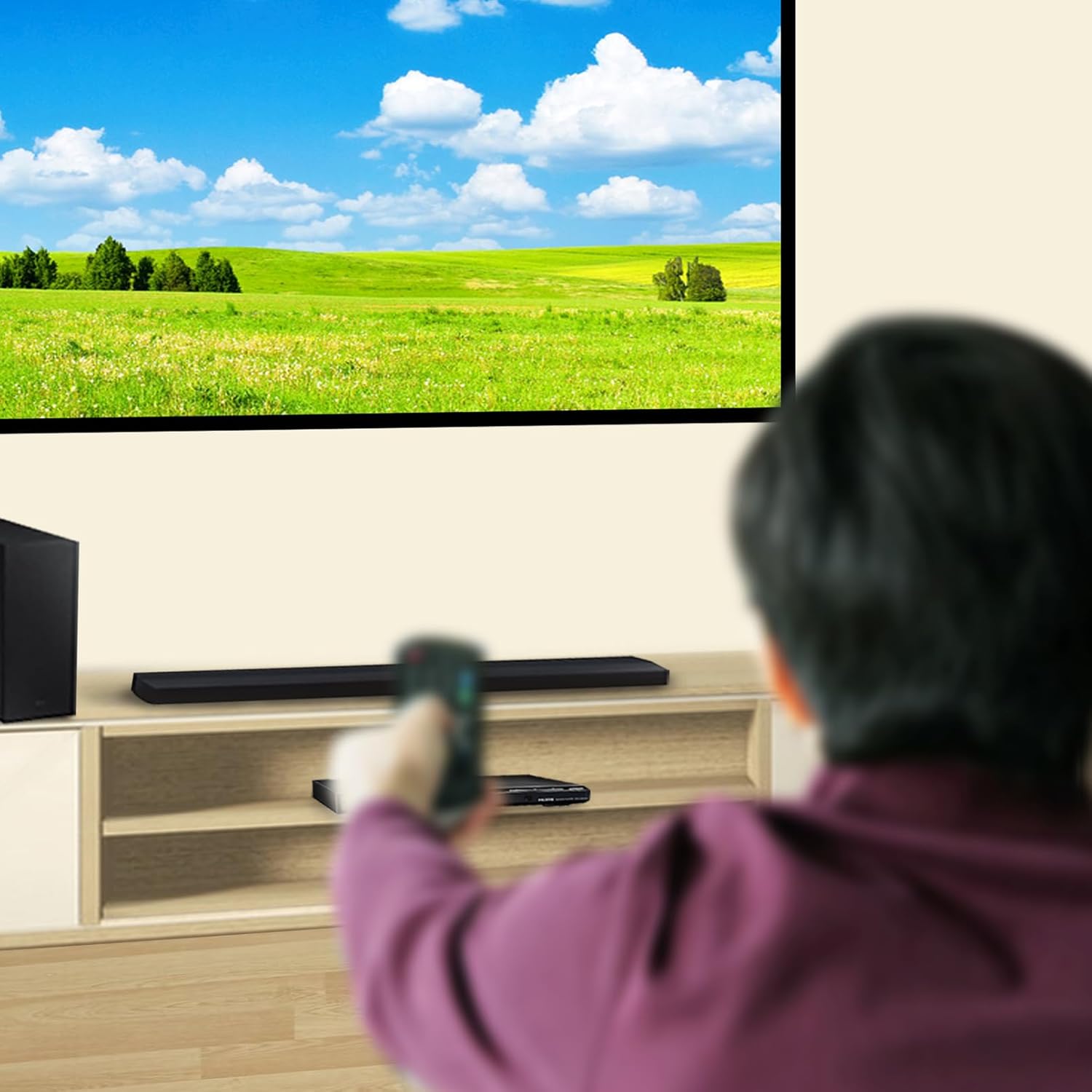
Image: A user holding the remote control, pointing it towards a set top box and television setup, demonstrating typical usage.
Maintenance
To ensure the longevity and proper functioning of your remote control, follow these maintenance guidelines:
- Cleaning: Wipe the remote control with a soft, dry cloth. Do not use liquid cleaners, aerosols, or harsh chemicals, as these can damage the surface or internal components.
- Battery Replacement: Replace batteries promptly when the remote's performance degrades. Always replace both batteries at the same time with new AAA alkaline batteries. Do not mix old and new batteries, or different types of batteries.
- Storage: Store the remote control in a cool, dry place away from direct sunlight and extreme temperatures. If the remote will not be used for an extended period, remove the batteries to prevent leakage.
- Avoid Drops and Impacts: Protect the remote from physical shock, as this can damage internal circuitry.
Troubleshooting
If you experience issues with your remote control, try the following solutions:
- Remote Not Responding:
- Check if the batteries are inserted correctly with the correct polarity (+/-).
- Replace the batteries with two new AAA alkaline batteries.
- Ensure there are no obstructions between the remote control and the Set Top Box's infrared receiver.
- Make sure you are within the maximum operating range (up to 32 feet) and pointing the remote directly at the Set Top Box.
- Buttons Not Working:
- Clean the remote control surface, especially around the buttons, to remove any dirt or debris that might be obstructing them.
- If only specific buttons are not working, it might indicate a fault with the remote.
- Intermittent Operation:
- This often indicates low battery power. Replace the batteries.
- Ensure no strong light sources (like direct sunlight or bright fluorescent lights) are interfering with the infrared signal.
If the problem persists after trying these steps, contact customer support.
Specifications
| Feature | Detail |
|---|---|
| Brand | AIDITIYMI |
| Model Numbers | KHDT875-CE, KSDT863-M |
| Compatible Devices | Konka Set Top Box (KHDT875CE, KSDT863M) |
| Connectivity Technology | Infrared (IR) |
| Controller Type | Button Control |
| Number of Buttons | 42 |
| Maximum Range | 32 Feet (approx. 10 meters) |
| Power Source | 2 x AAA Alkaline Batteries (not included) |
| Color | Black |
| Special Feature | Ergonomic Design |
| Item Weight | 0.05 Kilograms |

Image: Dimensions of the remote control, indicating a width of approximately 5 cm (1.97 inches) and a length of approximately 18 cm (7.09 inches).
Warranty Information
This AIDITIYMI remote control comes with a 1-Year Warranty from the date of purchase. This warranty covers manufacturing defects under normal use. It does not cover damage caused by misuse, accidents, unauthorized modifications, or battery leakage.
Please retain your proof of purchase for warranty claims.
Customer Support
For further assistance, technical support, or warranty inquiries, please contact your retailer or the AIDITIYMI customer service department. Refer to your purchase documentation for specific contact details.
You may also visit the AIDITIYMI brand page on Amazon for more product information: AIDITIYMI Brand Page


