
1. Introduction
This manual provides essential information for the safe and efficient installation, operation, and maintenance of your HVGZDQQD HK350-12PP FSP250-30AGBAA PCE026 Server Power Supply. Please read this manual thoroughly before using the product and retain it for future reference.
The HK350-12PP FSP250-30AGBAA PCE026 is an industrial-grade 250W server power supply designed for reliable performance in various server and industrial applications. It features an input voltage range of 100-240V AC, 4A, 50/60Hz.
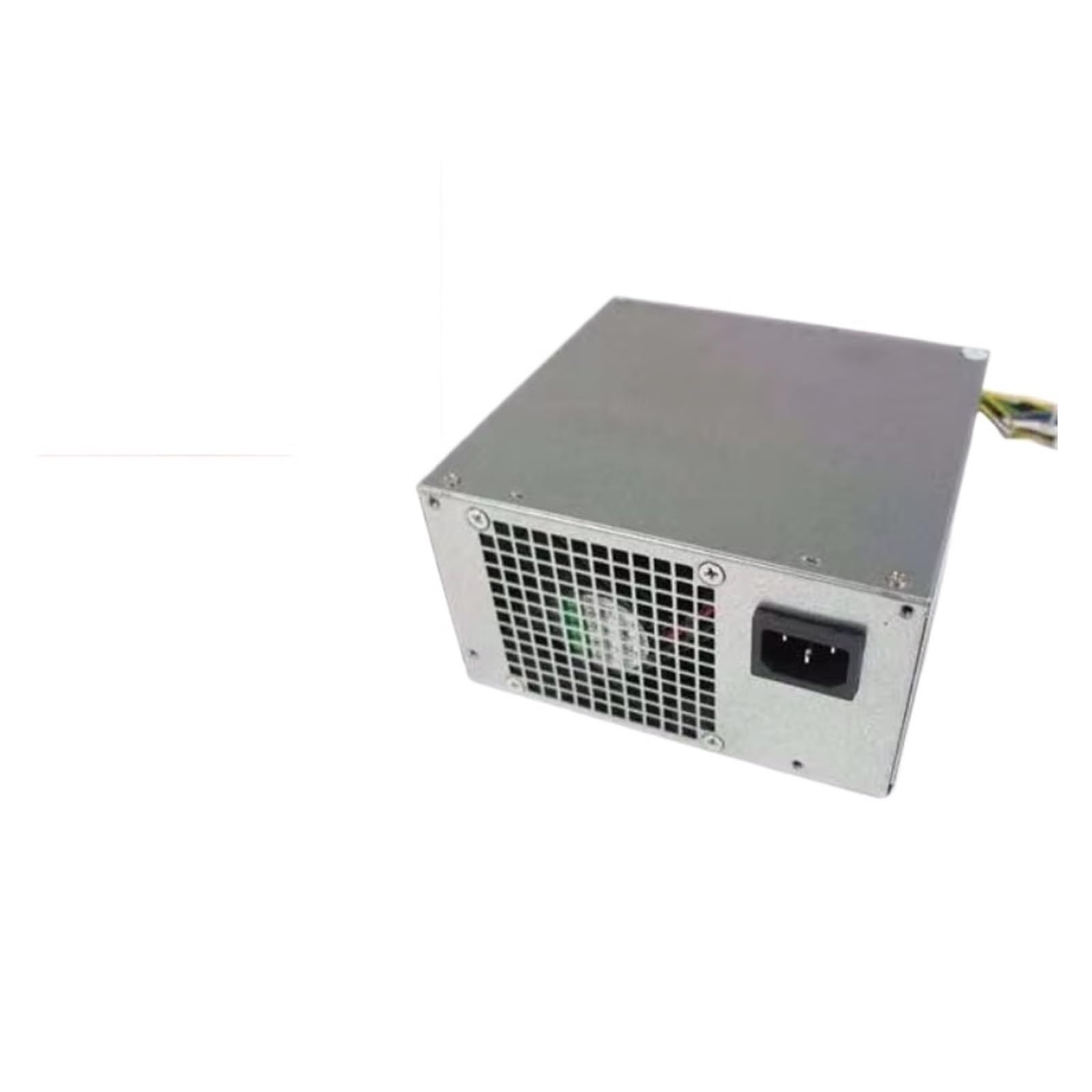
Figure 1: HVGZDQQD HK350-12PP FSP250-30AGBAA PCE026 Server Power Supply. This image shows the compact design of the power supply unit, typically featuring various connectors for motherboard and peripheral power.
2. Safety Information
WARNING: Electrical shock hazard. Always disconnect power before installation or servicing. Only qualified personnel should perform installation and maintenance.
- Ensure the power supply is compatible with your server system's requirements.
- Do not open the power supply casing. There are no user-serviceable parts inside.
- Operate the power supply in a well-ventilated area to prevent overheating.
- Avoid exposing the unit to moisture, dust, or extreme temperatures.
- Use only approved power cables and connectors.
- Properly ground the server system to prevent electrical hazards.
3. Package Contents
Verify that all items are present and undamaged upon unpacking. If any items are missing or damaged, contact your vendor immediately.
- HVGZDQQD HK350-12PP FSP250-30AGBAA PCE026 Server Power Supply (1 unit)
- (Power cable and mounting screws may be included depending on the specific package. Please check your packaging.)
4. Setup and Installation
Follow these general steps for installing the power supply. Specific server chassis designs may vary.
- Preparation:
- Power off the server system completely and disconnect all power cables from the wall outlet.
- Open the server chassis according to the server manufacturer's instructions.
- Discharge any static electricity by touching a grounded metal object before handling components.
- Remove Old Power Supply (if applicable):
- Disconnect all power cables from the motherboard and other components.
- Unscrew and remove the old power supply from the chassis.
- Install New Power Supply:
- Carefully insert the HVGZDQQD power supply into the designated bay in the server chassis.
- Secure the power supply with the appropriate screws.
- Connect the main ATX power connector to the motherboard.
- Connect any necessary CPU power connectors (e.g., 4-pin, 8-pin EPS).
- Connect power cables to other components such as hard drives, SSDs, optical drives, and expansion cards.
- Ensure all connections are firm and correctly seated.
- Final Checks:
- Verify that no cables are obstructing cooling fans or airflow paths.
- Close the server chassis.
- Connect the server's power cable to the power supply and then to a grounded electrical outlet.
5. Operating Instructions
Once the power supply is correctly installed and connected, the server system can be powered on.
- Power On: Press the power button on your server chassis. The power supply will provide the necessary power to all components.
- Monitoring: Modern server systems often include monitoring software that can display power supply voltages and temperatures. Refer to your server's documentation for details.
- Power Off: Always shut down the operating system gracefully before powering off the server. Once the system is shut down, you can press the power button or disconnect the main power cable if required for maintenance.
The power supply is designed for continuous operation within its specified limits. Avoid frequent power cycling, which can reduce component lifespan.
6. Maintenance
Regular maintenance helps ensure the longevity and stable operation of your power supply.
- Dust Removal: Periodically (e.g., every 6-12 months), power off and unplug the server. Open the chassis and use compressed air to gently remove dust from the power supply's fan and vents. Ensure the fan blades do not spin excessively during cleaning.
- Cable Inspection: Check all power cables for signs of wear, fraying, or damage. Replace any damaged cables immediately.
- Ventilation: Ensure that the server's ventilation paths are clear and not obstructed by other equipment or debris.
Do not attempt to lubricate the fan or open the power supply unit for internal cleaning or repair.
7. Troubleshooting
If you encounter issues with your power supply, refer to the following common problems and solutions:
| Problem | Possible Cause | Solution |
|---|---|---|
| Server does not power on. |
|
|
| System powers on but shuts down unexpectedly. |
|
|
| Loud fan noise from power supply. |
|
|
If the problem persists after attempting these solutions, contact HVGZDQQD customer support or a qualified technician.
8. Specifications
| Feature | Detail |
|---|---|
| Model Number | HK350-12PP FSP250-30AGBAA PCE026 |
| Brand | HVGZDQQD |
| Type | Industrial Server Power Supply |
| Output Power | 250W |
| Input Voltage | 100-240V AC |
| Input Current | 4A |
| Frequency | 50/60Hz |
| Item Weight | 200 Grams (approx. 7.1 ounces) |
| Package Dimensions | 1.18 x 0.79 x 0.39 inches |
9. Warranty and Support
For warranty information and technical support, please refer to the documentation provided with your purchase or visit the official HVGZDQQD website. Keep your purchase receipt as proof of purchase for warranty claims.
For direct assistance, you may contact HVGZDQQD customer service through their official channels. When contacting support, please have your product model number (HK350-12PP FSP250-30AGBAA PCE026) and purchase details ready.