
1. Introduction
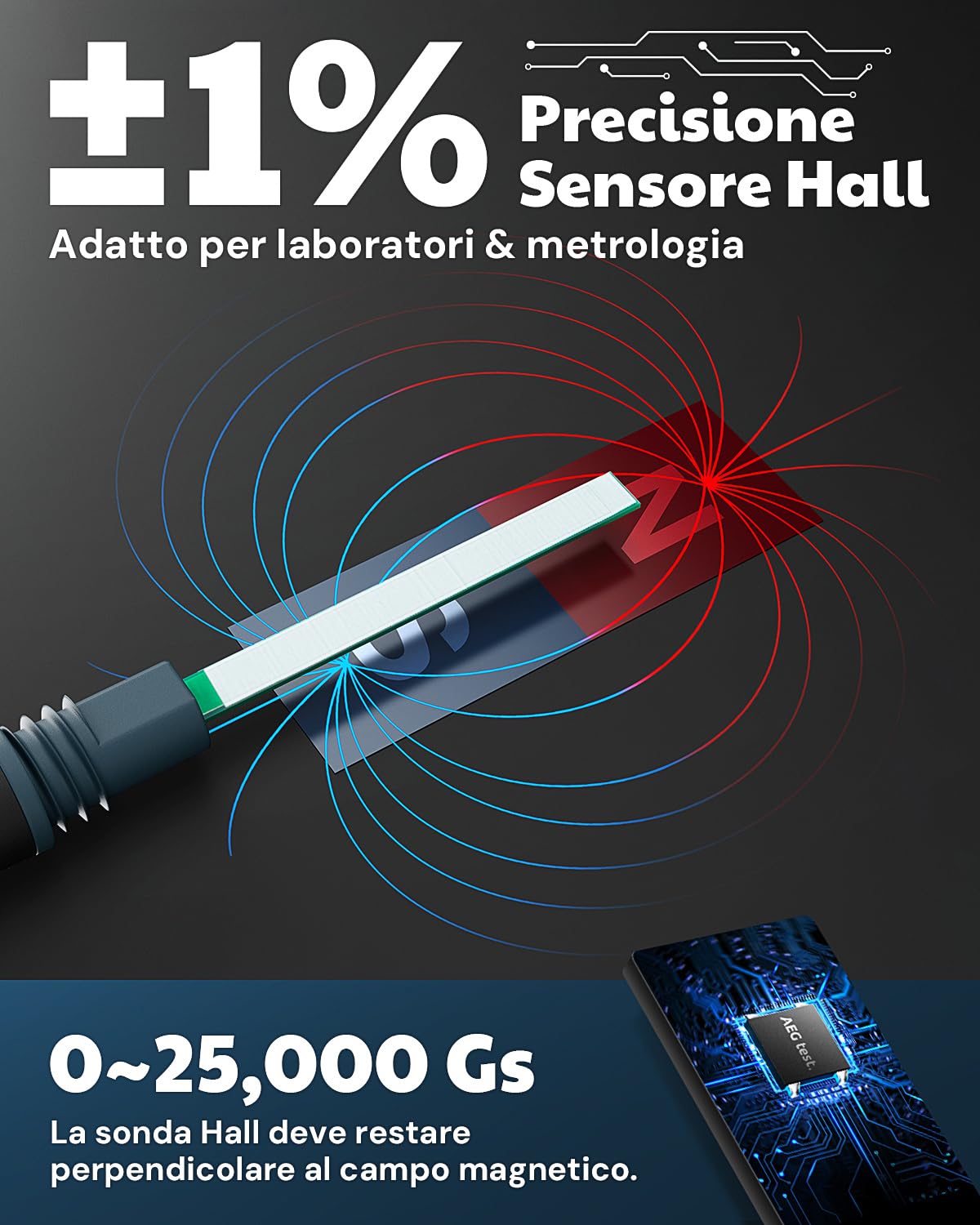
The AEGTEST 8103 Gauss Meter is a professional instrument designed for precise measurement of DC magnetic field intensity (Gs/mT) and magnetic pole direction (N/S). Featuring a Hall probe with 1% accuracy, it offers a measurement range of 0-2500mT, making it suitable for laboratories, research institutions, and advanced manufacturing sectors requiring accurate magnetic field variation detection.
This device is equipped with advanced features such as data logging, alarm functions, and dual operating modes for industrial efficiency, ensuring reliable performance for various applications including permanent magnets, DC motors, magnetic separators, and educational experiments.
2. Safety Information
Please read all safety instructions before operating the device to ensure safe and proper use. Failure to follow these instructions may result in injury or damage to the device.
- Do not expose the device to extreme temperatures, humidity, or direct sunlight.
- Avoid dropping or subjecting the device to strong impacts.
- Keep the device away from strong electromagnetic fields, which may interfere with measurements.
- Do not attempt to disassemble or modify the device. Refer all servicing to qualified personnel.
- Use only the provided Type-C charging cable for recharging the battery.
- Ensure the Hall probe is handled with care to prevent damage.
3. Package Contents
Verify that all items listed below are present in your package:
- AEGTEST 8103 Gauss Meter
- Hall Probe
- Carrying Case
- Type-C Charging Cable
- User Manual (this document)
4. Setup
4.1. Charging the Device
The 8103 Gauss Meter is equipped with a rechargeable 750mAh lithium-ion battery, providing up to 16 hours of continuous operation. Before initial use, fully charge the device.
- Connect the provided Type-C charging cable to the charging port on the device.
- Connect the other end of the cable to a standard USB power adapter (not included) or a computer USB port.
- The charging indicator on the device will show the charging status. Once fully charged, the indicator will change or turn off.

4.2. Connecting the Hall Probe
The Hall probe is essential for magnetic field detection.
- Carefully insert the connector of the Hall probe into the designated port on the top of the Gauss Meter.
- Ensure the connection is secure to prevent inaccurate readings.
5. Operating Instructions
5.1. Powering On/Off
- To power on: Press and hold the power button (usually marked with an ① symbol) until the display illuminates.
- To power off: Press and hold the power button again until the display turns off.
5.2. Basic Magnetic Field Measurement
The device measures DC magnetic fields and detects magnetic pole direction.
- Ensure the Hall probe is connected.
- Position the tip of the Hall probe perpendicular to the magnetic field you wish to measure.
- The TFT color display will show the real-time magnetic field intensity in Gs (Gauss) or mT (MilliTesla) and the detected pole (N for North, S for South).
- Use the unit change function (if available, typically a dedicated button or menu option) to switch between Gs and mT.

5.3. Zero Calibration
Zero calibration ensures measurement accuracy. The 8103 supports both manual and automatic zero calibration.
- Manual Zero Calibration: With the probe in a zero-field environment (away from any magnetic sources), press the 'ZERO' button. The display should read close to zero.
- Automatic Zero Calibration: The device may perform automatic zero calibration upon startup or when entering a measurement mode. Refer to the on-screen prompts.
5.4. Data Hold and Storage
The device includes functions for data hold and automatic data storage.
- Data Hold: Press the 'HOLD' button to freeze the current reading on the display. Press again to release.
- Data Storage: The device automatically records maximum values for easy monitoring and review. Consult the menu for accessing stored data.
5.5. Alarm Function
The Tesla Meter features audible and visual alarms to indicate when measurements exceed preset thresholds.
- Access the alarm settings through the device's menu.
- Set the desired upper and lower thresholds for magnetic field intensity.
- When a measurement exceeds these thresholds, the device will emit an audible alert and/or display a visual warning.

5.6. Dual Mode for Industrial Efficiency
The 8103 offers two specialized modes for industrial applications:
- QC Test Mode: This mode quickly verifies if the magnetic field intensity meets specified standards. It is ideal for quality control, magnetic material selection, and product testing.
- Counting and Speed Measurement Mode: This mode detects the rotation of magnetic devices, providing data on speed, counts, RPM, and distance. It is perfect for motor testing and industrial maintenance.

6. Maintenance
6.1. Cleaning
- Wipe the device and probe with a soft, dry cloth.
- Do not use abrasive cleaners or solvents, as they may damage the surface or internal components.
6.2. Battery Care
- To prolong battery life, avoid fully discharging the battery frequently.
- If storing the device for an extended period, charge it to approximately 50% and recharge every few months.
6.3. Storage
- Store the device in its carrying case when not in use to protect it from dust and physical damage.
- Store in a cool, dry place, away from direct sunlight and extreme temperatures.
7. Troubleshooting
If you encounter issues with your AEGTEST 8103 Gauss Meter, refer to the following common problems and solutions:
| Problem | Possible Cause | Solution |
|---|---|---|
| Device does not power on | Low battery; Faulty power button | Charge the device fully; Contact support if button is unresponsive. |
| Inaccurate readings | Probe not perpendicular; Interference; Needs calibration | Ensure probe is correctly positioned; Move away from other magnetic sources; Perform zero calibration. |
| Display is blank or flickering | Low battery; Device malfunction | Charge the device; Restart the device; Contact support. |
| Alarm not working | Alarm settings incorrect; Volume too low | Check alarm thresholds in settings; Adjust volume settings. |
8. Specifications
| Feature | Detail |
|---|---|
| Brand | AEGTEST |
| Model | 8103 |
| Measurement Range | 0-2500mT (0-25000 Gs) |
| Accuracy | ±1% |
| Magnetic Field Type | DC (Direct Current) |
| Power Source | Rechargeable 750mAh Li-ion Battery |
| Battery Life | Up to 16 hours |
| Display | TFT Color Display |
| Dimensions (LxWxH) | 6.3 x 2.7 x 14 cm |
| Color | Blue |
| Included Accessories | Hall Probe, Carrying Case, Type-C Cable |
9. Applications
The AEGTEST 8103 Gauss Meter is widely used in various fields for magnetic field measurement:
- Measurement of permanent magnets
- DC motor magnetic fields
- Magnetic separators
- Loudspeakers
- Residual magnetism after processing
- Medical equipment
- Educational experiments
- Metalworking (residual magnetism)
- Iron removal processes

10. Warranty & Support
The AEGTEST 8103 Gauss Meter comes with a standard manufacturer's warranty. Please refer to the warranty card included in your package or visit the official AEGTEST website for detailed warranty terms and conditions.
For technical support, troubleshooting assistance, or service inquiries, please contact AEGTEST customer service through the contact information provided on the official website or in your product documentation.