1. Introduction
This manual provides essential information for the safe and efficient use of your Samsung UN43U8000F 43-inch Class U8000F Series Crystal 4K UHD Smart TV. Please read these instructions thoroughly before operating the device and retain them for future reference.
The Samsung UN43U8000F features a Crystal Processor 4K for enhanced picture quality, a MetalStream Elegant Design, and Samsung Knox Security for data protection. It offers access to endless free content via Samsung TV Plus and various streaming apps, supports 4K Upscaling, Motion Xcelerator 60Hz, HDR Expanded Contrast, and Object Tracking Sound Lite.
2. What's in the Box
Upon unpacking your Samsung UN43U8000F TV, verify that all components are present:
- Samsung UN43U8000F 43-inch Crystal 4K UHD Smart TV
- Power Cable
- User Manual (this document)
- Remote Controller with batteries (TM2240A)
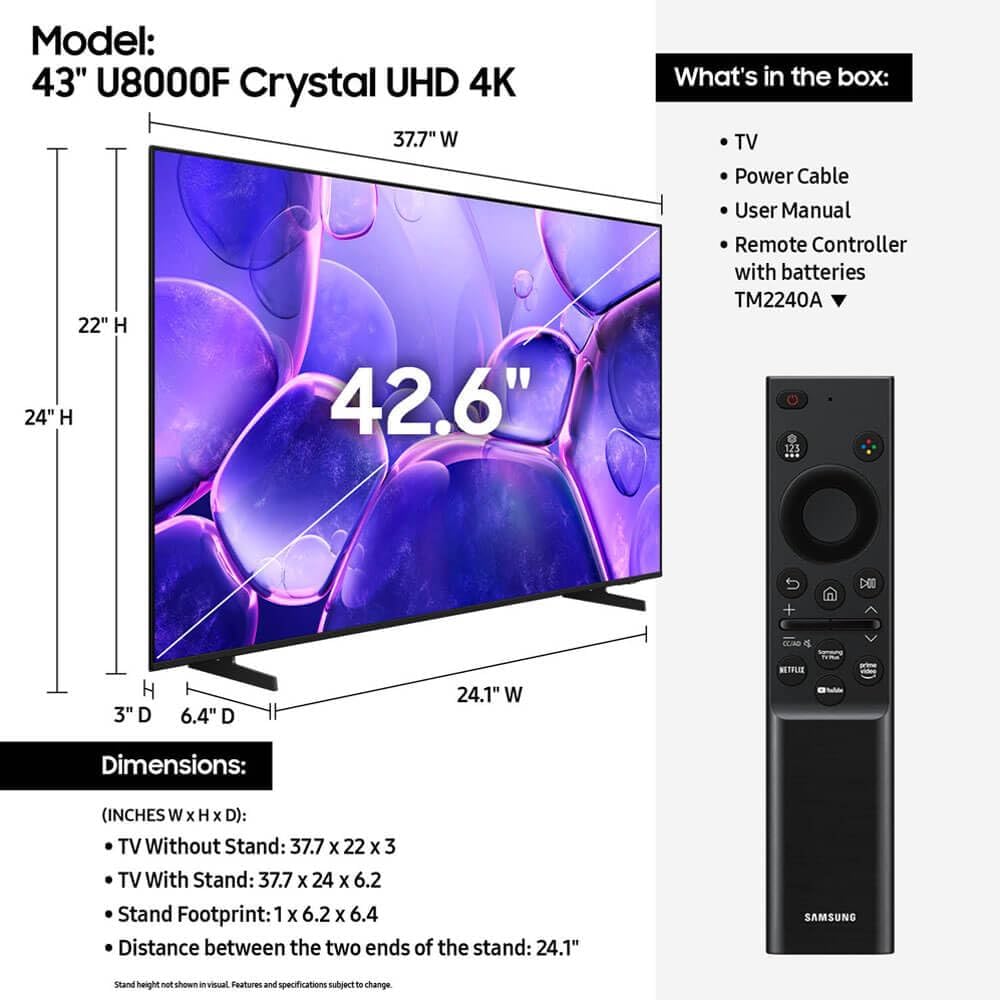
Figure 2.1: Contents of the TV box. This image displays the Samsung UN43U8000F TV, its power cable, the user manual, and the remote control with batteries, alongside the TV's dimensions.
3. Setup
3.1. Physical Installation
Your Samsung UN43U8000F TV can be installed on a stand or wall-mounted. Ensure proper ventilation around the TV.
- Stand Installation: Attach the provided stand legs securely to the TV according to the separate stand assembly guide. Place the TV on a stable, level surface.
- Wall Mounting: If wall-mounting, use a VESA-compatible wall mount kit (sold separately) that supports the TV's weight and dimensions. Follow the wall mount manufacturer's instructions carefully.
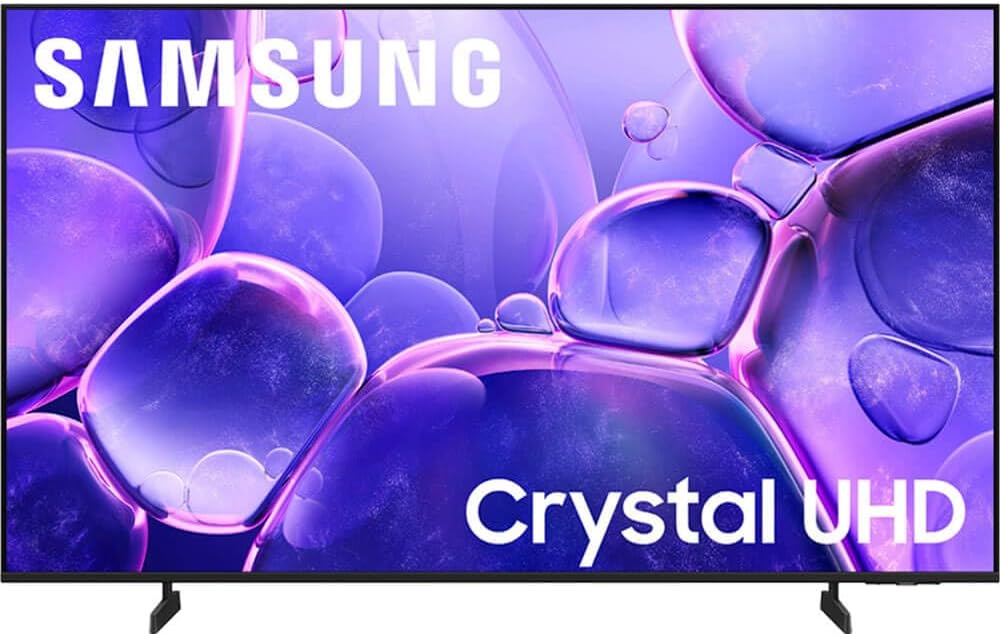
Figure 3.1: Front view of the Samsung UN43U8000F TV. This image shows the television displaying a vibrant, abstract purple image with "Samsung" and "Crystal UHD" branding.
3.2. Connecting Peripherals
The TV offers various connectivity options:
- HDMI: Connect external devices like Blu-ray players, game consoles, or set-top boxes using HDMI cables. The TV supports multiple HDMI inputs.
- USB: Use USB ports for connecting storage devices to view media files.
- Ethernet (LAN): For a stable wired internet connection.
- Wi-Fi & Bluetooth: For wireless internet and connecting Bluetooth-enabled devices.

Figure 3.2: Rear view of the Samsung UN43U8000F TV, showcasing its MetalStream design and the location of various ports for connectivity.
3.3. Initial Power On and Network Connection
- Connect the power cable to the TV and a wall outlet.
- Press the power button on the remote control to turn on the TV.
- Follow the on-screen prompts to select your language, country, and connect to your home network (Wi-Fi or Ethernet).
- Complete the initial setup, including agreeing to terms and conditions and signing into your Samsung account if desired.
4. Operating Instructions
4.1. Using the Remote Control
The included remote control (TM2240A) provides full functionality for your TV. It features dedicated buttons for popular streaming services and voice command capabilities.
4.2. Smart TV Features
- Home Screen: Access all your apps, live TV, and connected devices from the customizable home screen.
- Streaming Apps: The TV comes with pre-installed apps like Netflix, Prime Video, Hulu, and YouTube. You can download additional apps from the Samsung App Store.
- Samsung TV Plus: Enjoy over 2,700 free channels, including 400+ premium channels, without additional subscriptions.
- Voice Assistant: Use the voice assistant feature on your remote to search for content, control playback, and manage settings.
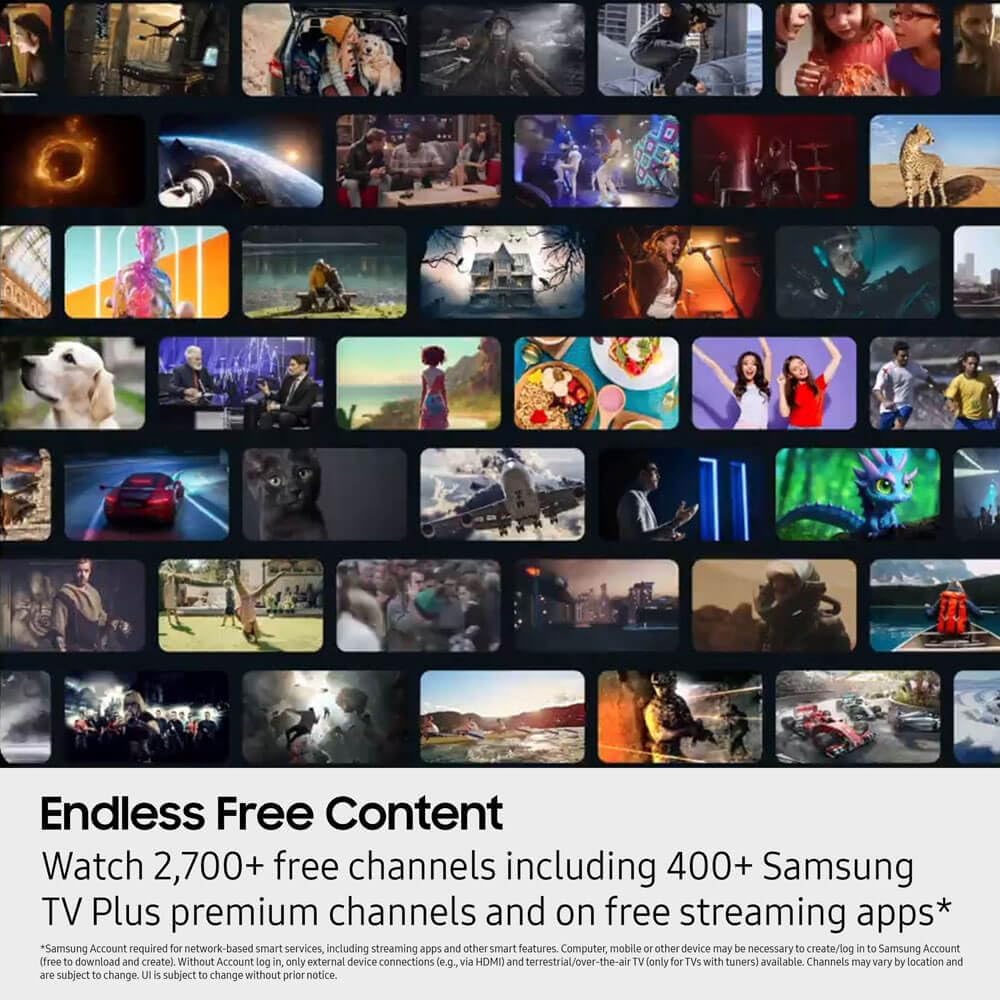
Figure 4.1: The Samsung Smart TV interface showing a wide array of streaming content and applications, illustrating the "Endless Free Content" feature.
4.3. Picture and Sound Settings
Adjust picture and sound settings to optimize your viewing experience:
- Picture Mode: Select from various modes (e.g., Standard, Dynamic, Movie, Filmmaker Mode) or customize settings like brightness, contrast, and color.
- Sound Mode: Choose sound presets (e.g., Standard, Adaptive Sound, Amplify) or adjust equalizer settings.
- Game Mode: Activate Game Mode for reduced input lag when playing video games.

Figure 4.2: The Crystal Processor 4K, responsible for powering 3D color mapping and upscaling for clear picture quality.
5. Maintenance
5.1. Cleaning the TV
- Always unplug the TV before cleaning.
- Use a soft, dry microfiber cloth to gently wipe the screen and frame.
- For stubborn marks, lightly dampen the cloth with water or a specialized screen cleaner (avoid harsh chemicals).
5.2. Software Updates
Ensure your TV's software is up to date for optimal performance and security. You can usually find the update option in the TV's settings menu under "Support" or "Software Update."
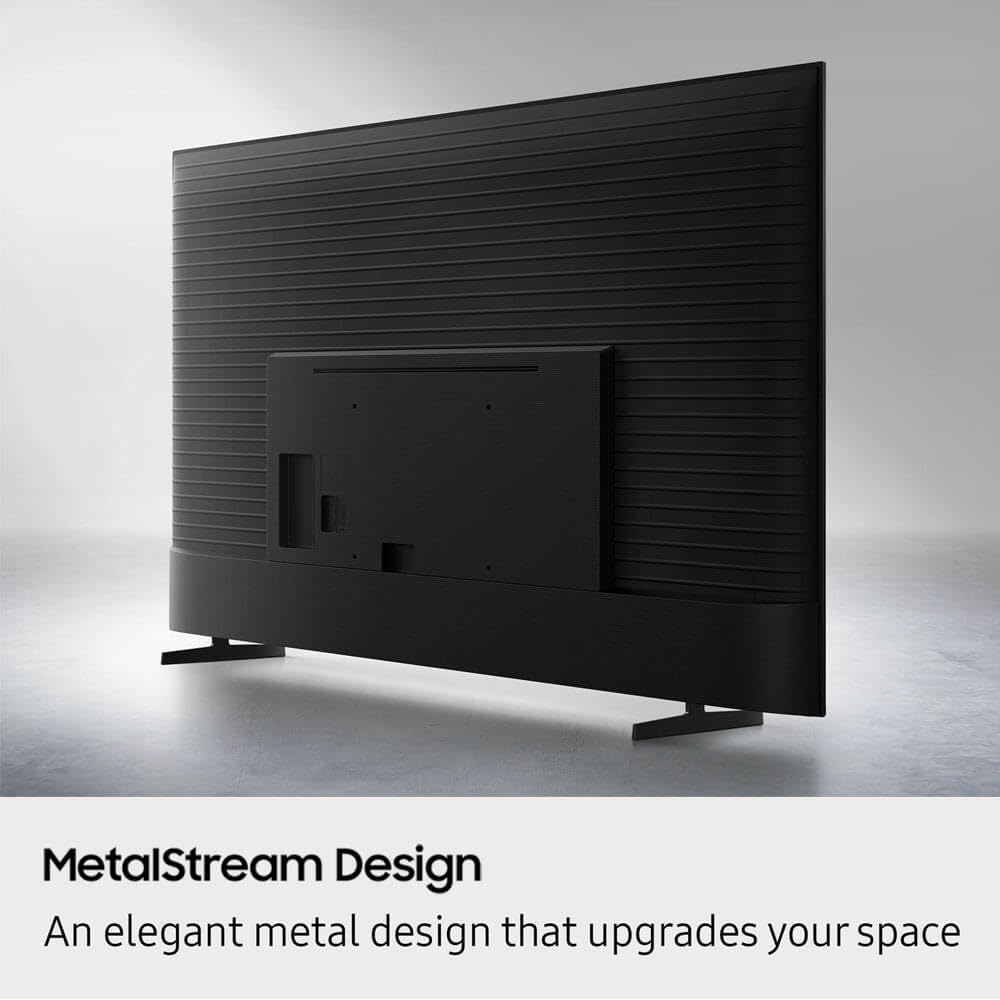
Figure 5.1: Samsung Knox Security feature, which secures personal data with triple-layer protection, indicating the importance of software updates for maintaining security.
6. Troubleshooting
If you encounter issues with your TV, refer to the following common solutions:
| Problem | Possible Solution |
|---|---|
| No Power | Ensure the power cable is securely connected to both the TV and a working power outlet. Test the outlet with another device. |
| No Picture/Sound | Check HDMI/AV cable connections. Ensure the correct input source is selected on the TV. Restart connected devices. |
| Remote Control Not Working | Check remote batteries (if applicable) or ensure the solar panel is exposed to light for charging. Ensure no obstructions between the remote and TV. |
| Network Connection Issues | Restart your router/modem. Check Wi-Fi password. Try a wired Ethernet connection if possible. |
| Picture Quality Issues | Adjust picture settings (brightness, contrast, sharpness). Ensure the content source is high-quality (e.g., 4K content for 4K TV). |
7. Specifications
- Brand: Samsung
- Model: UN43U8000F
- Screen Size: 43 Inches
- Display Technology: LED
- Resolution: 4K UHD (3840 x 2160)
- Refresh Rate: 60Hz
- Aspect Ratio: 16:9
- Special Features: Crystal Processor 4K, MetalStream Elegant Design, Samsung Knox Security, Built-In Speaker, Game Mode, 4K Upscaling, Motion Xcelerator 60Hz, HDR Expanded Contrast, Object Tracking Sound Lite
- Connectivity: Bluetooth, Ethernet, HDMI (multiple ports), USB (multiple ports), Wi-Fi
- Supported Internet Services: Netflix, Prime Video, YouTube, Hulu, Disney+, and more via app store.
- Item Weight: Approximately 21 Pounds
- Dimensions (without stand): 37.7" W x 22" H x 3" D
- Dimensions (with stand): 37.7" W x 24" H x 6.2" D
8. Warranty and Support
For warranty information and technical support, please refer to the warranty card included with your product or visit the official Samsung support website. Keep your purchase receipt as proof of purchase for warranty claims.
Note: This product includes a user manual.


