Introduction
This manual provides essential information for the installation, usage, and maintenance of your TEHAUX Red Mouse Caps. These replacement caps are designed to enhance the typing experience on compatible IBM laptops and keyboards by providing a tactile and responsive pointing device.
Product Overview
The TEHAUX Red Mouse Caps are designed as direct replacements for the TrackPoint (also known as pointing stick or mouse stick) on various IBM laptop and keyboard models. Made from durable PBT material, these caps offer a textured surface for improved grip and precise control.
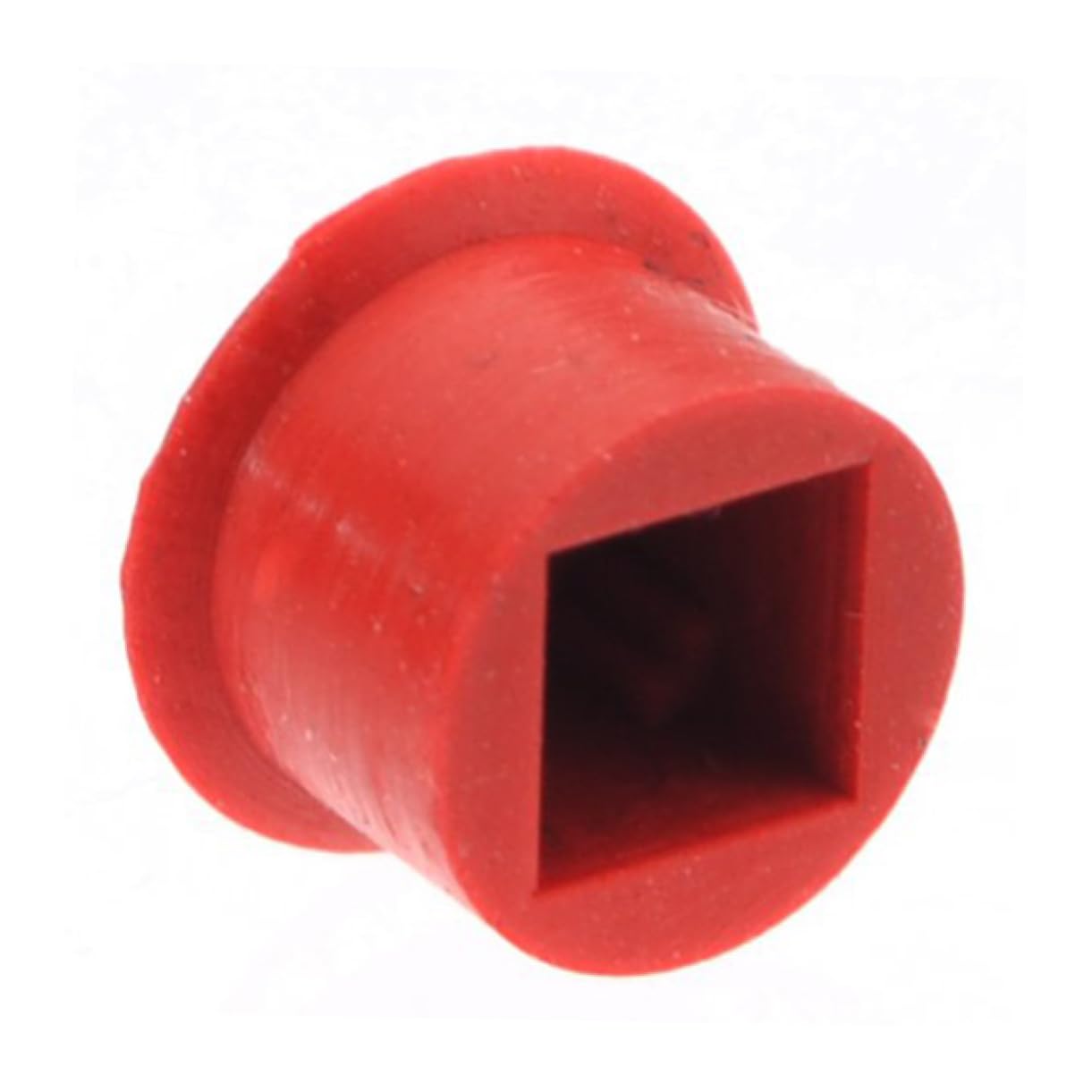
Image: A red mouse cap (TrackPoint) positioned on a black laptop keyboard, surrounded by the 'G', 'H', 'B', and 'N' keys. The cap features a textured, dimpled surface for enhanced grip.
Package Contents
- 5 x TEHAUX Red Mouse Caps
Compatibility
These red mouse caps are compatible with a range of IBM laptops and keyboards that feature a TrackPoint (pointing stick) function. This includes, but is not limited to, models such as:
- IBM A-series laptops (e.g., A22, A30)
- IBM SL-series laptops
- IBM ThinkPad X-Series Tablet
- Other IBM laptops and keyboards utilizing a similar TrackPoint design.
Please verify your device's existing TrackPoint design to ensure proper fitment.
Setup and Installation
- Preparation: Ensure your laptop or keyboard is powered off before beginning the installation process.
- Removal of Old Cap: Gently pull the existing mouse cap straight up from its base. It should detach with minimal force. Avoid twisting or bending the TrackPoint stem.
- Installation of New Cap: Align the new TEHAUX Red Mouse Cap with the TrackPoint stem. Carefully push the new cap straight down onto the stem until it is securely seated. Do not force the cap.
- Verification: Once installed, gently test the cap to ensure it is firmly attached and does not wobble excessively.
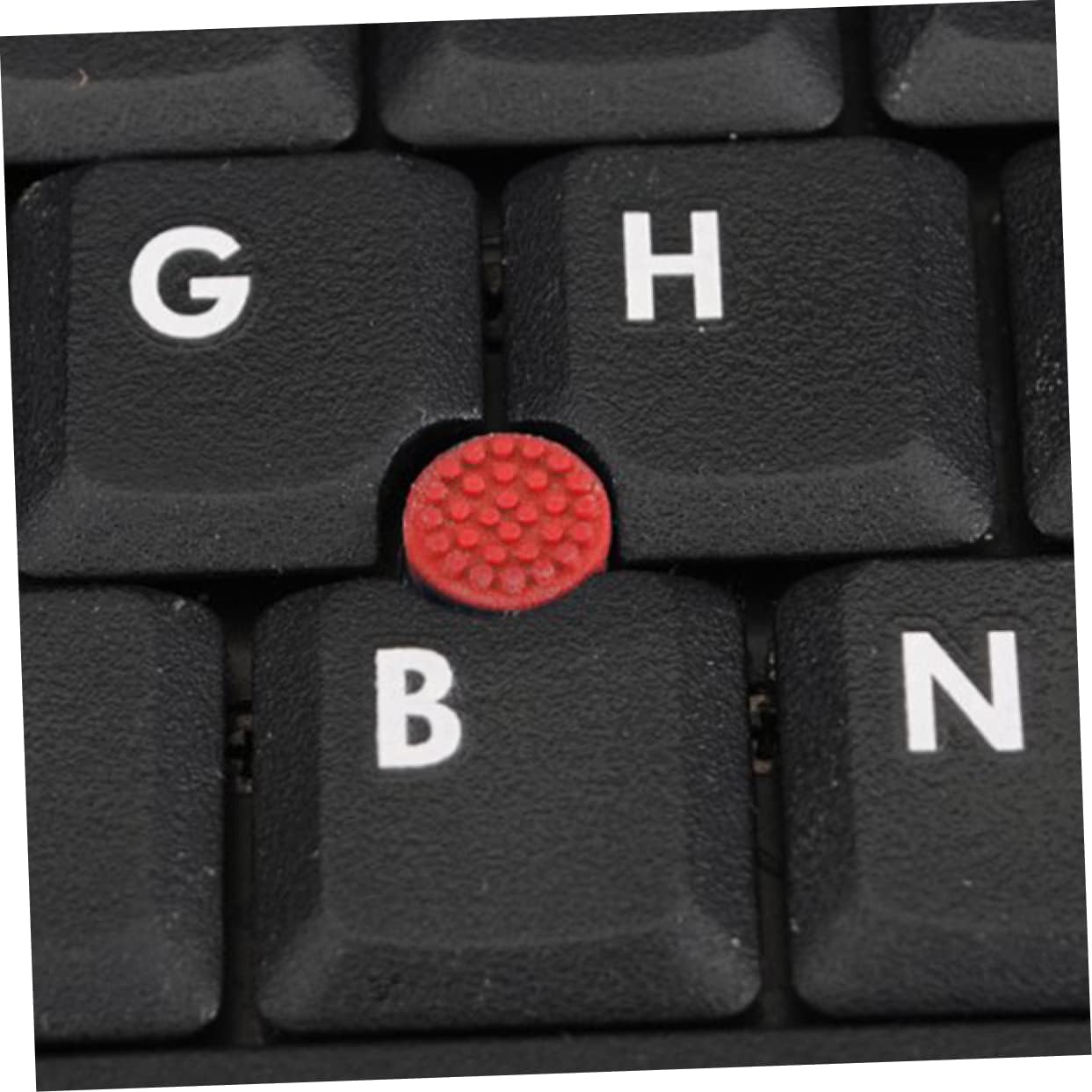
Image: A detailed view of a single TEHAUX Red Mouse Cap, highlighting its textured, dimpled top surface and the circular opening on the underside where it connects to the TrackPoint mechanism.
Operating Instructions
The TEHAUX Red Mouse Cap functions identically to the original TrackPoint cap. To operate:
- Apply gentle pressure to the red cap in the direction you wish the cursor to move.
- Increased pressure will result in faster cursor movement.
- Use the corresponding left, right, and middle mouse buttons (usually located below the spacebar) for clicking and scrolling functions.
Maintenance
To ensure optimal performance and longevity of your mouse caps:
- Cleaning: If the cap becomes dirty, gently remove it from the TrackPoint stem. Clean it with a soft, damp cloth. Avoid using harsh chemicals or abrasive materials. Ensure the cap is completely dry before reattaching.
- Storage: Store unused caps in a clean, dry place away from direct sunlight and extreme temperatures.
- Replacement: If a cap becomes worn, damaged, or loses its tactile feel, replace it with a new one from the package.
Troubleshooting
- Cap does not fit: Ensure your laptop or keyboard model is compatible. The cap should slide onto the TrackPoint stem without excessive force. Do not attempt to modify the cap or the stem.
- Cap feels loose or falls off: Re-install the cap, ensuring it is pushed down firmly onto the stem. If the issue persists, the TrackPoint stem itself might be worn, or the cap may be defective. Try another cap from the package.
- Cursor movement is erratic or unresponsive: This is typically not related to the cap itself but rather the TrackPoint mechanism or system drivers. Ensure the cap is clean and properly seated. If the problem continues, consult your laptop's or keyboard's official support documentation.
Specifications
| Brand | TEHAUX |
| Model Number | 37Y13228P7T |
| Color | Red |
| Material | PBT |
| Item Weight (per cap) | Approximately 0.9 g |
Customer Support
For further assistance or inquiries regarding your TEHAUX Red Mouse Caps, please refer to the seller's contact information on the platform where the product was purchased. You may also visit the official TEHAUX store for additional product information.
TEHAUX Store: https://www.amazon.com/stores/TEHAUX