
S9 Smart WiFi Peephole Doorbell
Tuya Smart 4.3 Inch WiFi Video Peephole Doorbell Camera
User Manual
Welcome
Thank you for choosing the Tuya Smart 4.3 Inch WiFi Video Peephole Doorbell Camera. This device is designed to enhance your home security by providing clear video monitoring, two-way audio communication, and smart features directly to your smartphone. Please read this manual carefully before installation and operation to ensure proper use and optimal performance.
Key Features
- HD 1080P Video Quality: Equipped with a HD 1080P camera for clear outdoor viewing.
- Wireless Connection: WiFi connectivity for easy installation without complicated wiring.
- Smart Home Compatibility: Integrates with Google Assistant and Amazon Alexa for voice control and enhanced convenience.
- Digital Magic Eye Function: Real-time viewing of your doorstep via mobile app from anywhere.
- Outdoor Applicability: Durable and waterproof design suitable for various outdoor environments, providing clear images day and night.
Important Notes Before Installation
PLEASE CHARGE THE DEVICE FOR 6-8 HOURS BEFORE INSTALLATION.
Use a 5V 1-2A normal adapter to charge the doorbell battery. DO NOT use fast charging sources or chargers that support multi-voltage, as this may damage the battery.
ENSURE THE DOOR CAMERA CONNECTS TO THE VIEWER CORRECTLY.
If connected incorrectly, the viewer will not display the picture. Follow the connection instructions carefully.
Product Overview and Components

Image: The Tuya Smart Peephole Doorbell Camera system, showing the outdoor camera unit and the indoor 4.3-inch display monitor, along with an included 64GB MicroSD card.
The system consists of an outdoor camera unit (peephole doorbell) and an indoor 4.3-inch TFT color LCD screen viewer. The outdoor unit includes the camera lens, motion sensor, and doorbell button. The indoor unit features the display screen, control buttons, and ports for charging and memory card insertion.

Image: The doorbell system highlighting 1080P Full HD resolution, WiFi connectivity, and compatibility with Tuya Smart, Smart Life, Amazon Alexa, and Google Assistant.
Setup Guide
Pre-Installation Checklist
- Ensure your door thickness is between 35-120 mm.
- Ensure your door peephole diameter is between 15-60mm.
- Charge the device fully before starting installation.
Installation Steps
- Remove your existing peephole from the door.
- Insert the outdoor camera unit through the peephole from the outside of the door.
- From the inside, connect the cable from the outdoor unit to the indoor monitor. Ensure the connection is secure and correct to avoid display issues.
- Mount the indoor monitor securely to the door, aligning it with the outdoor unit.
App Installation and Connection
- Download the Tuya Smart or Smart Life app from your mobile app store (Google Play Store or Apple App Store).
- Register for a new account or log in if you already have one.
- Follow the in-app instructions to add your new device. Ensure your phone is connected to a 2.4GHz Wi-Fi network during the pairing process.
- Once connected, you can achieve remote viewing and control through the app.
Operating Instructions
Motion Detection
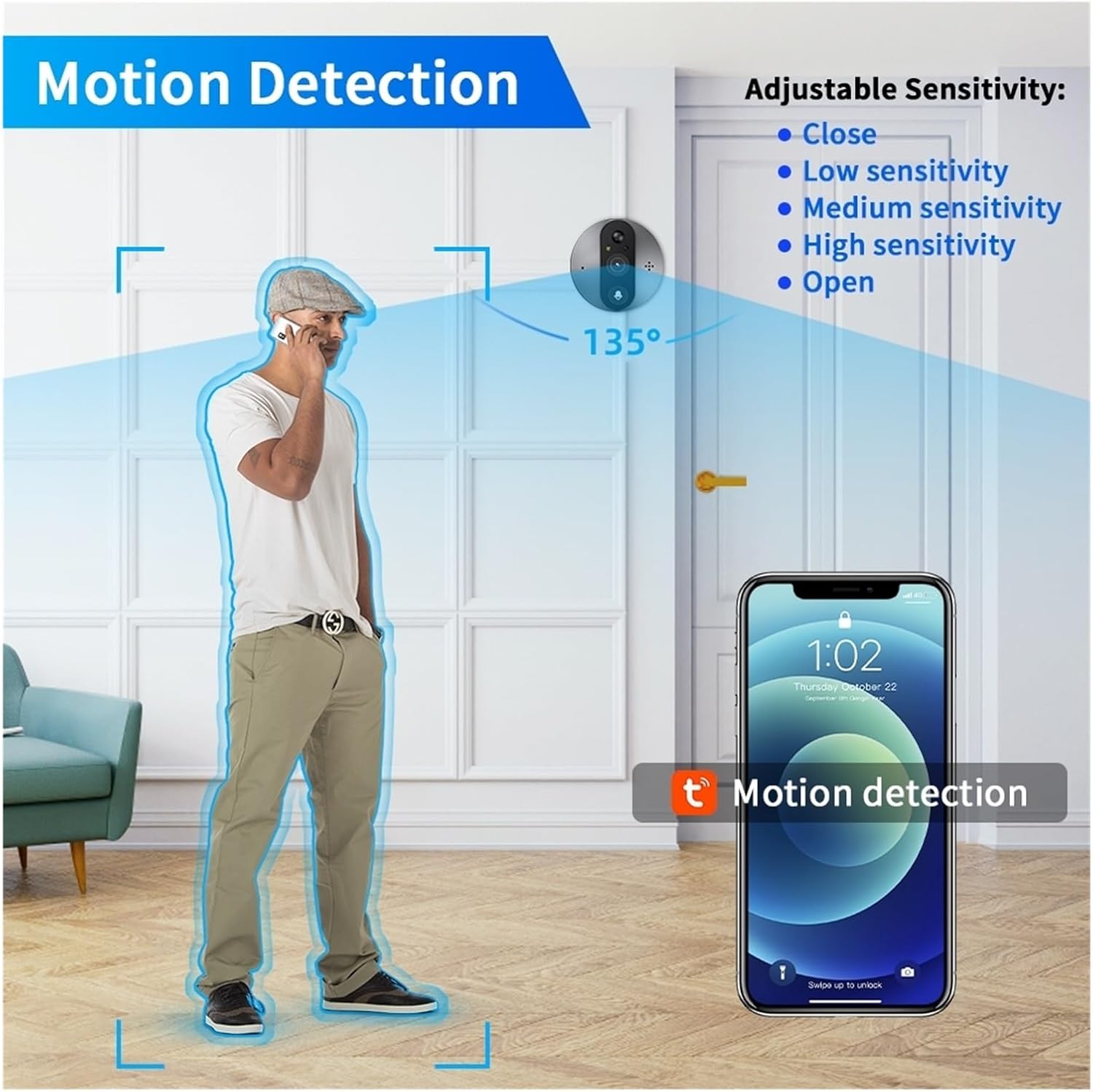
Image: Illustration of the doorbell's 135-degree motion detection range, showing a person approaching the door and a smartphone displaying a motion detection alert.
The doorbell features a motion sensor with adjustable sensitivity (low, medium, high) via the app. When motion is detected, the device can trigger an alert on your phone and begin recording. High sensitivity may result in a 1-3 second delay in notification.
Two-Way Audio

Image: Depiction of the two-way audio function, showing a delivery person speaking into the outdoor unit and a resident responding via their smartphone.
Communicate with visitors at your door from anywhere using the two-way audio feature through the Tuya Smart/Smart Life app. This allows for real-time conversations with delivery personnel or guests.
HD Night Vision
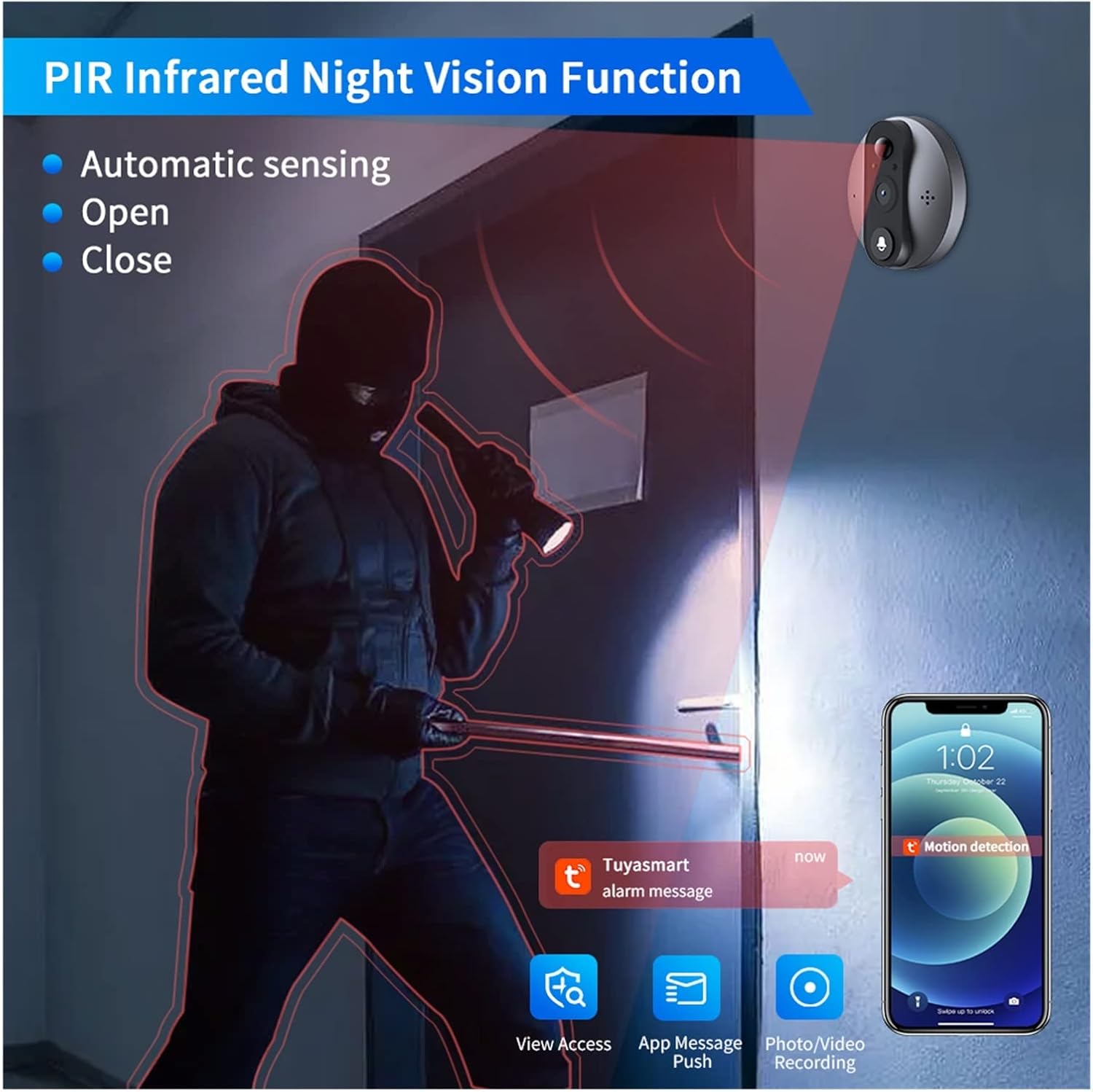
Image: Illustration of the PIR Infrared Night Vision function, showing the doorbell camera detecting a person in a dark hallway and sending an alarm message to a smartphone.
The doorbell is equipped with PIR infrared night vision, providing clear visibility even in low-light conditions or complete darkness. This ensures 24-hour monitoring and security.
Remote Monitoring & Video Call

Image: A circular diagram summarizing the doorbell's features: HD Night Vision, Motion Detection, View Access, Video Call, and WiFi Remote Monitoring, centered around the doorbell unit and indoor monitor.
With the Tuya Smart/Smart Life app, you can remotely monitor your doorstep, receive video calls when someone rings the doorbell, and view past visit records. This allows you to stay connected to your home security from anywhere.
Smart Home Integration
The Tuya Smart Peephole Doorbell Camera is compatible with Google Assistant and Amazon Alexa. You can link your device to these platforms for voice control and live view capabilities:
- Announcements: When someone presses the doorbell, you can receive an announcement like "Someone at the smart doorbell (DEVICE NAME)" on your compatible smart speaker.
- Voice Command Live View: Use voice commands such as "Hey Google, show me [device name]" or "Alexa, show me [device name]" to view the live feed on compatible smart displays (e.g., Echo Show, Google Chromecast).
Storage Options

Image: The bottom of the indoor monitor showing the DC 5V Micro USB port, TF card slot, and ON/OFF switch, with icons for Cloud Storage and SD Card.
The doorbell supports local storage via a TF (MicroSD) card up to 128GB (not included in package). When someone rings the doorbell or motion is detected, the monitor will automatically record pictures or videos (.avi format) to the inserted SD card. Cloud service options are also available for video storage.
Maintenance
Cleaning
To maintain optimal performance, regularly clean the camera lens and the indoor monitor screen with a soft, dry cloth. Avoid using abrasive cleaners or solvents that could damage the surfaces.
Battery Care
The device uses a built-in 5000mAh rechargeable lithium-ion battery. To prolong battery life, ensure you use a 5V 1-2A normal adapter for charging. Avoid overcharging or exposing the device to extreme temperatures.
Troubleshooting
Common Issues and Solutions
- Viewer not showing picture: Ensure the door camera is connected to the viewer correctly. Disconnect and reconnect the cable, making sure it is fully inserted and oriented properly.
- Device not connecting to Wi-Fi:
- Ensure your Wi-Fi network is 2.4GHz. This device does not support 5GHz Wi-Fi.
- Check your Wi-Fi password for accuracy.
- Move the device closer to your Wi-Fi router during setup.
- Restart your router and the doorbell device.
- Motion detection alerts are too frequent/infrequent: Adjust the motion sensor sensitivity settings in the Tuya Smart/Smart Life app (low, medium, high).
- Poor video quality: Ensure the camera lens is clean and free from obstructions. Check your Wi-Fi signal strength; a weak signal can affect video streaming quality.
- Battery draining quickly: Reduce motion detection sensitivity or frequency if not needed. Ensure the device is fully charged before use.
Specifications
| Feature | Specification |
|---|---|
| Power Supply | Rechargeable 5000mAh lithium ion battery (built-in) |
| Camera Resolution | 2MP HD 1080p |
| Camera View Angle | 130 degrees |
| Display | 4.3 inch TFT color LCD screen |
| APP Compatibility | Tuya / Smartlife |
| Motion Sensor Reaction Time | Low, Middle, High sensitivity (1-3 seconds delay for high) |
| Photo Format | JPG |
| Video Format | .avi (requires TF card or cloud service) |
| Memory Card Support | Up to 128GB (TF card not included) |
| Motion Sensor Detect Distance | About 5 meters |
| Working Temperature | -20 to 55°C |
| Fit Door Thickness | 35-120 mm |
| Fit Door Hole Diameter | 15-60 mm |
| Brand | Generic |
| Model Color | S9a128g |
| Manufacturer | YUD5DAS |
Warranty and Support
Warranty Information
This product comes with a 3-month warranty. Please retain your proof of purchase for warranty claims.
Customer Support
For technical assistance, troubleshooting, or warranty inquiries, please contact your retailer or the manufacturer's customer support. Refer to the product packaging or retailer's website for specific contact details.
Important Warnings

Image: A table displaying a critical warning in multiple languages. The English warning states: "Do not operate or install with power on. Please follow the instructions for operation."
WARNING: Do not operate or install the device with power on. Always ensure the device is powered off during installation or maintenance to prevent electric shock or damage to the unit. Please follow all instructions carefully for safe operation.
Ask a question about this manual
Ask about setup, troubleshooting, compatibility, parts, safety, or missing instructions. Manuals+ will review the question and use this page’s manual context to help answer it.