1. Introduction
Thank you for choosing the Tuya Smart Home 1080P HD Video Doorbell. This device integrates a high-definition camera, a 4.3-inch LCD display, and smart features to enhance your home security and convenience. It allows you to see, hear, and speak to visitors from anywhere using your smartphone. This manual provides detailed instructions for installation, setup, operation, and maintenance to ensure optimal performance.

Image 1.1: The Tuya Smart Home Video Doorbell system, showing the indoor monitor and the outdoor peephole camera unit.
2. Product Features
- 4.3-inch High-Definition LCD Screen: Provides a clear view of your visitors.
- 1080P HD Image: Captures crisp and detailed video footage.
- Ultra-Low Power Consumption Design: Extends battery life for prolonged use.
- Quick App Access: Automatically wakes up within 3 seconds and responds to access requests in 1 second.
- Two IR LEDs: Enables clear night vision for enhanced security in low-light conditions.
- Two-Way Audio with Noise Cancellation: Allows clear communication with visitors.
- iOS and Android App Support: Compatible with Tuya Smart or Smart Life applications for remote monitoring and control.
- Automatic Video Recording: Records video when a visitor presses the doorbell.
- PIR Motion Detection Alarm: Sends alerts to your smartphone upon detecting motion.
- Cloud Storage Function: Securely stores video recordings (Tuya supports 30-day image message storage).
- Local Storage Support: Supports up to a 128GB TF card (FAT32 format required).
- Built-in 5000mAh Lithium Battery: Provides long-lasting power, easily rechargeable via USB.
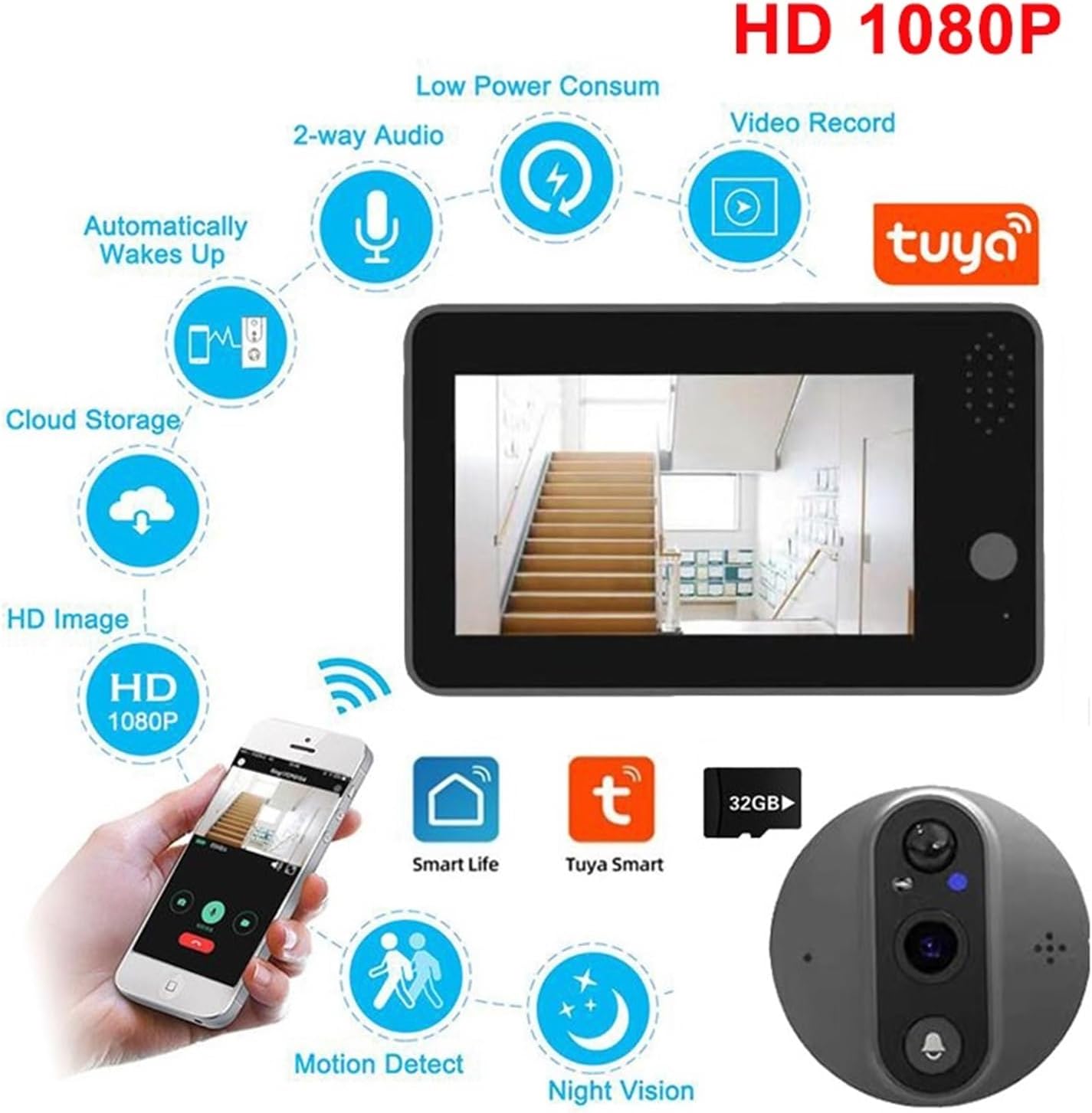
Image 2.1: Overview of the doorbell's main features and functionalities.
3. Package Contents
Please check the package to ensure all items are present:
- Indoor Monitor Unit (with 4.3-inch LCD)
- Outdoor Peephole Camera Unit
- Mounting Bracket
- USB Charging Cable
- Installation Screws and Accessories
- User Manual (this document)
- 'Please Ring Bell' Sticker

Image 3.1: Contents included in the product package.
4. Installation Guide
Before installation, ensure your door meets the following requirements:
- Door Thickness: 40 mm to 120 mm
- Peephole Diameter: 16 mm to 50 mm
- Cable Installation Length: Approximately 11 cm
Note: This doorbell is not suitable for double doors, doors with small windows or steel mesh, soft-packed doors, or doors without an existing peephole (a peephole must be drilled if none exists).
Installation Steps:
- Remove Existing Peephole: Unscrew and remove your current peephole viewer from the door.
- Insert Outdoor Camera: Pass the cable of the outdoor peephole camera unit through the peephole hole from the outside of the door. Ensure the camera is facing outwards and is securely seated.
- Attach Mounting Bracket: From the inside of the door, thread the camera cable through the central hole of the mounting bracket. Secure the bracket to the door using the provided screws.
- Connect Indoor Monitor: Connect the outdoor camera's cable to the corresponding port on the back of the indoor monitor unit.
- Mount Indoor Monitor: Align the indoor monitor with the mounting bracket and slide it downwards until it clicks securely into place.
- Power On: Press the power button on the indoor monitor to turn on the device.
5. Setup
5.1 App Download and Account Creation
- Download the Tuya Smart or Smart Life app from your smartphone's app store (iOS App Store or Google Play Store).
- Open the app and register for a new account or log in if you already have one.
5.2 Wi-Fi Connection
The doorbell requires a 2.4GHz Wi-Fi network for connection. It is not compatible with 5GHz Wi-Fi.
- Ensure your smartphone is connected to a 2.4GHz Wi-Fi network.
- If your router broadcasts both 2.4GHz and 5GHz networks with the same name, temporarily disable the 5GHz band in your router settings before pairing. Re-enable it after successful connection.
- In the Tuya Smart/Smart Life app, tap 'Add Device' or the '+' icon.
- Select 'Video Surveillance' > 'Smart Doorbell' or search for the device type.
- Follow the on-screen instructions in the app to put the doorbell into pairing mode (usually by pressing and holding a button on the indoor monitor).
- Enter your 2.4GHz Wi-Fi network password when prompted by the app.
- The app will guide you through the connection process, which may involve scanning a QR code displayed on your phone with the doorbell camera.
- Once connected, the doorbell will appear in your app's device list.
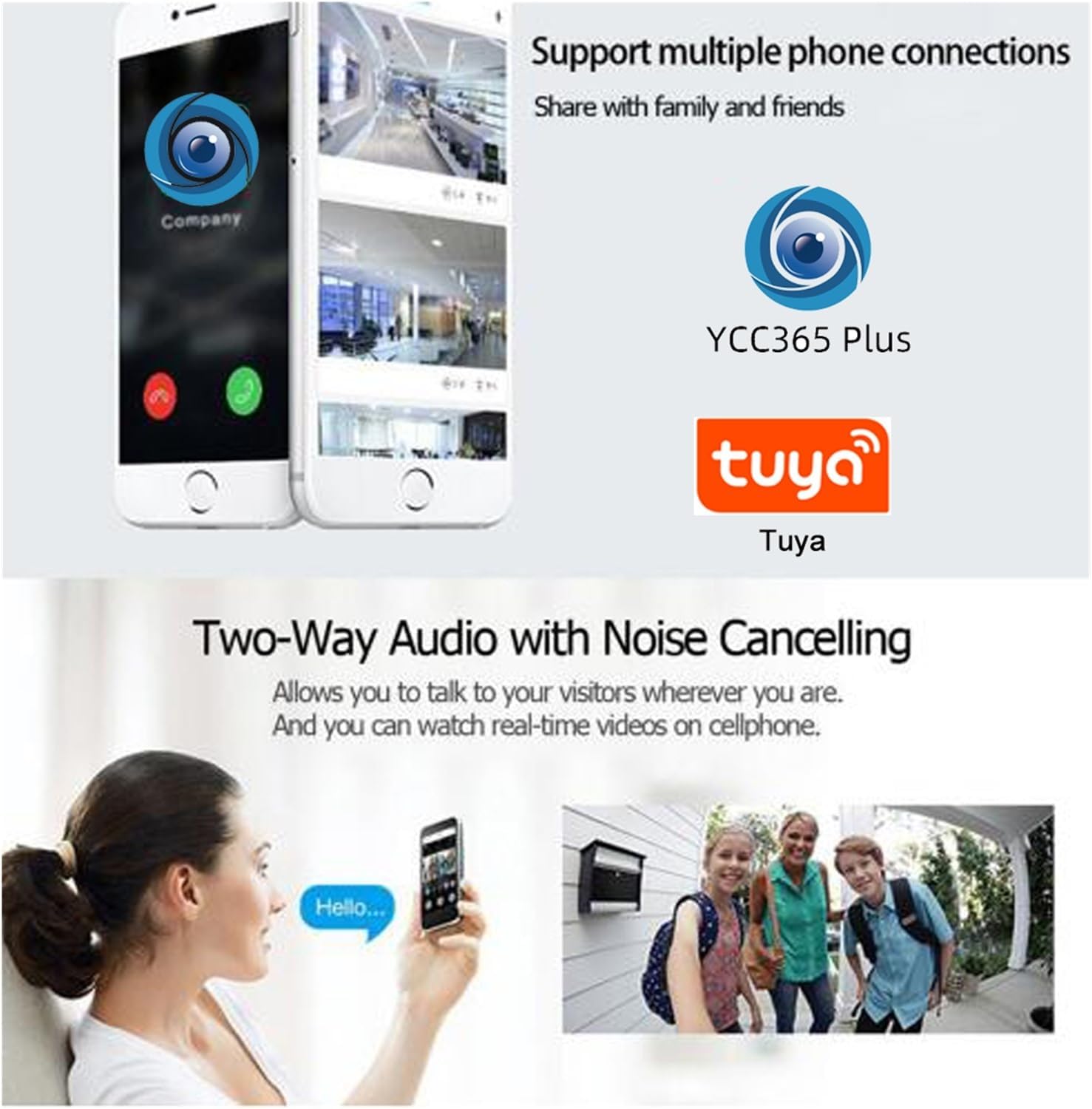
Image 5.1: The doorbell supports Tuya Smart and Smart Life apps for remote communication.
6. Operating Instructions
6.1 Live View and Two-Way Audio
- When a visitor presses the doorbell, the indoor monitor will ring and display the live video feed. Your smartphone app will also receive a notification.
- To answer from the indoor monitor, press the answer button. To answer from the app, tap the notification and then the answer button.
- Use the microphone icon in the app or on the monitor to enable two-way audio communication with your visitor.
6.2 Motion Detection (PIR)
- The built-in PIR sensor detects motion near your door.
- Upon detection, the doorbell will automatically record a short video clip and send an alert notification to your smartphone.
- You can adjust the sensitivity of the motion detection and the alert time within the Tuya Smart/Smart Life app settings.

Image 6.1: Motion detection alerts are sent to your mobile phone.
6.3 Video Recording and Night Vision
- The doorbell automatically records video when a visitor presses the button or when motion is detected.
- The integrated IR LEDs provide automatic night vision, ensuring clear video footage even in complete darkness.

Image 6.2: The IR sensor and LEDs enable effective night vision.
7. Storage Management
7.1 TF Card Storage
- The doorbell supports a TF (MicroSD) card up to 128GB for local video recording.
- Important: The device only supports TF cards formatted to FAT32. For cards larger than 64GB, you must convert the format to FAT32 on your computer before inserting it into the doorbell.
- Video recordings on the TF card can be reviewed directly from the Tuya Smart/Smart Life app.
7.2 Cloud Storage
- The doorbell offers cloud storage functionality for recorded videos and image messages.
- Tuya's cloud service typically supports a 30-day storage cycle for image messages. Specific video storage plans may vary and can be managed within the app.
8. Power Management
The doorbell is equipped with a built-in 5000mAh lithium battery, designed for extended operation.
- Charging: The battery can be easily charged via the provided USB cable. Connect the USB cable to the indoor monitor and a standard USB power adapter (not included).
- Battery Life: The ultra-low power consumption design ensures a long battery life, reducing the frequency of charging.
9. Troubleshooting
- Device not connecting to Wi-Fi: Ensure your router is broadcasting a 2.4GHz Wi-Fi signal. Temporarily disable the 5GHz band if your router has both. Check that the Wi-Fi password is entered correctly.
- No notifications on phone: Check app notification settings on your phone and within the Tuya Smart/Smart Life app. Ensure the app has necessary permissions.
- Poor video quality: Ensure the camera lens is clean and free from obstructions. Check your Wi-Fi signal strength at the doorbell's location.
- TF card not recognized: Verify the TF card is formatted to FAT32. For cards over 64GB, ensure it was formatted to FAT32 on a computer. Reinsert the card firmly.
- Short battery life: Reduce motion detection sensitivity or frequency if it's triggering too often. Ensure the device is fully charged.
10. Specifications
| Brand | Generic |
| Model Number | HU5DIO534 |
| Display | 4.3-inch HD LCD |
| Video Resolution | 1080P |
| Connectivity | 2.4GHz Wi-Fi |
| Storage | Max 128GB TF card (FAT32 format), Cloud Storage |
| Battery | Built-in 5000mAh Lithium Battery |
| Door Thickness Compatibility | 40 mm - 120 mm |
| Peephole Diameter Compatibility | 16 mm - 50 mm |
11. Warranty and Support
For warranty information and technical support, please refer to the documentation provided with your purchase or contact the retailer. Keep your proof of purchase for any warranty claims.